 Tendem
 Mini tools
▼ Top rated
Text summarization
Free mode
100% free
Freemium
Free Trial
Featured matches
-
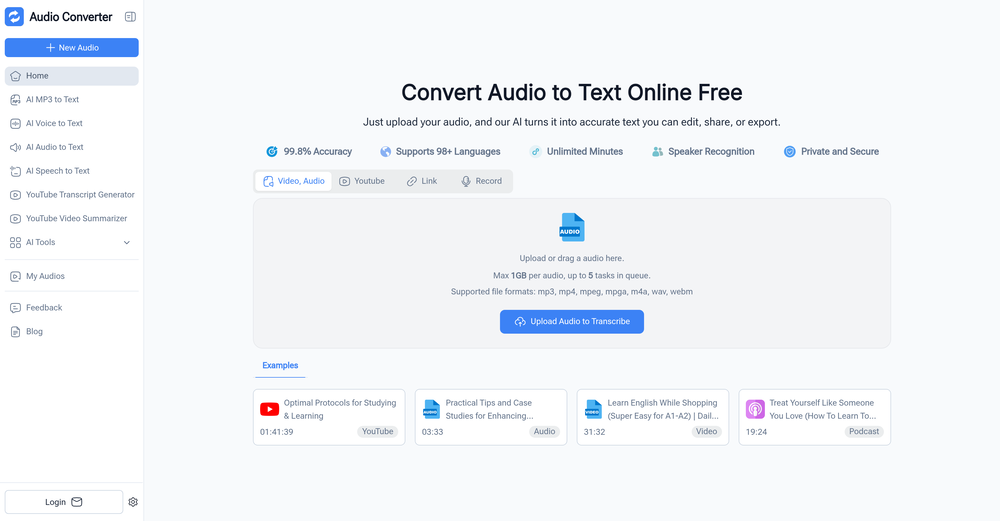 pierre🙏 24 karmaDec 29, 2025@Audio Converter AIIt's very easy to use, completely free, and even supports files up to 1GB in size.
 -
-
 Best tool to interact with local AI and search your local files. Instant insights from files and loved the inline citation feature so that I know where the answer is coming from. I can easily verify answer and know more about the context.
 -
 This is more than book summaries. It has the creative feature to combine different books with its own original narrative. Great for book summaries, book reviews and knowledge gathering.
 -
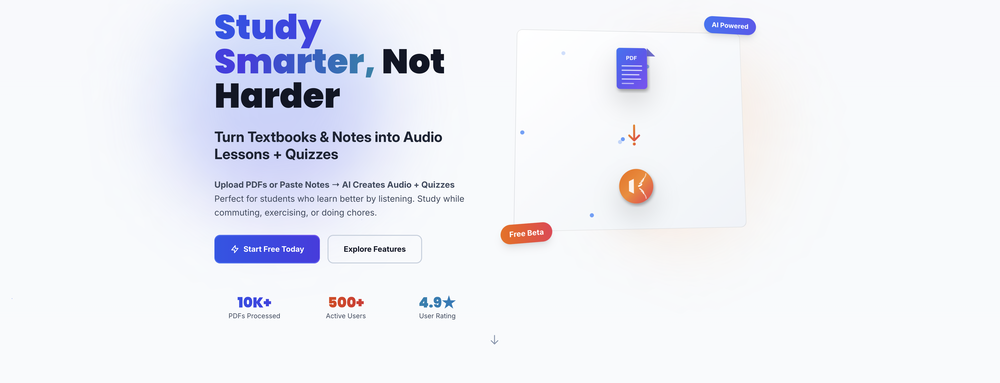
 Create flashcards, quizzes, and study materials instantly.Open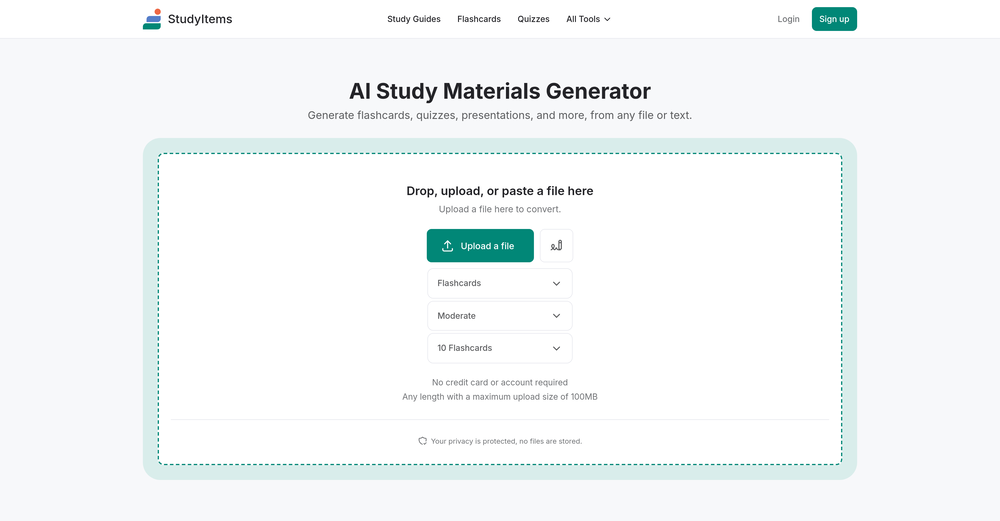
-
 Summarize any webpage portion with ChatGPT.Open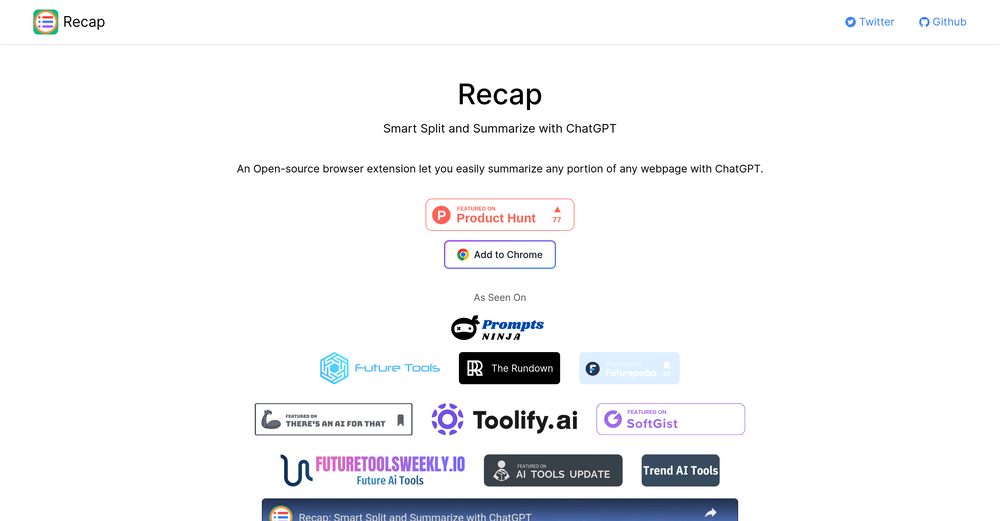
-
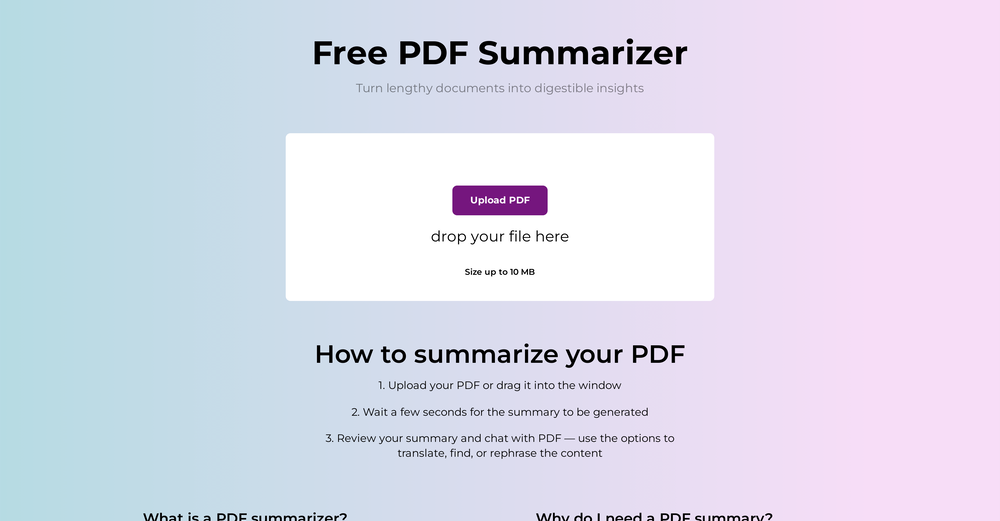 very useful AI tool for those who need to work with pdf docs. Thnak you very to the team for offering it free
 -
-

-








Other tools
-
-
Thanks for the support! We feel all this ourselves and that's why started this project. Keep up with our updates ;)
-
 Instantly summarize and translate any YouTube video or website with AIOpen
 - Spotlight: Tendem (Task automation)
-
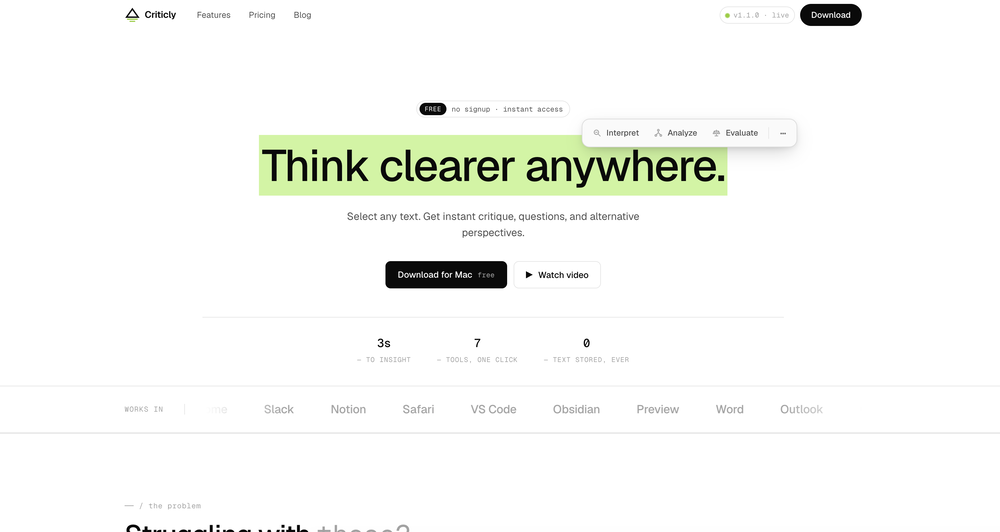
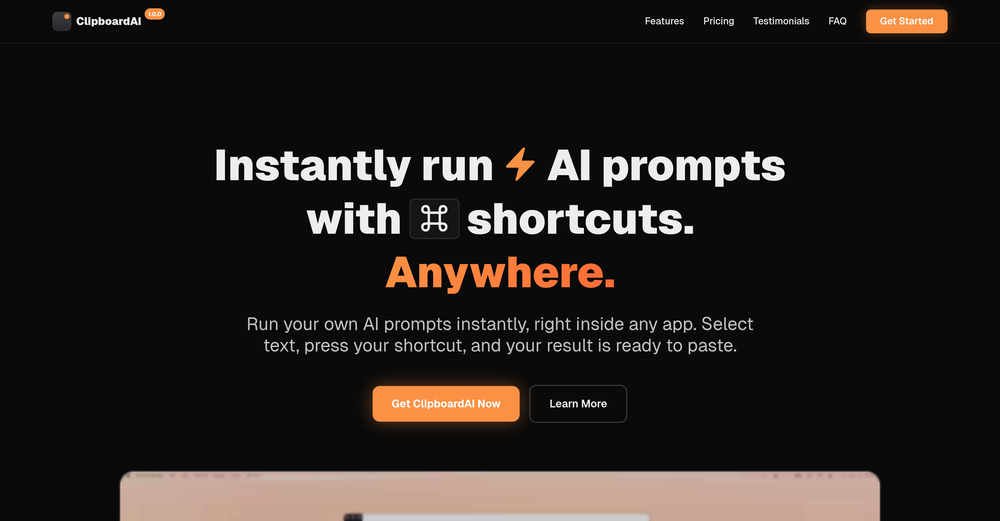
Super simple, beautiful integration into a broad range of workflows.
-
-
 Supercharge Word with AI-powered writing assistance.OpenAwesome tool! Using it on a daily basis!
 -
- Didn't find the AI you were looking for?
-
Hello, I'm the founder of this tool. It's currently in its early stages, but we are actively developing and refining it. Give it a try and share your thoughts!
-
Super useful tool I use daily. Seamless and easy to use without any installs.
-
Really impressed with the latest updates! The collaborative whiteboard and real-time web design tools are incredibly useful — I can sketch ideas, tweak layouts, and instantly see the results, all in one place. It’s smooth, fast, and actually helps me get work done instead of just talking about it. Athena is already one of my go-to tools. I use it daily for creative projects and team discussions, and it's made a real difference in how I work.
-
Really simple approach - you select the part of the page you want the summary to be inserted, add a question to the article or it just sticks to the prompt you defined (even the standard prompt is a fun inspiration - never thought about letting the AI read an article from the angle of my professional background or let it build fun analogies for even the darkest articles). I use it to send articles from website directly to my Kindle - so you can basically read AI summarized articles on Kindle. Of course it could be extended but with the basic features it does the job.
-
 AI-powered PDF assistant for summarizing, translating, and creating content.Open
























Post





