
 Mini tools
▼ Latest
Text to pdf
Free mode
100% free
Freemium
Free Trial
Featured matches
-
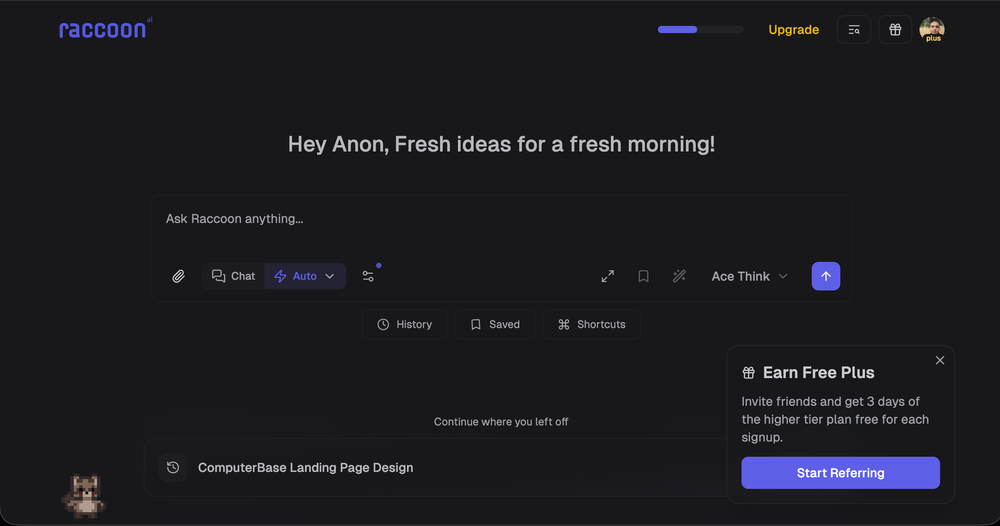
 Shubh Saras🛠️ 1 tool 🙏 20 karmaDec 10, 2025@Raccoon AIWe're live folks! Do check us out and drop your feedback or requests.
 -

-
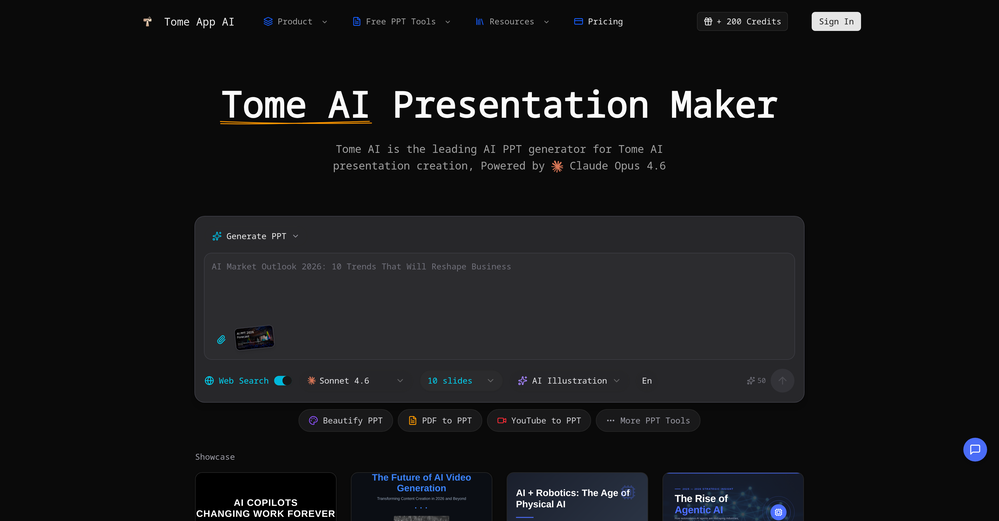 made a presentation for my site with just 1 prompt, lol how did the AI get so much information out of my website lol
 -

-
-
 This is truly a wonderful experience that brings joy and delight.









Verified tools
-
-
 AI-native OCR platform, 95%+ accuracy, zero prompt engineering, flags uncertain fields.OpenWe are a team of founders who worked before in data extraction, with traditional manual review of each document to check accuracy / errors. We are so excited about AI and the new LLM models because we have created DeepRead using those and the accuracy is 95% and we flag uncertain fields so no one has to manually review entire documents (whew), only the exceptions! We hope you try it out and please share your review, comments and feedback. Looking forward to hearing from users!
 - Sponsor
 Rocket - Think it. Type it. Launch it.
 -
 OpenThe PowerPoint presentation I made met my expectations very well
 -
-
Not what I expected. The roblocks stuff. When you say PDF to video, I was expecting whatever the PDF says there would be an animation or cartoon or something visually animated going on.
-
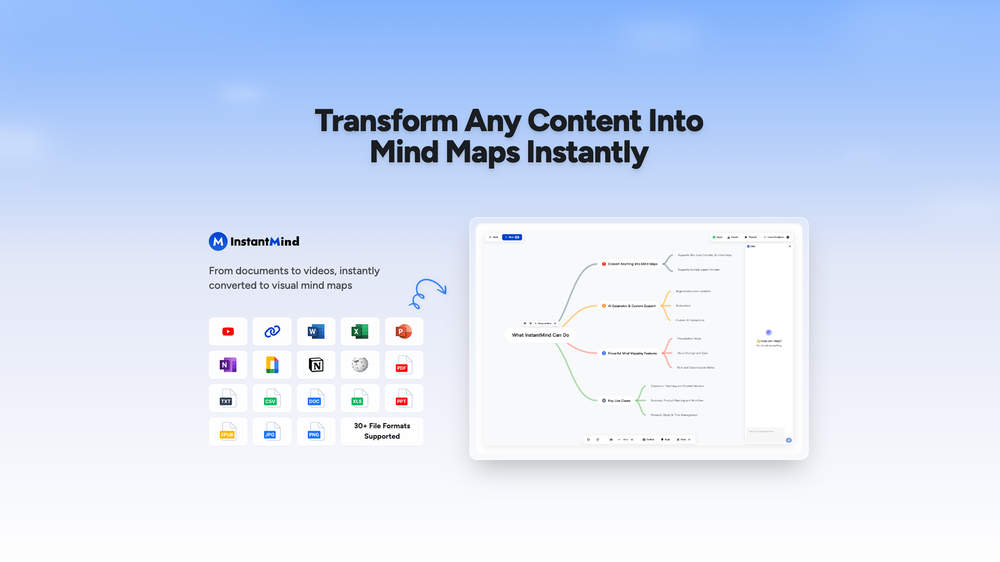
Amazing app and really easy-to-use! It has all the things I need to create a neat, functional, and clear-cut mindmap.
-
This AI PDF Summarizer worked really well
-
Every student must try this. It really saves me before final exams.
-
 Read aloud PDFs, GDocs, & more using text-to-speech to boost productivityOpengreat app, in school that is fully online to career switch and this app has really saved my degree. it helps me do all my assigned readings alongside my busy job, and has been a lifesaver.
 -
AI Notebook does what it promises, it's a decent on the go note-taking app. I like the automated tweak of these newer note-taking apps. I can just throw in pdfs, voice memos or youtube videos, and it'll generate all type oof different format like summaries, mind maps or flashcards. Extremely useful for students and professionals as it digest lengthy materials into small chunks of text. Recommended for anyone looking for a no-frills note taker tool
-
 Open
Open -
You spent half of hour on describing how your presentation should look like, and just after that getting informed that you need to pay subscription to proceed. Who’ll pay my time back?
-
 Chat with any PDF, ask questions, summarize and extract insights effortlessly.OpenThe maximum number of pdf pages for the free tier is 10, which is a bit small. Generally, I think people need this service for pdf documents over 50 pages or so.
 -
The translation is good enough. It's free, so waiting longer for the result is not a problem
-
Best PDF to Explainer Videos AI Tool
-
It helped me save so much time! Thank you to whoever made this.

















Other tools
-
-
Really simple approach - you select the part of the page you want the summary to be inserted, add a question to the article or it just sticks to the prompt you defined (even the standard prompt is a fun inspiration - never thought about letting the AI read an article from the angle of my professional background or let it build fun analogies for even the darkest articles). I use it to send articles from website directly to my Kindle - so you can basically read AI summarized articles on Kindle. Of course it could be extended but with the basic features it does the job.
-
-
There is no way to tell how good this AI Text to MP3 service is without paying up front. Maybe it's good, maybe it's not.
- Didn't find the AI you were looking for?
-
Wow, I can't believe it, how much can a human being cheat? You get a free data tag, you register on the site, so you don't get paid, you can't do anything. I really feel sorry for humanity.
-
Mindgrasp was the best upgrade from using Chat GPT for school cuz I can upload anything I want and get help from the AI and it’s really detailed notes and answers. It’s cheap too I only pay 9.99 per month
-
-
-
They started charging for documents , Please change from no pricing to freemium


























Post





