
 Mini tools
▼ Most saved
Transform
Free mode
100% free
Freemium
Free Trial
Featured matches
-
 Open
Open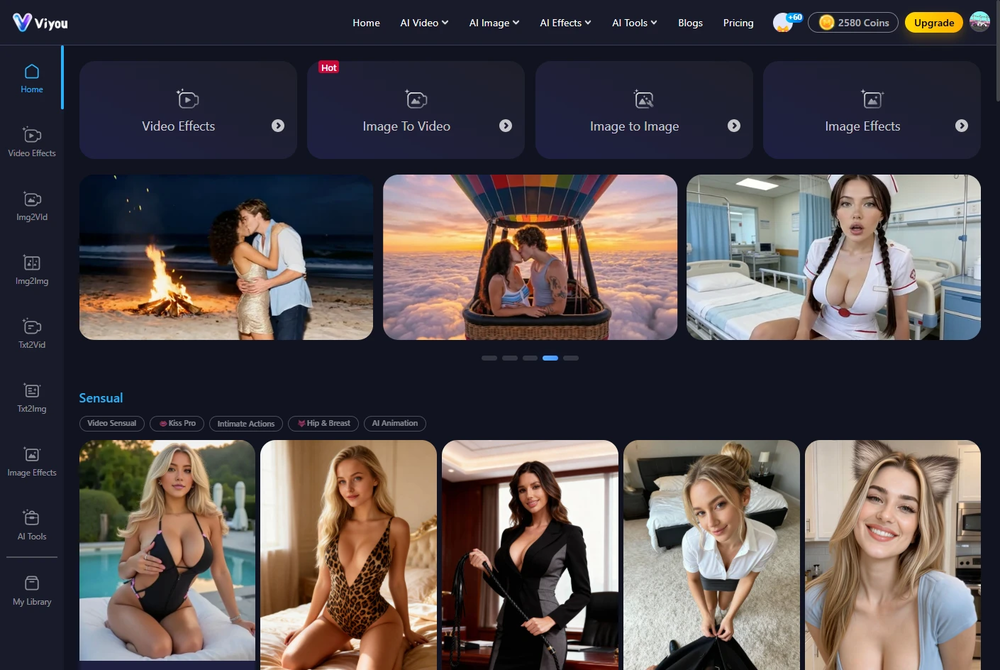 youngwind🙏 6 karmaDec 25, 2025@Viyou AI Image GeneratorI was struggling to create some free Christmas and New Year's e-cards, and these templates are really good. I recommend giving them a try. The only downside is that each free template can only be used once.
 -
-
 Open
Open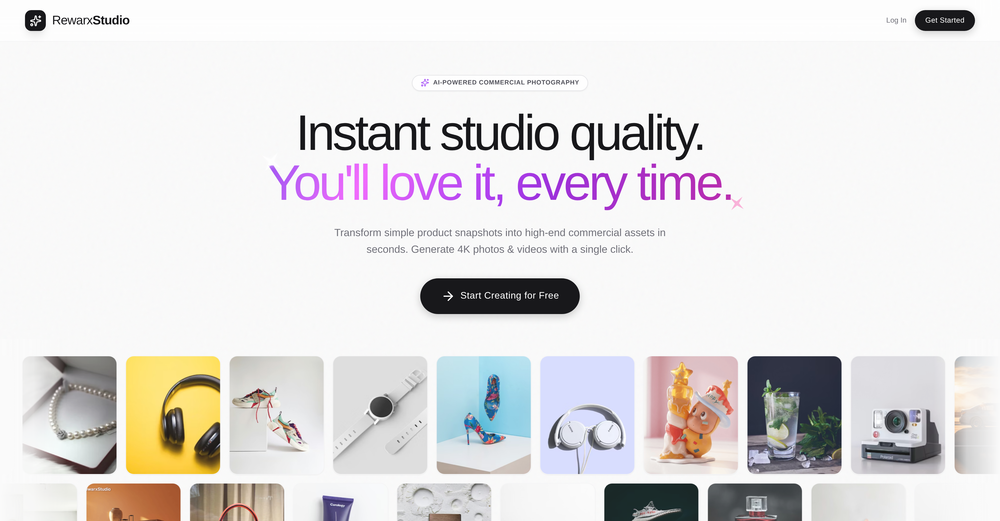 4K resolution is one of its major advantages in the relevant field.
 -
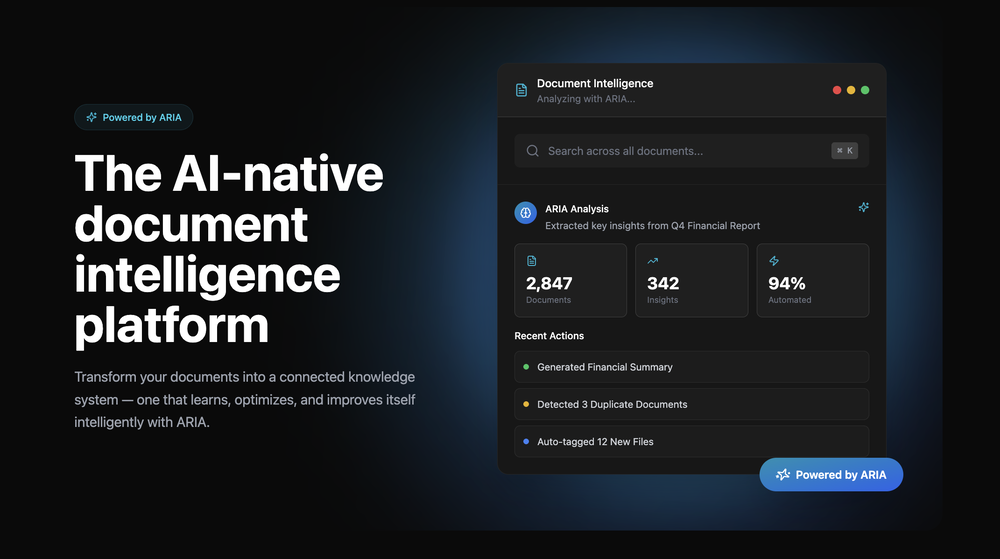 Great platform! Very impressed by the ability to combine documents to generate full research reports or extract data in large PDF files.
 -
-
-

-
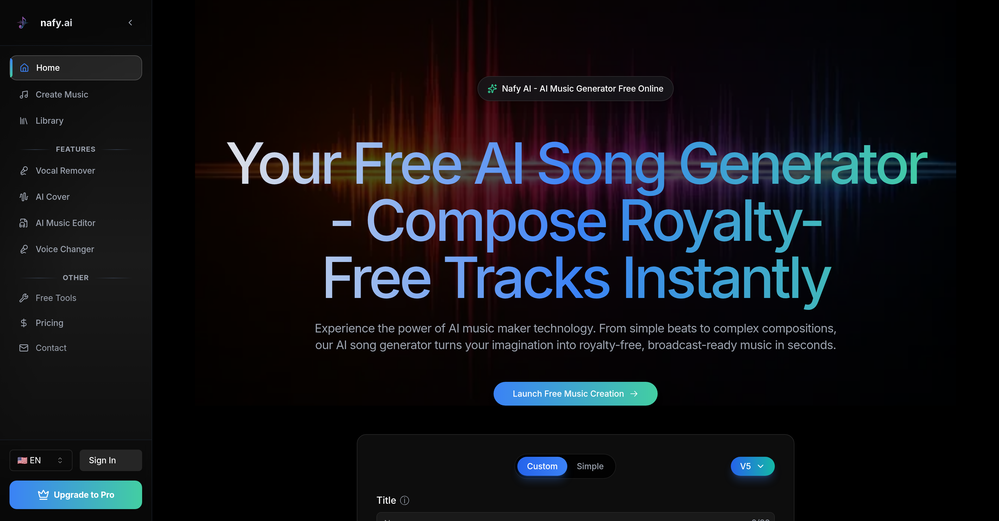
 a very useful music generator
 -
-










Other tools
-
 Open
Open -
Google Imagen has been a pleasant surprise for clean work (icons, stickers)!!! Loads of style options and it nails tidy lines, soft shading and punchy color without much prompt fuss. GREAT TOOL!!
- Sponsor
 Base44 Superagents-AI agent that does it all
 -
ppt.ai has saved me at least 80% of the time spent on making PPTs. I just need to submit rough ideas or drafts to ppt.ai, and it can create a relatively usable PPT. This is simply amazing! Although some revisions and optimizations are still needed afterward, it’s already a huge relief compared to starting from scratch.
-
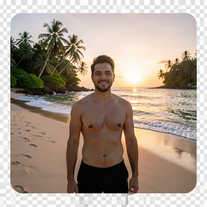 Transform photos into ultra-realistic 8K cinematic scenes.Open
 -
 Transform your music into stunning visual experiences with AIOpenThe generation effect is good, the pictures are exquisite, and the transition animations of the pictures are smooth The only drawback is that it would be better if the generation time were a little faster
 -
 Transform documents into interactive knowledge bases using advanced AI.OpenThis tool is expected to evolve rapidly, we are also taking all feature requests so submit what you like and we'll build it if it aligns with our product vision! Have fun with the tool and let us know what you think!
 -
Lovart is the 1st design agent, built for socials, posters, videos, 3D and more.
- Didn't find the AI you were looking for?
-
 Transform photos into vibrant comic book illustrations.Open
 -
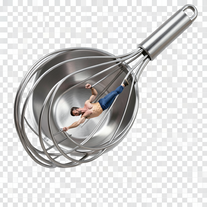
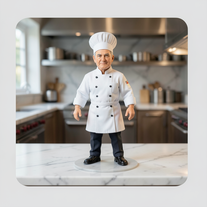 Transform photos into ultra-realistic miniature chef figurines.Open
 -
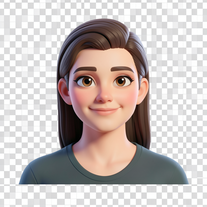 Transform your photo into a premium Pixar-style 3D character.Open
 -
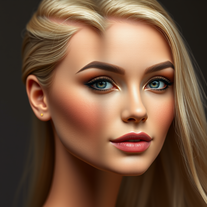 Transform photos into Barbie-inspired digital art portraits.Open
 -
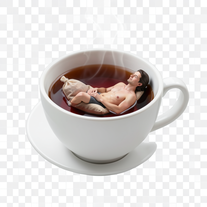
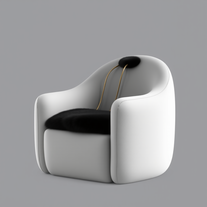 Turn anything into a cozy, ultra-realistic lounge chair.Open
 -
Hi Marwa — thank you for the love on your first try and for the candid update. We’re sorry about the frustration with verification and downloads — that’s on us. A quick update based on your feedback: • We’ve removed the human‑verification step entirely. It was only in place during our early launch (before login) to prevent abuse; now that sign‑in is live, it’s no longer needed. • The free plan currently includes 2 song generations per day plus unlimited listening/streaming. (Downloads are available on paid plans.) AI music generation is expensive to run, so we can’t make unlimited usage completely free, but we’re committed to keeping a useful free tier and transparent pricing. If you decide to upgrade, use the code TAAFT at checkout for 20% off any plan. If anything still doesn’t work as expected, please email us at [email protected] — we’ll jump on it. Thanks again for helping us make Eleven Music better!
-
 Transform your photo into a cinematic masterpiece.Open
 -
 Transform any photo into charming crayon art with childlike wonder.Open
 -
This is by far the best AI studio for icons! It’s not another landing page with AI wrapper, it’s a real AI studio that competes with all the best professional tools. But much better! Saved
-
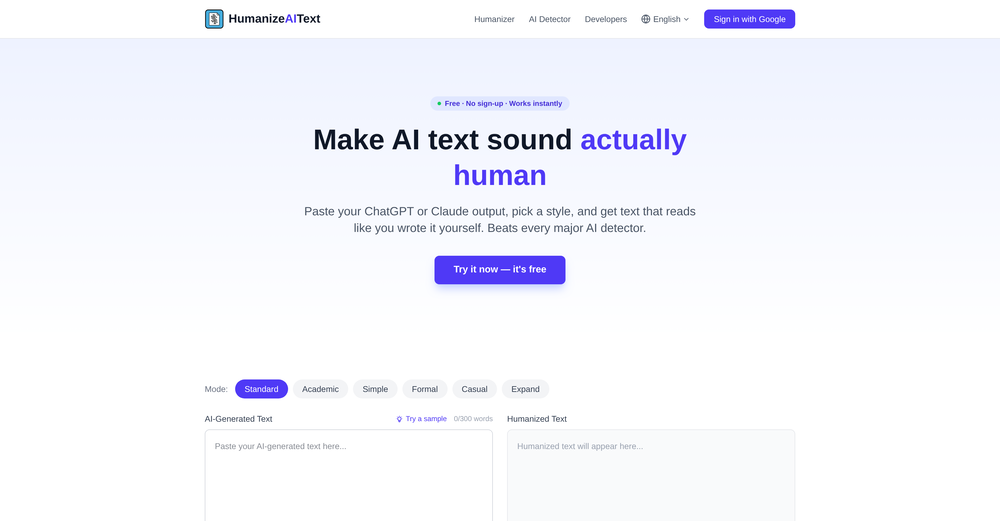
It really does a good job at humanizing, very little adjustment needed for the end product.
-
Simply upload your photo; you don't need to type anything in the prompt field. Just click "generate" and watch the magic happen.
-
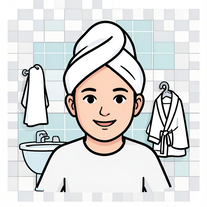
 Transform photos into hilarious cartoon wake-up scenes.OpenSimply upload your photo; you don't need to type anything in the prompt field. Just click "generate" and watch the magic happen.
 -
 Open
Open -
-
A very useful AI slides tool! The content it generates is genuinely smart.
-
 Transform any photo into a giant parade balloon.Open
 -
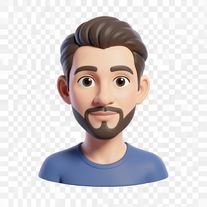 Transform photos into bold 3D caricature portraits.OpenAlways generate a portrait with earrings, even when it's a man?
 -
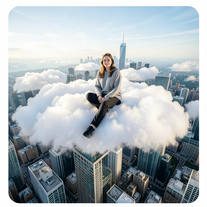 Open
Open -
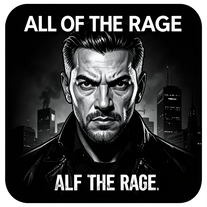
 Transform photos into Hollywood-style action movie posters.OpenSimply upload your photo; you don't need to type anything in the prompt field. Just click "generate" and watch the magic happen.
 -
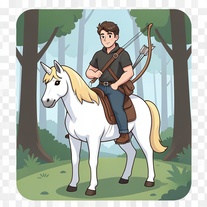 Open
Open -
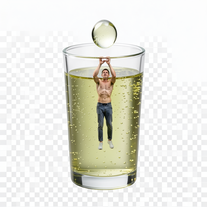
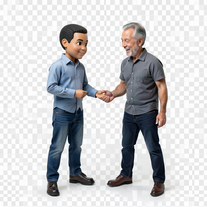 Transform photos into hyper-realistic miniature scenes.OpenSimply upload your photo; you don't need to type anything in the prompt field. Just click "generate" and watch the magic happen.
 -
 Transform photos into cinematic 64K basketball art.OpenSimply upload your photo; you don't need to type anything in the prompt field. Just click "generate" and watch the magic happen.
 -
 Open
Open -
Thank you for your feedback. We are working towards cheaper and better options. We do offer free credit if you would like to generate them.
-
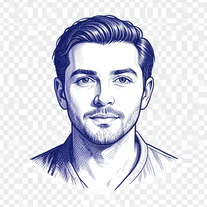 Open
Open -
Simply upload your photo; you don't need to type anything in the prompt field. Just click "generate" and watch the magic happen.
-
 Transform photos into ultra-realistic cinematic scenes.Open
 -
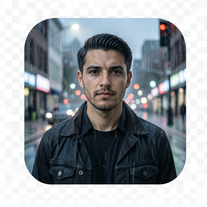
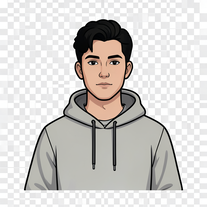 Transform your portrait into a cinematic night street scene.OpenSimply upload your photo; you don't need to type anything in the prompt field. Just click "generate" and watch the magic happen.
 -
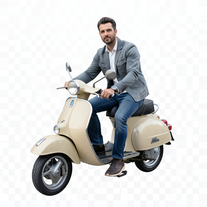 Transform portraits into cinematic Italian street-style magazine shots.Open
 -
Simply upload your photo; you don't need to type anything in the prompt field. Just click "generate" and watch the magic happen.
-
Simply upload your photo; you don't need to type anything in the prompt field. Just click "generate" and watch the magic happen.
-
 Transform photos into epic 3D cartoon characters.OpenSimply upload your photo; you don't need to type anything in the prompt field. Just click "generate" and watch the magic happen.
 -
 Transform photos into whimsical handcrafted felt dolls.Open
 -
 OpenSimply upload your photo; you don't need to type anything in the prompt field. Just click "generate" and watch the magic happen.
 -
 Open
Open -
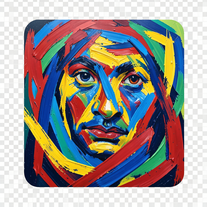 Transform photos into de Kooning-style abstract masterpieces.Open
 -
Simply upload your photo; you don't need to type anything in the prompt field. Just click "generate" and watch the magic happen.
-
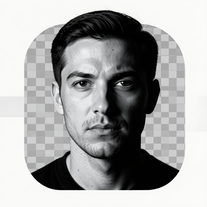 Transform photos into dramatic black-and-white chiaroscuro portraits.Open
 -
 Transform everyday objects into whimsical robotic art.Open
 -
 Transform photos into cinematic freeze-frame masterpieces.Open
 -
I left it run for 30 min and nothing happened. I have no other 30 min to waste ;-( THX
-
 Transform ordinary photos into ultra-realistic cinematic scenes.Open
 -
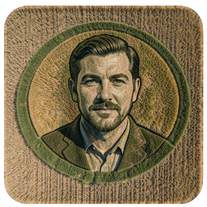 Transform photos into stunning aerial crop circle portraits.Open
 -
 Transform portraits into cinematic macro masterpieces.Open
 -
 Transform photos into ultra-realistic 1/6-scale collectible action figures.Open
 -
 Transform ordinary scenes into extraordinary cinematic adventures.OpenSimply upload your photo; you don't need to type anything in the prompt field. Just click "generate" and watch the magic happen.
 -
Simply upload your photo; you don't need to type anything in the prompt field. Just click "generate" and watch the magic happen.
-
Simply upload your photo; you don't need to type anything in the prompt field. Just click "generate" and watch the magic happen.
-
 Transform selfies into ultra-realistic jet ski adventures.OpenSimply upload your photo; you don't need to type anything in the prompt field. Just click "generate" and watch the magic happen.
 -
 Open
Open -
 OpenSimply upload your photo; you don't need to type anything in the prompt field. Just click "generate" and watch the magic happen.
 -
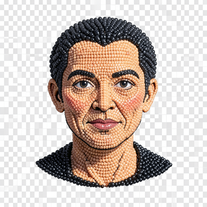 Transform photos into handcrafted bead embroidery portraits.Open
 -
 Transform photos into hyper-realistic 8K caricature portraits.OpenThis tool is pre-trained; just upload a photo of yourself or someone you want to create a funny or comical scene with.
 -
 Transform ideas into ultra-realistic 8K cinematic photographs.Open
 -
 Open
Open -
 Transform ideas into legendary artist-style watercolor masterpieces.OpenGenerates beautiful watercolor paintings in the style of the most famous watercolor artists.
 -
 Transform photos into split-screen editorial posters instantly.Open
 -
 Transform photos into museum-quality graphite portraits.OpenThe second attempt is much better, but added non-existing points.
 -
Simply upload your photo; you don't need to type anything in the prompt field. Just click "generate" and watch the magic happen.
-
 Transform yourself into a Renaissance masterpiece.Open
 -
 Transform photos into cinematic 8K investigation boards.Open
 -
Simply upload your photo; you don't need to type anything in the prompt field. Just click "generate" and watch the magic happen.
-
 Open
Open -
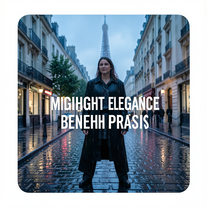 Open
Open -
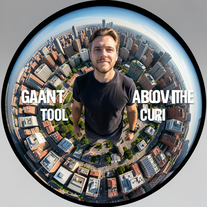 Transform portraits into cinematic fisheye masterpieces.Open
 -
 Open
Open -
-
 Transform photos into epic cinematic scenes with mythical creatures.Open
 -
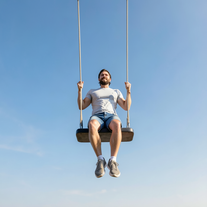
 Transform yourself into ultra-realistic scenes with impossible scale.Open
 -
 Transform photos into stunning 8K architectural blueprint portraits.Open
 -
 Transform photos into cinematic action portraits.Open
 -
 Transform photos into Back to the Future scenes.Open
 -
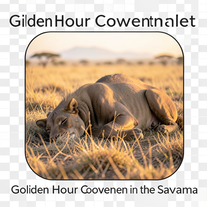 Transform photos into cinematic National Geographic wildlife scenes.Open
 -
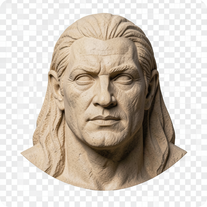
 Transform any portrait into a hyper-realistic volcanic stone masterpiece.Open
 -
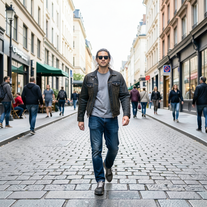 Transform photos into Y2K street fashion editorials.Open
 -
Hi, I am Kingsley, the co-founder of VoicePod AI voice automation solution for businesses. We developed this solution to help business owners streamline lead prospecting, qualification and follow-up, appointment scheduling, customer care support and more using intelligent voice assistants for inbound and outbound calls featuring multi-lingual and custom voices with deep integration into existing CRM and workflow. Please, do leave your review or support requests and we would be in touch. Thank you.
-
As someone who's worked with food businesses, I know how crucial visual appeal is for driving sales - especially in the digital space where customers make split-second decisions based on photos. What stands out to me is how this tool addresses a real pain point. Professional food photography is expensive and time-consuming, but this AI solution makes high-quality food images accessible to everyone from small restaurants to food bloggers. The instant transformation aspect is particularly valuable for businesses that need to update their menus frequently or manage multiple locations. I can see this being a game-changer for food delivery apps where compelling visuals directly impact order volume. The fact that it's specifically trained for food photography rather than being a generic photo enhancer shows thoughtful development. Would love to see some before/after examples if the developers are sharing any - the concept is solid and fills a clear market need. Definitely keeping this on my radar for future projects!
-
 Open
Open -
 Open
Open -
 Transform photos into cinematic Ferris wheel masterpieces.Open
 -
 Transform photos into cinematic cloud scenes with perfect identity preservation.Open
 -
It's suitable for beginners like me. I think it is simple and comprehensive, which can solve music creation problems. The creation speed is also prettey fast. And I hope it can keep improving, so we can create better music together.
-
 Transform your photo into a stunning hand-painted street mural.Open
 -
 Transform your photo into hyper-realistic cinematic scenes.OpenThis tool is designed to only receive a photo as a reference; just use this and see the result.
 -
 Open
Open -
 Transform photos into cinematic selfies with gorilla companions.Open
 -
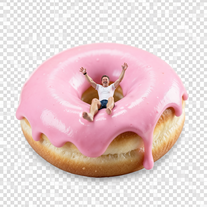
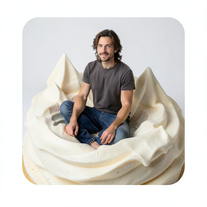 Transform into ultra-realistic 8K cinematic photographs in whimsical dessert environments.Open
 -
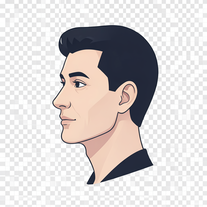 Transform photos into stunning 8K futuristic artwork.Open
 -
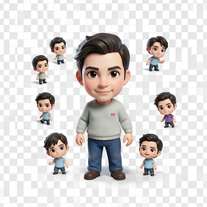 Transform photos into magical cinematic portraits with chibi versions.Open
 -
 Open
Open -
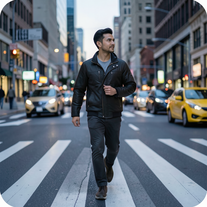 Open
Open -
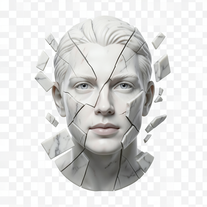 Transform portraits into fractured sculptural masterpieces.Open
 -
 Transform photos into cinematic scenes with perfect precision.Open
 -
 Transform your photo into cinematic 8K nature sculptures.Open
 -
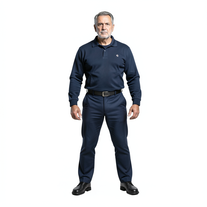 Transform photos into cinematic exoskeleton portraits.Open
 -
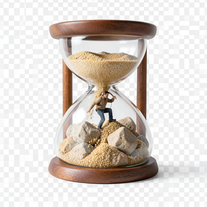 Transform photos into 8K hyper-realistic miniature survival scenes.Open
 -
 Open
Open -
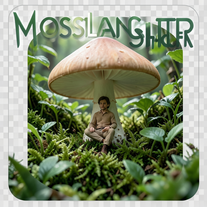
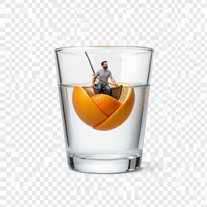
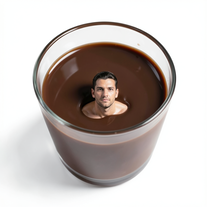 Transform yourself into surreal miniature scenes with hyper-realistic 8K imagery.Open
 -
 Transform yourself into cinematic miniature adventures.Open
 -
 Open
Open -
 Transform portraits into high-fashion editorial magic.Open
 -
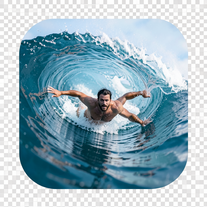 Transform portraits into hyper-realistic barrel wave shots.Open
 -
 Transform photos into Parisian fashion editorials instantly.Open
 -
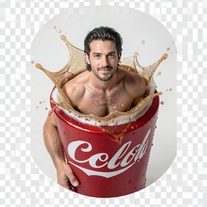 Open
Open -
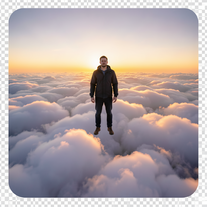 Transform photos into cinematic superhero portraits.Open
 -
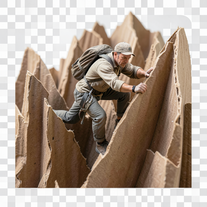 Transform ordinary objects into epic cinematic adventures.Open
 -
 Transform photos into cinematic synthwave masterpieces.Open
 -
 Open
Open -
 Open
Open -
 Transform photos into hyper-realistic 8K cinematic masterpieces.Open
 -
 Open
Open -
 Transform yourself into cinematic dessert scenes.Open
 -
 Open
Open -
 Transform portraits into cinematic geometric masterpieces.Open
 -
 Open
Open -
 Transform imagination into enchanting Ghibli-style illustrations.Open
































































Lists






Post





