
 Mini tools
▼ Top rated
Transform
Free mode
100% free
Freemium
Free Trial
Featured matches
-
-
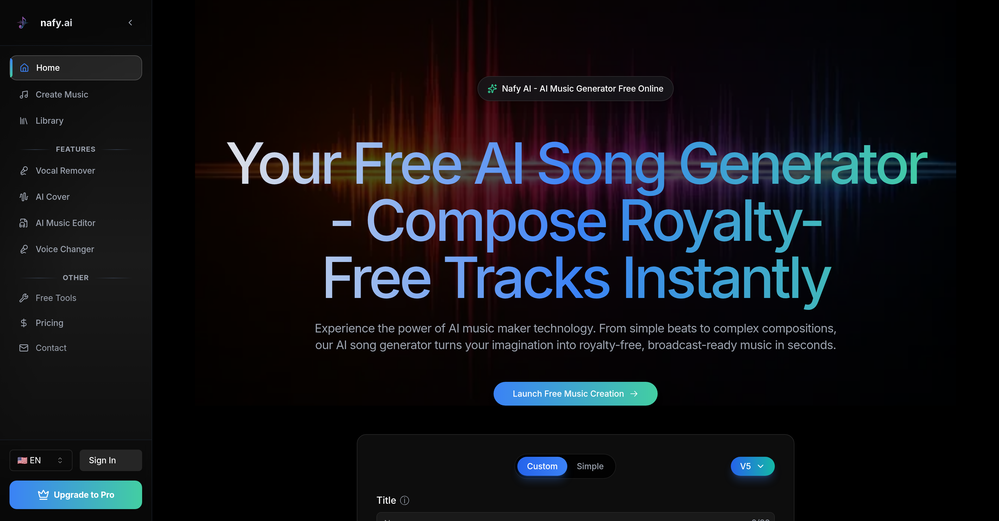
 Kingsley Ujam🛠️ 1 tool 🙏 11 karmaNov 24, 2025@VoicePodHi, I am Kingsley, the co-founder of VoicePod AI voice automation solution for businesses. We developed this solution to help business owners streamline lead prospecting, qualification and follow-up, appointment scheduling, customer care support and more using intelligent voice assistants for inbound and outbound calls featuring multi-lingual and custom voices with deep integration into existing CRM and workflow. Please, do leave your review or support requests and we would be in touch. Thank you.
 -
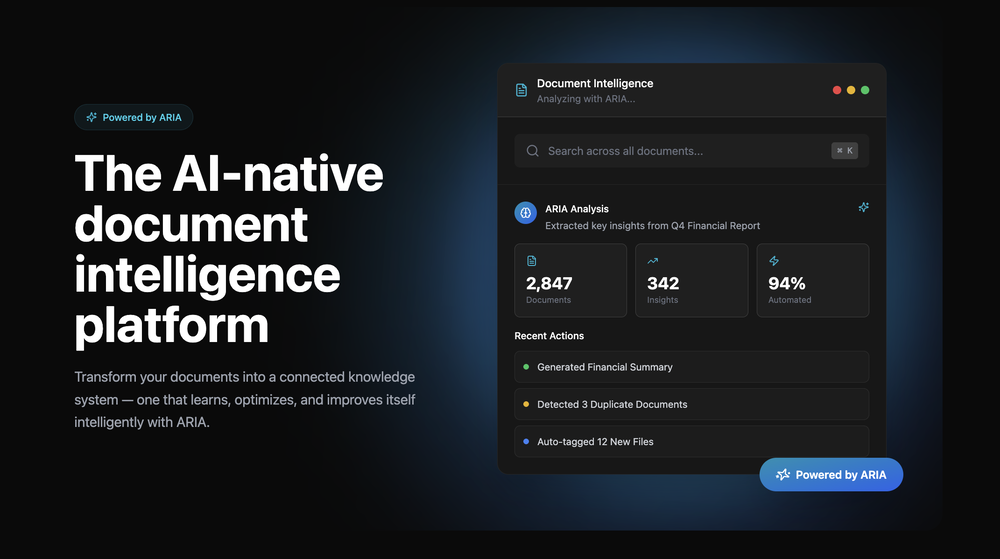 Great platform! Very impressed by the ability to combine documents to generate full research reports or extract data in large PDF files.
 -
 Open
Open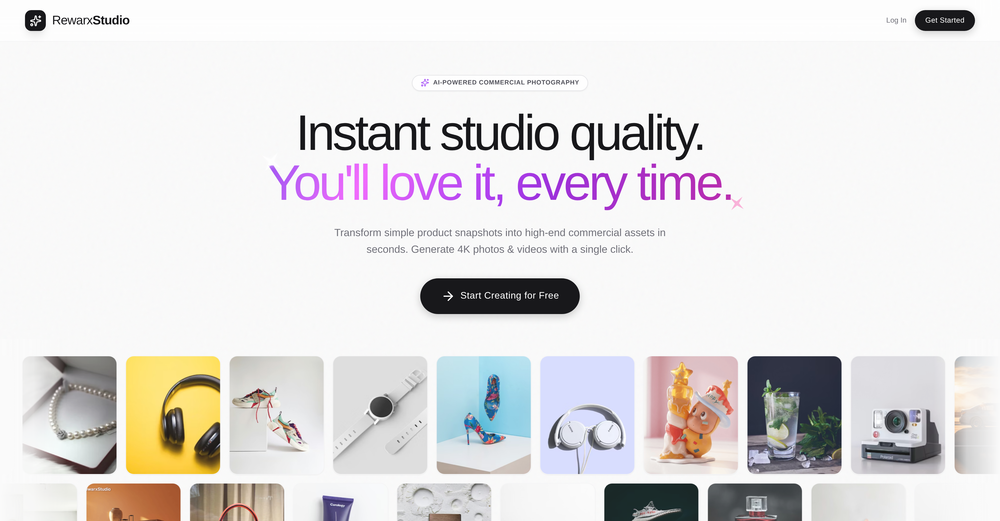 4K resolution is one of its major advantages in the relevant field.
 -
 As the founder of Genstory.app, I’ve always believed that every child deserves a story of their own. Genstory.app was built with one simple idea: anyone should be able to use AI to easily create high-quality, imaginative, and personalized stories that truly spark a child’s curiosity. We simplified the entire creative process into three steps—enter a theme, choose characters, and generate both the story and illustrations. In just a few minutes, you can have a complete mini storybook. Since launch, the feedback we hear most often is: “I no longer have to struggle to make up stories every night.” “My child loves seeing themselves as the main character.” This is exactly what we hoped to achieve: making storytelling easier, more fun, and more personal. Genstory.app is growing fast, and we’ll continue refining the experience to become a creative playground that anyone can enjoy.
 -
 Open
Open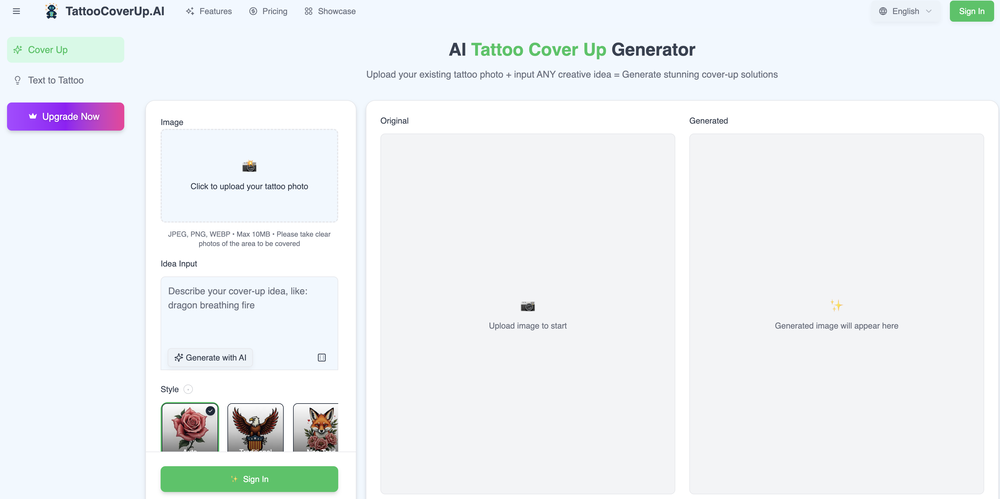
-
 Open
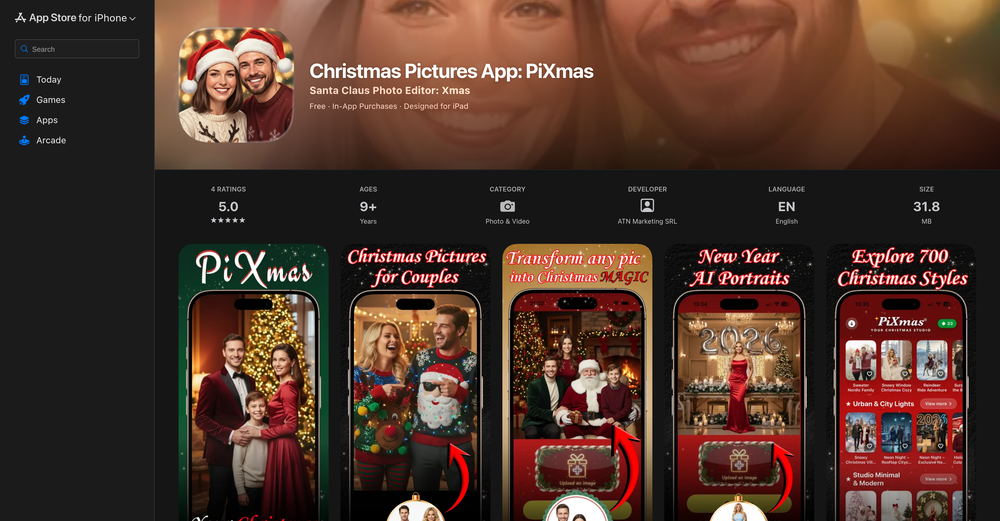
Open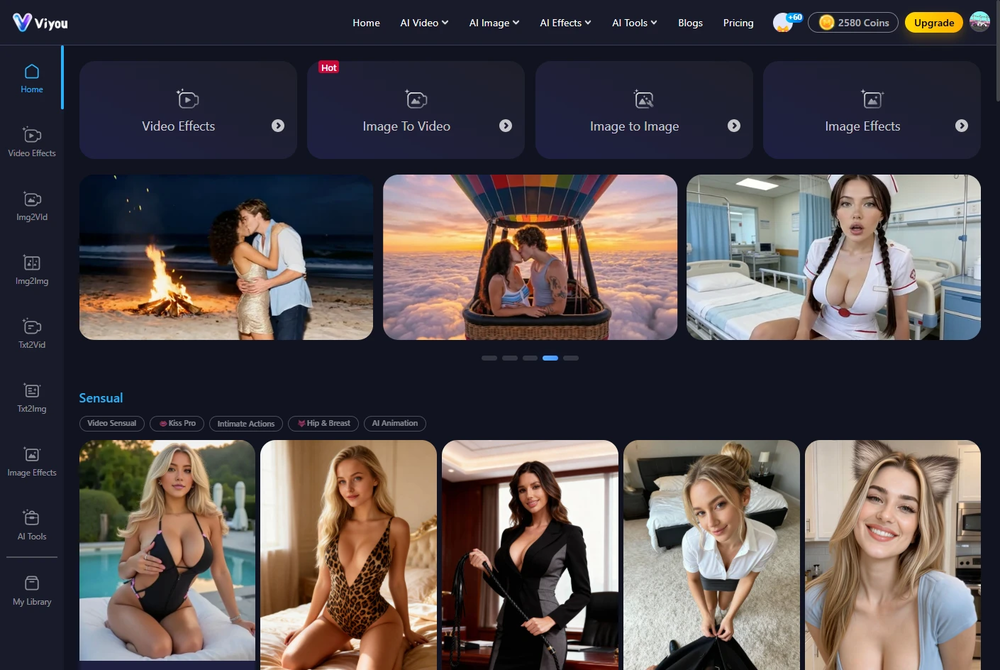 I was struggling to create some free Christmas and New Year's e-cards, and these templates are really good. I recommend giving them a try. The only downside is that each free template can only be used once.
 -
-
-
 Transform your learning experience with BrainRush - personalized AI tutoring.Open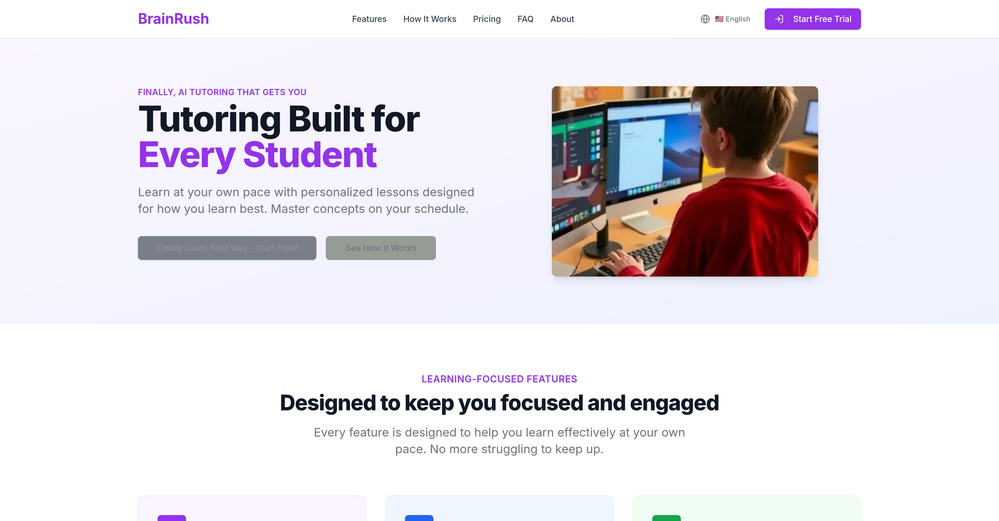











Other tools
-
 OpenVideo editing is the process of selecting, trimming, and arranging footage to create a cohesive story or visual narrative. Here are some fundamental concepts and techniques: Types of Video Editing Linear editing: A straightforward, sequential approach to editing, where clips are arranged in a linear timeline. Non-linear editing: A more flexible approach, where clips can be arranged and rearranged freely in a timeline. Key Video Editing Techniques Cutting: A transition between two clips, where one clip ends and another begins. Cutting on action: Cutting between two clips while an action is in progress, to create a seamless transition. J-cut: Cutting from one clip to another while audio from the second clip starts playing before the video cuts to it. L-cut: Cutting from one clip to another while audio from the first clip continues to play. Video Editing Software Popular video editing software includes: Adobe Premiere Pro: A professional-level editing software with advanced features and integration with other Adobe tools. Final Cut Pro: A professional-level editing software for Mac users, known for its user-friendly interface and advanced features. DaVinci Resolve: A free and paid editing software that offers advanced color grading and audio editing tools. Best Practices for Video Editing Plan your edit: Develop a clear vision and storyboard before starting to edit. Organize your footage: Label and categorize your clips to make them easily accessible. Keep it simple: Avoid overusing transitions and effects; focus on telling a clear story. Advanced Video Editing Techniques Color grading: Adjusting the color and brightness of footage to create a specific mood or atmosphere. Audio ducking: Automatically reducing the volume of background audio when dialogue is present. Motion graphics: Adding animated text, logos, or other graphics to enhance the visual narrative. Video editing involves selecting, trimming, and arranging footage to create a cohesive story. Linear and non-linear editing are two fundamental approaches. Key techniques include cutting, cutting on action, J-cuts, and L-cuts. Popular software includes Adobe Premiere Pro, Final Cut Pro, and DaVinci Resolve. Best practices involve planning, organizing footage, and keeping it simple. Advanced techniques include color grading, audio ducking, and motion graphics. Capcat pro Capcat pro Download image-to-image-generator generated imagetransparent pixel Image to Image Generator Image to Image Generator Download image-to-image-generator generated imagetransparent pixel Image to Image Generator Image to Image Generator Download image-to-image-generator generated imagetransparent pixel Image to Image Generator Image to Image Generator Download image-to-image-generator generated imagetransparent pixel Image to Image Generator Image to Image Generator Download image-to-image-generator generated imagetransparent pixel Image to Image Generator Image to Image Generator Download image-to-image-generator generated imagetransparent pixel Image to Image Generator Image to Image Generator Download image-generator generated imagetransparent pixel Image Generator Image Generator Copy Video Editing Basics Video editing is the process of selecting, trimming, and arranging footage to create a cohesive story or visual narrative. Here are some fundamental concepts and techniques: Types of Video Editing Linear editing: A straightforward, sequential approach to editing, where clips are arranged in a linear timeline. Non-linear editing: A more flexible approach, where clips can be arranged and rearranged freely in a timeline. Key Video Editing Techniques Cutting: A transition between two clips, where one clip ends and another begins. Cutting on action: Cutting between two clips while an action is in progress, to create a seamless transition. J-cut: Cutting from one clip to another while audio from the second clip starts playing before the video cuts to it. L-cut: Cutting from one clip to another while audio from the first clip continues to play. Video Editing Software Popular video editing software includes: Adobe Premiere Pro: A professional-level editing software with advanced features and integration with other Adobe tools. Final Cut Pro: A professional-level editing software for Mac users, known for its user-friendly interface and advanced features. DaVinci Resolve: A free and paid editing software that offers advanced color grading and audio editing tools. Best Practices for Video Editing Plan your edit: Develop a clear vision and storyboard before starting to edit. Organize your footage: Label and categorize your clips to make them easily accessible. Keep it simple: Avoid overusing transitions and effects; focus on telling a clear story. Advanced Video Editing Techniques Color grading: Adjusting the color and brightness of footage to create a specific mood or atmosphere. Audio ducking: Automatically reducing the volume of background audio when dialogue is present. Motion graphics: Adding animated text, logos, or other graphics to enhance the visual narrative. Video editing involves selecting, trimming, and arranging footage to create a cohesive story. Linear and non-linear editing are two fundamental approaches. Key techniques include cutting, cutting on action, J-cuts, and L-cuts. Popular software includes Adobe Premiere Pro, Final Cut Pro, and DaVinci Resolve. Best practices involve planning, organizing footage, and keeping it simple. Advanced techniques include color grading,
 -
 Transform photos into stunning aerial crop circle portraits.Open
 - Sponsor:
 Base44💻 Vibe coding
 -
 Transform photos into hand-drawn colored pencil portraits.Open
 -
It can take more than one generation but if you're specific in your prompt you get something really nice in a reasonable (to me) amount of time.
-
 Transform photos into ultra-realistic cinematic scenes.Open
 -
 Transform photos into Y2K street fashion editorials.Open
 - Didn't find the AI you were looking for?
-
 Transform photos into hyper-realistic wooden twig portraits.Open
 -
 Open
Open -
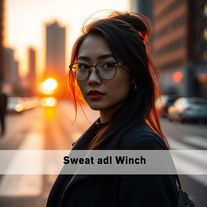 Transform ordinary urban moments into magical portraits.Open
 -
 Open
Open -
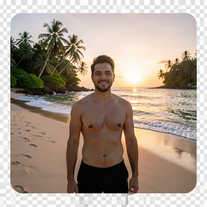 Transform photos into ultra-realistic 8K cinematic scenes.Open
 -
 Transform ordinary photos into ultra-realistic cinematic scenes.Open









Lists






Post





