
 Mini tools
▼ Top rated
Virtual
Free mode
100% free
Freemium
Free Trial
Featured matches
-
 Kolsi Adam🛠️ 3 tools 🙏 71 karmaFeb 24, 2026@AtomsMan, with the free models that we have web creation became so easy. But everyone had the same websites. I really like how different they look from others.
 -

-
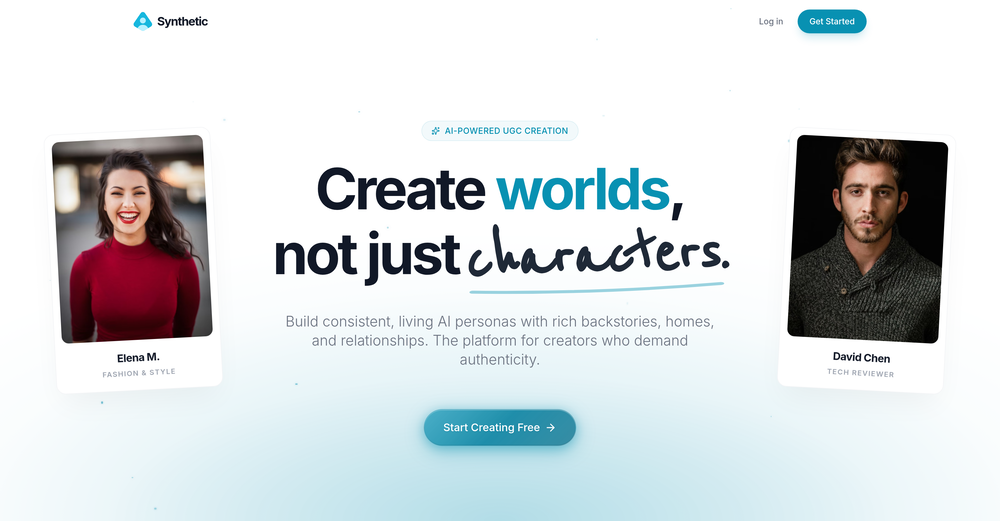 Fantastic results! Crazy consistency and impressive customization
 -
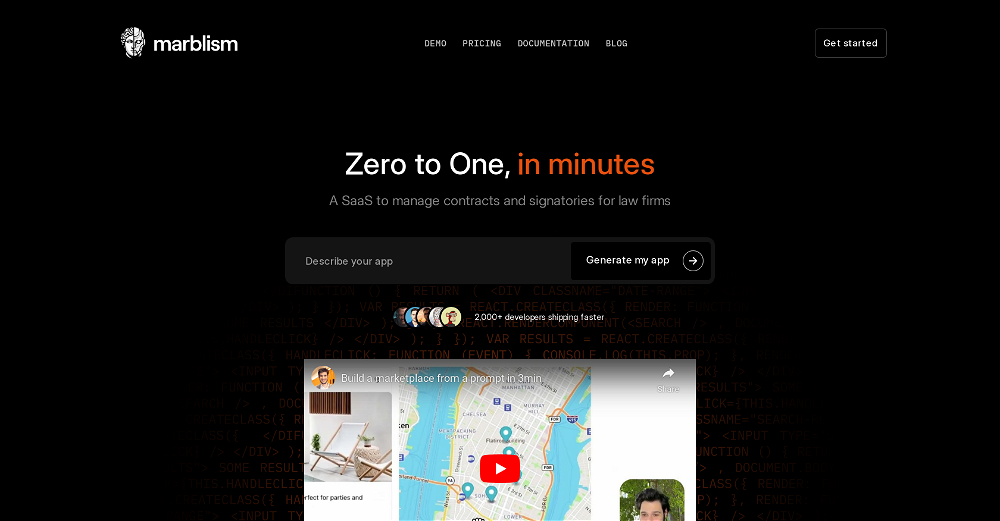 I've been playing around with this for a few hours. It's made me say "WOW" too many times than i wish to admit. I'm going to follow this and see how it evolves. For now, i managed to create quite a nice Expenses app for personal use. | It did have some problems when it came to moving some components on other pages, but for how short the prompts it uses can be, it is really impressive. With some proper prompts it can generate some strong stuff.
 -
 Turn your messy closet into a digital wardrobe with AI-powered outfit suggestions.Open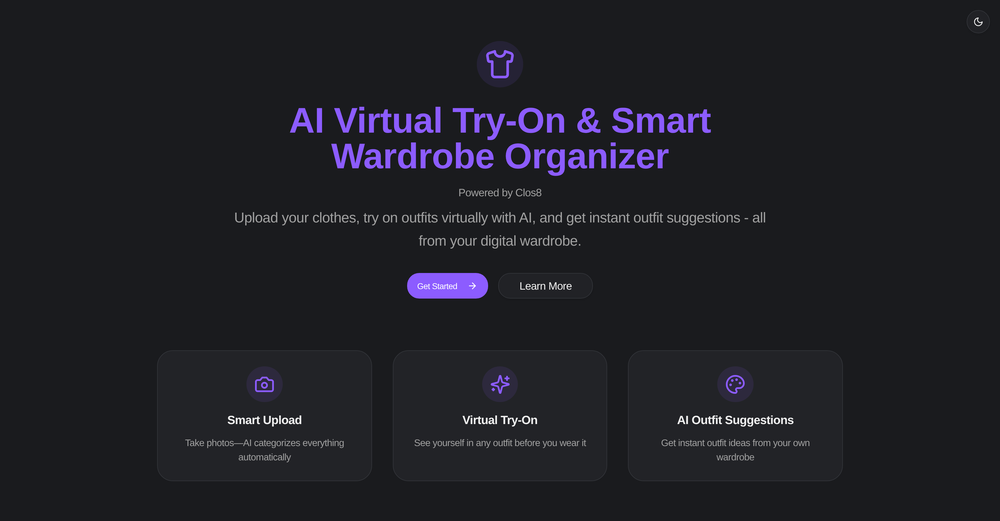
-
 This is the best virtual staging product I have ever tried. Love the batch processing feature that saves so much time!
 -
 Open
Open I found the AI easy to use after watching the intro video on youtube. I like the conversational nature. These Personalities are engaging. The report feature is useful.
 -
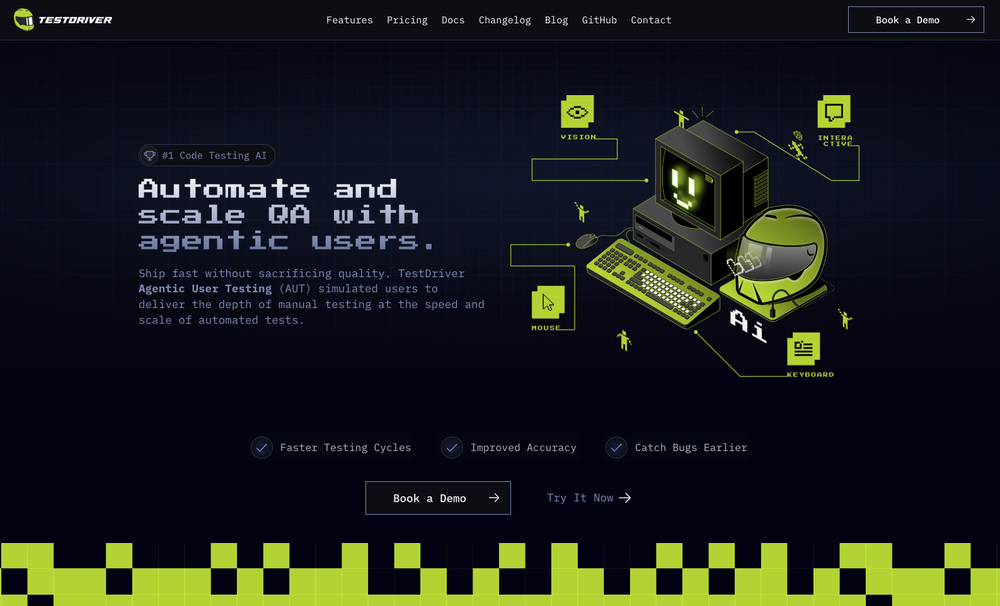 Test failure can be triggered by: - Text not being found - Image not being found - "Assert" condition not being met (according to AI with 90% confidence)
 -
-












Other tools
-
 Open
Open -
 The AI agent users trust to run their business stable and unsupervised.OpenI've put about 30-40 hours into SureThing, and it's seriously been a game-changer, basically acting like a virtual COO for my business!
 -
Hey this is Tan, I'm the creator of NotesBot. I created this tool because I needed it for my own meetings. After using myself and getting great summarization reviews from my peers, I decided to release it to the public. After release, we realized people were also using it for Dungeons and Dragons, I then added a DnD mode. This tool is non-invasive, very easy to set up, and perfect for meetings. I hope you enjoy using it!
- Sponsor
 Base44 Superagents-AI agent that does it all
 -
 Create AI assistants that chat, talk, and answer from your data.OpenHi there, I’m Alix, co-founder of Invent. We’re building the future of Customer Support UX, where humans and AI truly collaborate. Would love to read&hear your thoughts. DM for any questions. We ship fast!
 -
 Open
Open - Didn't find the AI you were looking for?
-
I think it's the best of the bunch. You can train your own AI avatar/models or use a featured one. It does both front and back of garments and keeps the details. It is also very affordable.
-
 Open
Open -
 Turn everyday items into enriching learning experiences.Opentried this tool and while it wants you to sign up at some point, it does provide some good options whenever you run out of ideas, definitely recommend it
 -
 Create ultra-realistic selfies with The Mask characters.Open
 -
 Open
Open

















Lists







Post





