Mini tools
▼ Latest
Ad-images
Free mode
100% free
Freemium
Free Trial
Featured matches
-
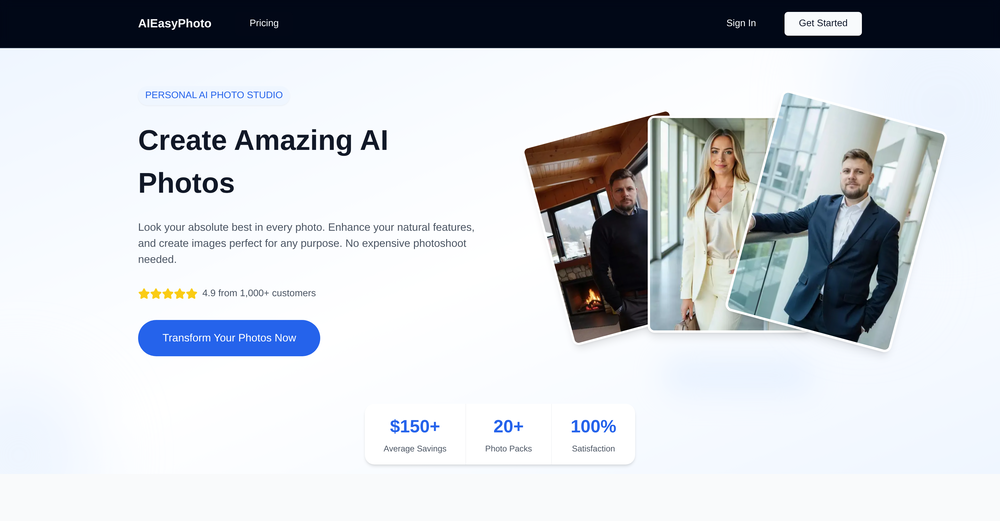 - Added new image editing models: Qwen Image Edit Plus, Seedream 4.5, Nano Banana 2 - Added new video models: LTXV2.3, Kling 3, Sora, Veo 3.1 - More free tools to try
 -
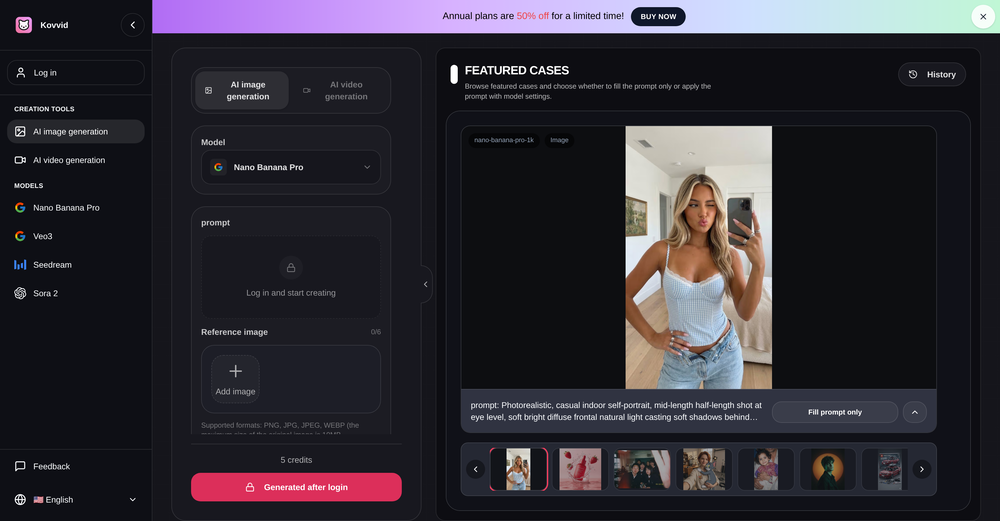
-

-

-

-
 Open
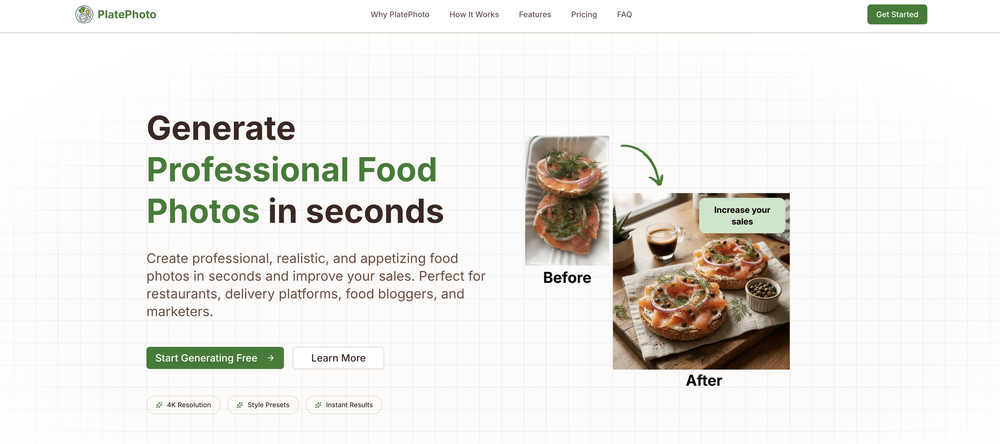
Open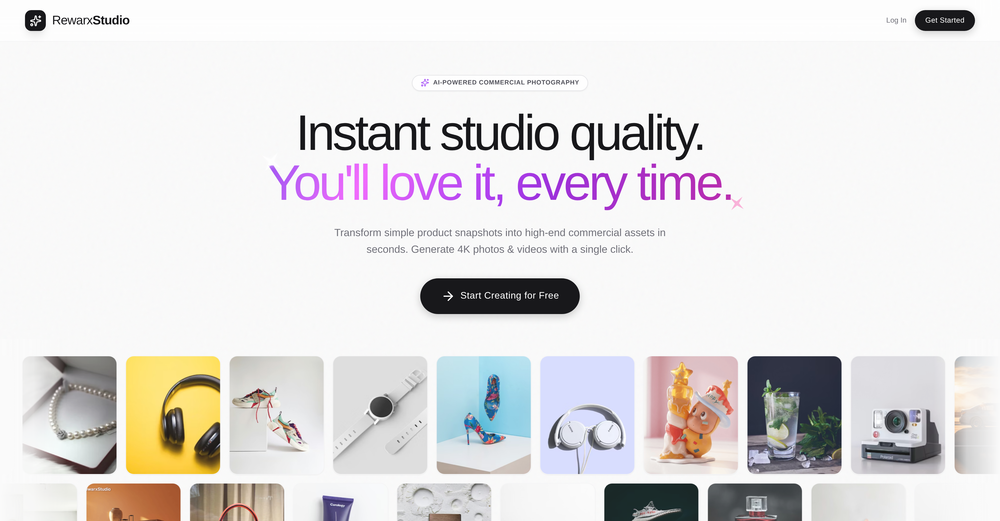 Nikki🙏 6 karmaJan 20, 2026@RewarxStudio4K resolution is one of its major advantages in the relevant field.
 -
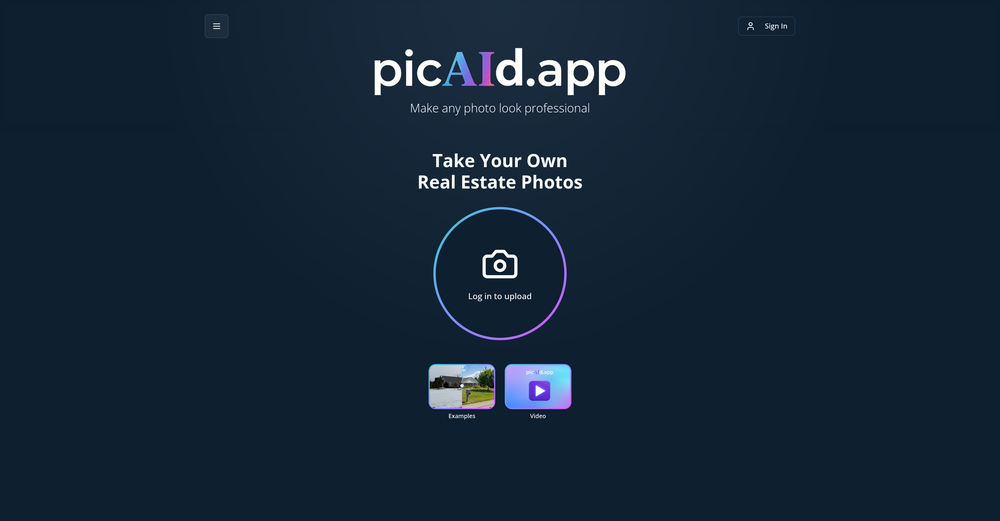
-
-
-









Verified tools
-
 Open
Open -
create a background for a website
- Sponsor
 Base44 Superagents-AI agent that does it all
 -
-
 Uncensored and Free Image to Video, Face Swap, and Ai AvatarsOpenFree credits everyday. good quality generations
 -
This looks like a solid tool for quick text to image work, especially with all the extra features like watermark removal and photo restore. If anyone here is experimenting with bold typography or pop style visuals, I have also tried https://allbratgenerator.com for fast brat inspired text and cover style graphics. It is simple and works well for social posts.
-
Apologies for the delayed response. Let me clarify our free tier benefits: 1.Daily Quick Credits: Free users receive 2 quick generation credits every day. 2.Unlimited Standard Generation: You can generate an unlimited number of images daily. Please note that during peak usage times, generation speeds may be slower to accommodate high traffic. 3.Advanced Features: Free users also have access to our excellent face-swap feature. 4.Our platform features the leading Nanobanana series models, supports various LoRA effects, and includes tools for background removal and image outpainting/expansion. 5.We welcome you to try them out! Regarding your question about pricing: The core features mentioned above are genuinely free. The 'pricing' structure you saw likely refers to optional paid plans for users who need faster speeds during peak times, higher priority, or additional commercial features. It is not 'free after you pay,' but rather a free base service with optional upgrades. We hope this clears up any confusion!"
-
very slow , no help and you did not have any feedbck on what happened also It deducts points even without providing any videos or photos.
-
Freepik helps people to create better designs, faster.
-
great for quick mockups when i need placeholder art. not as robust as some other tools but it's fast and the visuals are clean enough for client presentations. gets the job done without overthinking it













Other tools
-
1) I like that it can produce many diff image sizes and multiple images. 2) Does a nice job of embellishing the prompt. 3) Nice that it can take in a specific Seed. 4) BUT I found it hard to replicate a specific character. Tried loading a pic or providing a link to it. Neither seemed to work.
-
Google Imagen has been a pleasant surprise for clean work (icons, stickers)!!! Loads of style options and it nails tidy lines, soft shading and punchy color without much prompt fuss. GREAT TOOL!!
-
When I want to sign up on the Ideogram website with "Continue with Google" and press it, the sentence "Please choose an option to continue" appears below the banner and no action happens. Anybody can help me?
-
Diffusion pulls out extremely good images from simple prompts. Renders were a little slow on higher quality, but totally worth it for the results. The controls feel clear enough and the outputs look legit. Good one here!
-
Does what it says pretty consistently. Doesn't make changes to the source image
-
 Creates stunning, high-resolution technological visuals from futuristic gadgets to AI concepts.Open
 -
 Generate scientifically accurate parasite illustrations for education.Open
 - Didn't find the AI you were looking for?
-
 AI-powered visual storytelling companion that generates detailed images.Open
 -
It's perfect for creating simple images that will serve as reference images in more advanced generative AI applications! Thank you!
-
 Transform concepts into minimalist art.Opena great app that assist you in creating wonderful minimalist style art worthy of displaying and decorating all sort of wall spaces at home or work.
 -
-
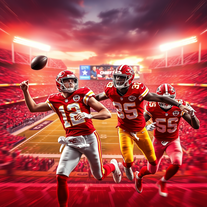 AI-crafted Chiefs wallpapers for passionate fans.Open
 -
 Open
Open -
 Open
Open -
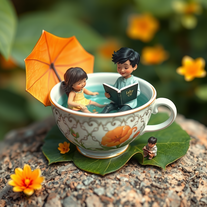 Craft whimsical miniature worlds with vibrant digital art.Open
 -
 Open
Open -
Poor images. Not even come closer to the ask
-
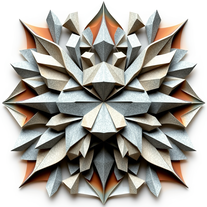 Craft stunning origami-style images from animal descriptions.Open
 -
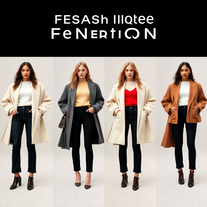 AI-powered fashion design generator for stunning visuals.Open
 -
 Transform food ideas into mouthwatering visual masterpieces.Opennot baaad. it turned my prompts into something that actually looked... tasty? def better than i expected for a mini tool like this. good stuff
 -
 Generate hyperrealistic product images for e-commerce instantlyOpen
 -
 Generate awe-inspiring biblical art with AIOpen
 -
 Open
Open -
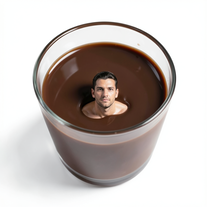 Transform yourself into surreal miniature scenes with hyper-realistic 8K imagery.Open
 -
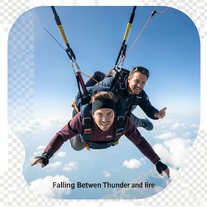 Generate cinematic 8K skydiving scenes from your photos.Open
 -
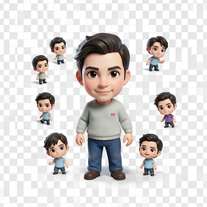 Transform photos into magical cinematic portraits with chibi versions.Open
 -
 Open
Open -
 Create cinematic disaster scenes with hyper-realistic visuals.Open
 -
 Transform photos into hyper-realistic 8K cinematic masterpieces.Open
 -
 Transform yourself into cinematic miniature adventures.Open
 -
 Wrestle giant food in hyper-realistic cinematic photos.Open
 -
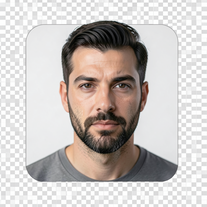 Transform photos into epic cinematic scenes with mythical creatures.Open
 -
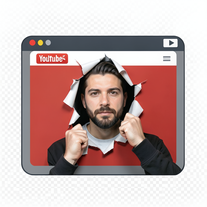 Create cinematic YouTube breakout visuals that conquer algorithms.Open
 -
 Creates hyper-realistic cinematic selfies with giant-scale perspective effects.Open
 -
 Transform yourself into a Renaissance masterpiece.Open
 -
 Create cinematic action scenes while preserving human identity.Open
 -
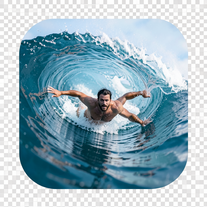 Transform portraits into hyper-realistic barrel wave shots.Open
 -
 Conjures nightmarish pirate horror imagery with supernatural detail.Open
 -
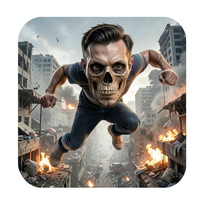 AI-powered parkour through a food apocalypse city.Open
 -
 Open
Open -
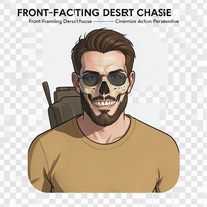 Generate hyper-realistic 8K cinematic motorcycle chase scenes.Open
 -
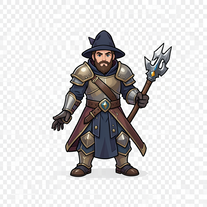 Transform your D&D adventures with AI-generated character portraits.Open
 -
 Open
Open -
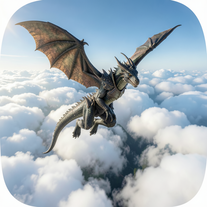 Generate hyper-realistic 8K dragon-riding portraits from photos.Open
 -
 Open
Open -
 Turn portraits into cinematic masterpieces with dramatic lighting.Open
 -
 Transform your photo into a premium Pixar-style 3D character.Open
 -
 Open
Open -
 Generate professional cookbook-quality food photography prompts instantly.Open
 -
 Open
Open -
 Open
Open -
 Generate ultra-photorealistic images in surreal snack environments.Open
 -
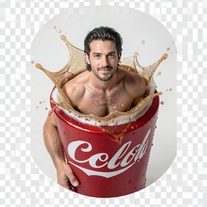 Open
Open -
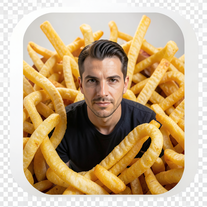 Create cinematic 8K images of people in surreal scenarios.Open
 -
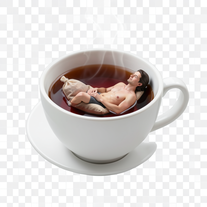
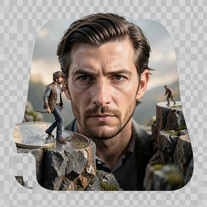 Create ultra-photorealistic macro photographs with miniature people.Open
 -
 Transform yourself into cinematic dessert scenes.Open
 -
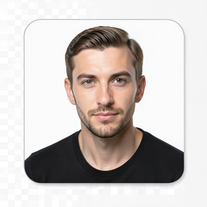 Transform your face into ultra-realistic cinematic scenes.Open
 -
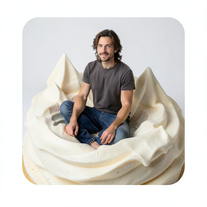 Transform into ultra-realistic 8K cinematic photographs in whimsical dessert environments.Open
 -
 Transform yourself into ultra-realistic scenes with impossible scale.Open
 -
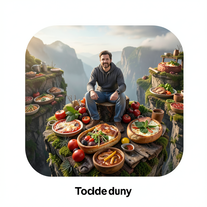 Transform photos into cinematic giant food landscapes.Open
 -
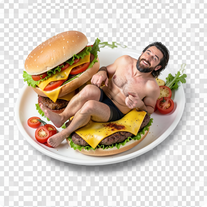 Open
Open -
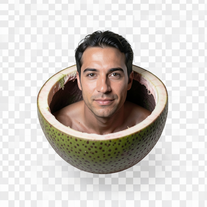 Ultra-photorealistic AI creates cinematic 8K images of people.Open
 -
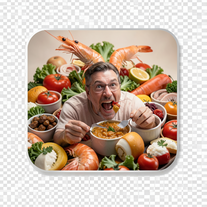 Create photorealistic images in surreal food worlds.Open
 -
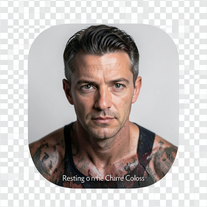 Ultra-realistic AI photo generator creating cinematic 8K images.Open
 -
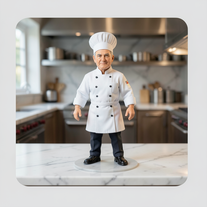 Transform photos into ultra-realistic miniature chef figurines.Open
 -
 Ultra-realistic AI image generator with perfect identity preservation.OpenJust put your photo, dont put prompt text ok
 -
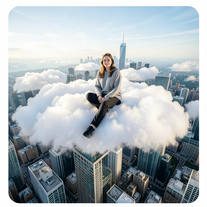 Open
Open -
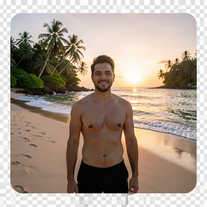 Transform photos into ultra-realistic 8K cinematic scenes.Open
 -
 Open
Open -
 Transform ordinary photos into ultra-realistic cinematic scenes.Open
 -
 Create cinematic 8K scenes with perfect identity accuracy.Open
 -
 Transform portraits into cinematic geometric masterpieces.Open
 -
 Generate ultra-realistic 8K freefall photographs with perfect identity accuracy.Open
 -
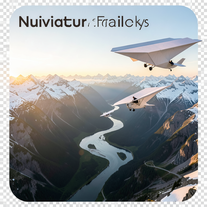 Create ultra-realistic 8K cinematic photographs with whimsical concepts.Open
 -
 Open
Open -
there is probably something wrong with you. he makes images with me
-
 AI-powered romantic bedroom photography with cinematic realism.Open
 -
 Transform photos into cinematic scenes with perfect precision.Open
 -
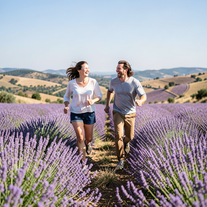 Create ultra-realistic 8K photos of real people.OpenSimply upload your photo; you don't need to type anything in the prompt field. Just click "generate" and watch the magic happen.
 -
 Create cinematic photos of specific people in surreal scenarios.OpenSimply upload your photo; you don't need to type anything in the prompt field. Just click "generate" and watch the magic happen.
 -
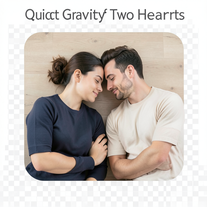 Open
Open -
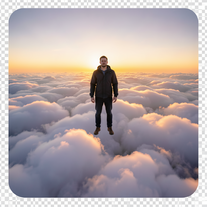 Transform photos into cinematic superhero portraits.Open
 -
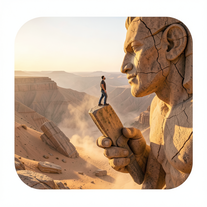 Ultra-realistic AI image generator creating hyper-detailed 8K cinematic photographs.OpenSimply upload your photo; you don't need to type anything in the prompt field. Just click "generate" and watch the magic happen.
 -
 Create cinematic space portraits with zero-gravity realism.OpenSimply upload your photo; you don't need to type anything in the prompt field. Just click "generate" and watch the magic happen.
 -
 Creates ultra-realistic 8K cinematic library photographs.Open
 -
 Open
Open -
 Transform photos into ultra-realistic cinematic scenes.Open
 -
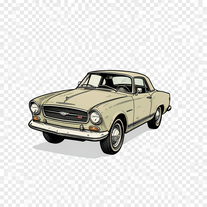 Creates vintage automotive illustrations with classic advertisement aesthetics.Open
 -
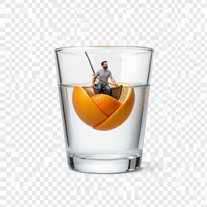
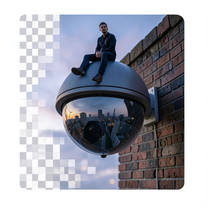 Create surreal 8K photos with miniature humans.Open
 -
 Transform ideas into ultra-realistic 8K cinematic photographs.Open
 -
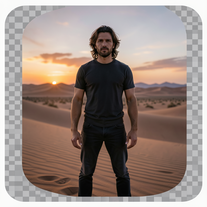 Generate ultra-realistic 8K cinematic photographs from prompts.OpenPlease only use the image and do not describe anything else in the prompt.
 -
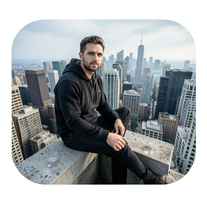 Generate cinematic 8K photos of people in towering cityscapes.OpenSimply upload your photo; you don't need to type anything in the prompt field. Just click "generate" and watch the magic happen.
 -
 Open
Open -
 Transform photos into cinematic National Geographic wildlife scenes.Open
 -
 AI-powered avatar creator for unique couple illustrations.Open
 -
 Transform photos into cinematic 8K investigation boards.Open
 -
 Transform any portrait into a hyper-realistic volcanic stone masterpiece.Open
 -
 Transform photos into stunning 8K futuristic artwork.Open
 -
 Open
Open -
 Open
Open -
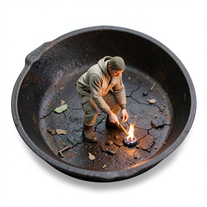
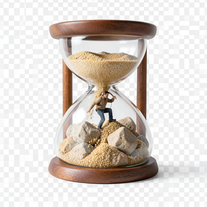 Transform photos into 8K hyper-realistic miniature survival scenes.Open
 -
Simply upload your photo; you don't need to type anything in the prompt field. Just click "generate" and watch the magic happen.
-
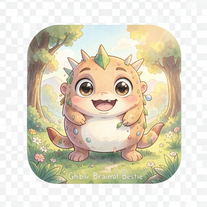
 Transform imagination into enchanting Ghibli-style illustrations.Open
 -
Simply upload your photo; you don't need to type anything in the prompt field. Just click "generate" and watch the magic happen.
-
Simply upload your photo; you don't need to type anything in the prompt field. Just click "generate" and watch the magic happen.
-
 OpenSimply upload your photo; you don't need to type anything in the prompt field. Just click "generate" and watch the magic happen.
 -
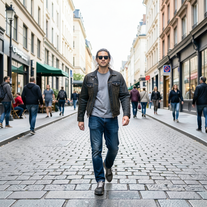 Transform photos into Y2K street fashion editorials.Open
 -
 Transform photos into epic 3D cartoon characters.OpenSimply upload your photo; you don't need to type anything in the prompt field. Just click "generate" and watch the magic happen.
 -
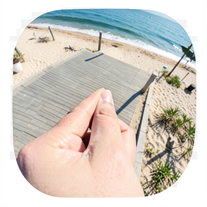 Creates ultra-realistic forced-perspective beach photos where you appear tiny.Open
 -
 Create surreal 8K desk scenes with miniature you.Open
 -
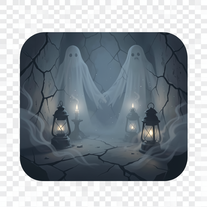
 Transform your imagination into haunting masterpieces.Open
 -
 Transform architectural concepts into elegant watercolor-style illustrations.Open
 -
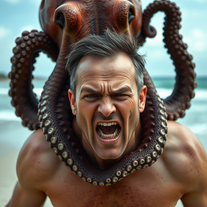 Transform photos into cinematic 8K masterpieces instantly.OpenSimply upload your photo; you don't need to type anything in the prompt field. Just click "generate" and watch the magic happen.
 -
 Turn portraits into watercolor coloring books.Open
 -
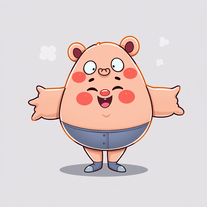 AI-powered cartoon character generator for vibrant, inclusive characters.Open
 -
 OpenVideo editing is the process of selecting, trimming, and arranging footage to create a cohesive story or visual narrative. Here are some fundamental concepts and techniques: Types of Video Editing Linear editing: A straightforward, sequential approach to editing, where clips are arranged in a linear timeline. Non-linear editing: A more flexible approach, where clips can be arranged and rearranged freely in a timeline. Key Video Editing Techniques Cutting: A transition between two clips, where one clip ends and another begins. Cutting on action: Cutting between two clips while an action is in progress, to create a seamless transition. J-cut: Cutting from one clip to another while audio from the second clip starts playing before the video cuts to it. L-cut: Cutting from one clip to another while audio from the first clip continues to play. Video Editing Software Popular video editing software includes: Adobe Premiere Pro: A professional-level editing software with advanced features and integration with other Adobe tools. Final Cut Pro: A professional-level editing software for Mac users, known for its user-friendly interface and advanced features. DaVinci Resolve: A free and paid editing software that offers advanced color grading and audio editing tools. Best Practices for Video Editing Plan your edit: Develop a clear vision and storyboard before starting to edit. Organize your footage: Label and categorize your clips to make them easily accessible. Keep it simple: Avoid overusing transitions and effects; focus on telling a clear story. Advanced Video Editing Techniques Color grading: Adjusting the color and brightness of footage to create a specific mood or atmosphere. Audio ducking: Automatically reducing the volume of background audio when dialogue is present. Motion graphics: Adding animated text, logos, or other graphics to enhance the visual narrative. Video editing involves selecting, trimming, and arranging footage to create a cohesive story. Linear and non-linear editing are two fundamental approaches. Key techniques include cutting, cutting on action, J-cuts, and L-cuts. Popular software includes Adobe Premiere Pro, Final Cut Pro, and DaVinci Resolve. Best practices involve planning, organizing footage, and keeping it simple. Advanced techniques include color grading, audio ducking, and motion graphics. Capcat pro Capcat pro Download image-to-image-generator generated imagetransparent pixel Image to Image Generator Image to Image Generator Download image-to-image-generator generated imagetransparent pixel Image to Image Generator Image to Image Generator Download image-to-image-generator generated imagetransparent pixel Image to Image Generator Image to Image Generator Download image-to-image-generator generated imagetransparent pixel Image to Image Generator Image to Image Generator Download image-to-image-generator generated imagetransparent pixel Image to Image Generator Image to Image Generator Download image-to-image-generator generated imagetransparent pixel Image to Image Generator Image to Image Generator Download image-generator generated imagetransparent pixel Image Generator Image Generator Copy Video Editing Basics Video editing is the process of selecting, trimming, and arranging footage to create a cohesive story or visual narrative. Here are some fundamental concepts and techniques: Types of Video Editing Linear editing: A straightforward, sequential approach to editing, where clips are arranged in a linear timeline. Non-linear editing: A more flexible approach, where clips can be arranged and rearranged freely in a timeline. Key Video Editing Techniques Cutting: A transition between two clips, where one clip ends and another begins. Cutting on action: Cutting between two clips while an action is in progress, to create a seamless transition. J-cut: Cutting from one clip to another while audio from the second clip starts playing before the video cuts to it. L-cut: Cutting from one clip to another while audio from the first clip continues to play. Video Editing Software Popular video editing software includes: Adobe Premiere Pro: A professional-level editing software with advanced features and integration with other Adobe tools. Final Cut Pro: A professional-level editing software for Mac users, known for its user-friendly interface and advanced features. DaVinci Resolve: A free and paid editing software that offers advanced color grading and audio editing tools. Best Practices for Video Editing Plan your edit: Develop a clear vision and storyboard before starting to edit. Organize your footage: Label and categorize your clips to make them easily accessible. Keep it simple: Avoid overusing transitions and effects; focus on telling a clear story. Advanced Video Editing Techniques Color grading: Adjusting the color and brightness of footage to create a specific mood or atmosphere. Audio ducking: Automatically reducing the volume of background audio when dialogue is present. Motion graphics: Adding animated text, logos, or other graphics to enhance the visual narrative. Video editing involves selecting, trimming, and arranging footage to create a cohesive story. Linear and non-linear editing are two fundamental approaches. Key techniques include cutting, cutting on action, J-cuts, and L-cuts. Popular software includes Adobe Premiere Pro, Final Cut Pro, and DaVinci Resolve. Best practices involve planning, organizing footage, and keeping it simple. Advanced techniques include color grading,