
 Adapt
Adapt Mini tools

-





-



-
 Open
Open





-







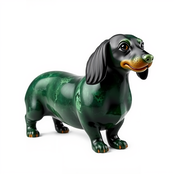
-
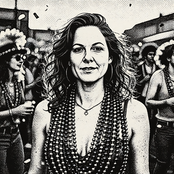
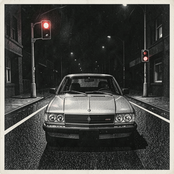
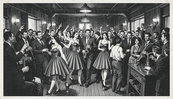

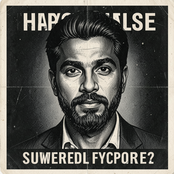
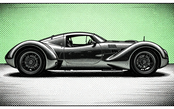
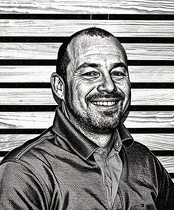
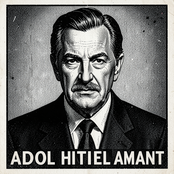
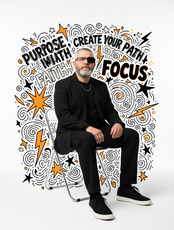
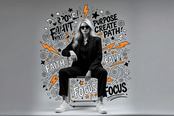
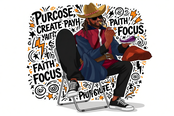
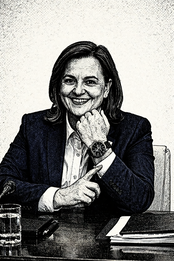 Jeff ErmoianFeb 10, 2026@POSTERIZED IMAGESDoes what it says pretty consistently. Doesn't make changes to the source image
 -
 Open
Open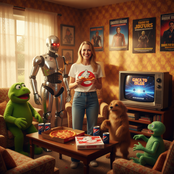
 Video editing is the process of selecting, trimming, and arranging footage to create a cohesive story or visual narrative. Here are some fundamental concepts and techniques: Types of Video Editing Linear editing: A straightforward, sequential approach to editing, where clips are arranged in a linear timeline. Non-linear editing: A more flexible approach, where clips can be arranged and rearranged freely in a timeline. Key Video Editing Techniques Cutting: A transition between two clips, where one clip ends and another begins. Cutting on action: Cutting between two clips while an action is in progress, to create a seamless transition. J-cut: Cutting from one clip to another while audio from the second clip starts playing before the video cuts to it. L-cut: Cutting from one clip to another while audio from the first clip continues to play. Video Editing Software Popular video editing software includes: Adobe Premiere Pro: A professional-level editing software with advanced features and integration with other Adobe tools. Final Cut Pro: A professional-level editing software for Mac users, known for its user-friendly interface and advanced features. DaVinci Resolve: A free and paid editing software that offers advanced color grading and audio editing tools. Best Practices for Video Editing Plan your edit: Develop a clear vision and storyboard before starting to edit. Organize your footage: Label and categorize your clips to make them easily accessible. Keep it simple: Avoid overusing transitions and effects; focus on telling a clear story. Advanced Video Editing Techniques Color grading: Adjusting the color and brightness of footage to create a specific mood or atmosphere. Audio ducking: Automatically reducing the volume of background audio when dialogue is present. Motion graphics: Adding animated text, logos, or other graphics to enhance the visual narrative. Video editing involves selecting, trimming, and arranging footage to create a cohesive story. Linear and non-linear editing are two fundamental approaches. Key techniques include cutting, cutting on action, J-cuts, and L-cuts. Popular software includes Adobe Premiere Pro, Final Cut Pro, and DaVinci Resolve. Best practices involve planning, organizing footage, and keeping it simple. Advanced techniques include color grading, audio ducking, and motion graphics. Capcat pro Capcat pro Download image-to-image-generator generated imagetransparent pixel Image to Image Generator Image to Image Generator Download image-to-image-generator generated imagetransparent pixel Image to Image Generator Image to Image Generator Download image-to-image-generator generated imagetransparent pixel Image to Image Generator Image to Image Generator Download image-to-image-generator generated imagetransparent pixel Image to Image Generator Image to Image Generator Download image-to-image-generator generated imagetransparent pixel Image to Image Generator Image to Image Generator Download image-to-image-generator generated imagetransparent pixel Image to Image Generator Image to Image Generator Download image-generator generated imagetransparent pixel Image Generator Image Generator Copy Video Editing Basics Video editing is the process of selecting, trimming, and arranging footage to create a cohesive story or visual narrative. Here are some fundamental concepts and techniques: Types of Video Editing Linear editing: A straightforward, sequential approach to editing, where clips are arranged in a linear timeline. Non-linear editing: A more flexible approach, where clips can be arranged and rearranged freely in a timeline. Key Video Editing Techniques Cutting: A transition between two clips, where one clip ends and another begins. Cutting on action: Cutting between two clips while an action is in progress, to create a seamless transition. J-cut: Cutting from one clip to another while audio from the second clip starts playing before the video cuts to it. L-cut: Cutting from one clip to another while audio from the first clip continues to play. Video Editing Software Popular video editing software includes: Adobe Premiere Pro: A professional-level editing software with advanced features and integration with other Adobe tools. Final Cut Pro: A professional-level editing software for Mac users, known for its user-friendly interface and advanced features. DaVinci Resolve: A free and paid editing software that offers advanced color grading and audio editing tools. Best Practices for Video Editing Plan your edit: Develop a clear vision and storyboard before starting to edit. Organize your footage: Label and categorize your clips to make them easily accessible. Keep it simple: Avoid overusing transitions and effects; focus on telling a clear story. Advanced Video Editing Techniques Color grading: Adjusting the color and brightness of footage to create a specific mood or atmosphere. Audio ducking: Automatically reducing the volume of background audio when dialogue is present. Motion graphics: Adding animated text, logos, or other graphics to enhance the visual narrative. Video editing involves selecting, trimming, and arranging footage to create a cohesive story. Linear and non-linear editing are two fundamental approaches. Key techniques include cutting, cutting on action, J-cuts, and L-cuts. Popular software includes Adobe Premiere Pro, Final Cut Pro, and DaVinci Resolve. Best practices involve planning, organizing footage, and keeping it simple. Advanced techniques include color grading,
 -









-
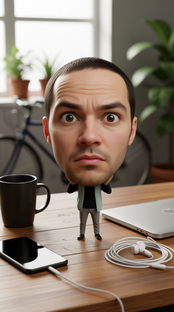
 Create surreal 8K desk scenes with miniature you.Open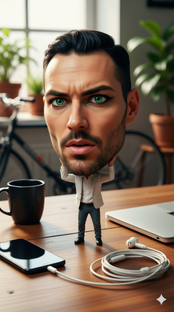







-
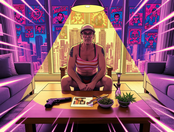
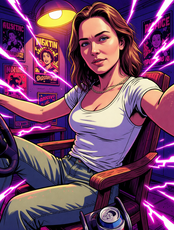
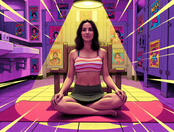
 Transform photos into vibrant comic book illustrations.Open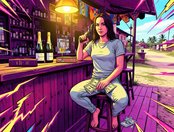
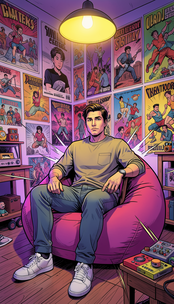




-
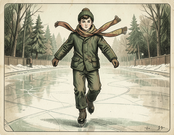
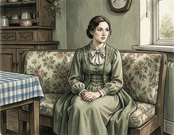
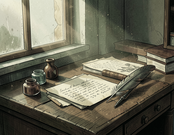
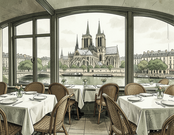
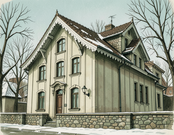
 Create stunning AI watercolors in Carl Larsson's iconic style.Open
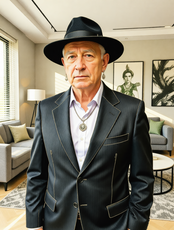
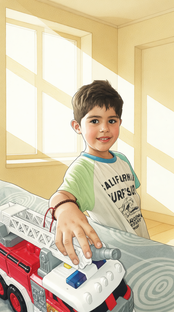






-
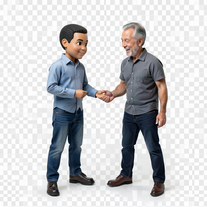 Transform photos into hyper-realistic miniature scenes.Open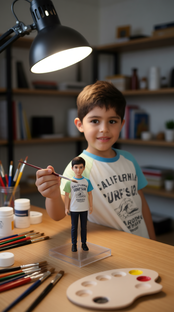


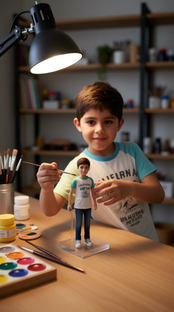
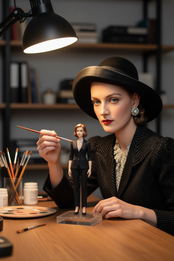
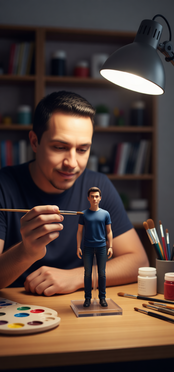


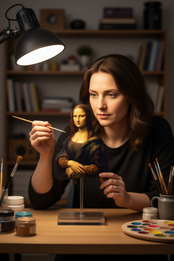 Simply upload your photo; you don't need to type anything in the prompt field. Just click "generate" and watch the magic happen.
 -
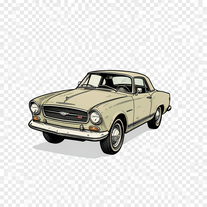 Creates vintage automotive illustrations with classic advertisement aesthetics.Open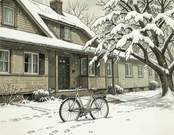



-
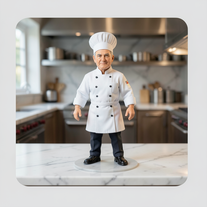 Transform photos into ultra-realistic miniature chef figurines.Open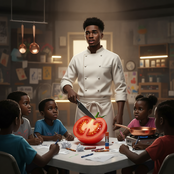
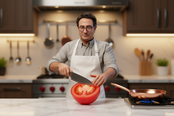

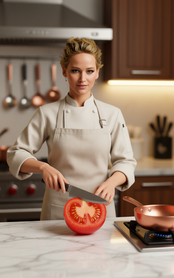



-
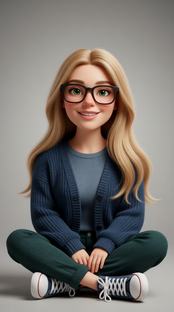
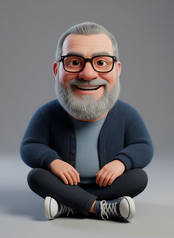
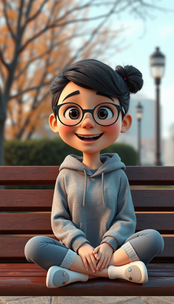
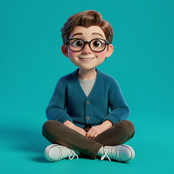
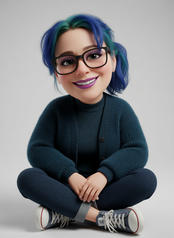
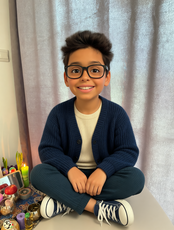
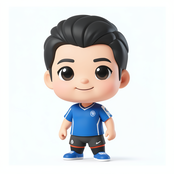
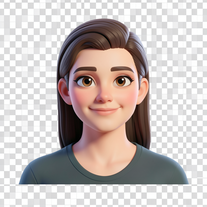 Transform your photo into a premium Pixar-style 3D character.Open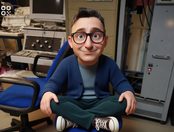


-
 Open
Open





-
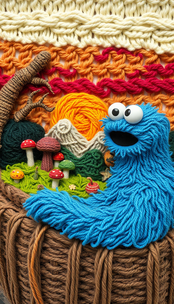


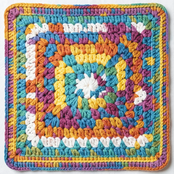
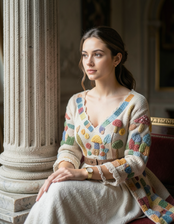

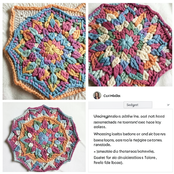

 This tool is fun, creative, and generates cool images. You can use it to design patterns for all of your hobbies, e.g., embroidery projects.
 -
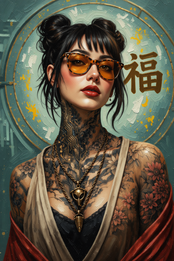
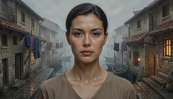

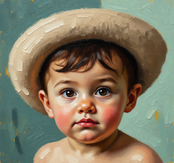
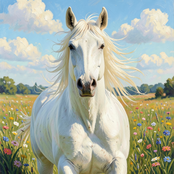
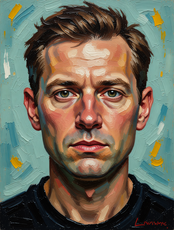

 just put your image and generate. Just this ok
 -
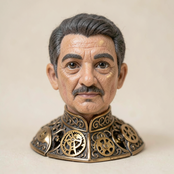
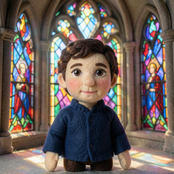
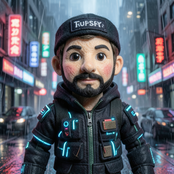
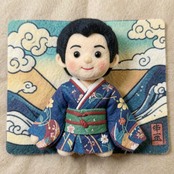
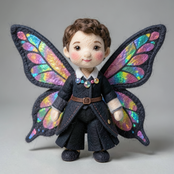
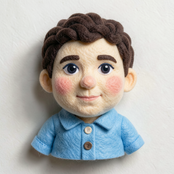
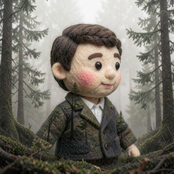
 Transform photos into whimsical handcrafted felt dolls.Open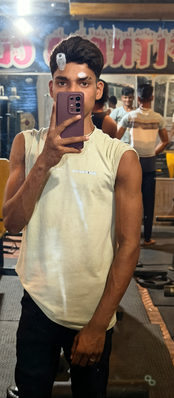
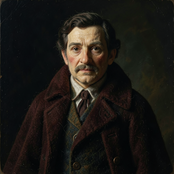
-
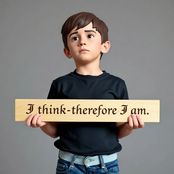
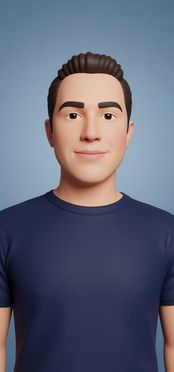

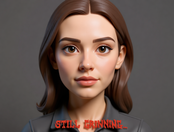
-
 Open
Open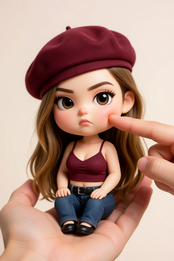



-
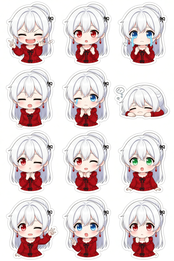
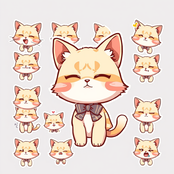
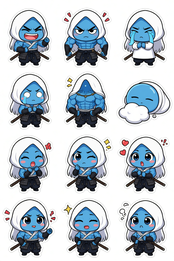
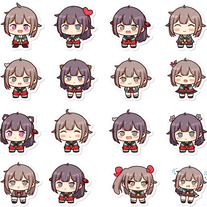 Transform any image into adorable chibi sticker sheets.Open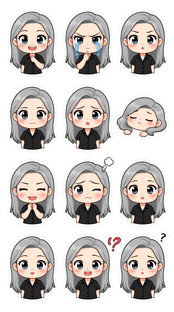

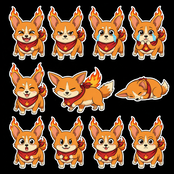

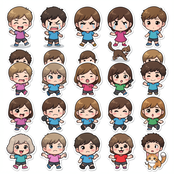
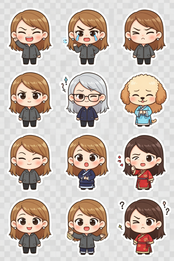
-




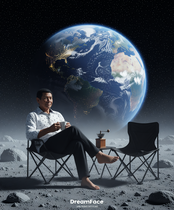




-









-
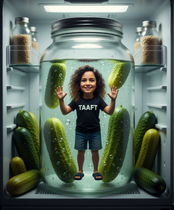
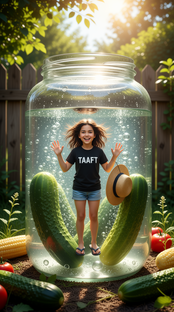
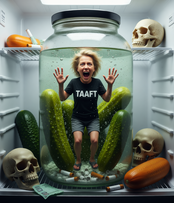
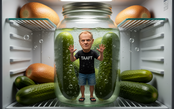
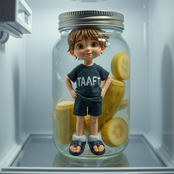
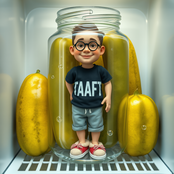
 Transform yourself into a tiny figure trapped in a pickle jar.Open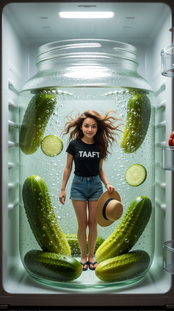

-
 Open
Open
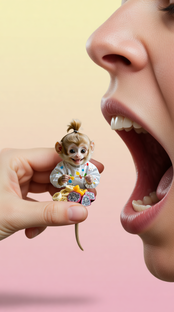




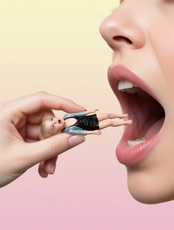

-

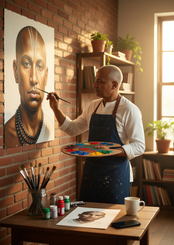




-
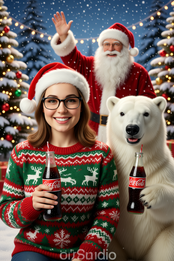
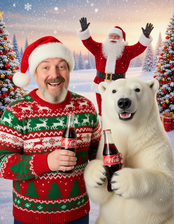
 Transform photos into Coca-Cola Christmas ads with polar bears.Open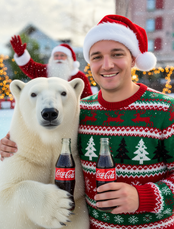


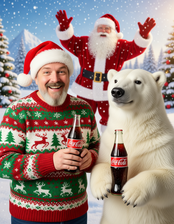
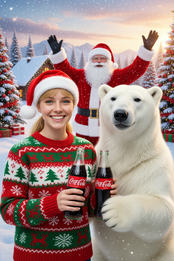
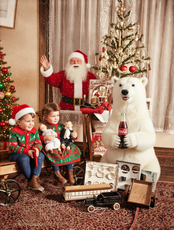
-

-
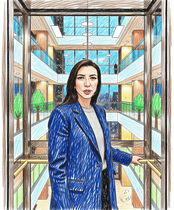
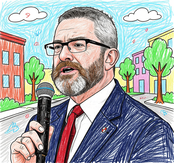
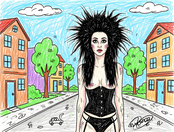
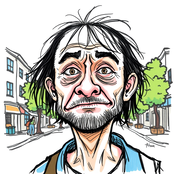
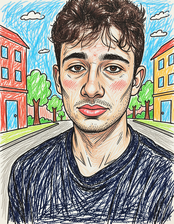
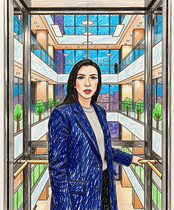
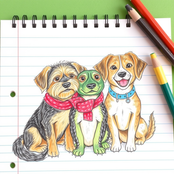
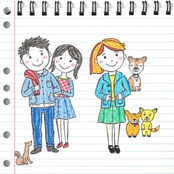
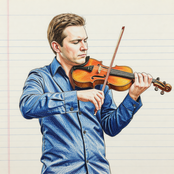
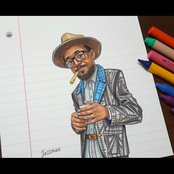
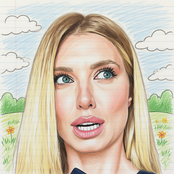
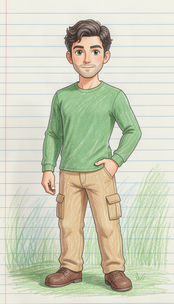
 Transform any photo into charming crayon art with childlike wonder.Open


-
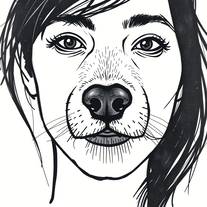 Transform photos into cinematic graffiti portraits.Open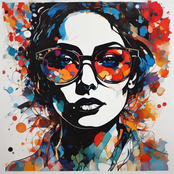

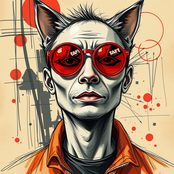
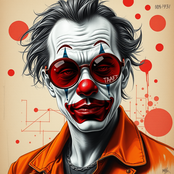
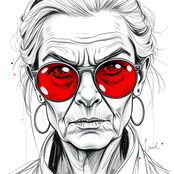
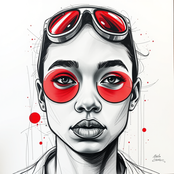
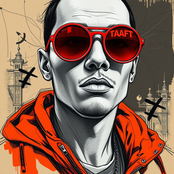

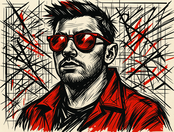 :D :D :D :D :D :D :D :D :D :D :D :D :D :D :D
 -

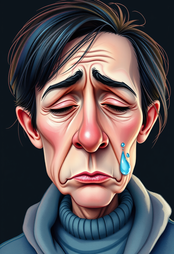

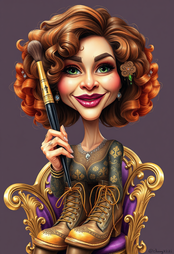
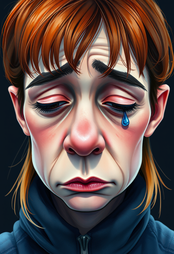

 I am very satisfied with the result, and all from the first prompt. great.










#
Tool
Task
Released
Price
Country
Views
Features
Saves
Reviews
Comments

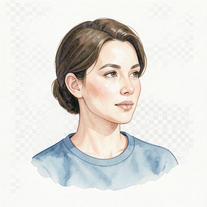
Whispered Tide Reverie
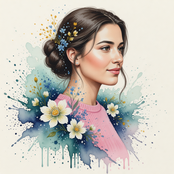
Turn photos into gallery-worthy watercolor portraits.
Chaos Framed by Control
Transform photos into ultra-realistic 8K editorial portraits.


POSTERIZED IMAGES
Transform any image into striking vintage woodcut art.

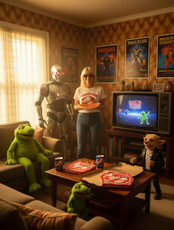
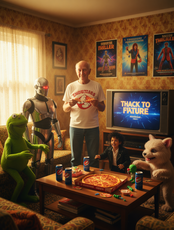
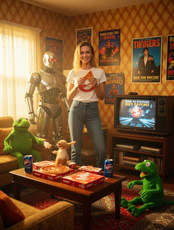
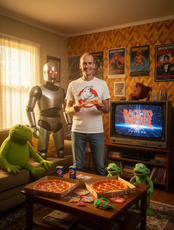
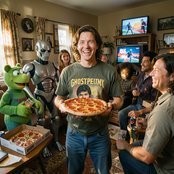
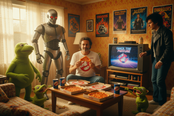
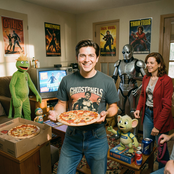
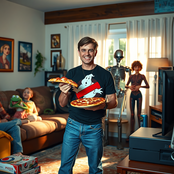
1980s Pop Culture House Party
Transform into hyper-realistic photos at 1980s parties.

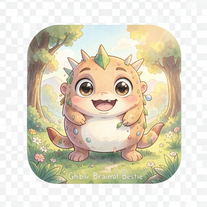
Ghibli Brainrot Bestie
Transform ideas into adorable Ghibli creatures.

Burden of Self – Ultra-Realistic Surreal Desk Scene
Create surreal 8K desk scenes with miniature you.

Neon Pop Room – Comic Energy Illustration
Transform photos into vibrant comic book illustrations.
Carl Larsson Style
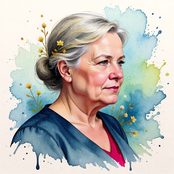
Create stunning AI watercolors in Carl Larsson's iconic style.

Creator and Miniature – Studio Illusion
Transform photos into hyper-realistic miniature scenes.

Retro Aesthetic Illustration
Creates vintage automotive illustrations with classic advertisement aesthetics.
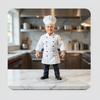
Miniature Chef on the Marble Counter
Transform photos into ultra-realistic miniature chef figurines.
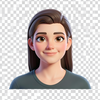
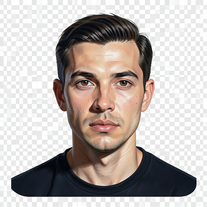
Stylized Cinematic Character Portrait
Transform your photo into a premium Pixar-style 3D character.
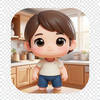
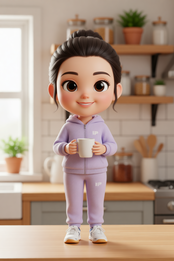
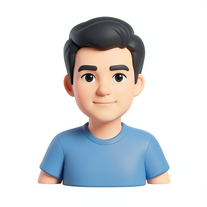
Cozy Morning Chibi Character
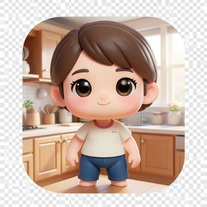
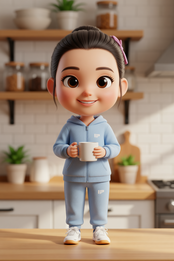
Transform photos into Pixar-quality 3D chibi characters.

Empire of Ink and Silence
Transform photos into impasto oil masterpieces.
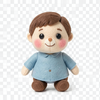
Soft Mythology: The Handcrafted Echo
Transform photos into whimsical handcrafted felt dolls.

Plastic Echo
Transform photos into 3D collectible characters.

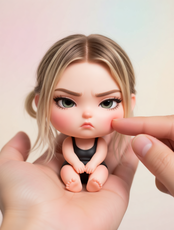
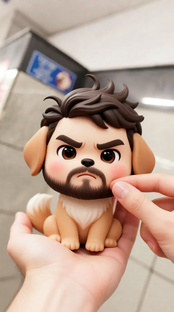
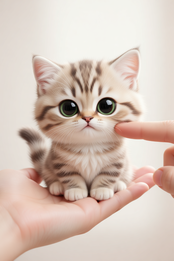
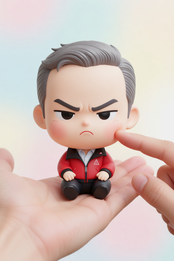
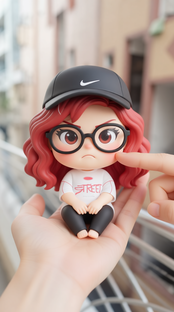
Pocket-Sized Attitude
Transform photos into adorable pocket-sized chibi characters.
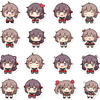
Chibi Sticker Sheet – 12 Expressions
Transform any image into adorable chibi sticker sheets.

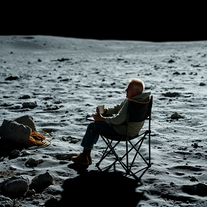
Coffee Break on the Silent Moon
Transform your photo into a lunar coffee break.

The Grumpy Christmas King
Transform photos into grumpy Christmas 3D caricatures.

Miniature Reality Inside The Pickle Jar
Transform yourself into a tiny figure trapped in a pickle jar.

The Tiny Escape
Transform yourself into tiny, photorealistic cinematic scenarios.

The Portrait in Progress
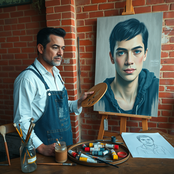
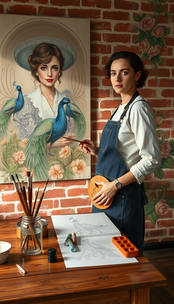
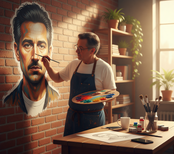
Turn photos into cinematic street art murals.

Coca-Cola Christmas Magic
Transform photos into Coca-Cola Christmas ads with polar bears.

Doodle - stickers
Transform ideas into charming hand-drawn stickers.

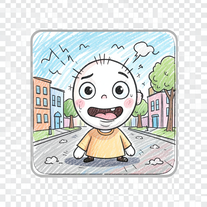
Reference Photo to Crayon Art Transformation
Transform any photo into charming crayon art with childlike wonder.

Hand-Sketched Urban Graffiti Portrait — Realistic Reference Edition
Transform photos into cinematic graffiti portraits.

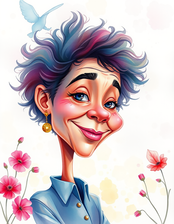
Watercolor caricature
Transform anyone into whimsical watercolor caricatures.





