

 Mini tools

-
 yuri boyka🙏 15 karmaAug 22, 2024@InVideoVery use full video generator nice.......
 -

-
 easy to use meets very specific need but for general purpose ( quick enhance)
 -

-
 Open
Open Just tried it and it’s working fine for me. The results are actually nice, worth trying again!
 -
 Looks promising and allows free image generation after signing up (with a daily limit).
 -
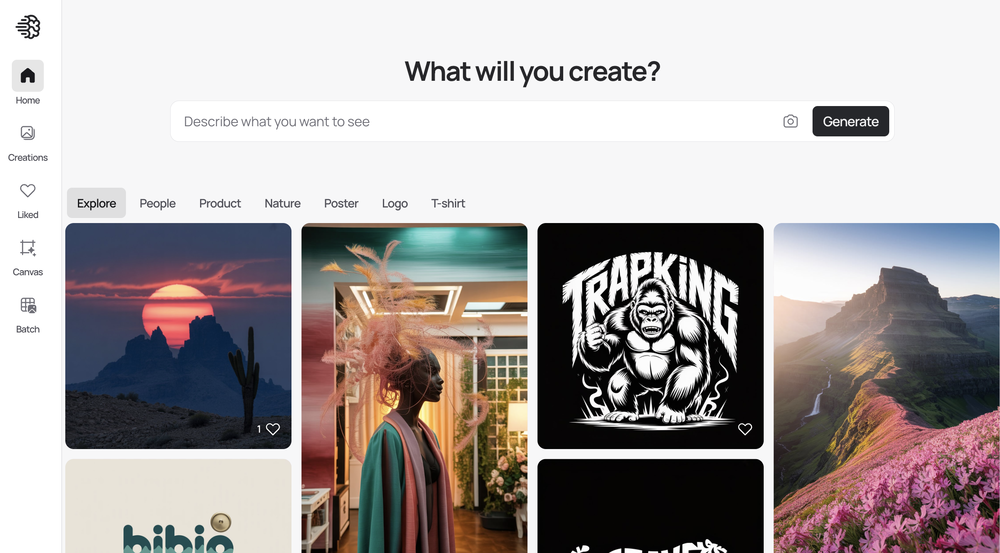 When I want to sign up on the Ideogram website with "Continue with Google" and press it, the sentence "Please choose an option to continue" appears below the banner and no action happens. Anybody can help me?
 -
 I recently started using Napkin AI, and I couldn't be more impressed! This tool is incredibly user-friendly and intuitive, making it easy to generate clear visual representations from text. Moreover, the interface is clean and visually appealing, which enhances the overall user experience. Napkin AI is a fantastic companion. Highly recommended for anyone looking to elevate their creative process!
 -
 too expensive for me, I just want to make memes, not pay that much
 -
-

-

-
 Makes it easy to get started with a presentation if you have an outline, but as soon as you want more control, you're better off using Google Slides. Gamma's feature that I used the most was image generation - you can select among a variety of models (Ideogram, Flux, DALL-E, but not Midjourney), and it shows 3 variations to choose from. Performance is slow and a little janky, even in Chrome. Prompts and settings are often not respected - e.g. you set it to "preserve text" and just generate slides, and it goes onto dumping an entire 3 paragraphs of text in one slide. You can't overlay text over images (e.g. for image attribution), and there's no precise positioning control, or grouping elements. No way to control table layout, e.g. to have two images slide-by-side in full bleed mode. I tried Gamma for a new presentation, but next time I need to make a presentation, I'll go back to Google Slides and generate images independently.
 -

-




















#
Tool
Task
Released
Price
Country
Views
Features
Saves
Reviews
Comments

Photoroom: AI Photo Editor
Transform your photos with Studio Editor





Copy.ai
AI-powered copywriter for high-quality marketing content.






