

 Mini tools
 Image Generator
 Photo AI
 Stockimg AI
 BestPhotoAI
 Midjourney
 CreativePixel
 Ideogram
 INLINER
 Getimg.ai
 SD Telegram bot
 Picsman - AI Photo Editor
 PixAI Art
 Seedream
 ChatGPT Images
 Shoots by Diktatorial
 GenTube
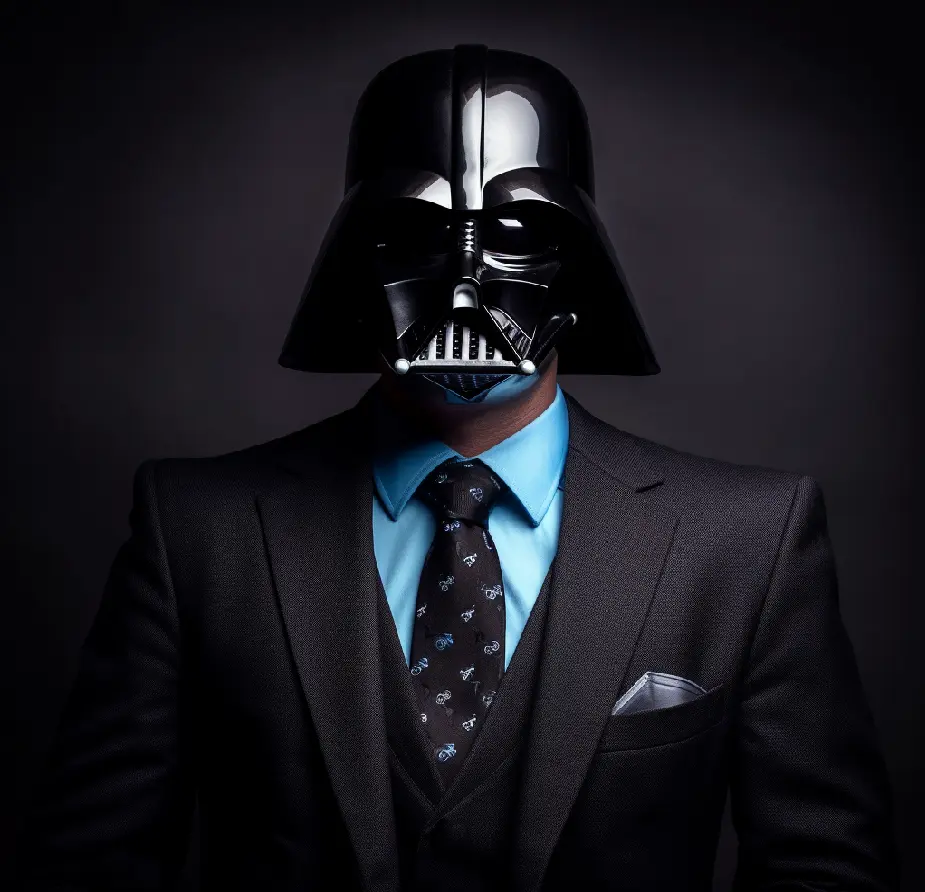 HeadSnap
 Deepdreamgenerator
 Glif
Glif
 FLUX
FLUX
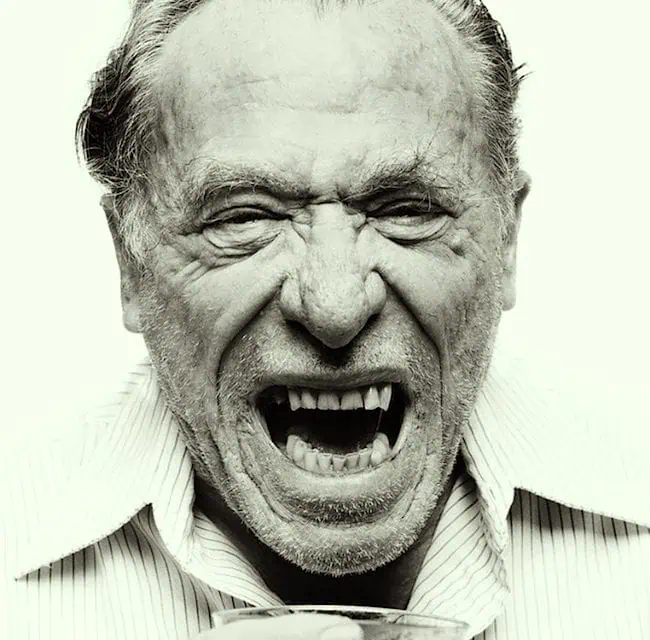 So You Want To Be A Writer?
 Minka
Minka
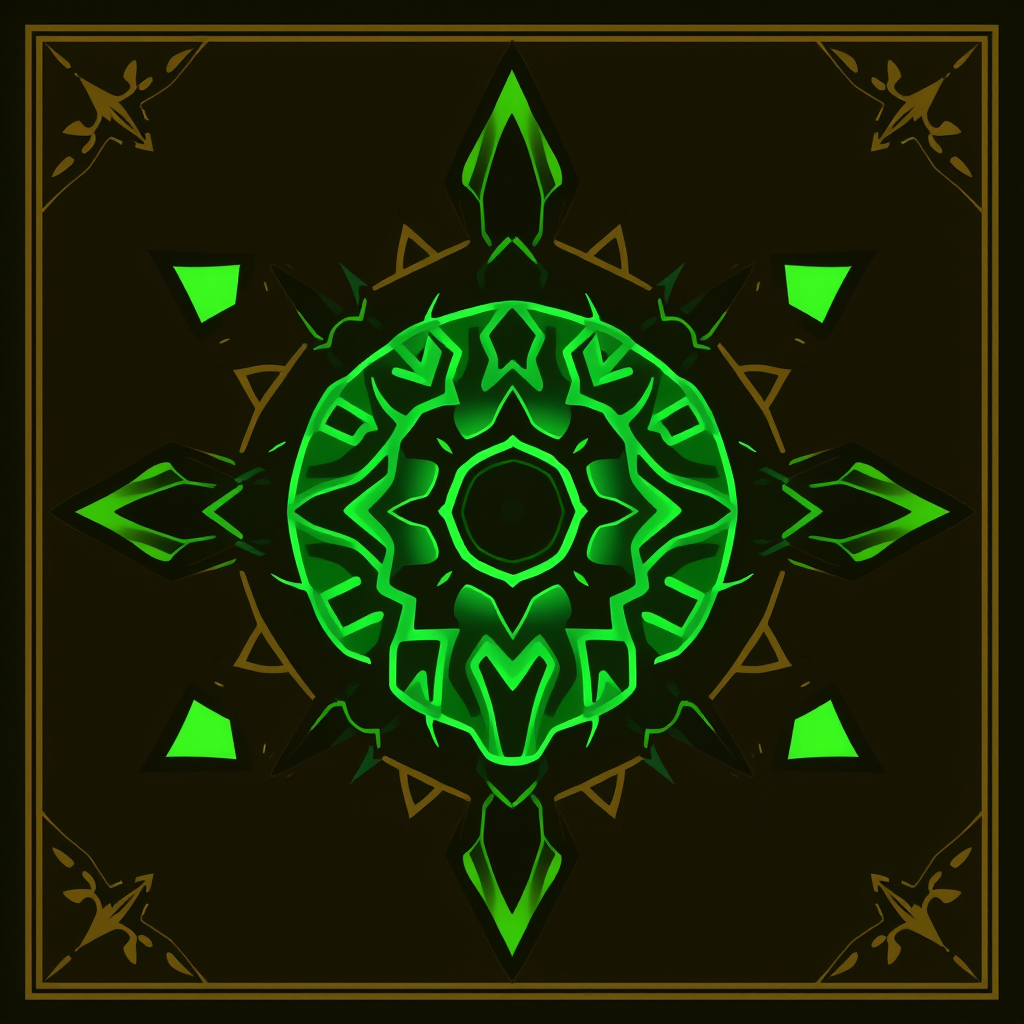 Ancient AI powered spirits
 Jvb ai
 somacguffin
 Cuty
Cuty
 Superfly Stoner







Overview
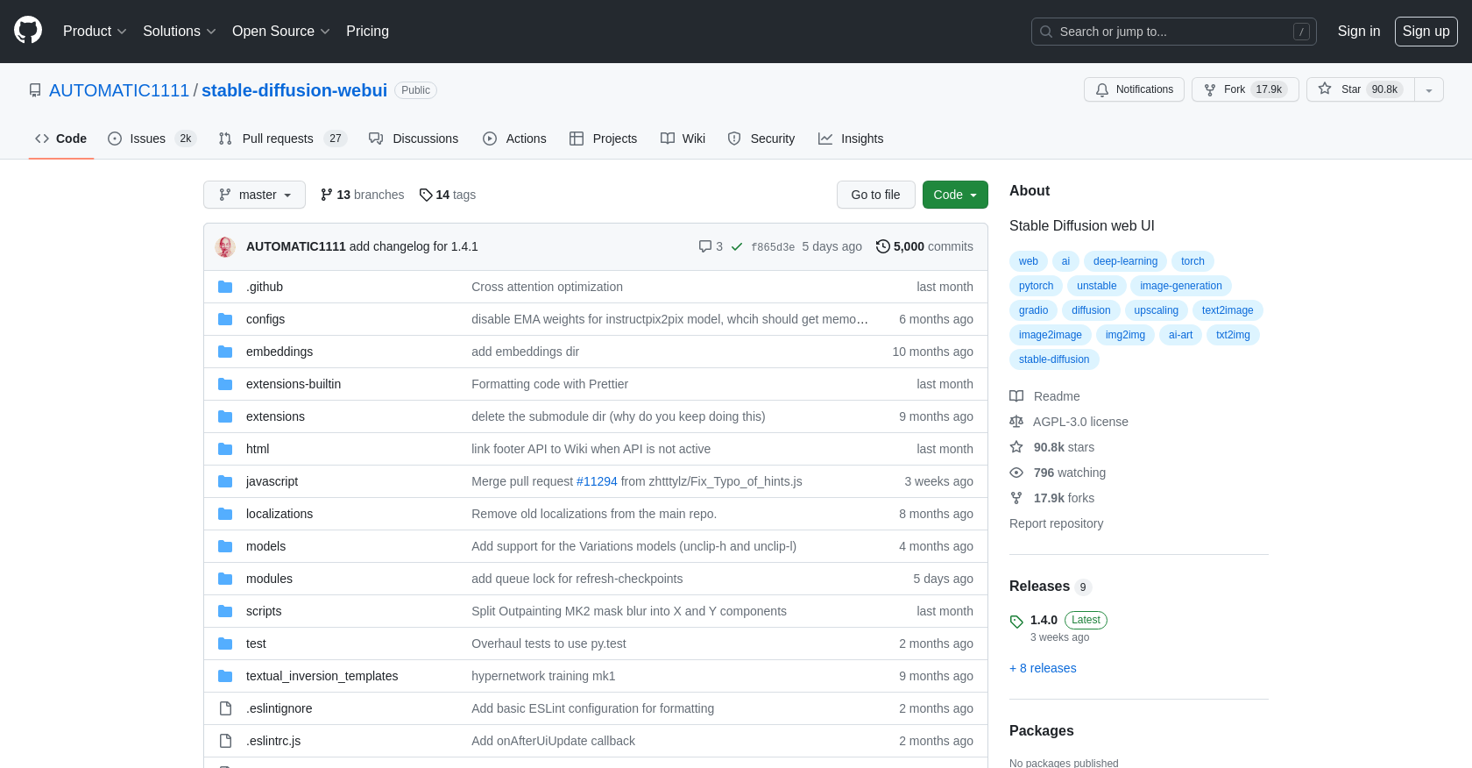
The Stable Diffusion web UI is a tool developed by AUTOMATIC1111 and hosted on GitHub. It provides users with the ability to contribute to and manage the stable-diffusion-webui project.
The tool offers various features and functionalities to support software development workflows.Some of the notable features include:- Code management: Users can view and browse the codebase, explore different branches and tags, and clone the repository using HTTPS or GitHub CLI.- Issue tracking: The tool provides an issue tracking system, allowing users to create, manage, and discuss issues related to the project.- Code collaboration: Users can engage in discussions with other contributors through the platform, enabling collaboration outside of the code itself.- Actions: The tool enables users to automate workflows, executing predefined actions based on certain triggers or events.- Security: Users can leverage the built-in security features to find and fix vulnerabilities in the code.- Documentation: The tool offers access to project documentation, allowing users to learn more about the stable-diffusion-webui project.Overall, the Stable Diffusion web UI on GitHub provides a platform for collaborative software development, offering a range of features to facilitate code management, issue tracking, collaboration, and automation.
Releases
Top alternatives
-
 Unleash imagination with AI-powered image generation.My Sawsiri🙏 537 karmaMar 13, 2025@Image GeneratorI think it's the best image generator I ever found on the net. It gives more accurate image according to the prompt. And thank you for keeping it for free.
 -
 Create beautiful AI photos and videos of real peopleIt's not free, it forces you to input an email before shoving a price tag in your face.
 -
 Generated images and text for design ease.
 -
 Create amazing AI photos instantlyLove how it offers stuff for both free and premium users. huge thanks to the devs and keep it up!
 -
 Expand human imagination through AI-powered visuals.
 -
 Out-create Your Competition in MinutesThis one gives some pretty decent logo directions quickly. The first concepts are useful, but I’d still want finer control over typography and spacing before calling anything final.







