Mini tools
 Consistent AI videos of your custom model - train once, create forever.
 freebeat AI
 Magik Face
 D-ID
D-ID
 MagicLight
 HeyGen
 Kaiber Superstudio
 Seedance
 Kling
Kling
 AI Video Generator by RenderFlow AI
 neural frames
 Funy AI: AI Dance, AI Bikini, AI Kiss
 Chraft AI
 ViGi
ViGi
 Vidu AI Video Generator
 Videnly
 Viddo AI - AI Video Generator
 VidGen AI Video Generator
 Wan Video
 CreatorFrames
 AIReel
 So You Want To Be A Writer?
 Minka
Minka
 Ancient AI powered spirits
 Jvb ai
 somacguffin
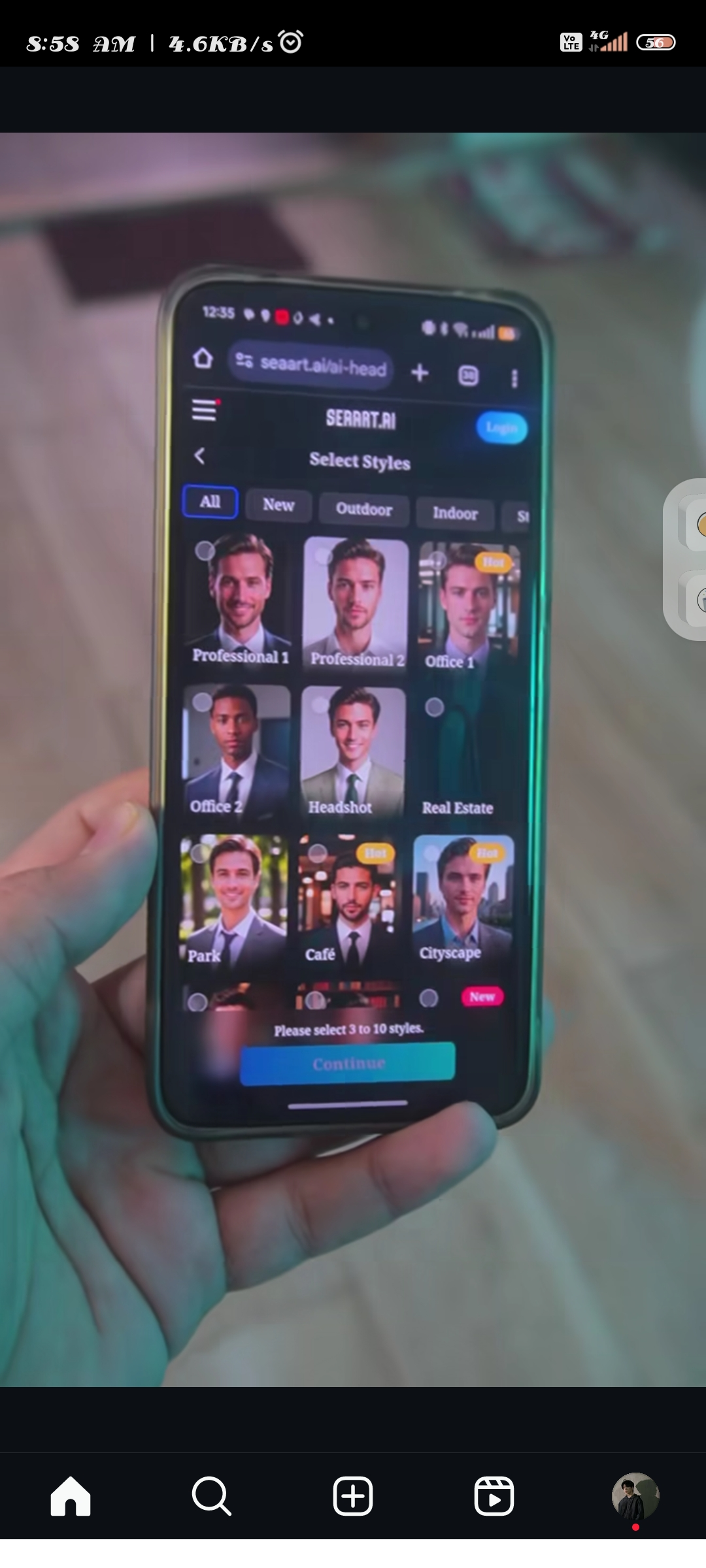 Cuty
Cuty
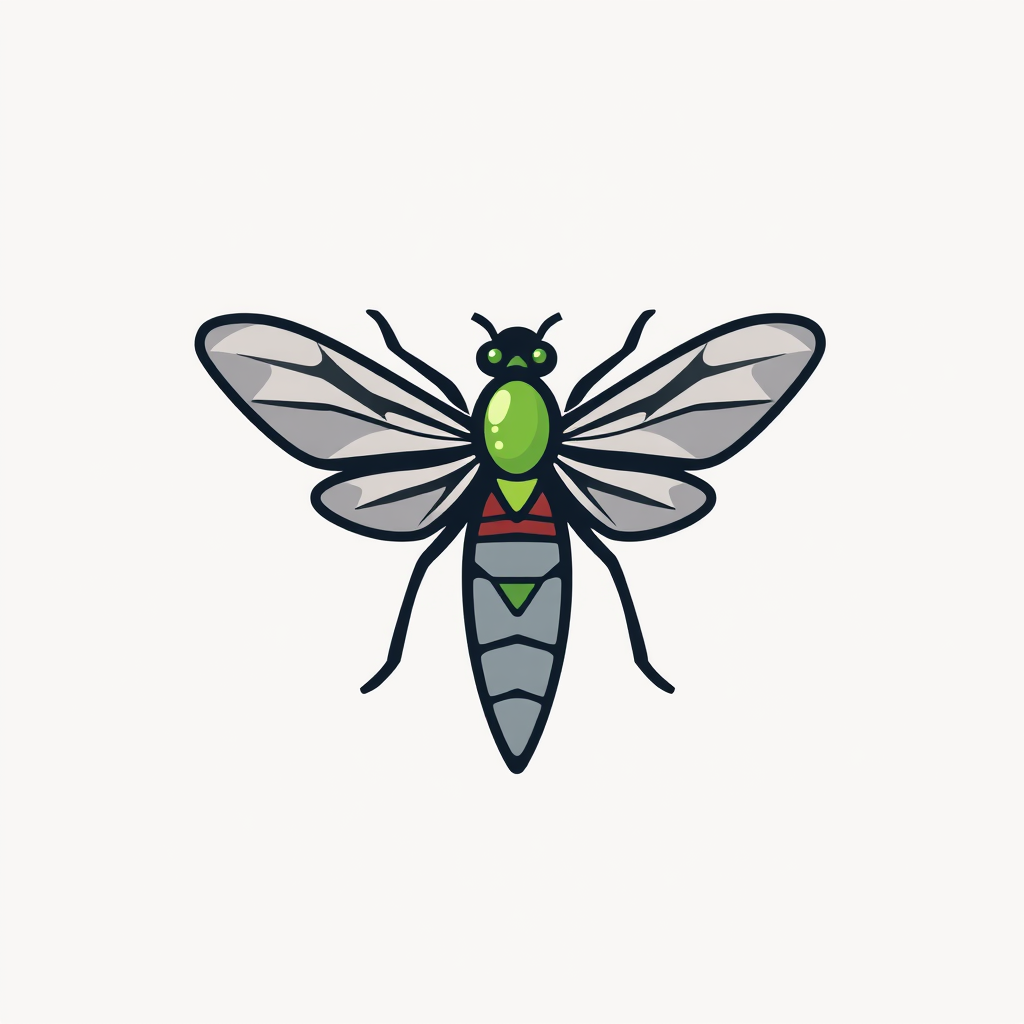 Superfly Stoner

ClipModev2.0Version updatev2.0Dec 1, 2024- Added FLUX for improved realism
- Hands problem fixed
- Generation time dropped to 2.5 seconds
- Create high-quality HD 1024x1024 images
- Remix any image
 Funy AI: AI Dance, AI Bikini, AI Kiss
 SecretCrush AI
Overview





ClipMode is an AI video generation platform that lets you train a custom model once and create unlimited, consistent content from it. Instead of re-uploading reference images for every generation, ClipMode learns your subject a single time, then reproduces it faithfully across videos, image-to-video sequences, and stills.
Built on a LoRA-based training pipeline, it holds character consistency that generic text-to-video tools can't match — the same face, style, and identity in every clip.
The workflow suits creators, marketers, and studios that need repeatable output at scale: train your model, pick a template or prompt, and generate. ClipMode covers image generation, image-to-video, and in-app editing, giving you an end-to-end pipeline from one training set.
As the underlying models improve, output quality improves too — no retraining from scratch. The interface is built to be usable with or without a technical background.
Releases
- Hands problem fixed
- Generation time dropped to 2.5 seconds
- Create high-quality HD 1024x1024 images
- Remix any image
Pricing
Top alternatives
-
 Turn Music & Ideas into Viral Videos In One Click🔥 freebeat V10.2 introduces Photo Karaoke, multiple performance modes, scene presets, and automatic AI lip sync. ----- What’s New - 📸 Photo Karaoke – Turn a single portrait into an AI-powered singing performance with just a photo and a song. - 🎭 Multiple Performance Modes – Create Solo, Duet, or Pet karaoke videos for different performance experiences. - 🎬 Scene Presets – Choose from built-in performance scenes including Studio, Jazz, Bar, Home, Supercar, Fisheye, and more. - 🎤 Expressive AI Lip Sync – Generate natural singing performances synchronized with your song. ----- How It Works 1. Upload a photo or choose one from My Assets. 2. Select a performance mode and scene preset. 3. Add your song and generate your karaoke performance. 4. Download the finished video and share it anywhere. ----- Why It Matters V10.2 expands freebeat’s music video creation experience by bringing AI singing performances to still images. Instead of recording videos or animating portraits manually, creators can now transform a single photo into an expressive karaoke performance in just a few clicks. 👉 Try it now – www.freebeat.ai
 -
 AI-powered character creation and photoshoots
 deep🙏 44 karmaFeb 12, 2025@Magik FaceI love that I can use these characters commercially. It's perfect for my small business illustrations.
 -
 Create AI-generated videos with easeWE USE D-ID AT THE COLORADO VIRTUAL CREATIVE FACTORY...AND LOVE IT.
 -
 Transform text into captivating videos instantly.You get 300 credits upon signing up, which is enough to test out the app and see its potential. I had a bit of fun with it. It takes a few minutes to generate content, but the results are impressive. There are many styles, modifiers, and customization options available. I would definitely use this for content creation or storytelling.
 -
 Create AI spokesperson videos from text
 -
 AI Video GenerationThey're dreaming if they think I'd give them my credit card info just for a free trial. Most useless thing ever...