

 Mini tools
 Reclaim your inbox with AI-powered email cleanup.
 Forage Mail
 Ayari
Ayari
 HeyHelp
 Eloquens AI
 Pullsy
 SaneBox
 Fyxer.ai
 Nily (aka Remail)
 Breezemail
 Stamp
Stamp
 Inboxly
 Smart Inbox AI
 Duet Mail
 Notion Mail
 Varolio
 Inbox Zero
 Dobror
 Spark Mail
 Inbox AI
 Pingg
Pingg
 TheLibrarian.io
 Supernormal App
 Saidar
 MiroAI
 Collate
 Runable
 ComputerX
 Slashspace (Formerly RabbitHoles AI)
 AiAssistWorks - GPT Gemini Claude AI for Sheets Docs Slides
 ConsoleX AI
 Ask Steve
 Kolva
Kolva
 Alfred by Simbli.ai
 Affint
 Octofy
 Sup AI
 BrowseWiz
 ZeroTwo
 Support Flow
 Hyperis
 hi ai
hi ai
 Atomic Mail
 Superhuman
 Canary Mail
 Re:GPT
 Arch AI
 Letty
Letty
 Quiky.email
 Gmail
Gmail
 Agentic Mail | Hostinger
 Sendmux
 Moosend
 Unlimited E-mails
 EMAIL DRAFT
 temp email

MailSweeperv2.0Version updatev2.0Jul 6, 2026Mail Sweeper V2 — Four ways to clean your Gmail inbox
Mail Sweeper V2 turns a one-trick sweeper into a complete inbox-cleanup toolkit. A redesigned dashboard now offers four cleanup tools in one place:
- Quick Clean — scans your inbox and suggests the smartest cleanups: top cluttering senders, years-old unread mail, and storage-hogging attachments, each with a one-click sweep and a "View in Gmail" preview before anything moves.
- Organize Inbox — AI scans your senders, suggests smart Gmail labels grouped by category, and applies them in bulk.
- Unsubscribe — every mailing list in one place, with one-click unsubscribe and bulk delete.
- Automatic Cleanup — the signature Dustpan now has a guided setup and a dedicated configuration page, sweeping unimportant email to the trash on a schedule you control.
V2 also adds a 14-day free trial, a limited pay-once lifetime plan, impact stats (emails deleted, storage reclaimed, estimated CO₂e saved), and a faster, streamlined onboarding. Everything goes to Gmail's trash first — nothing is ever permanently deleted without a rescue window.






Overview
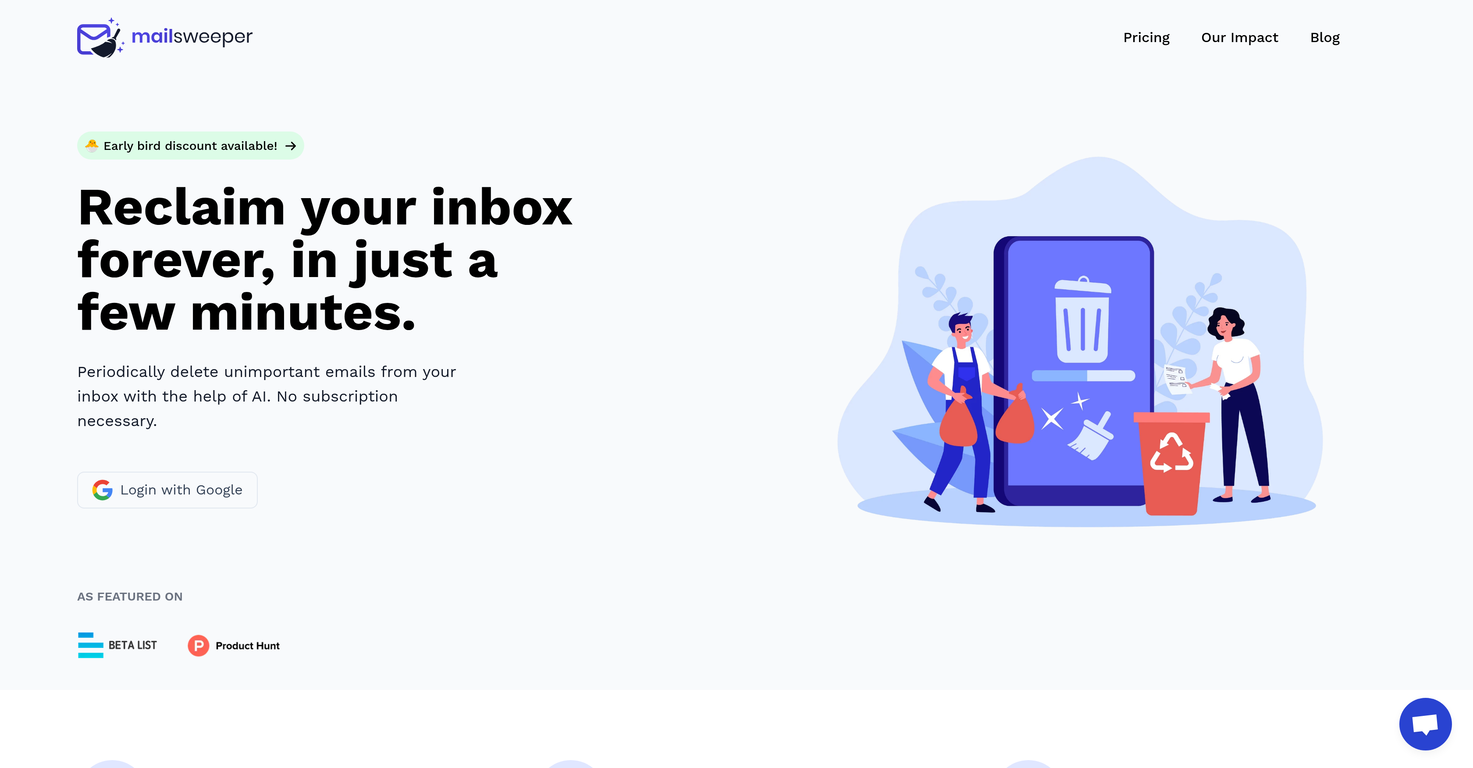
MailSweeper is an AI-assisted tool for managing and decluttering your email inbox. Designed to function with Google accounts, MailSweeper does not require a subscription and is available for a one-time purchase for personal use.
The tool simplifies the task of maintaining a clean inbox by periodically deleting unimportant emails. Users sign into their Google accounts, answer some quick questions to customize their preferences, then install the tool.
MailSweeper operates by collecting unimportant emails into a designated 'Dustpan', which are later moved to the trash, effectively assisting users in reducing their email storage costs.
Accordingly, it allows you to stay within the limits of free Gmail storage without the need to pay for extra space. Emails that are 'starred', marked as important, or in the primary inbox are exempt from being moved to the Dustpan.
MailSweeper is positioned not just as a tool for improving digital hygiene but also as a contributor towards reducing carbon footprint. The tool respects privacy, with the provider stating that it does not read, store, or sell any information about a user's emails, and it's CASA-certified.
Future updates may extend support to other email providers.
Supported features
Releases
Mail Sweeper V2 — Four ways to clean your Gmail inbox
Mail Sweeper V2 turns a one-trick sweeper into a complete inbox-cleanup toolkit. A redesigned dashboard now offers four cleanup tools in one place:
- Quick Clean — scans your inbox and suggests the smartest cleanups: top cluttering senders, years-old unread mail, and storage-hogging attachments, each with a one-click sweep and a "View in Gmail" preview before anything moves.
- Organize Inbox — AI scans your senders, suggests smart Gmail labels grouped by category, and applies them in bulk.
- Unsubscribe — every mailing list in one place, with one-click unsubscribe and bulk delete.
- Automatic Cleanup — the signature Dustpan now has a guided setup and a dedicated configuration page, sweeping unimportant email to the trash on a schedule you control.
V2 also adds a 14-day free trial, a limited pay-once lifetime plan, impact stats (emails deleted, storage reclaimed, estimated CO₂e saved), and a faster, streamlined onboarding. Everything goes to Gmail's trash first — nothing is ever permanently deleted without a rescue window.

Pricing
Top alternatives
-
 AI that solves email overwhelm. Not another mail app.
 Richie🛠️ 1 tool 🙏 10 karmaMar 25, 2025@Forage MailHey TAAFT, I’m Richie, cofounder of Forage Mail! 👋 Forage has seriously changed my relationship to my inbox, and I'm excited for more of you to experience it. Forage is not a new email app you need to learn. It’s an AI that plugs right into your Gmail account and filters out your low-priority mail. Then, it sends you a clean daily summary with everything it filtered out—including a TLDR of every newsletter you received.
 -
 Conversational AI for email and calendar management.Maybe making an browser extension to integrate directly into mail clients would be great here :)
 -
 AI Email Assistant in Gmail that saves you 1 hour each day.Been loving this tool so far, it's awesome to keep my inbox organized with the auto-tagging feature. I'll try the auto-draft as well, seems promising 🙏
 -
 AI email assistant that never sleeps.Worth the $60 monthly if you're a small business especially because it sends email on your behalf - doesn't just draft and keep it in your inbox (that option also exists). Mails composed are accurate, it's as if the tool is thinking on your behalf too. Learns and understands your writing style, job role, etc. and tailors the response.
 -
 Your inbox, organized. Your replies drafted.
 -
 Enhanced email organization and productivity.








