Can Pullsy help me search and filter my emails?
Yes, Pullsy provides a smart and efficient way to search and filter emails. Pullsy's AI analyses your emails and helps to search, filter, and understand the emails, enabling quicker access to necessary information and maintaining a clutter-free inbox.
What measures does Pullsy take for data protection?
Pullsy is built with robust security measures for data protection. It is Google OAuth Verified for secure data transactions. Encryption is applied during transit and at rest to ensure data integrity. Access to information is limited to ensure privacy.
Does Pullsy comply with GDPR?
Yes, Pullsy is GDPR compliant. It adheres to the regulations laid out by the General Data Protection Regulation, ensuring data privacy and security for its users within the European Union
Can Pullsy help with task management within emails?
Pullsy's AI can identify actions required within an email, such as tasks you need to confirm or decline. It then drafts a response for those actions accordingly, thus aiding in effective task management within emails.
How does Pullsy's inbox organization feature work?
Pullsy uses AI to automatically sort and categorize your inbox. It separates important messages from less relevant ones and creates an organized view to improve user productivity.
Can Pullsy write responses in different tones?
Yes, Pullsy can draft responses in several different tones. Users can choose the tone for their responses directly from the dashboard, and Pullsy will adapt and generate responses that match the selected tone.
How does Pullsy identify and highlight important messages?
Pullsy uses AI to identify and highlight important messages in your inbox. It filters out less relevant content, ensuring you always see the most essential conversations first and are not overwhelmed by a cluttered inbox.
Does Pullsy have a free trial period?
Yes, Pullsy offers a 14-day free trial that users can start without entering credit card details. Users have the freedom to cancel their trials at any time and are given visibility over when they would be charged.
How does Pullsy's adaptive writing style learning feature work?
Pullsy's adaptive writing style learning feature involves studying your typical emails and picking up on your sentence structure, word choice, punctuation, formality, and more. It learns how you handle different elements of your email such as introductions, apologies, and requests. Over time, the AI mirrors your natural communication style.
What unique features does Pullsy offer for email management?
Pullsy offers unique and innovative features such as AI-powered email drafting, context-aware suggestions, adaptive learning and tone adaptation. It also enhances productivity effectively by organizing the inbox, offering one-click sending, and conducting effective task management within emails.
How does Pullsy ensure user data security?
Pullsy is equipped with enterprise-grade data security measures to guard user data. It is Google OAuth Verified and GDPR compliant for robust data privacy. Furthermore, SOC Type 2 is in process, implying additional layers of security being put in place.
Can Pullsy assist with time management?
Pullsy's features such as email drafting and sending, inbox organization, and highlighting of crucial messages collectively assist with time management. By automating various aspects of email management, Pullsy allows users to free up time for other tasks.
Can I opt for different writing styles on Pullsy?
Yes, Pullsy offers users a selection of tones and writing styles, letting you pick what best aligns with your desired communication style. Whether you’d like your emails to be professional, friendly, direct, sarcastic, detailed - Pullsy ensures every draft matches the tone you choose.
What is Pullsy?
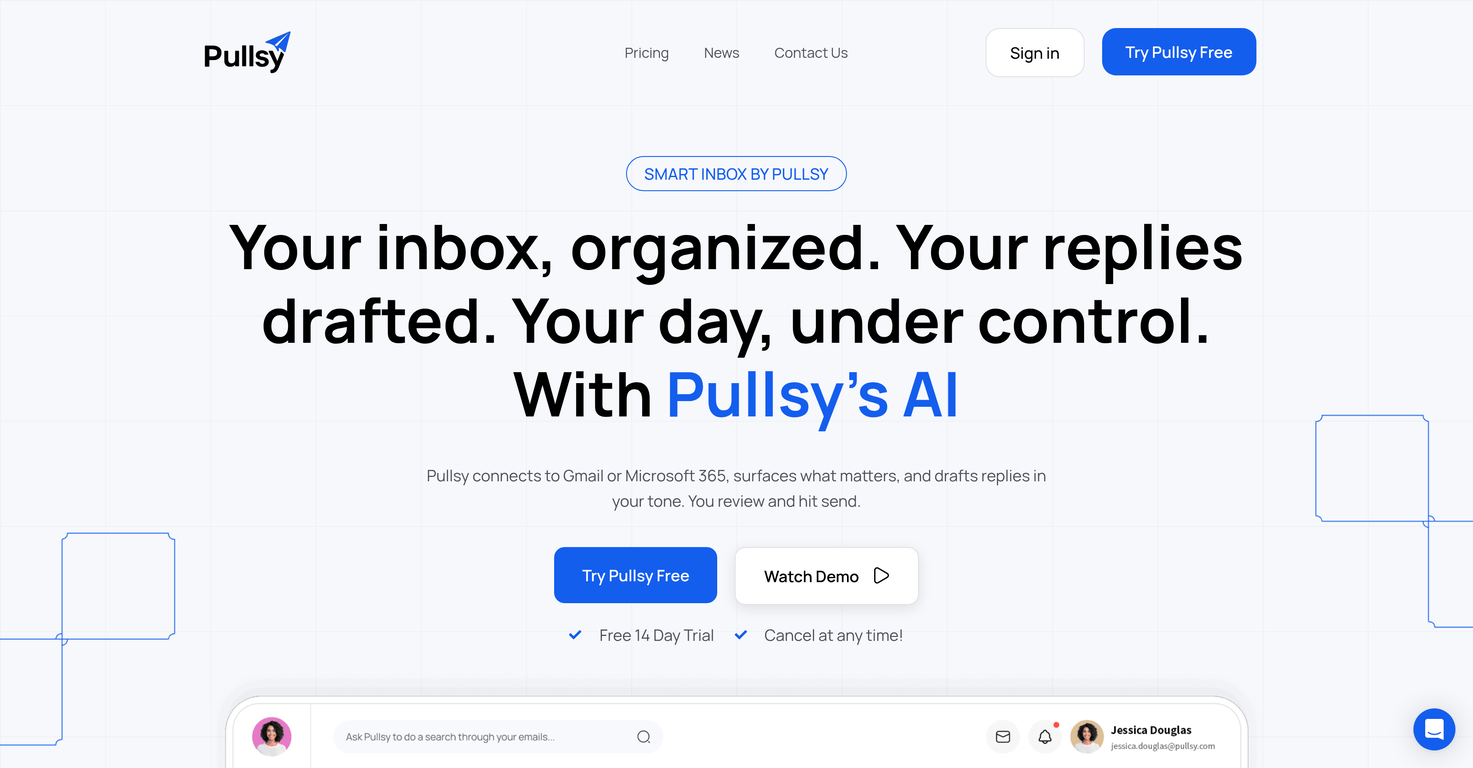
Pullsy is an Artificial Intelligence (AI) powered email assistant that optimizes email management for users. It connects seamlessly to Gmail or Microsoft 365, highlighting important emails and drafting responses in the user's tone. It also auto-sends these responses after review. It provides a streamlined inbox experience through its innovative features such as context-aware suggestions and adaptive learning of the user's writing style.
How does Pullsy's AI-powered email assistant work?
Pullsy works by connecting to your Gmail or Microsoft 365 accounts and using its intelligent AI algorithms to surface critical emails. It identifies action items within the emails and drafts responses accordingly. Pullsy also offers options like confirming tasks or proposing times in the response. The smart AI tool drafts the responses which can then be reviewed and sent by the user. It learns the user's style of communication over time and mimics the same in the drafted responses.
What email platforms can Pullsy connect to?
Pullsy can efficiently connect to email platforms such as Gmail and Microsoft 365.
Does Pullsy offer features for email drafting?
Yes, Pullsy has a prominent feature for email drafting. Its Smart AI draft tool drafts context-aware responses that align with the user's chosen tone. The user can then review these drafts and send them with just a click.
Can Pullsy adapt to the user's writing style?
Yes, Pullsy adapts to the user's personal writing style through a process it refers to as 'Adaptive Writing Style Learning'. It learns key aspects of the user's communication, such as sentence length, word choice, punctuation marks used, and formality level. Over time, Pullsy mirrors these attributes in the drafted responses.
What is Pullsy's method for organizing my inbox?
Pullsy uses a ingenious method to organize the user's inbox. It employs an AI function that automatically identifies important emails and highlights them for the user. The AI also filters out less significant content, thereby decluttering the mailbox and enhancing productivity.
What is the 'one-click sending' feature in Pullsy?
The 'one-click sending' feature of Pullsy is a convenience tool that further streamlines email management. Upon generating an AI-drafted response, the user can review the draft and instantly send it with a single click, thereby making the process considerably effortless.
How does Pullsy help with searching and filtering emails?
Pullsy offers an intelligent system to search and filter emails. It employs AI-powered features like understanding email context and surfacing relevant attachments instantly to help users find critical information faster. This results in a clutter-free and well-organized inbox.
How is data security handled in Pullsy?
Data security is a top priority in Pullsy's design. Pullsy adopts enterprise-grade security standards, such as Google OAuth verification. An ongoing SOC Type II process ensures that the data security measures are robust and reliable.
Does Pullsy comply with GDPR?
Yes, Pullsy is fully compliant with General Data Protection Regulation (GDPR), making it a reliable and trustworthy tool for users who value their data privacy.
What is the 'context-aware responses' feature in Pullsy?
Pullsy's 'context-aware responses' feature is an innovative tool that helps draft responses based on the context of the email. When Pullsy detects actions within an email, such as questions, tasks, reminders or requests for documents, it drafts a response directly addressing these actions and offers options for each.
Can I control the tone of the drafted responses in Pullsy?
Yes, Pullsy provides users the flexibility to choose their preferred tone for the drafted responses directly from the dashboard. The drafted replies are then modified to match the selected tone.
How does Pullsy highlight important emails?
Pullsy highlights important emails by using an AI-based algorithm to identify and prioritize the most significant emails. It surfaces these crucial messages ensuring that the user does not miss out on any important communication.
Does Pullsy help understand the content of emails?
Yes, Pullsy assists users in understanding the content of their emails. Its AI-infused 'Ask Pullsy' feature can search, filter, and comprehend emails, making it easier for users to quickly access essential information, stay organized, and maintain a clear inbox.
Does Pullsy learn user's natural communication style?
Yes, Pullsy effectively learns the user's natural communication style. It studies the tone, choice of words, punctuations, formality levels, and patterns in the user's email writing and mimics these characteristics over time in the drafted responses.
What measures has Pullsy taken to offer end-to-end encryption?
Pullsy guarantees end-to-end encryption as a part of its data security measures. All data is encrypted both in transit and at rest. The encryption safeguards email data from unauthorized access, thus preserving communication privacy and integrity.
Can Pullsy auto-send drafted responses?
Yes, Pullsy has the feature to auto-send the responses drafted by its AI. However, it sends these responses only after the user reviews and approves them, ensuring that the user has complete control over the email communication.
Can Pullsy identify required actions within emails?
Yes, Pullsy is adept at identifying actions required within emails. It can detect queries, tasks, reminders, scheduling needs, or document requests within an email and offers options like confirm, propose a time, or attach a document in the drafted response accordingly.
How does Pullsy improve my productivity?
Pullsy enhances user productivity by offering a streamlined email management experience. It organizes the inbox by prioritizing important emails and filtering out less essential content. Its one-click sending feature eases the reply process, and its intelligent system for searching, filtering, and understanding emails leads to quicker access to vital information.
Does Pullsy offer multiple tone options for drafting responses?
Yes, Pullsy offers multiple options for drafting responses. Users can choose their preferred tone for the responses from the dashboard. The options include professional, friendly, direct, sarcastic, detailed, and more. The AI then drafts the responses to match the selected tone.