Tools 50,466
Mini tools 36,135
Companies 7,163
Tasks 11,171
Jobs 5,238
Events 95
Papers 7,810
Models 1,188
Repos 39,608
Robots 545
Devices 197
Countries 100
Investors 1,885
Collections 13,243
Job openings 341
Requests 1,505
Fundraises 1,896
Deals 410
Characters 23,277
Features 68
Tools 50,466
Tasks 11,171
Models 1,188
Mini tools 36,135
Characters 23,277
Companies 7,163
Requests 1,505
Papers 7,810
Collections 13,243
Fundraises 1,896
Investors 1,885
Countries 100
Repos 39,608
Devices 197
Features 68
Jobs 5,238
Robots 545
Events 95
Deals 410
Tools 50,466
Mini tools 36,135
Companies 7,163
Tasks 11,171
Jobs 5,238
Events 95
Papers 7,810
Models 1,188
Repos 39,608
Robots 545
Devices 197
Countries 100
Investors 1,885
Collections 13,243
Job openings 341
Requests 1,505
Fundraises 1,896
Deals 410
Characters 23,277
Features 68
Tools 50,466
Tasks 11,171
Models 1,188
Mini tools 36,135
Characters 23,277
Companies 7,163
Requests 1,505
Papers 7,810
Collections 13,243
Fundraises 1,896
Investors 1,885
Countries 100
Repos 39,608
Devices 197
Features 68
Jobs 5,238
Robots 545
Events 95
Deals 410
Go to section
Sponsor
 Speechmatics - API for Voice AI Agents
#1 website for AI tools.Used by 90M+ humans.
TAAFT Tutorial
Generate image
Tasks
Generate text
Free mode
Trending
Leaderboard
Characters
 Mini tools
New
Featured
Lists
Agents
Requests
Jobs
Map
Newsletter
Starter pack
Free tools
Speech to text
Text translator
Remove background
Settings
Edit profile
My tools
Gallery
Dashboard
Inbox
Get featured
Contact TAAFT
For you
Popular
Job impact index
Most saved
Affiliate program
Submit AI tool
Notification preferences
Glossary
Home
Timeline
My profile
Create tool
Deals
Companies
Models
Robots
Papers
Fundraises
Repositories
Devices
Organizations
Events
Prompt Pack
Merchendise
Credits
APIs
Features
Tools
Countries
Collections
Mini tools
New
Featured
Lists
Agents
Requests
Jobs
Map
Newsletter
Starter pack
Free tools
Speech to text
Text translator
Remove background
Settings
Edit profile
My tools
Gallery
Dashboard
Inbox
Get featured
Contact TAAFT
For you
Popular
Job impact index
Most saved
Affiliate program
Submit AI tool
Notification preferences
Glossary
Home
Timeline
My profile
Create tool
Deals
Companies
Models
Robots
Papers
Fundraises
Repositories
Devices
Organizations
Events
Prompt Pack
Merchendise
Credits
APIs
Features
Tools
Countries
Collections
Mini tools
New
Featured
Lists
Agents
Requests
Jobs
Map
Newsletter
Starter pack
Free tools
Speech to text
Text translator
Remove background
Settings
Edit profile
My tools
Gallery
Dashboard
Inbox
Get featured
Contact TAAFT
For you
Popular
Job impact index
Most saved
Affiliate program
Submit AI tool
Notification preferences
Glossary
Home
Timeline
My profile
Create tool
Deals
Companies
Models
Robots
Papers
Fundraises
Repositories
Devices
Organizations
Events
Prompt Pack
Merchendise
Credits
APIs
Features
Tools
Countries
Collections

▼ Latest
Image editing
Free mode
100% free
Freemium
Free Trial
Other tools
-
 Papi Fast🙏 3 karmaApr 20, 2026@Image to Image EditorIt is the best free image to image generator I have seen! It is fast, reliable, and good for making either quick adjustments or large gradual changes! 10/10 would recommend!
 -
 Open
Open -
 OpenChanged the prompt to improve results.
 - SponsorSpeechmatics - API for Voice AI Agents
-
 Transform your images with AI — effortlessly enhance, edit, or reimagine any picture using advanced image-to-image generation. Perfect for creatives, designers, and anyone looking to bring visual ideas to life.OpenNot at all accurate…. The only thing similar between original and generated images were the clothes and accessories… face was absolutely new and unconnected.
 -
 Open
Open -
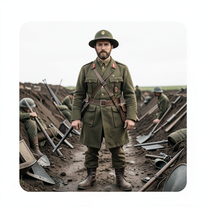 Transform subjects into hyper-realistic 8K war scenes.Open
 - Didn't find the AI you were looking for?
-
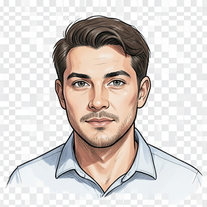 Transform photos into cinematic sketch portraits.Open
 -
 Open
Open -
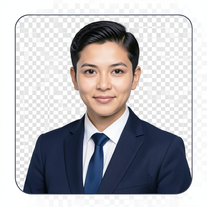 AI-powered corporate portrait generator for ultra-realistic executive headshots.Open
 -
 Transform yourself into cinematic dessert scenes.Open
 -
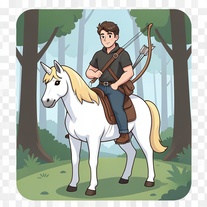 Open
Open -
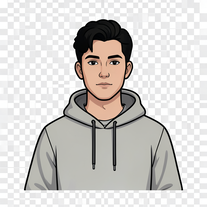 Transform your portrait into a cinematic night street scene.OpenSimply upload your photo; you don't need to type anything in the prompt field. Just click "generate" and watch the magic happen.
 -
 Transform photos into vintage woodcut engravings with facial accuracy.Open
 -
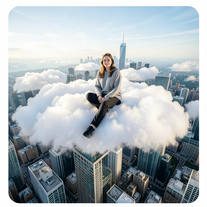
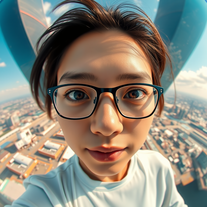 Create hyper-realistic fisheye skyscraper selfies with precise facial reproduction.Open
 -
 Transform your vision into stunning futuristic realities.Open
 -
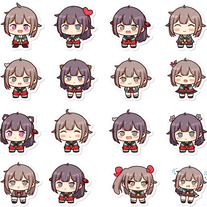 Transform any image into adorable chibi sticker sheets.Open
 -
 Transform photos into cinematic movie scenes.Open
 -
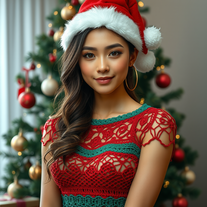 Transform photos into cinematic Christmas portraits.Open
 -
 Transform photos into epic warrior battle scenes.Open
 -
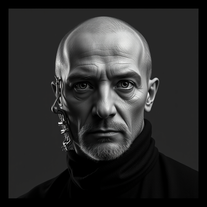 Open
Open -
 Transform photos into ultra-realistic Disney park portraits.Open
 -
 Open
Open -
 Transform photos into surreal human-technology fusion art.Open
 -
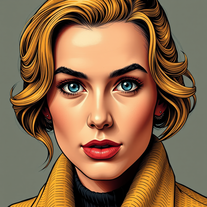 Transform photos into vintage comic book covers.Open
 -
 Transform photos into charming retro cartoons.Open
 -
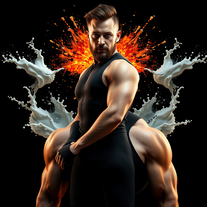 Transform photos into cinematic portraits with dramatic lighting.Open
 -
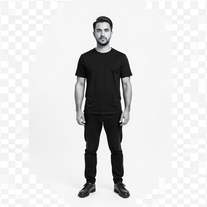
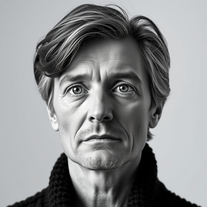 Transform any photo into cinematic black-and-white studio portraits.Open
 -
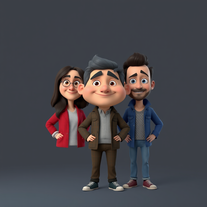 OpenI really appreciate you trying out my tool! The best results come from simple prompts, so no need to overthink it. Follow me, leave a comment with your thoughts or requests, and let’s keep building new tools together. Also, check out the other tools I’ve created—you might find one you really enjoy!
 -
 Generate nostalgic 90s-style analog photos of yourself.Open
 -
Changed the prompt to improve results.
-
 Opengreat alternative to the one and only Leonardo, great job!
 -
 Transform anything into magical Winx Club cartoons.Open
 -
 Transform photos into electrifying Ozzy Osbourne rock art.Open
 -
beautiful, it can capture the essence of old really good.
-
 Turn ideas into stunning AI-generated paintingsOpen
 -
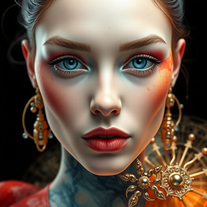 Transform portraits into 3D watercolor masterpieces.Open
 -
Yo , i just did myself as a lego character , this is D.O.P.E!
-
There were no aristocratic Asians and Africans in ancient Rome.
-
 Open
Open -
 Craft stunning portraits of fantasy descendants with AI.Open
 -
I can't believe this one is SO accurate while others misbehave like drunk rebels ;-) THX
-
 Open
Open -
 Open
Open -
-
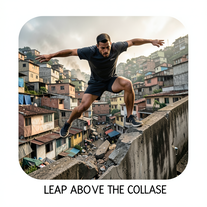 Craft hyper-real 8K cinematic action shots from reference images.Open
 -
 Hyper-realistic portraits with cinematic lighting perfection.Open
 -
 Turn one photo into studio-grade Disney character selfies.Open
 -
 Open
Open -
 Transform photos into hyper-realistic ballpoint pen portraits.OpenBeautiful, great job, I love it! It is extremely accurate, no need to even enter a prompt.
 -
Wow, impressive! Fun tool. No prompt necessary.
-
 Transform photos into hyper-realistic 8K caricature portraits.OpenThis tool is pre-trained; just upload a photo of yourself or someone you want to create a funny or comical scene with.
 -
 Open
Open -
 Transform yourself into cinematic miniature adventures.Open
 -
 Wrestle giant food in hyper-realistic cinematic photos.Open
 -
 Open
Open -
 Transform your photo into hyper-realistic cinematic scenes.OpenThis tool is designed to only receive a photo as a reference; just use this and see the result.
 -
 Transform photos into cinematic freeze-frame masterpieces.Open
 -
 Transform portraits into high-fashion editorial magic.Open
 -
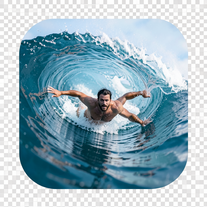 Transform portraits into hyper-realistic barrel wave shots.Open
 -
 Open
Open -
 Transform photos into Back to the Future scenes.Open
 -
 Transform photos into Parisian fashion editorials instantly.Open
 -
 Transform photos into museum-quality graphite portraits.OpenThe second attempt is much better, but added non-existing points.
 -
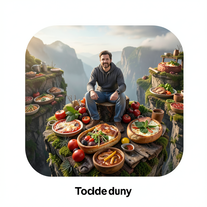 Transform photos into cinematic giant food landscapes.Open
 -
 Generate ultra-realistic candid photography with facial recreation.Open
 -
 Open
Open -
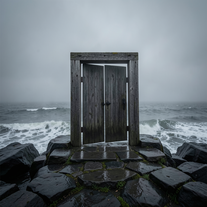 Creates ultra-realistic cinematic photographs of people through mystical doorways.Open
 -
 Transform ordinary scenes into extraordinary cinematic adventures.OpenSimply upload your photo; you don't need to type anything in the prompt field. Just click "generate" and watch the magic happen.
 -
 Transform photos into cinematic 8K investigation boards.Open
 -
 Transform photos into stunning 8K architectural blueprint portraits.Open
 -
 Transform any portrait into a hyper-realistic volcanic stone masterpiece.Open
 -
 Transform photos into cinematic exoskeleton portraits.Open
 -
 Transform photos into stunning 8K futuristic artwork.Open
 -
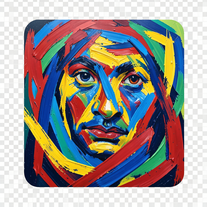 Transform photos into de Kooning-style abstract masterpieces.Open
 -
Simply upload your photo; you don't need to type anything in the prompt field. Just click "generate" and watch the magic happen.
-
Simply upload your photo; you don't need to type anything in the prompt field. Just click "generate" and watch the magic happen.
-
Simply upload your photo; you don't need to type anything in the prompt field. Just click "generate" and watch the magic happen.
-
 OpenSimply upload your photo; you don't need to type anything in the prompt field. Just click "generate" and watch the magic happen.
 -
 Transform photos into cinematic synthwave masterpieces.Open
 -
 Open
Open -
Simply upload your photo; you don't need to type anything in the prompt field. Just click "generate" and watch the magic happen.
-
 Transform photos into Hollywood-style action movie posters.OpenSimply upload your photo; you don't need to type anything in the prompt field. Just click "generate" and watch the magic happen.
 -
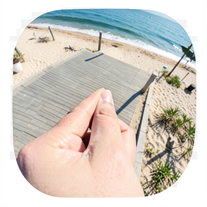 Creates ultra-realistic forced-perspective beach photos where you appear tiny.Open
 -
 Transform your photo into a cinematic masterpiece.Open
 -
 Transform photos into vibrant comic book illustrations.Open
 -
 Transform photos into hilarious cartoon wake-up scenes.OpenSimply upload your photo; you don't need to type anything in the prompt field. Just click "generate" and watch the magic happen.
 -
 OpenVideo editing is the process of selecting, trimming, and arranging footage to create a cohesive story or visual narrative. Here are some fundamental concepts and techniques: Types of Video Editing Linear editing: A straightforward, sequential approach to editing, where clips are arranged in a linear timeline. Non-linear editing: A more flexible approach, where clips can be arranged and rearranged freely in a timeline. Key Video Editing Techniques Cutting: A transition between two clips, where one clip ends and another begins. Cutting on action: Cutting between two clips while an action is in progress, to create a seamless transition. J-cut: Cutting from one clip to another while audio from the second clip starts playing before the video cuts to it. L-cut: Cutting from one clip to another while audio from the first clip continues to play. Video Editing Software Popular video editing software includes: Adobe Premiere Pro: A professional-level editing software with advanced features and integration with other Adobe tools. Final Cut Pro: A professional-level editing software for Mac users, known for its user-friendly interface and advanced features. DaVinci Resolve: A free and paid editing software that offers advanced color grading and audio editing tools. Best Practices for Video Editing Plan your edit: Develop a clear vision and storyboard before starting to edit. Organize your footage: Label and categorize your clips to make them easily accessible. Keep it simple: Avoid overusing transitions and effects; focus on telling a clear story. Advanced Video Editing Techniques Color grading: Adjusting the color and brightness of footage to create a specific mood or atmosphere. Audio ducking: Automatically reducing the volume of background audio when dialogue is present. Motion graphics: Adding animated text, logos, or other graphics to enhance the visual narrative. Video editing involves selecting, trimming, and arranging footage to create a cohesive story. Linear and non-linear editing are two fundamental approaches. Key techniques include cutting, cutting on action, J-cuts, and L-cuts. Popular software includes Adobe Premiere Pro, Final Cut Pro, and DaVinci Resolve. Best practices involve planning, organizing footage, and keeping it simple. Advanced techniques include color grading, audio ducking, and motion graphics. Capcat pro Capcat pro Download image-to-image-generator generated imagetransparent pixel Image to Image Generator Image to Image Generator Download image-to-image-generator generated imagetransparent pixel Image to Image Generator Image to Image Generator Download image-to-image-generator generated imagetransparent pixel Image to Image Generator Image to Image Generator Download image-to-image-generator generated imagetransparent pixel Image to Image Generator Image to Image Generator Download image-to-image-generator generated imagetransparent pixel Image to Image Generator Image to Image Generator Download image-to-image-generator generated imagetransparent pixel Image to Image Generator Image to Image Generator Download image-generator generated imagetransparent pixel Image Generator Image Generator Copy Video Editing Basics Video editing is the process of selecting, trimming, and arranging footage to create a cohesive story or visual narrative. Here are some fundamental concepts and techniques: Types of Video Editing Linear editing: A straightforward, sequential approach to editing, where clips are arranged in a linear timeline. Non-linear editing: A more flexible approach, where clips can be arranged and rearranged freely in a timeline. Key Video Editing Techniques Cutting: A transition between two clips, where one clip ends and another begins. Cutting on action: Cutting between two clips while an action is in progress, to create a seamless transition. J-cut: Cutting from one clip to another while audio from the second clip starts playing before the video cuts to it. L-cut: Cutting from one clip to another while audio from the first clip continues to play. Video Editing Software Popular video editing software includes: Adobe Premiere Pro: A professional-level editing software with advanced features and integration with other Adobe tools. Final Cut Pro: A professional-level editing software for Mac users, known for its user-friendly interface and advanced features. DaVinci Resolve: A free and paid editing software that offers advanced color grading and audio editing tools. Best Practices for Video Editing Plan your edit: Develop a clear vision and storyboard before starting to edit. Organize your footage: Label and categorize your clips to make them easily accessible. Keep it simple: Avoid overusing transitions and effects; focus on telling a clear story. Advanced Video Editing Techniques Color grading: Adjusting the color and brightness of footage to create a specific mood or atmosphere. Audio ducking: Automatically reducing the volume of background audio when dialogue is present. Motion graphics: Adding animated text, logos, or other graphics to enhance the visual narrative. Video editing involves selecting, trimming, and arranging footage to create a cohesive story. Linear and non-linear editing are two fundamental approaches. Key techniques include cutting, cutting on action, J-cuts, and L-cuts. Popular software includes Adobe Premiere Pro, Final Cut Pro, and DaVinci Resolve. Best practices involve planning, organizing footage, and keeping it simple. Advanced techniques include color grading,
 -
Simply upload your photo; you don't need to type anything in the prompt field. Just click "generate" and watch the magic happen.
-
Simply upload your photo; you don't need to type anything in the prompt field. Just click "generate" and watch the magic happen.
-
 Open
Open -
 Transform photos into hyper-realistic wooden twig portraits.Open
 -
 Transform your photo into a cinematic New Year celebration.Open
 -
 Transform portraits into cinematic window masterpieces.Open
 -
 Transform ordinary images into luminous masterpieces with AI-powered shining effects.Open
 -
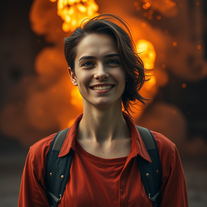 Open
Open -
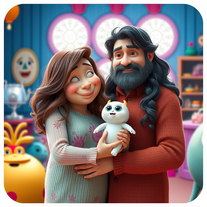 Transform family photos into magical Monsters Inc. scenes.OpenSimply upload your photo; you don't need to type anything in the prompt field. Just click "generate" and watch the magic happen.
 -
 Transform any photograph into elegant engraving-style line art.Open
 -
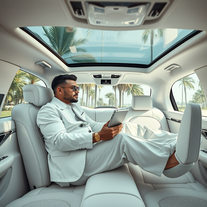 Transform yourself into luxury lifestyle photos.OpenFlipping crazy good!
 -
 Transform your photo into El Chavo del 8 memories.OpenSimply upload your photo; you don't need to type anything in the prompt field. Just click "generate" and watch the magic happen.
 -
 Open
Open -
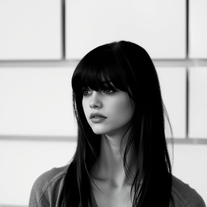 Transform colorful photos into stunning black-and-white masterpieces.Open
 -
Simply upload your photo; you don't need to type anything in the prompt field. Just click "generate" and watch the magic happen.
-
 OpenSimply upload your photo; you don't need to type anything in the prompt field. Just click "generate" and watch the magic happen.
 -
 Transform yourself into hyper-realistic celebrity group photos.OpenSimply upload your photo; you don't need to type anything in the prompt field. Just click "generate" and watch the magic happen.
 -
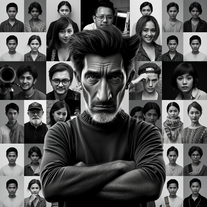 Transform your photo into stunning 8K hyper-realistic portraits.Open
 -
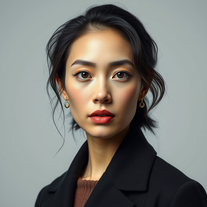 Transform your photos into stunning hyper-realistic studio portraits.Open
 -
 Transform photos into stunning, business-ready portraits.Open
 -
 Open
Open -
 Transform any photo into a giant parade balloon.Open
 -
 Transform any photo into hilarious Christmas lap portraits with Santa!Open
 -
 Transform photos into ultra-realistic studio portraits.Open
 -
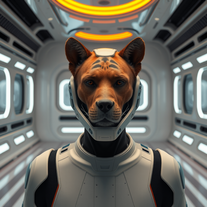 Transform photos into cinematic movie scenes instantly.Open
 -
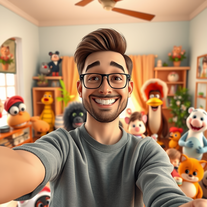
 Transform photos into cinematic scenes with cartoon characters.OpenNot what I expected . Need more info
 -
 Transform photos into whimsical art masterpieces.Open
 -
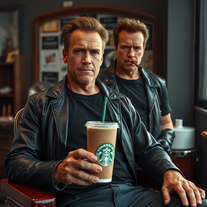 Transform photos into cinematic Arnold Schwarzenegger barbershop scenes.Open
 -
-
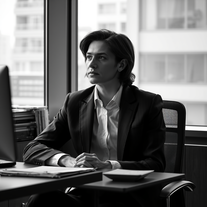 Transform any photo into stunning black-and-white editorial portraits.Open
 -
 Transform your photo into an ultra-realistic beach scene with SpongeBob!Open
 -
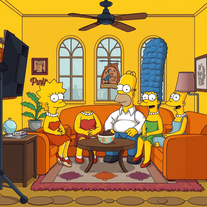 Transform yourself into a live-action Simpsons character.Open
 -
 Open
Open -
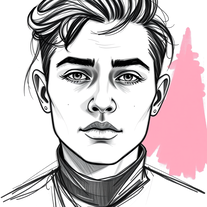 Transform photos into striking grunge-style portraits.Open