Tools 50,588
Mini tools 36,248
Companies 7,168
Tasks 11,172
Jobs 5,238
Events 94
Papers 7,825
Models 1,194
Repos 39,608
Robots 547
Devices 198
Countries 100
Investors 1,913
Collections 13,271
Job openings 341
Requests 1,506
Fundraises 1,896
Deals 411
Characters 23,300
Features 68
Tools 50,588
Tasks 11,172
Models 1,194
Mini tools 36,248
Characters 23,300
Companies 7,168
Requests 1,506
Papers 7,825
Collections 13,271
Fundraises 1,896
Investors 1,913
Countries 100
Repos 39,608
Devices 198
Features 68
Jobs 5,238
Robots 547
Events 94
Deals 411
Tools 50,588
Mini tools 36,248
Companies 7,168
Tasks 11,172
Jobs 5,238
Events 94
Papers 7,825
Models 1,194
Repos 39,608
Robots 547
Devices 198
Countries 100
Investors 1,913
Collections 13,271
Job openings 341
Requests 1,506
Fundraises 1,896
Deals 411
Characters 23,300
Features 68
Tools 50,588
Tasks 11,172
Models 1,194
Mini tools 36,248
Characters 23,300
Companies 7,168
Requests 1,506
Papers 7,825
Collections 13,271
Fundraises 1,896
Investors 1,913
Countries 100
Repos 39,608
Devices 198
Features 68
Jobs 5,238
Robots 547
Events 94
Deals 411
Go to section
Sponsor
 MongoDB - Build AI That Scales
🗄️ Database
MongoDB - Build AI That Scales
🗄️ Database
#1 website for AI tools.Used by 90M+ humans.
TAAFT Tutorial
Generate image
Tasks
Generate text
Free mode
Trending
Leaderboard
Characters
 Mini tools
New
Featured
Lists
Agents
Requests
Jobs
Map
Newsletter
Starter pack
Free tools
Speech to text
Text translator
Remove background
Settings
Edit profile
My tools
Gallery
Dashboard
Inbox
Get featured
Contact TAAFT
For you
Popular
Job impact index
Most saved
Affiliate program
Submit AI tool
Notification preferences
Glossary
Home
Timeline
My profile
Create tool
Deals
Companies
Models
Robots
Papers
Fundraises
Repositories
Devices
Organizations
Events
Prompt Pack
Merchendise
Credits
APIs
Features
Tools
Countries
Collections
Mini tools
New
Featured
Lists
Agents
Requests
Jobs
Map
Newsletter
Starter pack
Free tools
Speech to text
Text translator
Remove background
Settings
Edit profile
My tools
Gallery
Dashboard
Inbox
Get featured
Contact TAAFT
For you
Popular
Job impact index
Most saved
Affiliate program
Submit AI tool
Notification preferences
Glossary
Home
Timeline
My profile
Create tool
Deals
Companies
Models
Robots
Papers
Fundraises
Repositories
Devices
Organizations
Events
Prompt Pack
Merchendise
Credits
APIs
Features
Tools
Countries
Collections
Mini tools
New
Featured
Lists
Agents
Requests
Jobs
Map
Newsletter
Starter pack
Free tools
Speech to text
Text translator
Remove background
Settings
Edit profile
My tools
Gallery
Dashboard
Inbox
Get featured
Contact TAAFT
For you
Popular
Job impact index
Most saved
Affiliate program
Submit AI tool
Notification preferences
Glossary
Home
Timeline
My profile
Create tool
Deals
Companies
Models
Robots
Papers
Fundraises
Repositories
Devices
Organizations
Events
Prompt Pack
Merchendise
Credits
APIs
Features
Tools
Countries
Collections

▼ Top rated
Ai coding tool
Free mode
100% free
Freemium
Free Trial
Featured matches
-

-
 Ready-to-use AI Teams for Your Automation NeedsOpen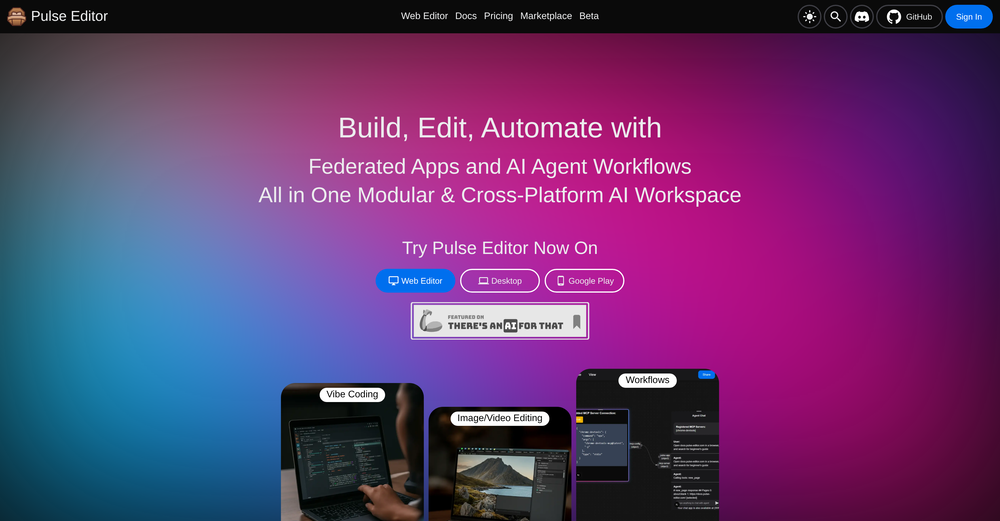
 jerry🙏 2 karmaJan 28, 2026@Palmos AI: Automate with AI Agent Teamsgood!A different kind of AI tool that has been very helpful for my work!
 -
-
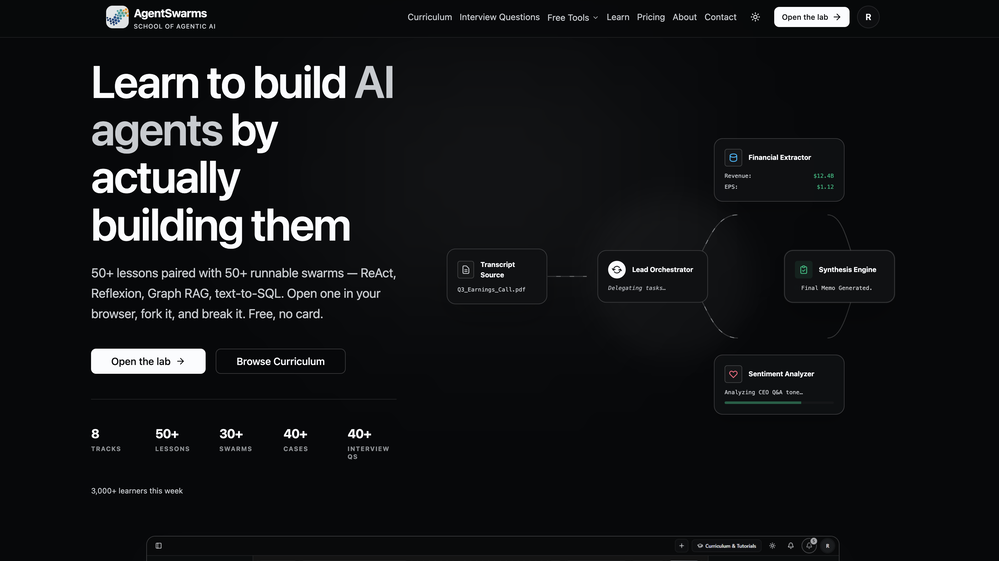 Building multi-agent AI systems shouldn’t require wrestling with messy Python boilerplate, cloud subscription or complex local setups. I built AgentSwarms (AgentSwarms.fyi) to solve this. It’s an interactive, in-browser visual sandbox for learning, building, testing, and orchestrating multi-agent AI workflows. Instead of relying on a single AI chatbot that easily hallucinates, AgentSwarms lets you drag and drop specialized AI agents—like data extractors, code reviewers, and SQL query nodes—to handle complex tasks reliably. Key features for builders: Visual Edge Tracing: Stop guessing why your AI failed. Click any connection line to see the exact JSON data passing between agents in real-time. In-Browser Execution: Powered by local DuckDB WASM. No backend setup required. Enterprise Templates: Test reverse-engineered Agenitic AI architectures for Cybersecurity, Finance, and E-commerce and 10+ industries right on the canvas. If you are tired of black-box AI debugging and want to master Agentic AI orchestration visually, come try the sandbox for free! Let me know what you think of the new execution history features. 🚀
 -
 Impressive work from the team at Tented.ai, their approach to AI-driven automation is genuinely next-level.
 -
-
-
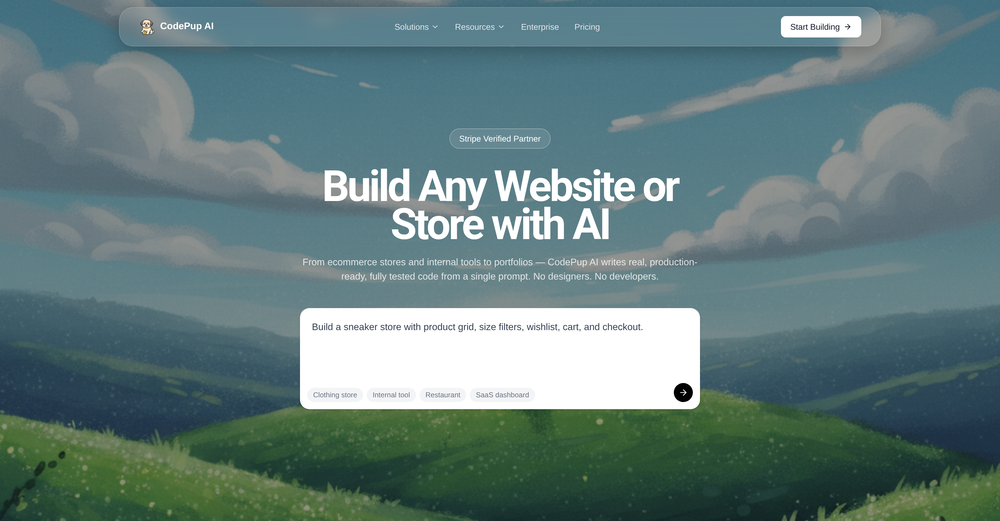 CodePup AI is incredible — it makes generating professional websites effortless with zero coding required.
 -
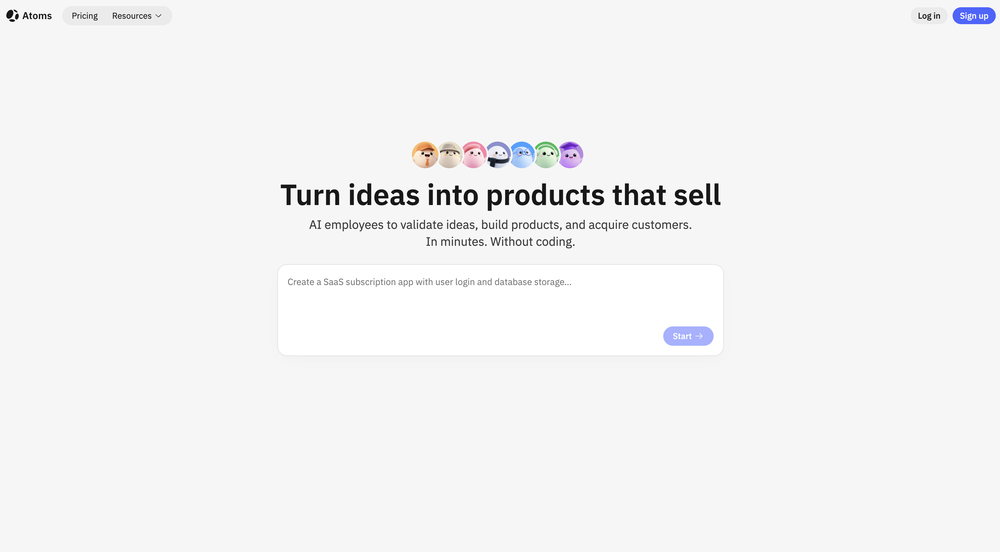 Man, with the free models that we have web creation became so easy. But everyone had the same websites. I really like how different they look from others.
 -
 Yes, finally a slack tool that does it all. I wonder how safe it is?








Other tools
-
-
the founder is cool, definitely a recommendation if you have personal requests and grow the app along with you.
-
 Open
Open - SponsorMongoDB - Build AI That Scales🗄️ Database
-
best coding site!! best thing: it's free and it's INFINITE!
-
 Open
Open -
This is cool, I can do code on the left side, and the right side can give me advice on my code. Spares me a lot of headaches and I can do it anywhere with ease
- Didn't find the AI you were looking for?
-
 Transform programming ideas into crystal-clear pseudocode instantly.Open
 -
 AI-powered wizard for crafting Chrome extensions effortlesslyOpen
 -
Awesome feature with the chrome extension. Low brainer 🔥🔥🔥
-
Spoken Punctuation Say punctuation and symbols by name and Voibe types them as you dictate, instantly and on your Mac. On by default, and you can turn it off anytime in Settings. Spoken Punctuation & Symbols Say a mark or symbol by name and Voibe types it instead of the words. Say "comma" for a comma or "open paren" for an opening bracket, plus @, math signs, currency, and even full email addresses. It happens the instant you speak, entirely on your Mac. Structure By Voice Use "new line", "new paragraph", "bullet point", or "numbered list" to lay out paragraphs and lists while you dictate. Cleaner Transcripts Custom dictionary words are recalled accurately without leaking into your text. Stability & Setup Fixes More Reliable Model Downloads Models now download with an integrity check, so a wrong or corrupted download no longer breaks transcription. If a download does fail, you can reach us directly with a new Contact Support option. Audio Handling While Dictating Improved how Voibe manages other audio playing on your Mac while you dictate. Live Dictation Watch your words appear as you speak, and edit them before they land. Live Dictation A new third dictation mode. Your words appear on screen as you speak, so you can read along and make edits before the text lands in your app. Like every mode, it transcribes entirely on your Mac. Cancel a Dictation Instantly Press Escape to discard the current dictation before it's inserted. Improved Simpler Default Hotkeys Hands-Free now starts with Fn+Space, and a quick double-tap of Fn works too. You can also assign function keys like F1 and F2, and choose your own key combination for Push-to-Talk. Refreshed App Icon A cleaner look for the Dock and menu bar icons.
-
Love how direct the name is. “EduSolver” instantly tells you what problem it’s trying to solve 👀