Tools 50,396
Mini tools 36,070
Companies 7,163
Tasks 11,172
Jobs 5,238
Events 95
Papers 7,810
Models 1,188
Repos 39,608
Robots 545
Devices 197
Countries 100
Investors 1,885
Collections 13,233
Job openings 341
Requests 1,505
Fundraises 1,896
Deals 410
Characters 23,262
Features 68
Tools 50,396
Tasks 11,172
Models 1,188
Mini tools 36,070
Characters 23,262
Companies 7,163
Requests 1,505
Papers 7,810
Collections 13,233
Fundraises 1,896
Investors 1,885
Countries 100
Repos 39,608
Devices 197
Features 68
Jobs 5,238
Robots 545
Events 95
Deals 410
Tools 50,396
Mini tools 36,070
Companies 7,163
Tasks 11,172
Jobs 5,238
Events 95
Papers 7,810
Models 1,188
Repos 39,608
Robots 545
Devices 197
Countries 100
Investors 1,885
Collections 13,233
Job openings 341
Requests 1,505
Fundraises 1,896
Deals 410
Characters 23,262
Features 68
Tools 50,396
Tasks 11,172
Models 1,188
Mini tools 36,070
Characters 23,262
Companies 7,163
Requests 1,505
Papers 7,810
Collections 13,233
Fundraises 1,896
Investors 1,885
Countries 100
Repos 39,608
Devices 197
Features 68
Jobs 5,238
Robots 545
Events 95
Deals 410
Go to section
Spotlight RealSmileFacial symmetry analysis
#1 website for AI tools.Used by 90M+ humans.
TAAFT Tutorial
Generate image
Tasks
Generate text
Free mode
Trending
Leaderboard
Characters
 Mini tools
New
Featured
Lists
Agents
Requests
Jobs
Map
Newsletter
Starter pack
Free tools
Speech to text
Text translator
Remove background
Settings
Edit profile
My tools
Gallery
Dashboard
Inbox
Get featured
Contact TAAFT
For you
Popular
Job impact index
Most saved
Affiliate program
Submit AI tool
Notification preferences
Glossary
Home
Timeline
My profile
Create tool
Deals
Companies
Models
Robots
Papers
Fundraises
Repositories
Devices
Organizations
Events
Prompt Pack
Merchendise
Credits
APIs
Features
Tools
Countries
Collections
Mini tools
New
Featured
Lists
Agents
Requests
Jobs
Map
Newsletter
Starter pack
Free tools
Speech to text
Text translator
Remove background
Settings
Edit profile
My tools
Gallery
Dashboard
Inbox
Get featured
Contact TAAFT
For you
Popular
Job impact index
Most saved
Affiliate program
Submit AI tool
Notification preferences
Glossary
Home
Timeline
My profile
Create tool
Deals
Companies
Models
Robots
Papers
Fundraises
Repositories
Devices
Organizations
Events
Prompt Pack
Merchendise
Credits
APIs
Features
Tools
Countries
Collections
Mini tools
New
Featured
Lists
Agents
Requests
Jobs
Map
Newsletter
Starter pack
Free tools
Speech to text
Text translator
Remove background
Settings
Edit profile
My tools
Gallery
Dashboard
Inbox
Get featured
Contact TAAFT
For you
Popular
Job impact index
Most saved
Affiliate program
Submit AI tool
Notification preferences
Glossary
Home
Timeline
My profile
Create tool
Deals
Companies
Models
Robots
Papers
Fundraises
Repositories
Devices
Organizations
Events
Prompt Pack
Merchendise
Credits
APIs
Features
Tools
Countries
Collections

▼ State of the art
Ai developer
Free mode
100% free
Freemium
Free Trial
Other tools
-
Israel Kenjy🙏 6 karmaJun 8, 2025@WindsurfThe tool's quality has dropped significantly over the past three months. The AI is taking three times longer to solve problems and is still making many mistakes. Accuracy has decreased by at least 60%. I had to manually fix everything and stop using the prompt. Unfortunately, it used to work very well for me, but now it no longer does.
-
-
 OpenI'm happy to help you with generating a manifest file and a Lua script based on your input. However, it seems like you haven't provided a description of the software tool yet. Could you please provide more details about what you need? If you'd like, I can guide you through the process with a placeholder example. Let's assume you want a simple tool that greets the user. Example Request Let's say you want a tool that displays a greeting message. Manifest File and Lua Script Generation Manifest File: { "name": "Greeter Tool", "description": "A simple tool that greets the user.", "author": "Your Name", "version": "1.0.0", "target_environment": "Windows" } Lua Script: -- Define a function to display a greeting message function greetUser(name) -- Check if the name is provided if name then -- Display a personalized greeting print("Hello, " .. name .. "!") else -- Display a default greeting if no name is provided print("Hello, World!") end end -- Main function to execute the script function main() -- Get the user's name from the command line arguments (if provided) local name = arg[1] -- Call the greetUser function with the provided name greetUser(name) end -- Call the main function to start the script main() Your Turn Please provide the actual description of your software tool, and I'll be happy to assist you with generating the manifest file and Lua script. Since no description was provided, here is a default example. Manifest File: { "name": "Example Tool", "description": "A default example tool.", "author": "AI Assistant", "version": "1.0.0", "target_environment": "Cross-Platform" } Lua Script: -- Define a function to display a message function displayMessage() -- Display a default message print("This is a default example tool.") end -- Main function to execute the script function main() -- Call the displayMessage function displayMessage() end -- Call the main function to start the script main()
 - Spotlight
 PUNKU.AIAgents
 -
Your builds just got faster. Here's what changed. Four updates shipped this week. Each one removes something that was slowing you down — an extra account to set up, a Git workflow that lived outside the platform, a repo handoff with dangling permissions, a build you could only poke at with a cursor. Here's what landed. 01 — Model access Use any LLM in your build. One prepaid key, full control over spend. Biela now has its own LLM API key dashboard. Create a key, add a prepaid balance, and start sending requests to whichever AI model your build needs — whether that's a chatbot, an automation, a content generator, or AI features wired into a SaaS product. Each key tracks its own usage so you always know what's being spent and where. No external accounts, no third-party billing — it's all inside Biela. In practice: You're building a SaaS product with two AI features — a support chatbot and an automated email summariser. You create two keys, assign a budget to each, and know at a glance which feature is consuming what. If one runs hot, you pause it without touching the other. 02 — Version control Branches, PRs, commits, pulls. A full Git workflow, inside Biela. Create and switch branches, raise and review pull requests, browse commit history, and pull the latest — without leaving the IDE. If you're shipping features to a team or running parallel environments, this is the workflow you were missing. In practice: You're adding a new checkout flow to a live e-commerce build. You branch off main, build and test in isolation, raise a PR for review, and merge when it's ready — all without touching a terminal or switching to GitHub in another tab. 03 — Repository management Connect, link, switch, hand off. Clean repo control, start to finish. Connect a new repo, link one you already have, or disconnect cleanly with a confirmation step. Permission checks are built in. No leftover access, no manual revokes, no awkward offboarding when a project ends. In practice: A client project wraps up. You disconnect the repo from Biela in one confirmed step — permissions cleared, connection closed. The next project gets a clean link from day one. No audit trail of half-removed integrations to clean up later. 04 — Mobile preview Stop looking at your mobile build. Start using it. Scan the QR code from Biela, open via Expo Go, and you're inside your actual build — navigating with your thumbs, tapping real buttons, scrolling real screens. Not a desktop simulation with a cursor pretending to be a finger. Your app, on your device, behaving exactly as your users will experience it. And when you prompt a change, it appears on your phone before you've set it down. In practice: You're building a field sales CRM. It looks fine on desktop. The moment you're actually holding it, you find it: the action buttons are buried, the nav takes two hands, the form fields are too small to tap cleanly. Thirty seconds of real use surfaces what hours of desktop review missed. One prompt per fix, each update on your screen in seconds. All four updates are live now at biela.dev — no update required, no configuration needed. Open a project and they're already there. Build faster. Ship smarter. Create without limits.
-
Base44 is an AI-powered platform for building fully-functional apps with no code and minimal setup hassle. The platform leverages advanced AI technology to translate simple, natural language descriptions into working apps. Let’s make your dream a reality. Right now.
-
This is actually amazing. It has all the main features I need to be very efficient at my work.
-
It's amazing, I have already used it to create a personal website.
- Didn't find the AI you were looking for?
-
-
Works well and connects with my apps easily. I’m considering using it for daily reports and posts
-
 Open
Open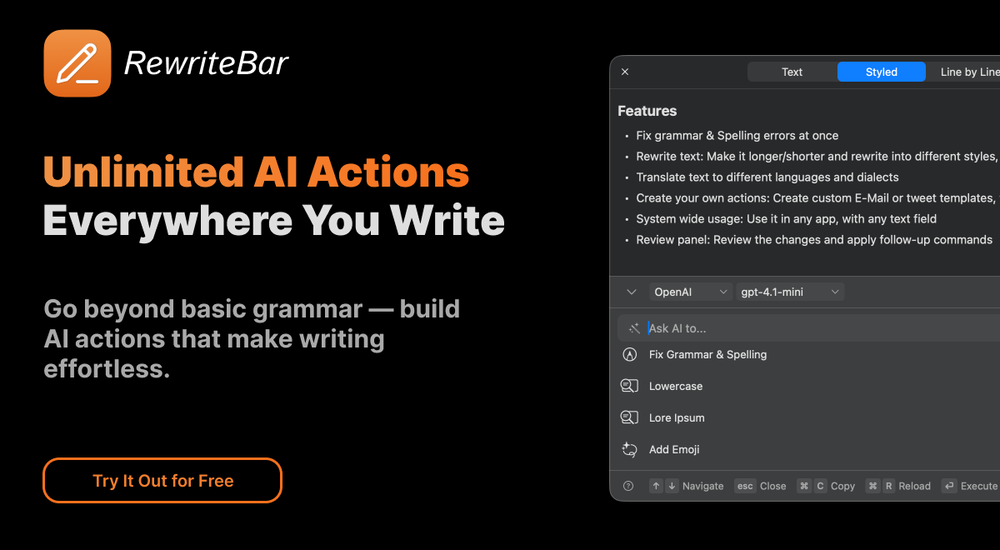
-
Absolute BS crap. Don't bother, waste of money and it is just a trap
-
create stock control, delivery and product management
-
-
The tool is working for me. Try giving it another chance.
-
I made my website with Pagesmith. Seems the best for fast content based sites.
-
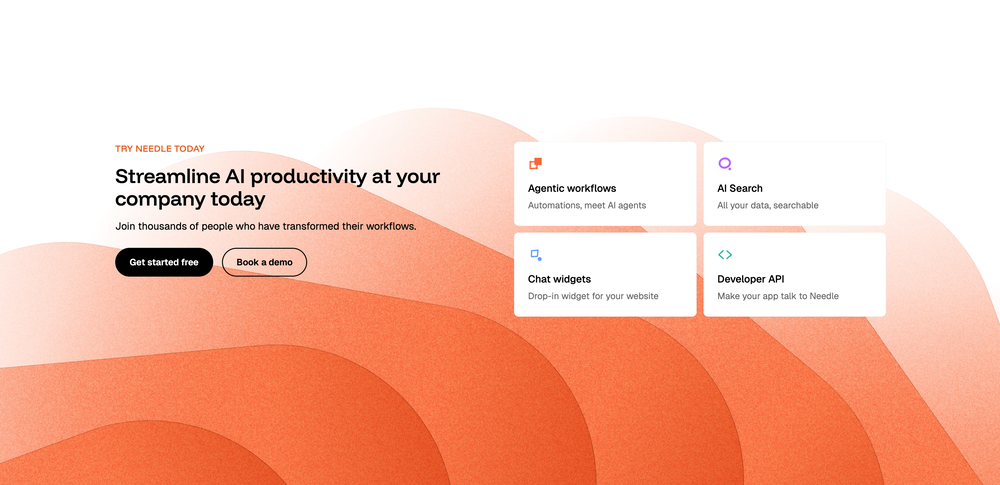 I like Needle very much, it helps me a lot as it saves me so much time that I would otherwise waste on unnecessary searching, thank you very much Needle :)
 -
Really impressed by the multi-model planning and code review. Having different models collaborate instead of relying on just one actually leads to better decisions. You can feel the difference on more complex tasks.
-
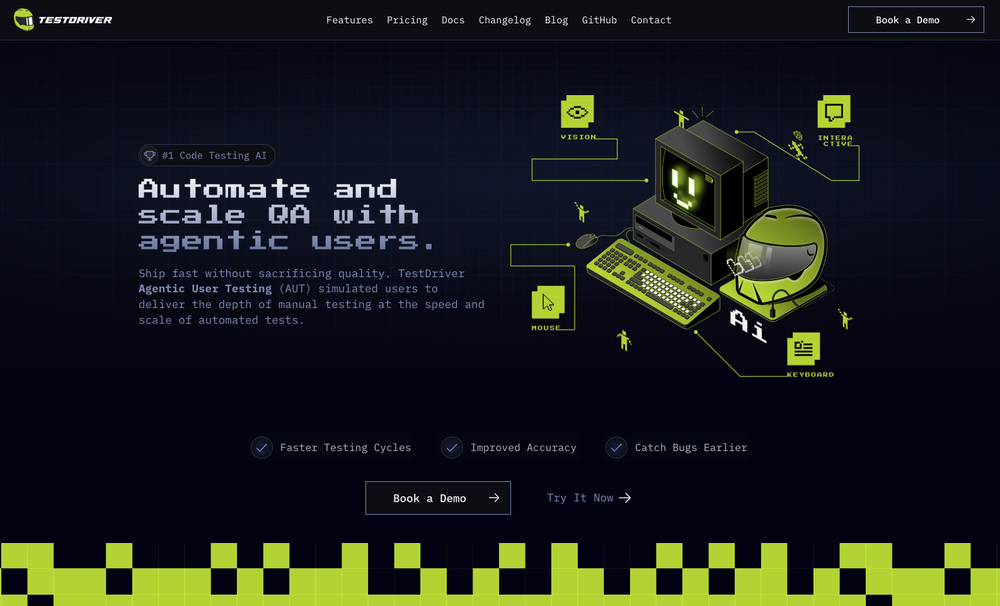 Test failure can be triggered by: - Text not being found - Image not being found - "Assert" condition not being met (according to AI with 90% confidence)
 -
Far beyond my expectation. Thanks for bribg us such a great work.
-
I do recommend this platform for layout and basic designing. It can help for you to show a first draft to your client. It's easy to use and precise. I think it's good for building "one page" or landing pages. I am showing my finished web page to a programmer so he can have a guide line and build a more personalized web page outside this unicorn platform.
-
Best Free Movie Maker App on the Market
-

-
Didn’t find it helpful they all are working on same memory model
-
Why do most apps of that kind require the newest versions of Mac OS?
-
-
Didn't really do the graphs that i thought it would do. Good for simple graphs, like for a presentation
-
Hi there! It worked great for me, it might have been a temporary issue.
-
Very accurate.I check videos and audios to detect fakes before sharing viral news
-
 AI-powered code reviews that accelerate pull requests and improve code qualityOpenI signed up for early access and have been using codoki for a few months now, eventually brought it into my team as well. Great tool, simple to use, not overwhelming and has caught things in a way thats actually digestible
 -
-
 This is a very useful app! Going to use it on all my products.
 -
-
Its actually good. I was able to make 3 screens using the promo code and they were better than the other UI tools.
-
Great reader app that allows for importing many articles. I hope the interface can be made to look a bit better. 期待を込めて5星を。
-
-
-
 Open
Open -
Very helpful tool in my design process and coming up with new features!
-
Love how intuitive the workflow is—clean, simple, and gets the job done!
-
From one of our customers: We are running our 15 person VC-backed company right now without a PM. Devplan helps fills that gap for us by generating high-quality user stories that sync in Linear in minutes. What used to take me days of back and forth and refinement I’m now doing in less then a hour.
-
I'm non-technical and I've tried Lovable, Emergent, Bolt. Nothing comes close to imagine.bo right now. The UI is clean and dead simple: type your idea, watch it build a real full-stack app in minutes. But what actually blew me away? Whenever I got stuck and had no idea what to do next, I clicked Hire a Human and a real engineer jumped in and sorted it out. No Fiverr. No agency. One platform, start to finish.
-
 OpenI recently tried legasite.io The process was straightforward. You paste in your site’s URL, choose a template, and wait. It didn’t take long before I got a downloadable version built with modern structure (Next/React.js). That alone saved me a decent chunk of manual setup time. The generated layout was clean and usable. Overall, I’d say it’s genuinely useful if you’re modernizing legacy sites and want a head start with the possibility of refining the output if the original website has messy interactions or complex structures.
 -
 AI-native OCR platform, 95%+ accuracy, zero prompt engineering, flags uncertain fields.OpenWe are a team of founders who worked before in data extraction, with traditional manual review of each document to check accuracy / errors. We are so excited about AI and the new LLM models because we have created DeepRead using those and the accuracy is 95% and we flag uncertain fields so no one has to manually review entire documents (whew), only the exceptions! We hope you try it out and please share your review, comments and feedback. Looking forward to hearing from users!
 -
Handles long texts really well. Super useful if you’re into detailed content but want the quick version without losing key info.
-
I have read their documentation, specifically the basics of how to get started and the test script commands. Surprisingly the commands are easy to read and understand. I may need to do a bit more exploring, I think I saw a blogpost that you can also use javascript with this tool like many other tools, so I'll check that out as well. But for now, this tool seems to be promising enough for QA Testers and Automation testers who want to work faster and more efficient.
-
-
Finally an API provider that is actually affordable. Nano Banana Pro API saved me over 50% on my bill. Also super impressed that they have access to video models like Sora 2. Wisdom Gate is legit!
-
 Open
Open -
 Open
Open -
 AI-powered wizard for crafting Chrome extensions effortlesslyOpen
 -
 Open
Open -
 Open
Open -
Web Development and App Building Services Overview As a skilled developer, I can assist with creating websites and building mobile applications. I can also generate code to help with programming tasks. Web Development Services Mobile App Development Services Cross-Platform Mobile Apps: I can also develop cross-platform mobile apps using frameworks like React Native, Flutter, or Xamarin. Mobile App Design: I can create user-friendly and intuitive mobile app designs that meet your specific needs. Programming Services Code Generation: I can generate code snippets in various programming languages, including Python, Java, JavaScript, and C . Programming Language Support: I can assist with programming tasks in a variety of languages, including but not limited to: Bug Fixing and Debugging: I can help identify and fix errors in your code. Example Code Generation Here's an example of a simple "Hello, World!" program in Python: def main(): print("Hello, World!") if __name__ == "__main__": main() Or a simple JavaScript function to add two numbers: function addNumbers(a, b) { return a b; } console.log(addNumbers(2, 3)); // Output: 5 Let me know if you have a specific project in mind, and I'll be happy to assist you. I can create websites, build apps and generate codes
-
 Search and chat across multiple developer documentation sources in one place.Open
 -
Cloud Contact seems useful for businesses trying to make SMS outreach feel more organized and scalable. I like tools that simplify communication workflows without making marketing automation overly complicated.
-
 Transform programming ideas into crystal-clear pseudocode instantly.Open
 -
 Open
Open