Go to section
Sponsor
 MongoDB - Build AI That Scales
🗄️ Database
MongoDB - Build AI That Scales
🗄️ Database
The front page of AI.Used by 90M+ humans.

TAAFT Tutorial
Generate image
Tasks
Generate text
Free mode
Trending
Leaderboard
Characters
 Mini tools
New
Featured
Lists
Agents
Requests
Jobs
Map
Newsletter
Starter pack
Free tools
Speech to text
Text translator
Remove background
Settings
Edit profile
My tools
Gallery
Dashboard
Inbox
Get featured
Contact TAAFT
For you
Popular
Job impact index
Most saved
Affiliate program
Submit AI tool
Notification preferences
Glossary
Home
Timeline
My profile
Create tool
Deals
Companies
Models
Robots
Papers
Fundraises
Repositories
Devices
Organizations
Events
Prompt Pack
Merchendise
Credits
APIs
Features
Tools
Countries
Collections
Mini tools
New
Featured
Lists
Agents
Requests
Jobs
Map
Newsletter
Starter pack
Free tools
Speech to text
Text translator
Remove background
Settings
Edit profile
My tools
Gallery
Dashboard
Inbox
Get featured
Contact TAAFT
For you
Popular
Job impact index
Most saved
Affiliate program
Submit AI tool
Notification preferences
Glossary
Home
Timeline
My profile
Create tool
Deals
Companies
Models
Robots
Papers
Fundraises
Repositories
Devices
Organizations
Events
Prompt Pack
Merchendise
Credits
APIs
Features
Tools
Countries
Collections
Mini tools
New
Featured
Lists
Agents
Requests
Jobs
Map
Newsletter
Starter pack
Free tools
Speech to text
Text translator
Remove background
Settings
Edit profile
My tools
Gallery
Dashboard
Inbox
Get featured
Contact TAAFT
For you
Popular
Job impact index
Most saved
Affiliate program
Submit AI tool
Notification preferences
Glossary
Home
Timeline
My profile
Create tool
Deals
Companies
Models
Robots
Papers
Fundraises
Repositories
Devices
Organizations
Events
Prompt Pack
Merchendise
Credits
APIs
Features
Tools
Countries
Collections

▼ Popular
Ai drafting
Free mode
100% free
Freemium
Free Trial
Featured matches
-
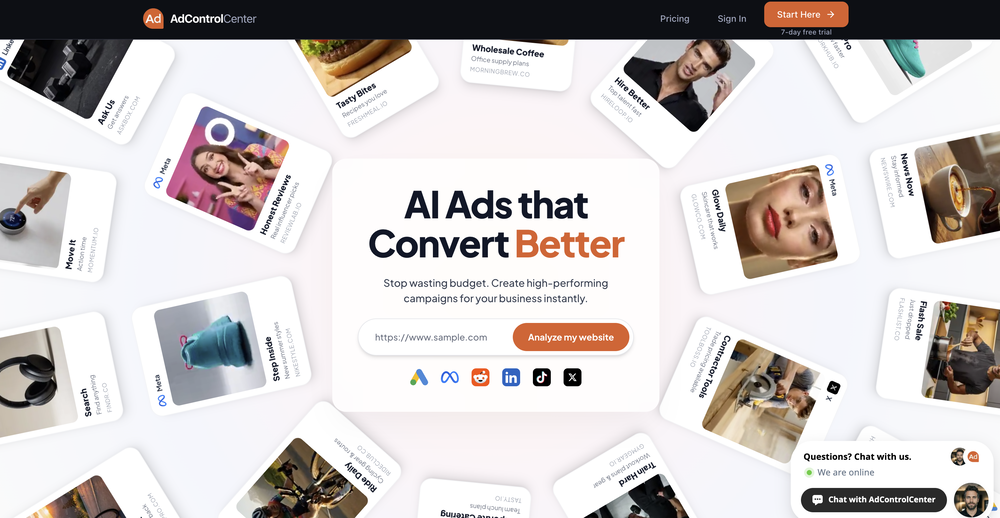 Image improvement just got into your WooCommerce site. "Creative Studio" plugin for WooCommerce (by Ad Control Center) scan your site's products and allows you to easily create new stunning images and ads right from your Wordpress admin. Get weekly free credits by installing the plugin.
 -
 BlogWorkflow AI | Opus 4.6 GPT 5.4 GPT Image 2.0 Supported | Structured SEO Workflow for Individual and ProfessionalFrom fragmented ideas to structured, reviewable 8-step publish-ready SEO content.Open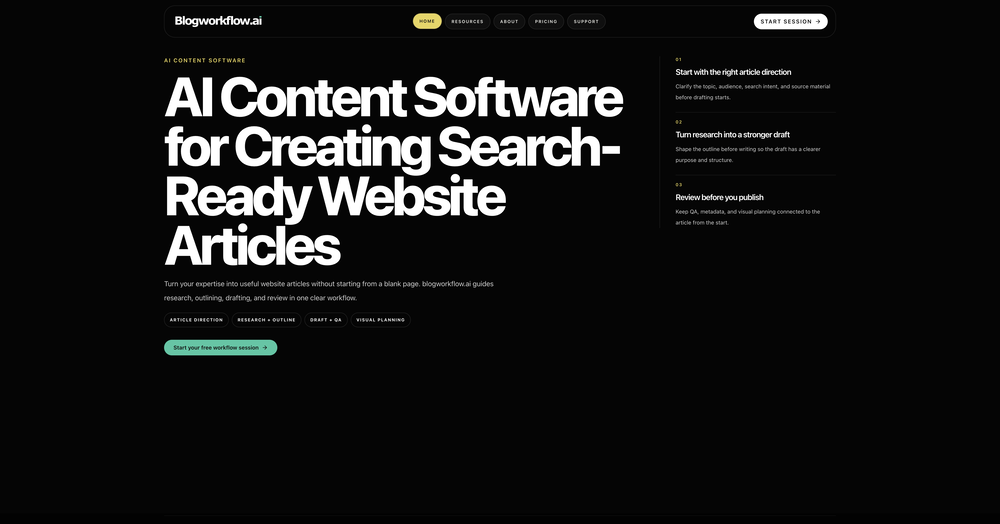
-
-

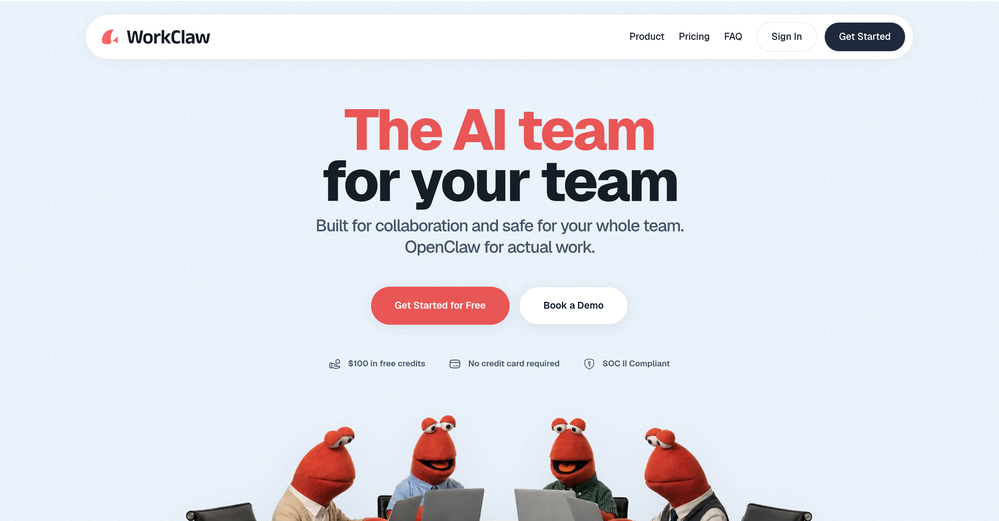
 Liam Therrien🙏 18 karmaSep 17, 2025@Ferndeskthrew it at our dusty help center and it cooked. pulled context from tickets and updates and wrote clean articles and faqs. inbox got quieter fast. solid tool.
 -

-
-
-
-
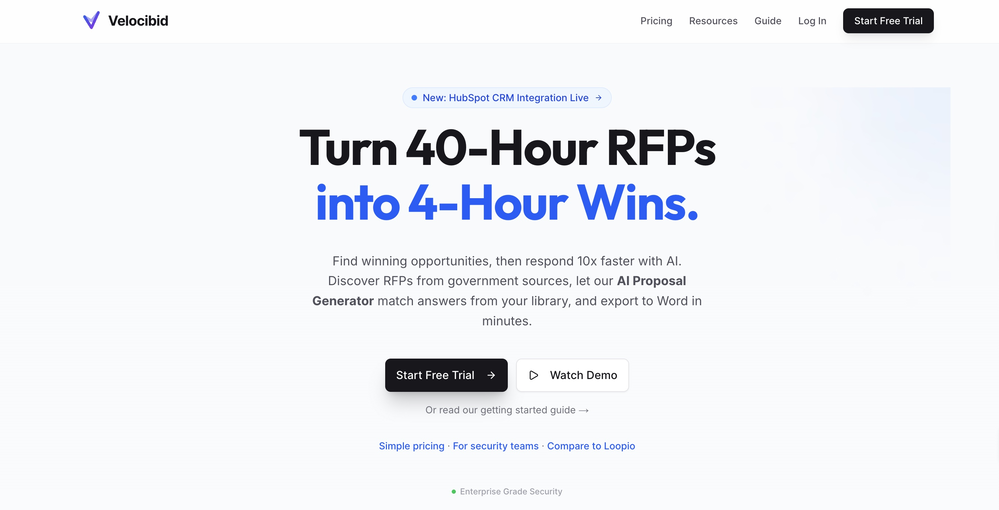
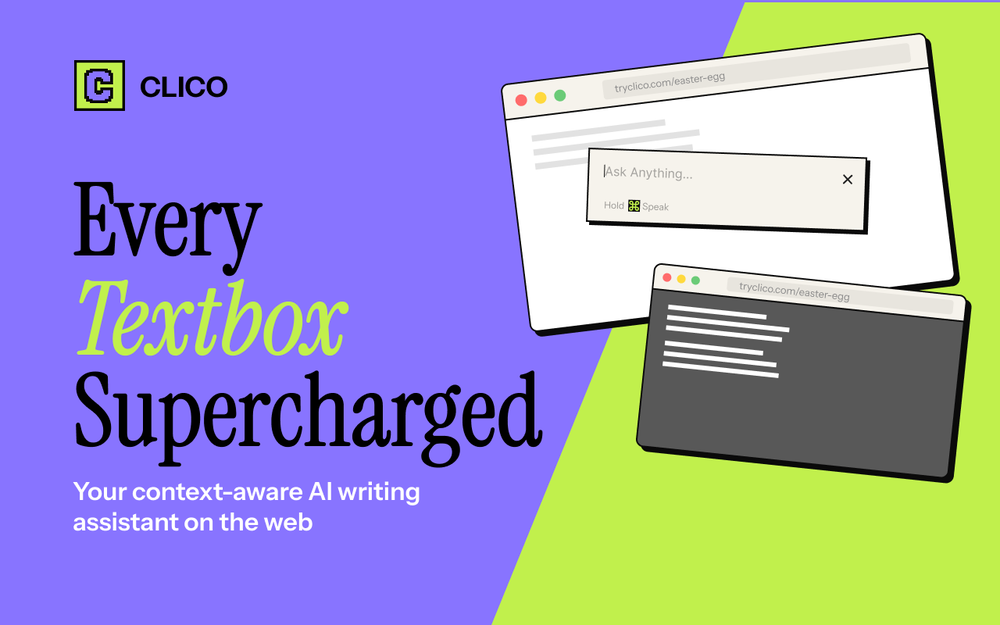 It just feels seamless when I ask it to generate my Q2 marketing docs and polish my email replies. I mean you don't need to write a long prompt and copy all the Re:Re:Re:Re email to it like other LLMs do. You just give a clear instruction and it gets things done.
 -









Other tools
-
- SponsorMongoDB - Build AI That Scales🗄️ Database
-
-
 Open
Open -
Easy to use, no app downloads or whatsoever. It also supports audio messaging in many languages.
- Didn't find the AI you were looking for?
-
Great tool. I use it a lot. It's free, you don't have to sign up, and it's quick. I also made a video on it https://youtu.be/wWQHOtY6cYE
-
-
🐦 Pounce v2.2 — Multi-Account, Multi-Voice 🚀 Connect All Your Accounts 1. Hunter and Apex plans can now connect multiple X and Reddit accounts and choose exactly which one Pounce acts as. 2. Pick the account for each campaign and session on the fly — switch accounts or connect a brand-new X or Reddit account right where you're working. 3. Share an account across your team: the same X or Reddit account can be connected by multiple Pounce users, with only one session acting as it at a time. 🧠 A Distinct Voice Per Account 1. Every connected X account gets its own writing voice, learned automatically in the background. 2. Replies, DMs, and tweet ideas are all drafted in the voice of the account that's actually sending them — no more one-size-fits-all tone. 3. After you update your writing notes, the refine wizard offers to re-learn your voice so it stays in sync. 🎨 Account-Aware Everywhere 1. Account pickers now run through Tweet Ideas, the followers chart, and Connected Accounts so you can manage and switch between accounts in one click. 2. Smart unfollow, follower stats, and the daily summary email each respect which account an action belongs to. 3. The follower chart now highlights the days you ran a session in amber, so your growth lines up with your effort. 🔒 Connect With Confidence 1. When you connect an X or Reddit account, Pounce reassures you it never auto-posts — with a "Learn more" popover spelling out exactly what it can and can't do with your account.
-
Just found Merlio… Didn’t think an AI workspace could feel this smooth.
-
Didn't really do the graphs that i thought it would do. Good for simple graphs, like for a presentation
-
 Supercharge Word with AI-powered writing assistance.OpenAwesome tool! Using it on a daily basis!
 -
This is a very useful tool, especially for me as a small business owner. It keeps everything in one place
-
What's new about this app? Apple's Notes app does a similar task and it's totally free with unlimited audio
-
Nova makes it extremely easy to chat with all the big AI models in one spot, fast and no tab hopping. Some replies get repetitive or overly filtered, but the experience is smooth and fun overall. A strong 4/5 for convenience and vibes.
-
Loved that it can draft any legal doc without a pre-configured template
-
 OpenI had the opportunity to use Trimbox for 4 months now, and I must say, I am thoroughly impressed by its simplicity and efficiency. The tool has significantly aided me in composing emails, consistently leaving a positive impression (if I provided a well-thought-out prompt that is). Additionally, the one-click unsubscribe feature, which allows for unsubscribing without the need to open the emails, and the option to delete all emails from a sender with also just one click, have been invaluable in managing my inbox quickly and effectively. And as for me, the price is 27,99 € a year with both features in an unlimited version.
 -
 Uncover your unique personality blend with AI-powered assessment.OpenFinally, a personality test that doesn't feel boring. Using AI to analyze color choices is brilliant!
 -
Really good - a bit of a hidden gem this tool. Would recommend to others who struggle.
-
Spoken Punctuation Say punctuation and symbols by name and Voibe types them as you dictate, instantly and on your Mac. On by default, and you can turn it off anytime in Settings. Spoken Punctuation & Symbols Say a mark or symbol by name and Voibe types it instead of the words. Say "comma" for a comma or "open paren" for an opening bracket, plus @, math signs, currency, and even full email addresses. It happens the instant you speak, entirely on your Mac. Structure By Voice Use "new line", "new paragraph", "bullet point", or "numbered list" to lay out paragraphs and lists while you dictate. Cleaner Transcripts Custom dictionary words are recalled accurately without leaking into your text. Stability & Setup Fixes More Reliable Model Downloads Models now download with an integrity check, so a wrong or corrupted download no longer breaks transcription. If a download does fail, you can reach us directly with a new Contact Support option. Audio Handling While Dictating Improved how Voibe manages other audio playing on your Mac while you dictate. Live Dictation Watch your words appear as you speak, and edit them before they land. Live Dictation A new third dictation mode. Your words appear on screen as you speak, so you can read along and make edits before the text lands in your app. Like every mode, it transcribes entirely on your Mac. Cancel a Dictation Instantly Press Escape to discard the current dictation before it's inserted. Improved Simpler Default Hotkeys Hands-Free now starts with Fn+Space, and a quick double-tap of Fn works too. You can also assign function keys like F1 and F2, and choose your own key combination for Push-to-Talk. Refreshed App Icon A cleaner look for the Dock and menu bar icons.
-
Insanely easy to use yet reliable automation tool. Recommend to give it a try.
-
Ready to Send is the best thing I’ve seen in a while. I wake up every morning to drafts written to my important emails 🤯
-
 AI email co-pilot: Draft, triage, and capture notes effortlessly.OpenGreat tool! Look forward to trying!
 -
-
Maybe making an browser extension to integrate directly into mail clients would be great here :)
-
-
Great tool! Loved that it asked questions before designing.
-
Pretty good tool for writing assignments or essays even, easy to use, gives a structured way to use AI and the outputs are better than expected, looks human.
-
The Zetane AI platform helps me and my small marketing team produce like a team ten times our size while maintaining high quality. I can research through giant threads of emails, messages and threads and gain insights citing the exact place the insights come from. It works great for organizing our tasks and keeping our team collaborating in one central space.
-
Geekflare Chat has made my workflow much simpler by bringing multiple AI models into one place. I can quickly compare responses, which is really helpful for content ideas and research. It’s fast, clean, and easy to use, and I haven’t faced any issues so far.
-
-
-
 Craft AI-powered storyboards for Spanish e-learning courses.Open
 -
 Your AI assistant for dynamic, genuine dating chats.Open
 -
 Open
Open -
Really impressed with audien.to so far. I dropped in a meeting recording and got a clean transcript plus useful notes in just a few minutes, without having to tweak much. The speaker tags and filler cleanup make it way easier to share with the team.