
 Mini tools
▼ Latest
Audio to image
Free mode
100% free
Freemium
Free Trial
Featured matches
-
 Sims KieferMar 25, 2026@MP3 to MP4 AISteer clear of this by any cost ! it gives you ONE video for free and then ask you for no less than FIFTY dollars a month for only FIVE videos ! they must be crazy with all the alternatives.
 -

-
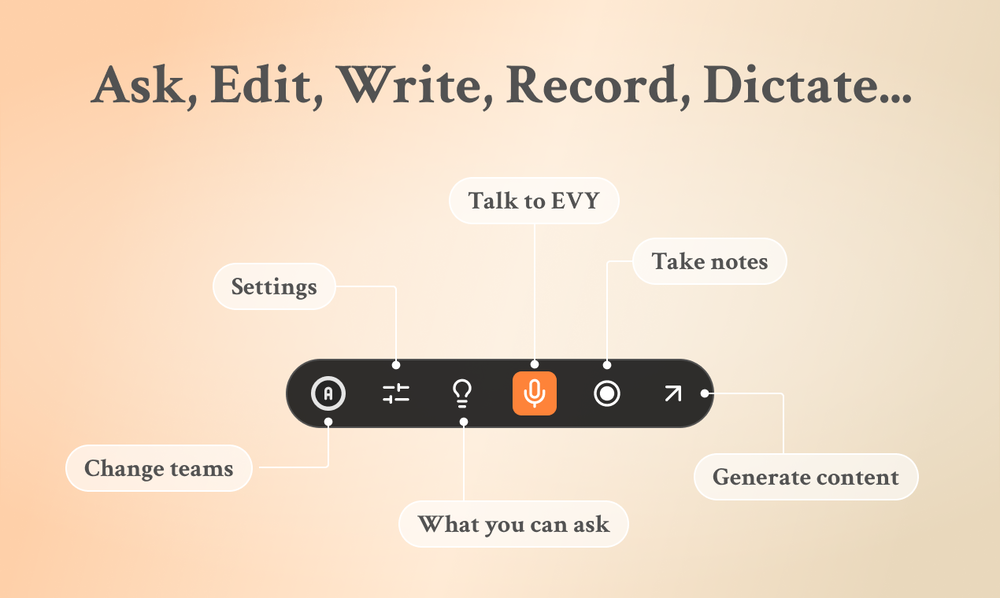 Use it every day! Best AI support for work
 -
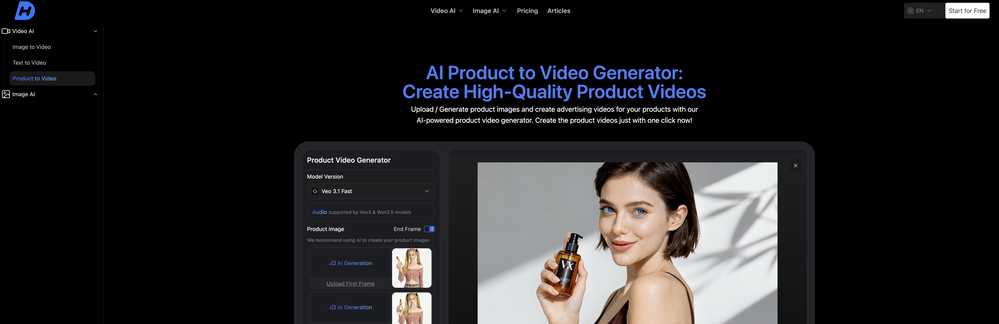
-
 Apply spooky Halloween filters and scary makeup effects online for free.Open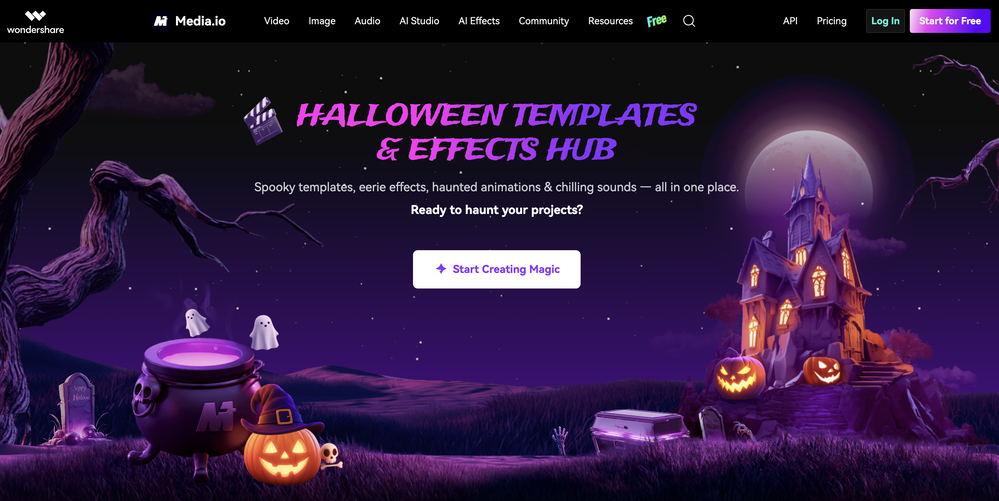





Verified tools
-
⏺ AI Song Generator v1.0 — Create Full Songs from a Text Prompt in Seconds Multiple AI Models Choose from Suno V3, V4, V4.5+, and V5. Each version offers different tradeoffs between speed, expression, and sound richness. V5 delivers superior vocal expression with faster generation. V4.5+ produces richer, more layered sound with support for up to 8-minute tracks. Text-to-Song Pipeline Describe what you want to hear — genre, mood, theme — and AI generates complete lyrics, melody, vocals, and instrumentals in one shot. No music theory, no DAW, no production skills required. A full track is ready in under 2 minutes. 50+ Genres & Styles From lo-fi hip hop to symphonic metal, EDM to jazz, K-pop to country. Pick a genre and optional sub-genre, and the AI adapts composition structure, instrumentation, and vocal delivery to match. Custom Lyrics & Vocal Control Write your own lyrics or let AI generate them. Choose vocal gender (male/female/auto), adjust style weight and weirdness constraints. Toggle instrumental-only mode for background music and soundtrack use cases. AI Cover with 100+ Voice Styles Upload any track and re-create it with a completely different voice. Choose from 100+ vocal styles — from smooth R&B to raw punk, breathy pop to deep baritone. Custom mode lets you rewrite lyrics, add style prompts, and fine-tune parameters like style weight, weirdness constraint, and audio weight for precise creative control. AI Singing Photo Turn any portrait into a singing video. Upload a face photo and a song, and AI generates a realistic lip-synced video with natural facial expressions and head movements. 3 model tiers — V1 Base for quick social posts, V2 Quality for dynamic HD output, V3 Highest for best eye tracking and professional-grade results. Output at 480p or 720p, optimized for TikTok, Instagram Reels, and YouTube Shorts. Commercial License Included All generated tracks come with full commercial rights on paid plans. Use them on YouTube, TikTok, Spotify, in games, podcasts, or ads — no royalty fees, no licensing headaches. What's included: - 5 AI model versions (V3 through V5) - 50+ music genres with sub-genre options - AI lyrics generation + custom lyrics input - Vocal gender selection and style fine-tuning - Instrumental-only toggle for soundtrack use - AI Cover with 100+ voice styles and custom mode - AI Singing Photo with 3 quality tiers (V1/V2/V3) - Singing Photo 480p and 720p resolution options - MP3 and WAV export - Full commercial license on paid plans - Song extend and remix capabilities
-
 Open
Open - Sponsor
 Rocket - Think it. Type it. Launch it.
 -
-
-
✨ Key Advantages of Pixwith: 1. Wide range of AI models: From video generation to image creation, enhancement, and style transformation — you get access to a full suite of cutting-edge AI models in one place. 2. Affordable and transparent pricing: Our credit-based system is flexible and offers better value compared to many similar platforms. 3. Free trials available: Several models can be used for free, allowing you to test the quality before purchasing credits. 4.Beginner-friendly interface: Simple and intuitive design — generate high-quality content in just a few clicks. 5.Constant updates: We continuously add new models and features, ensuring you always have access to the latest AI capabilities.
-
 Transform photos into sketches, anime, paintings instantly.OpenNOT even 1 FREE demo to TEST it. It demands subscription right away! IT'S A BANDIT ON STEROIDS! ;-(
 -
Hey Cherryl, seems to be working just fine for me, can you give it another try?
-
I ama YouTuber, scrambling to put out content,this AI video maker works.No weird,glitchy stuff here—just realistic footage that doesn’t make my viewers go‘that’s AI?’Total lifesaver when I’m tight on time.
-
 Transform static images into animated videos instantly.OpenHi everyone! I'm the creator of AI Video Maker. It's completely free to use and doesn't require any signup. You can instantly generate unlimited 5-second AI videos from text or images. Great for testing ideas before upgrading to HD or commercial plans. Excited to see what you all create!
 -
 OpenThe only model available to use as a non-subscriber is Music 3.5, which is not available to select in the model menu. As a result, no music can be created unless you are a subscriber. This is a bit ... annoying.
 -
Amazing app and really easy-to-use! It has all the things I need to create a neat, functional, and clear-cut mindmap.
-
AI Notebook does what it promises, it's a decent on the go note-taking app. I like the automated tweak of these newer note-taking apps. I can just throw in pdfs, voice memos or youtube videos, and it'll generate all type oof different format like summaries, mind maps or flashcards. Extremely useful for students and professionals as it digest lengthy materials into small chunks of text. Recommended for anyone looking for a no-frills note taker tool
-
 Open
Open -
-
As tempting as it is, why pay for it if Google AI Studio (https://aistudio.google.com/generate-speech) offers the same for free? Nothing beats "gratis!" Besides, which author can afford so many monthly payments if he or she is not Steven King, who'd rather buy a whole studio with a dozen professional human narrators? ;-) THX
-
It's very easy to use, completely free, and even supports files up to 1GB in size.

























Other tools
-
Lyria — v3 ProLonger track generation, expanding from shorter creations to tracks up to 3 minutes. Better structural awareness, with explicit control over sections like intros, verses, choruses, and bridges. Stronger customization and creative control for more complex song builds and transitions. Broader rollout across Google products, including Vertex AI, AI Studio, Gemini app, Google Vids, and ProducerAI. More production-oriented use, pushing it beyond creative sketching into scalable soundtrack, video, and song-making workflows.
-
Diffusion pulls out extremely good images from simple prompts. Renders were a little slow on higher quality, but totally worth it for the results. The controls feel clear enough and the outputs look legit. Good one here!
-
it does not give you enough credits to use veo3 which it claim to .
-
Very useful tool with variety of features and new AI models.
- Didn't find the AI you were looking for?
-
 Create stunning AI-generated videos from text prompts or images.Open
 -
Is this a joke? creator of this web must be deaf, otherwise i honestly don't understand how he/she can make that absolute crap
-
only provide from url, rest asking to get premium account.
-
There is nothing stable about this train wreck! Worst music generator ever!
-
Privacy Nightmare. Your content will belong to Adobe.
-
Spelling errors found throughout their website. If they can’t take the time to check for spelling, they can’t take the time to ensure the coding for security is accurate.
-
I enjoyed the experience and it certainly cleaned up my audio files. I really wanted to find an AI driven auto-tuning app that would clean up my vocals. But haven't found one yet.
-
Tried it out seems quite good for actually unique sound effects, Normally you get the already made sounds on other tools. Highly recommend it!



























Ask the community

Ali Irfan
Nov 9, 2024
Did You Know About the Hidden Room in Mount Rushmore?ˮ
"Did you know about the hidden room inside Mount Rushmore? No, itʼs not a myth—thereʼs an actual secret chamber up there!"
"Imagine this: a place created by the sculptor himself to store Americaʼs most precious documents. But, what exactly is in there? And why was it hidden from the public?"
"The room is called the Hall of Records, and it's located right behind Lincolnʼs head! Gutzon Borglum, the original sculptor, envisioned it as a grand hall to hold Americaʼs founding documents and other historical artifacts. Though itʼs not open to the public, itʼs filled with replicas of the Declaration of Independence, the Constitution, and even the Bill of Rights. A true time capsule of American history!"
"So yes, there really is a hidden room in Mount Rushmore, but sadly, itʼs reserved as a legacy for future generations and historians—no public tours allowed!"
"If you love discovering hidden secrets in famous places, donʼt forget to like and subscribe for more!"
Post





