Tools 50,553
Mini tools 36,213
Companies 7,163
Tasks 11,171
Jobs 5,238
Events 94
Papers 7,817
Models 1,188
Repos 39,608
Robots 545
Devices 197
Countries 100
Investors 1,885
Collections 13,259
Job openings 341
Requests 1,506
Fundraises 1,896
Deals 411
Characters 23,297
Features 68
Tools 50,553
Tasks 11,171
Models 1,188
Mini tools 36,213
Characters 23,297
Companies 7,163
Requests 1,506
Papers 7,817
Collections 13,259
Fundraises 1,896
Investors 1,885
Countries 100
Repos 39,608
Devices 197
Features 68
Jobs 5,238
Robots 545
Events 94
Deals 411
Tools 50,553
Mini tools 36,213
Companies 7,163
Tasks 11,171
Jobs 5,238
Events 94
Papers 7,817
Models 1,188
Repos 39,608
Robots 545
Devices 197
Countries 100
Investors 1,885
Collections 13,259
Job openings 341
Requests 1,506
Fundraises 1,896
Deals 411
Characters 23,297
Features 68
Tools 50,553
Tasks 11,171
Models 1,188
Mini tools 36,213
Characters 23,297
Companies 7,163
Requests 1,506
Papers 7,817
Collections 13,259
Fundraises 1,896
Investors 1,885
Countries 100
Repos 39,608
Devices 197
Features 68
Jobs 5,238
Robots 545
Events 94
Deals 411
Go to section
Sponsor
 Speechmatics - API for Voice AI Agents
#1 website for AI tools.Used by 90M+ humans.
TAAFT Tutorial
Generate image
Tasks
Generate text
Free mode
Trending
Leaderboard
Characters
 Mini tools
New
Featured
Lists
Agents
Requests
Jobs
Map
Newsletter
Starter pack
Free tools
Speech to text
Text translator
Remove background
Settings
Edit profile
My tools
Gallery
Dashboard
Inbox
Get featured
Contact TAAFT
For you
Popular
Job impact index
Most saved
Affiliate program
Submit AI tool
Notification preferences
Glossary
Home
Timeline
My profile
Create tool
Deals
Companies
Models
Robots
Papers
Fundraises
Repositories
Devices
Organizations
Events
Prompt Pack
Merchendise
Credits
APIs
Features
Tools
Countries
Collections
Mini tools
New
Featured
Lists
Agents
Requests
Jobs
Map
Newsletter
Starter pack
Free tools
Speech to text
Text translator
Remove background
Settings
Edit profile
My tools
Gallery
Dashboard
Inbox
Get featured
Contact TAAFT
For you
Popular
Job impact index
Most saved
Affiliate program
Submit AI tool
Notification preferences
Glossary
Home
Timeline
My profile
Create tool
Deals
Companies
Models
Robots
Papers
Fundraises
Repositories
Devices
Organizations
Events
Prompt Pack
Merchendise
Credits
APIs
Features
Tools
Countries
Collections
Mini tools
New
Featured
Lists
Agents
Requests
Jobs
Map
Newsletter
Starter pack
Free tools
Speech to text
Text translator
Remove background
Settings
Edit profile
My tools
Gallery
Dashboard
Inbox
Get featured
Contact TAAFT
For you
Popular
Job impact index
Most saved
Affiliate program
Submit AI tool
Notification preferences
Glossary
Home
Timeline
My profile
Create tool
Deals
Companies
Models
Robots
Papers
Fundraises
Repositories
Devices
Organizations
Events
Prompt Pack
Merchendise
Credits
APIs
Features
Tools
Countries
Collections

▼ Latest
Automated presentation
Free mode
100% free
Freemium
Free Trial
Featured matches
-
-
-
-
 Turn property photos into scroll-stopping videos that sell homes faster.Open
-
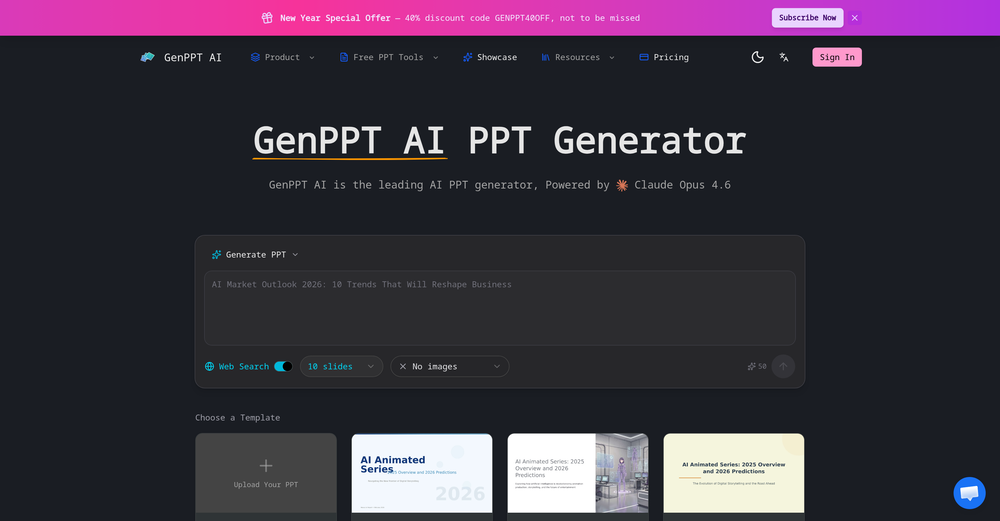 Hezi BosmiApr 20, 2026@GenPPT AIIt's a pity I got a red line saying there is an error Actually, after a while, I got an email with the presentation So it was created, delivery was average I'd say, I didn't use it
 -
-
-
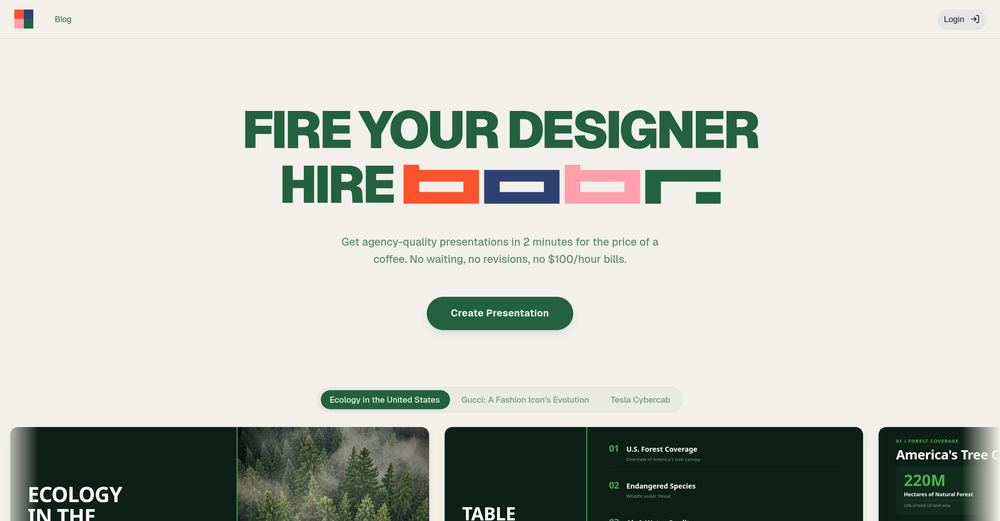 I'm absolutely blown away by the design quality of the presentations they look so vibrant and stylish. I was also pleasantly surprised that the AI asks lots of clarifying questions to make sure the final result is exactly what I wanted, not just something random. Vibes 🔥







Verified tools
-
Used it for PPT generation and performed extremely well, especially the numbers and data part.
-
 Your AI presentation agent for instant professional slides.OpenA great AI presentation maker
 -
-
Great tool, offers a lot of data story suggestion and detailed charts.
- SponsorSpeechmatics - API for Voice AI Agents
-
 Open
Open -
I've been using Basquio as alpha tester and saved around 10 hours a week when doing slides since I started. My team at loamly.ai uses daily now. The depth of the analysis, as specialised agent is really impressive
-
 Open
Open -
I tested a few AI presentation tools and this one works smoothly inside Google Slides.
-
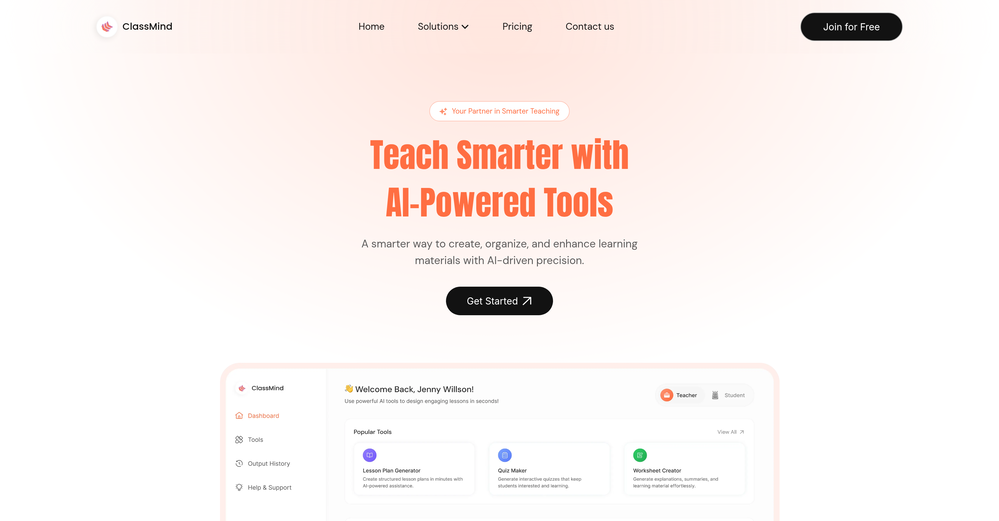
I really gotta let my heart out, got so many great reviews from my peers. It has helped me make my school work so much easier. I work with little children so when i make it cartoonish it's giving me the best one's yet.
-
 OpenWorked well to fill my room. Would love to see more options in terms of what I can configure in the future releases.
 -
-
 Build professional, on-brand decks — 10x faster. Inside PowerPoint or online.OpenI think Slidely is the only tool that has worked for me when creating my client presentations. The presentations aren't web pages or images like the other tools but actual PowerPoint slides which I really like.
 -
Data narration and augmentation are valuable tools from datumfuse.ai
-
I had to tweak a few things to match my brand style, but overall it saved me a ton of time. Definitely handy if you need something fast and professional-looking.
-
 Generate professional presentations in seconds with AIOpenDid not allow to download the slides.... ideally they should keep it free till sufficient traffic hits the platform and allow people to share feedback.
 -
 Create stunning presentations in seconds with AIOpen
 -
When testing out the free version it looked promising, but as soon as I purchased the largest package for more characters the slides were unusable with text running vertically up and beyond my slides (1 character per line). When I reached out to the supplier, they wouldn't refund me because it had been more than 48 hours since my purchase. Waste of money and time.
-
 OpenThe PowerPoint presentation I made met my expectations very well
 -
A very useful AI slides tool! The content it generates is genuinely smart.
-
PPT.AI is an outstanding AI-powered presentation tool that has completely transformed my workflow! With just a few clicks, it turns my ideas, documents, or even YouTube links into polished, professional slides in minutes. The platform offers over 800 premium templates and smart editing tools, making customization both powerful and intuitive. I especially appreciate the real-time cloud collaboration and version control features, which make working in teams seamless. Whether you’re a professional, educator, or entrepreneur, PPT.AI saves a tremendous amount of time and ensures every presentation looks visually engaging and consistent. Highly recommended—definitely a five-star experience!
-
Thanks for your note. Pi is independently developed, with more than Gamma: richer themes, interactive surveys, AI copilot. 7-day free trial—try it to see! We value innovation and users.
-
You spent half of hour on describing how your presentation should look like, and just after that getting informed that you need to pay subscription to proceed. Who’ll pay my time back?




























Other tools
-
Makes it easy to get started with a presentation if you have an outline, but as soon as you want more control, you're better off using Google Slides. Gamma's feature that I used the most was image generation - you can select among a variety of models (Ideogram, Flux, DALL-E, but not Midjourney), and it shows 3 variations to choose from. Performance is slow and a little janky, even in Chrome. Prompts and settings are often not respected - e.g. you set it to "preserve text" and just generate slides, and it goes onto dumping an entire 3 paragraphs of text in one slide. You can't overlay text over images (e.g. for image attribution), and there's no precise positioning control, or grouping elements. No way to control table layout, e.g. to have two images slide-by-side in full bleed mode. I tried Gamma for a new presentation, but next time I need to make a presentation, I'll go back to Google Slides and generate images independently.
-
This is a simple, private, free tool that helps me unload my thought stack to decompose and solve any creative tasks. I love to use this app as an alternative to the official ChatGPT to conveniently apply my frequent prompts to the results of my brainstorming.
-
This is the first slide creator I found that actually creates an outline, and nice looking slides with images. The one negative/con is it takes yoursubject and title and generates an outline, but it doesn't allow you to put in your own outline
-
Takes input (full presentation text in my case) as prompt and generates its own copy. Poor image quality. Boring layout. No bullets etc. You can try once with your free credits. no fun
- Didn't find the AI you were looking for?
-
It's helps you get started on a presentation. Likely need to edit photos and text.
-
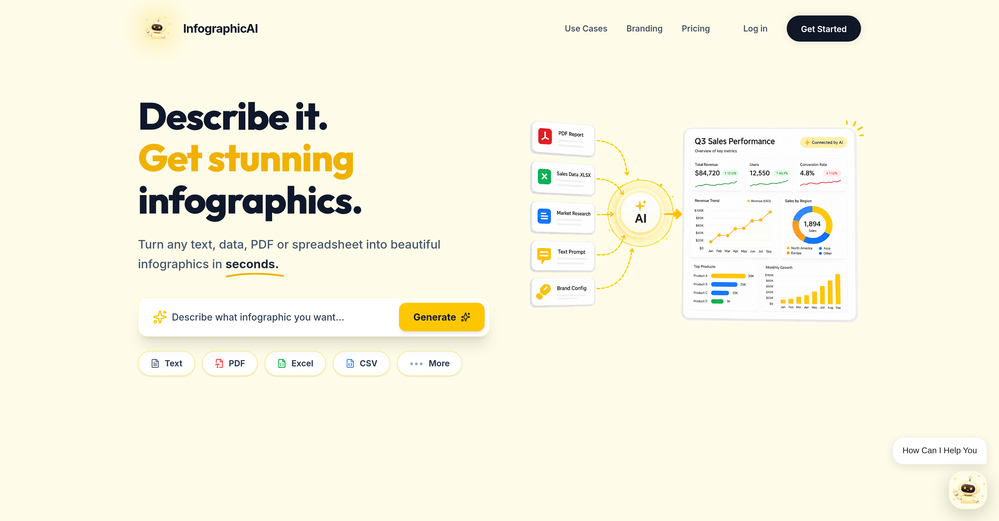
It took me less than 20 minutes to create infographic perfection- all the other AI design sites I tried, and I tried them all, weren't able to give me what I wanted in 1 way or another. Outline Ninja helped me create my infographic
-
Test based on an actual teaching topic of Social Media Marketing based on a textbook. Perhaps my prompt was not detailed enough because the .ppt output had a minimalist layout. Some textual explanations were acceptable however, the AI does not yet have enough depth to use for an education environment. The results were very fast and produced 12 slides. Images were presentation quality however, two images were repeated and the text-to-image ratio was only a 1/2 grid.
-
Wow, I can't believe it, how much can a human being cheat? You get a free data tag, you register on the site, so you don't get paid, you can't do anything. I really feel sorry for humanity.
-
Very intuitive and easy to use tool, that will allow whoever wants to create presentations a wide range of templates to add cool graphics and design in very little time. The cons are that as a web based app, you have to store your presentations online and depend on having good internet connection to present. It does give you the option to download a PDF or PPTX document, but transitions, videos and audio doesn't download. The AI generator for images is not quite there yet, but the prompts to create slides is very good. Tip: Create slide by slide if you are going to use AI. The command to generate a whole presentation from a prompt is still not very accurate in my experience.
-
It’s a decent tool for making slide presentations. A bit complicated at first, but once you get used, it gets better. Offers some nice features
-
Hello Lalith! Try refreshing the page and giving it another shot,the app seems to be working fine.
-
It easy to use and you can create beautiful presentations but you can't share professionally without a HUGE cost of 50 per month thats billed annual! they try and force you to buy. Will not use as it is NOT easy to share
-
It’s more than just a presentation maker, it also helps organize information.A great alternative to PowerPoint or Google Slides when you need something fast and professional. It has become part of my daily workflow at the office.