 VeriIA
 Mini tools
▼ Top rated
Automated video generation
Free mode
100% free
Freemium
Free Trial
Featured matches
-

 Liam Therrien🙏 17 karmaSep 17, 2025@Ferndeskthrew it at our dusty help center and it cooked. pulled context from tickets and updates and wrote clean articles and faqs. inbox got quieter fast. solid tool.
 -
-
 Solid hub for socials. Schedules to a lot of platforms in one place with ai post ideas and short-form tools, plus a free tier to try things out. I like the planner and analytics, ui feels busy at first but once you learn the flow it moves fast.
 -

-
-
 This is simply amazing. I used Nodu AI to create an employer branding video for our Talent Acquisition team to promote one of our key roles. Very impressed by the high-quality visuals it has generated, including the voiceover based on my brief. I like the way it has so nicely incorporated the brand logo and call to action messaging. My video looks like a professional production. Highly recommend!
 -
 Easy to use, good visuals and good price to videos ratio. Made a few with 10k views.
 -
 Turn baby photos into talking podcast videos.Open
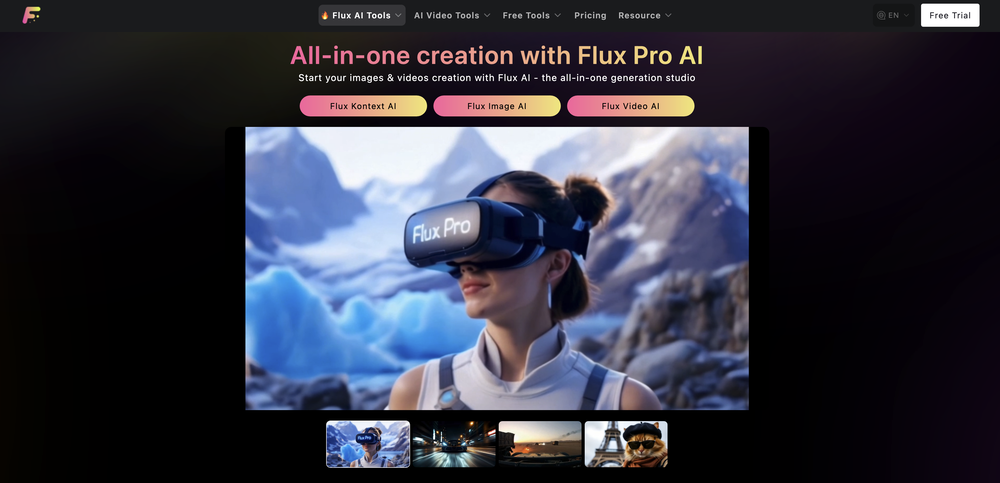 Wow, The AI tool is so interesting for the AI talking baby podcast. I like it. Thank you for the AI
 -
 Rapidly generate AI training videos without equipment or editing.Open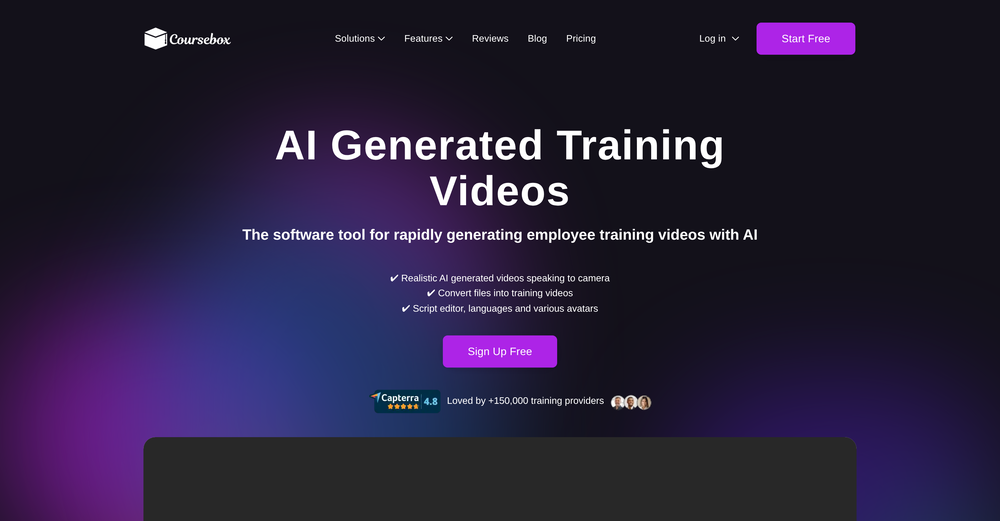
-








Other tools
-
-
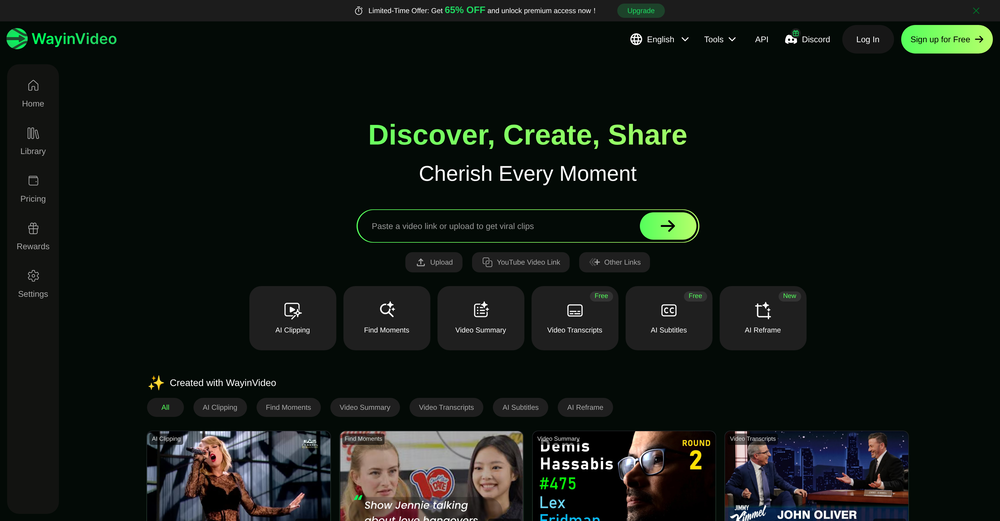
1. AI-powered transcription: Edit videos simply by editing text. 2. AI Virtual Avatars: Use high-quality and diverse virtual presenters to keep video engaged without the need for a real person on camera, helping to solve the issue of camera shyness. 3. AI Voice Enhancement: Elevate your audio to studio-grade quality with one click. Sound professional, no matter what mic you're using. 4. Webcam Background Removal & Replacement: Instantly remove or swap your webcam background for a polished, distraction-free look. 5. AI Subtitles Generation: Support for over 55 languages, generating corresponding subtitles instantly, simplifies the workflow, and enhances video accessibility. 6. Smart Noise Reduction: Eliminate background noise for crystal-clear audio in any recording environment. 7. Stylish Cursor Effects: Highlight your mouse with refined cursors and smooth animations to make your recordings more engaging and dynamic effortlessly. 8. Hide Cursor: Keep your recordings clean by hiding the cursor when you don't need it. 9. Redesigned UI & Interactions: A sleek new interface designed to make video creation faster, smoother, and more intuitive. 10. Smarter Project Naming: Improved default naming conventions help you organize and locate your projects with ease. 11. Performance & Stability Improvements: Under-the-hood optimizations for a faster, more reliable workflow. Less waiting, more doing.
-
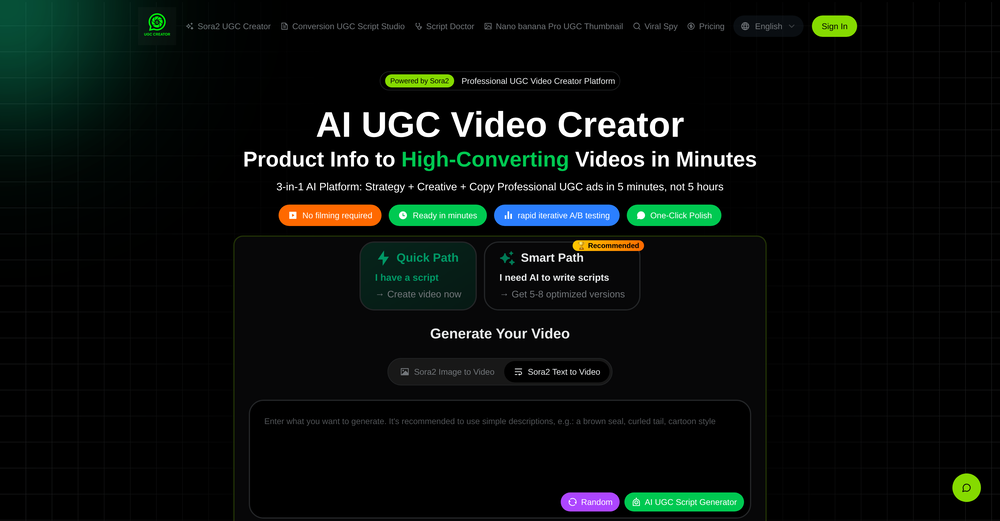
Great! the first tests are convincing, I'm going to use it for my cosmetics store !
- Spotlight: VeriIA (AI content detection)
-
 AI-powered candidate screening with instant results.OpenGreat app! User-friendly design, smooth performance, and all the tools I need are easily accessible. Highly recommend!
 -
You can make video narrations in so many different languages and in any style you want! Awesome!
- Didn't find the AI you were looking for?
-
-
 OpenHey everyone, I’m Evaldas, co-founder of Guideless, the fastest way to turn any browser workflow into a polished, AI-narrated video guide in minutes. No screen recording. No tedious editing. Just turn on the extension, click through your process as you normally would, and instantly get a share-ready guide. We recently shipped a major update: a sleeker UX and new high-quality AI voiceover characters — making guides sound and feel more vibrant than ever. Give Guideless a try and see how effortless creating high-quality tutorials can be 🪄
 -
The AI property description tool works really well. I haven’t gotten around to using the poster feature yet, but all in all, it’s worth an 8 out of 10.
-



























Post





