Go to section
Spotlight SureThing.io - "OpenClaw" for BeginnersTask automation
The front page of AI.Used by 90M+ humans.

TAAFT Tutorial
Generate image
Tasks
Generate text
Free mode
Trending
Leaderboard
Characters
 Mini tools
New
Featured
Lists
Agents
Requests
Jobs
Map
Newsletter
Starter pack
Free tools
Speech to text
Text translator
Remove background
Settings
Edit profile
My tools
Gallery
Dashboard
Inbox
Get featured
Contact TAAFT
For you
Popular
Job impact index
Most saved
Affiliate program
Submit AI tool
Notification preferences
Glossary
Home
Timeline
My profile
Create tool
Deals
Companies
Models
Robots
Papers
Fundraises
Repositories
Devices
Organizations
Events
Prompt Pack
Merchendise
APIs
Features
Tools
Countries
Collections
Videos
Mini tools
New
Featured
Lists
Agents
Requests
Jobs
Map
Newsletter
Starter pack
Free tools
Speech to text
Text translator
Remove background
Settings
Edit profile
My tools
Gallery
Dashboard
Inbox
Get featured
Contact TAAFT
For you
Popular
Job impact index
Most saved
Affiliate program
Submit AI tool
Notification preferences
Glossary
Home
Timeline
My profile
Create tool
Deals
Companies
Models
Robots
Papers
Fundraises
Repositories
Devices
Organizations
Events
Prompt Pack
Merchendise
APIs
Features
Tools
Countries
Collections
Videos
Mini tools
New
Featured
Lists
Agents
Requests
Jobs
Map
Newsletter
Starter pack
Free tools
Speech to text
Text translator
Remove background
Settings
Edit profile
My tools
Gallery
Dashboard
Inbox
Get featured
Contact TAAFT
For you
Popular
Job impact index
Most saved
Affiliate program
Submit AI tool
Notification preferences
Glossary
Home
Timeline
My profile
Create tool
Deals
Companies
Models
Robots
Papers
Fundraises
Repositories
Devices
Organizations
Events
Prompt Pack
Merchendise
APIs
Features
Tools
Countries
Collections
Videos

▼ Top rated
Automatic editing
Free mode
100% free
Freemium
Free Trial
Featured matches
-
 Turn any song into scroll-stopping videos in minutes with AI-directed scripts andOpen
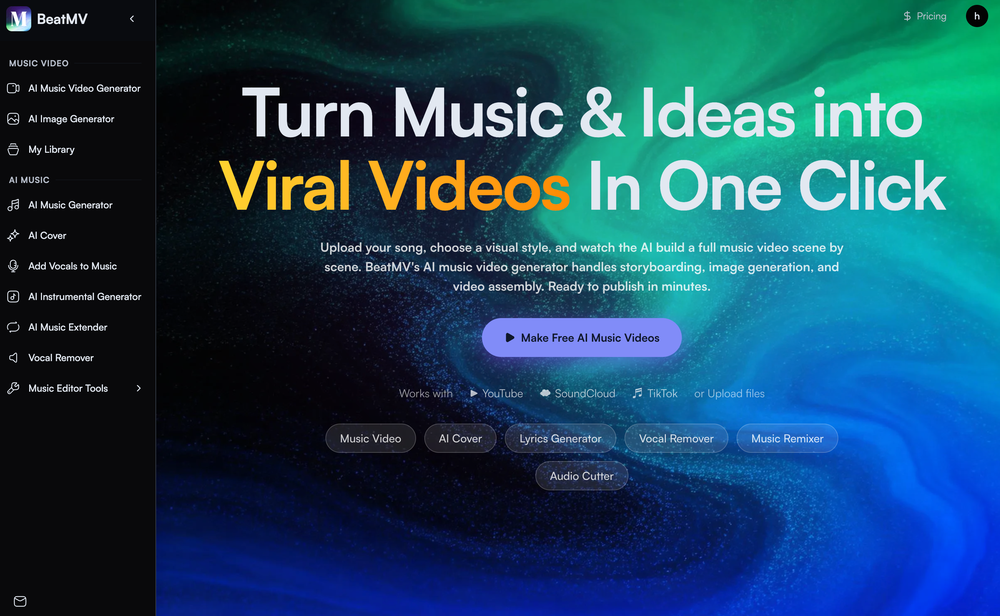 🎬 BeatMV v3.1 — Product Update Direct your music video in the visual language of the masters — real cinematic framing, not just a color filter. ✨ New Features 🎬 Signature Director Styles Shoot in the style of legendary directors. Each style carries a true shot-scale mandate — e.g. an intimate, close-up-driven look that bans drone and wide establishing shots — so your video actually feels directed, not just recolored. The style flows into every scene's framing automatically. 🎭 Full-Screen Script Reference Editor A redesigned, full-screen reference workspace for story-mode videos. Edit references per chapter across scene, character, costume, and prop — each with its own prompt, result, history, and one-click retry. 👗 Costume Consistency Sheet Costume references now generate as a four-view outfit sheet, so your character wears the same outfit — front, side, and back — across every shot of the video. 🔧 Improvements & Fixes 🎞️ Cohesive Storyboard Video Storyboard-to-video now renders with native audio and uses your reference image as the first frame (instead of the grid panel), for a character-first, consistent result. 🎯 Style That Actually Lands Director styles now drive shot scale and composition — not only palette — so the chosen look reads clearly in the final cut.
 -
-

 Martin Durant🙏 24 karmaMar 26, 2026@SEOForge.aiImages could be better
 -
-
-
-
 Turn property photos into scroll-stopping videos that sell homes faster.Open
-
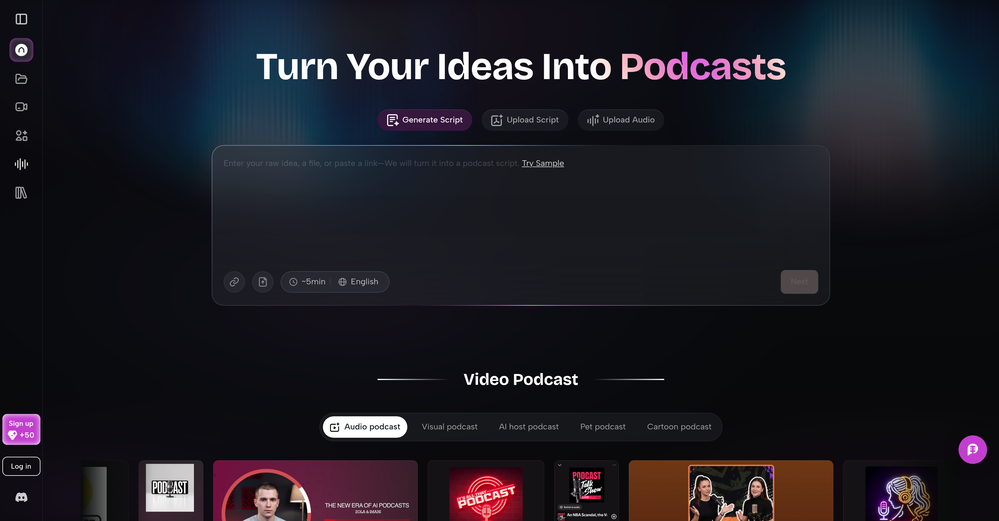 As a student, I regularly work with research papers and long PDFs. PodcastorAI has been a helpful way to turn that content into something I can listen to while commuting or walking. I like that it creates a structured podcast rather than simply reading the text aloud. The dialogue format is surprisingly engaging and makes dense material easier to get through. I still rely on the original documents for deeper study, but for review and knowledge retention, it's been a genuinely useful tool.
 -
-








Other tools
-
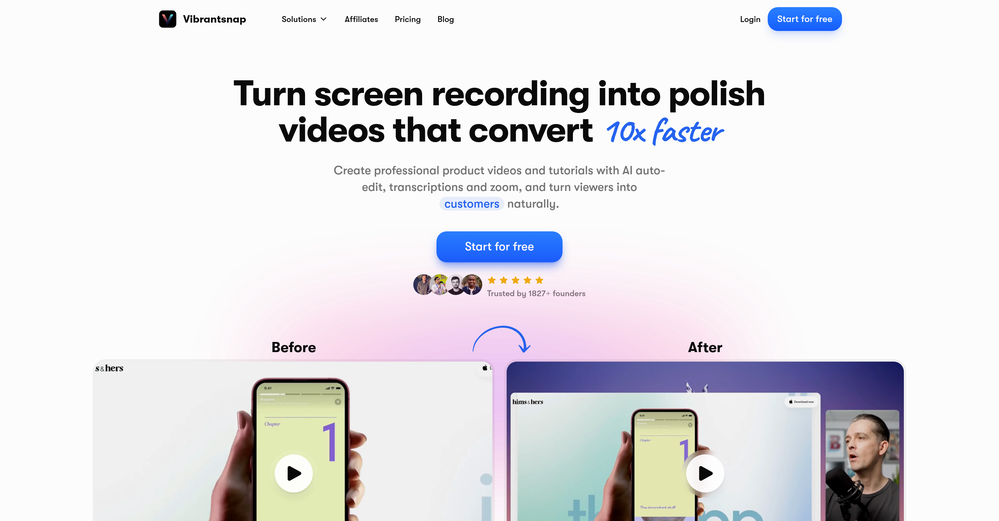
 Instantly create professional screen recordings in perfect English.OpenHi folks - I'm Charles, the founder of Wizardly. I built this app to help marketing, product, and sales teams instantly create polished product videos without requiring expensive professional video editing. Try it out to see how to turn a quick screen recording into professional, customer-ready video today. We have lot's of cool features in the pipe but feel free to share feedback and suggestions once you give the app a spin! 🙏🏻
 -
Well, I use Statuz myself, so maybe I'm biased. The only way to find out is to try it yourself. Let us know here.
- SpotlightSureThing.io - "OpenClaw" for BeginnersTask automation
-
Really impressed with audien.to so far. I dropped in a meeting recording and got a clean transcript plus useful notes in just a few minutes, without having to tweak much. The speaker tags and filler cleanup make it way easier to share with the team.
-
I just used LumiClip to make clips from my long podcast video and Im so amazed how it differs from other ai video clipper tools like Opus or vizard, It does the highlight finding very well and reframe comes our so clean with no editing required. Only thing i would suggest is adding b-roll videos to clips automaticaly.
-
 AI-powered YouTube thumbnail maker for click-ready designs.Open
 -
Klayn looks really solid — simple to use, clean interface, and genuinely useful. It saves a lot of time on tasks that would normally take way longer. Definitely a tool worth trying!
- Didn't find the AI you were looking for?
-
The tool is powerful, combining multiple AI modes and features. It can enhance images with just one click, colorize black-and-white photos, and remove watermarks effortlessly.
-
 Generate custom copyright-free music that fits to your video automaticallyOpenWe built Vidsembly’s Video Music-Score tool to make adding background music simple and fast. Upload your MP4 video, choose a music style, and get a copyright-free soundtrack that is automatically fit to your video and ready for export. No editing skills needed. You can try it free with 15 credits.
 -
works wonderfully, really good for cleaning up writing. just wish the monthly plan was a bit cheaper.
-
I was skeptical about the "one-click video" claim, but I gave TemVideo a shot for a new product I'm testing. The biggest headache with AI video tools is usually the prompt engineering—you spend 30 minutes typing descriptions just to get a weird-looking hand. TemVideo completely bypasses that. My honest take after using it: The "From Raw Footage" feature is the real MVP. You know those random 10-second clips you take on your phone just to check lighting? The AI somehow turns those messy scraps into coherent ads. It’s almost spooky how well it edits around the product. It’s built for speed. If you are a dropshipper who needs to test 5 different products today, this workflow is unbeatable. Upload, click, done. I had an export ready faster than I could find a coffee. Multi-language is a bonus. It’s smart they included localization. If you sell globally, having the AI handle the lip sync and narration in different languages from one workflow is a massive time-saver. Best part? The built-in "Viral Hooks" library. It takes the guesswork out of what text to put on screen to stop the scroll.