Go to section
Spotlight SureThing.io - "OpenClaw" for BeginnersTask automation
The front page of AI.Used by 90M+ humans.

Generate image
Tasks
Generate text
Free mode
Trending
Leaderboard
Characters
 Mini tools
New
Featured
Lists
Agents
Requests
Jobs
Map
Newsletter
Starter pack
Free tools
Speech to text
Text translator
Remove background
Settings
Edit profile
My tools
Gallery
Dashboard
Inbox
Get featured
Contact TAAFT
For you
Popular
Job impact index
Most saved
Affiliate program
Submit AI tool
Notification preferences
Glossary
Home
Timeline
My profile
Create tool
Deals
Companies
Models
Robots
Papers
Fundraises
Devices
Organizations
Events
Prompt Pack
Merchendise
APIs
Features
Tools
Countries
Collections
Videos
News
Investors
Repositories
Mini tools
New
Featured
Lists
Agents
Requests
Jobs
Map
Newsletter
Starter pack
Free tools
Speech to text
Text translator
Remove background
Settings
Edit profile
My tools
Gallery
Dashboard
Inbox
Get featured
Contact TAAFT
For you
Popular
Job impact index
Most saved
Affiliate program
Submit AI tool
Notification preferences
Glossary
Home
Timeline
My profile
Create tool
Deals
Companies
Models
Robots
Papers
Fundraises
Devices
Organizations
Events
Prompt Pack
Merchendise
APIs
Features
Tools
Countries
Collections
Videos
News
Investors
Repositories
Mini tools
New
Featured
Lists
Agents
Requests
Jobs
Map
Newsletter
Starter pack
Free tools
Speech to text
Text translator
Remove background
Settings
Edit profile
My tools
Gallery
Dashboard
Inbox
Get featured
Contact TAAFT
For you
Popular
Job impact index
Most saved
Affiliate program
Submit AI tool
Notification preferences
Glossary
Home
Timeline
My profile
Create tool
Deals
Companies
Models
Robots
Papers
Fundraises
Devices
Organizations
Events
Prompt Pack
Merchendise
APIs
Features
Tools
Countries
Collections
Videos
News
Investors
Repositories

▼ Latest
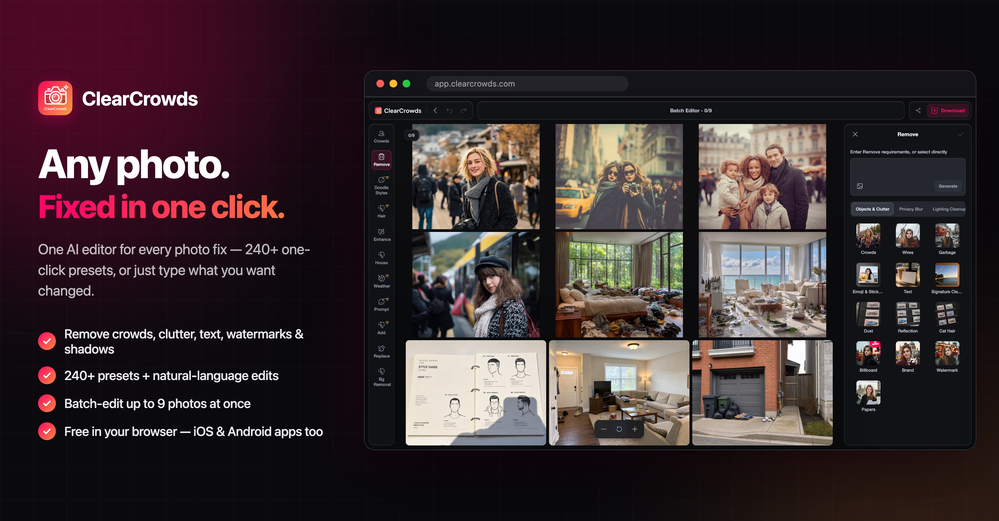
Batch editing
Free mode
100% free
Freemium
Free Trial
Featured matches
-
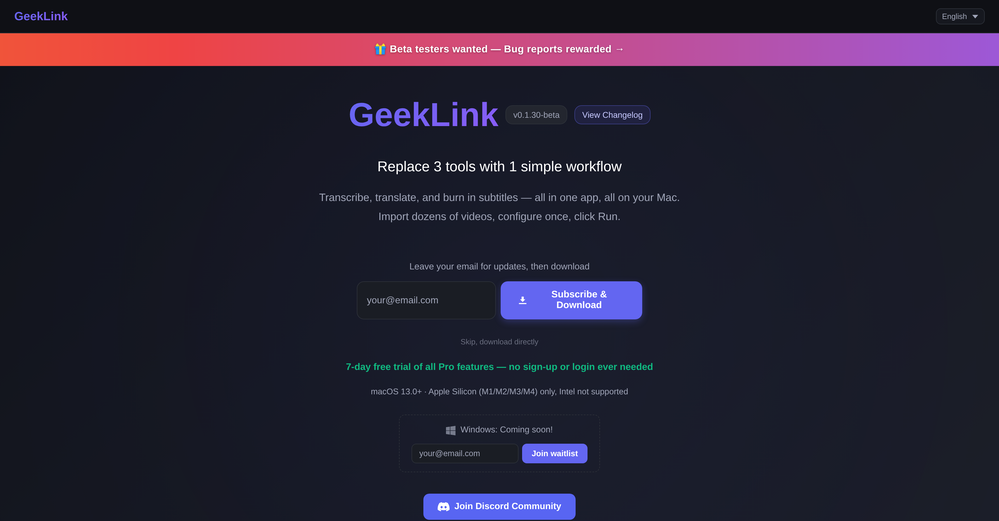 Flora Wang🛠️ 1 tool 🙏 2 karmaMay 22, 2026@GeekLinkYou are absolutely right. There are a lot of founder and certain types of tools that assume their users are experts, making their products very technical. GeekLink is not that kind of product. A creator shouldn't have to know the exact parameters, meanings, and depths behind it. All of that is handled behind GeekLink.
 -
-




Verified tools
-
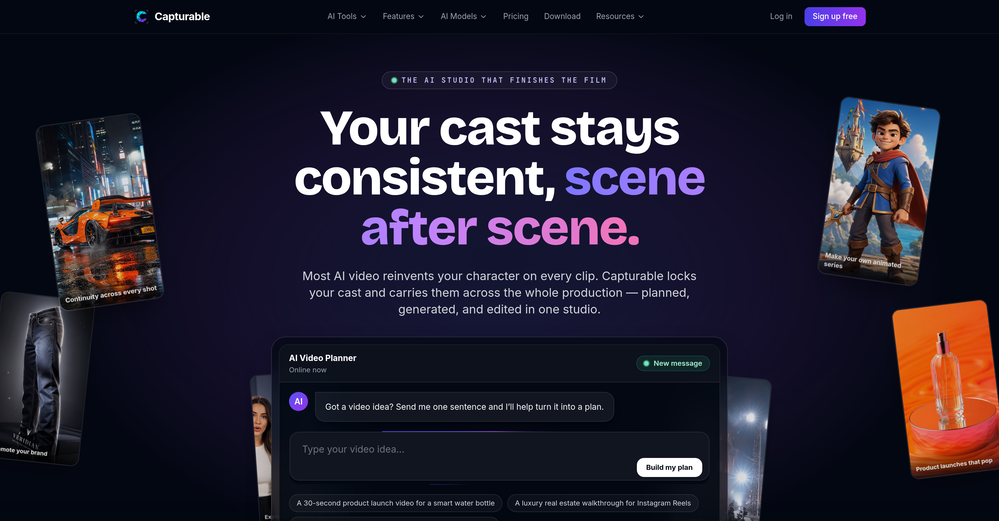
Added an AI camera that cuts, frames, and captions every clip for you
Added burned-in captions, auto-placed text hooks, and silence trim
Added publishing and scheduling to YouTube and TikTok, plus one-tap share links
Added Kick and Google Drive alongside YouTube, Twitch, and uploads
Improved analysis to about 2x faster, with clips streaming in as they are found
-
 Stop guessing if your photo is good. Get instant, objective feedback.Open
 -
 Remove the background & retouch your product photosOpen
 - SpotlightSureThing.io - "OpenClaw" for BeginnersTask automation
-
 Turn one product upload into complete ecommerce image sets.Open
 -
-
 Open4K resolution is one of its major advantages in the relevant field.
 -
Every claim on this site starting with #1 Free use as many times as you like is false. Dont waste your time! "https://imagetovideoai.run/#:~:text=1,as%20you%20need.
-
I used it to generate several Christmas-related videos, and the results were excellent. It’s a really great product and definitely worth trying.
-
Tried to fix a cropped travel photo and it worked great. The AI naturally expanded the sky and beach, so the image fit a 16:9 YouTube thumbnail without any visible seams or quality loss.
-
 Remove unwanted text, watermark or logo from images online free.Open
 -
img2img AI is the first image editor that actually replaced three tools on our team. I can upload a product shot, type what I want in plain English.
-
pretty clean tool, i tried a couple product images fast and the controls make sense. model picks, image-to-image and quick batch runs are handy for ad shots or thumbnails. the free tier is tiny at 2 credits, so it's more of a taste test than real use.
-
Six months ago I was building some landing pages and found myself wasting way too much time downloading stock photos, cropping them, resizing, rehosting... the whole thing felt broken. I looked around for a tool that just let me describe the image I wanted and get it in the right format instantly—but nothing really existed. So I built Inliner AI. Now when I need an image, I just write what I want directly into a URL like this: https://img.inliner.ai/my-project/panda-playing-guitar-on-stage_1200x750.png Hit enter and boom Inliner generates an original AI image, intelligently cropped, resized for the web, and served instantly via CDN. Need a quick edit? Just append it to the URL: .../remove-the-guitar_900x750.png No uploads, no UI, no waiting. You can also upload your own products, people, or logos and compose them into generated scenes. For more control, there's a Studio web GUI where you can play with prompts and dimensions and compare variants side by side before committing. Where this gets really powerful is when you show your LLM how to use these URLs. Once it knows the pattern like: https://img.inliner.ai/my-project/xxx-yyy-zzz.png It can generate, tweak, and iterate on image assets dynamically, right inside your prompts or your code. Everything stays self contained in the link. We also include copy/pasteable instructions for Claude, GPT, Cursor, and more so you can wire this up in minutes. If you're building a product, designing a page, or just prototyping something new try it out and let me know what you think!
-
Thank you for your support. We value your feedback. If you have any questions or suggestions, please send us your feedback.
-
The Remove Background tool is designed to be quite simple and easy to use. As long as the image is uploaded, the machine can automatically recognize the subject and background range, quickly remove the background, turn it into a transparent background or apply a specific color





























Other tools
-
I just used LumiClip to make clips from my long podcast video and Im so amazed how it differs from other ai video clipper tools like Opus or vizard, It does the highlight finding very well and reframe comes our so clean with no editing required. Only thing i would suggest is adding b-roll videos to clips automaticaly.
-
 AI-powered subtitle translation for global content creators.Open
 -
-
Not available for PC only Mac, it would have been worth mentioning.
-
- Didn't find the AI you were looking for?
-
Great app. I am trying Free version. Working fine. will upgrade to Pro soon to transcribe and summarize my online meetings.