Go to section
Sponsor
 Flow - 4x faster than typing
🎤 Dictation
Flow - 4x faster than typing
🎤 Dictation
The front page of AI.Used by 90M+ humans.

TAAFT Tutorial
Generate image
Tasks
Generate text
Free mode
Trending
Leaderboard
Characters
 Mini tools
New
Featured
Lists
Agents
Requests
Jobs
Map
Newsletter
Starter pack
Free tools
Speech to text
Text translator
Remove background
Settings
Edit profile
My tools
Gallery
Dashboard
Inbox
Get featured
Contact TAAFT
For you
Popular
Job impact index
Most saved
Affiliate program
Submit AI tool
Notification preferences
Glossary
Home
Timeline
My profile
Create tool
Deals
Companies
Models
Robots
Papers
Fundraises
Repositories
Devices
Organizations
Events
Prompt Pack
Merchendise
APIs
Features
Tools
Countries
Collections
Videos
Mini tools
New
Featured
Lists
Agents
Requests
Jobs
Map
Newsletter
Starter pack
Free tools
Speech to text
Text translator
Remove background
Settings
Edit profile
My tools
Gallery
Dashboard
Inbox
Get featured
Contact TAAFT
For you
Popular
Job impact index
Most saved
Affiliate program
Submit AI tool
Notification preferences
Glossary
Home
Timeline
My profile
Create tool
Deals
Companies
Models
Robots
Papers
Fundraises
Repositories
Devices
Organizations
Events
Prompt Pack
Merchendise
APIs
Features
Tools
Countries
Collections
Videos
Mini tools
New
Featured
Lists
Agents
Requests
Jobs
Map
Newsletter
Starter pack
Free tools
Speech to text
Text translator
Remove background
Settings
Edit profile
My tools
Gallery
Dashboard
Inbox
Get featured
Contact TAAFT
For you
Popular
Job impact index
Most saved
Affiliate program
Submit AI tool
Notification preferences
Glossary
Home
Timeline
My profile
Create tool
Deals
Companies
Models
Robots
Papers
Fundraises
Repositories
Devices
Organizations
Events
Prompt Pack
Merchendise
APIs
Features
Tools
Countries
Collections
Videos

▼ Popular
Batch generation
Free mode
100% free
Freemium
Free Trial
Featured matches
-
 Batch rename files by content — private AI for Mac & WindowsOpen
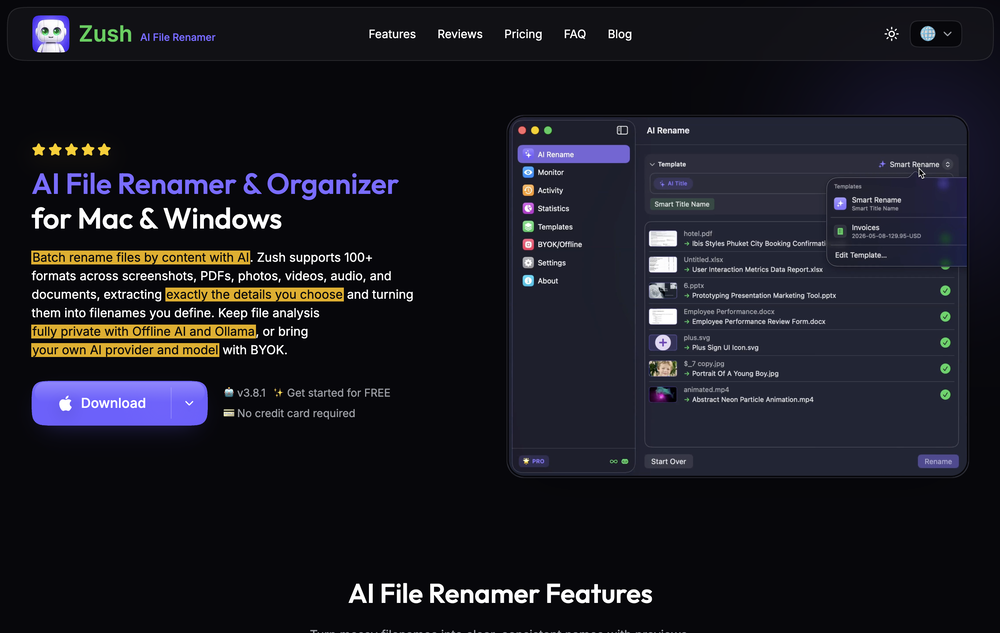 deviruchi🙏 1 karmaJul 14, 2026@Zush AI File Renamer & OrganizerGreat experience, exceeded all expectations!
 -
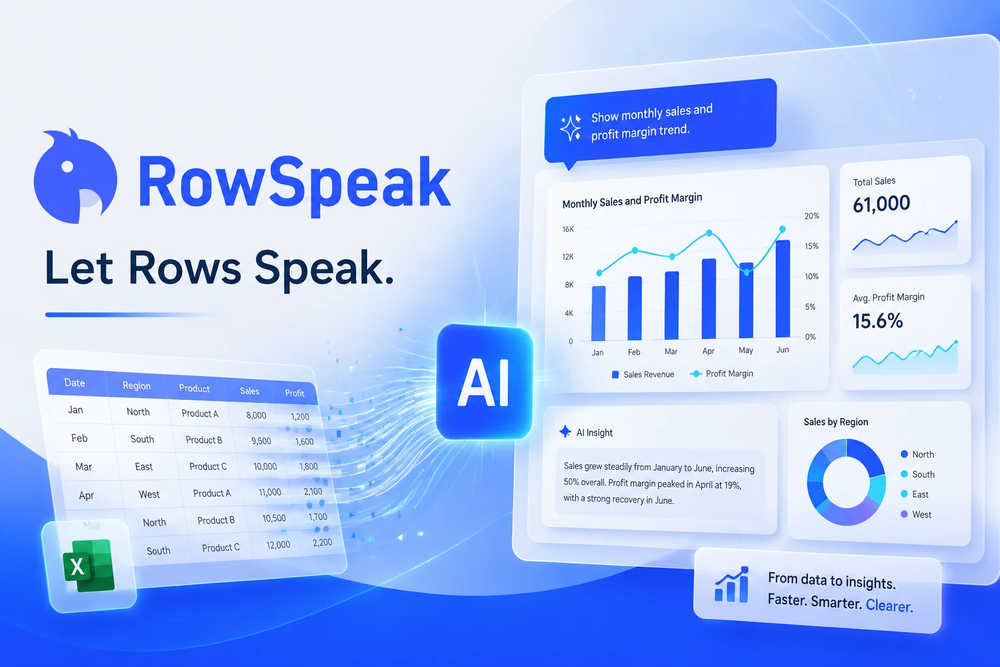 Tired of wrestling with complex formulas, spending hours cleaning data, and struggling to create the right charts? Excelmatic is a powerful web-based AI agent designed to revolutionize your relationship with spreadsheets.
 -
 Hey Sam, you can use some parts of the site for free, but to enjoy the full version it's true that you need to pay.
 -
-
-
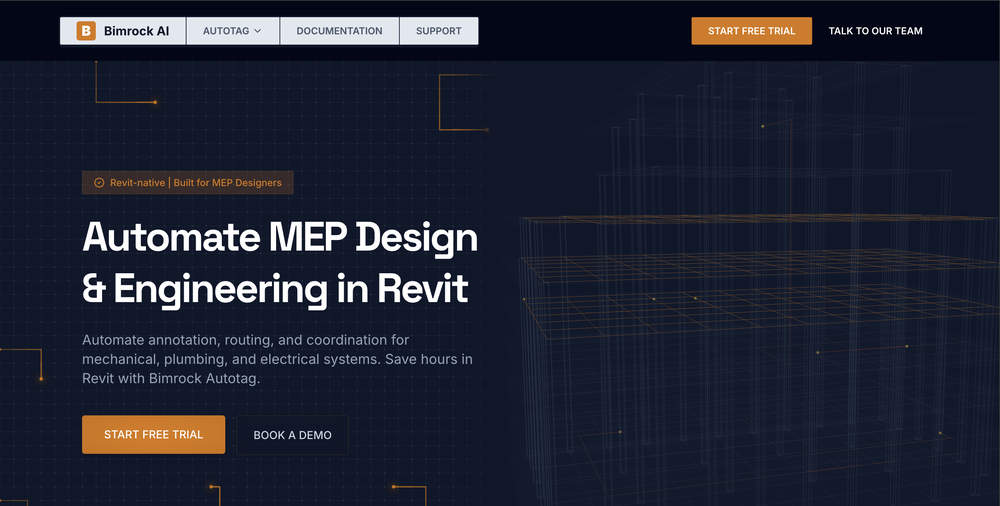
-
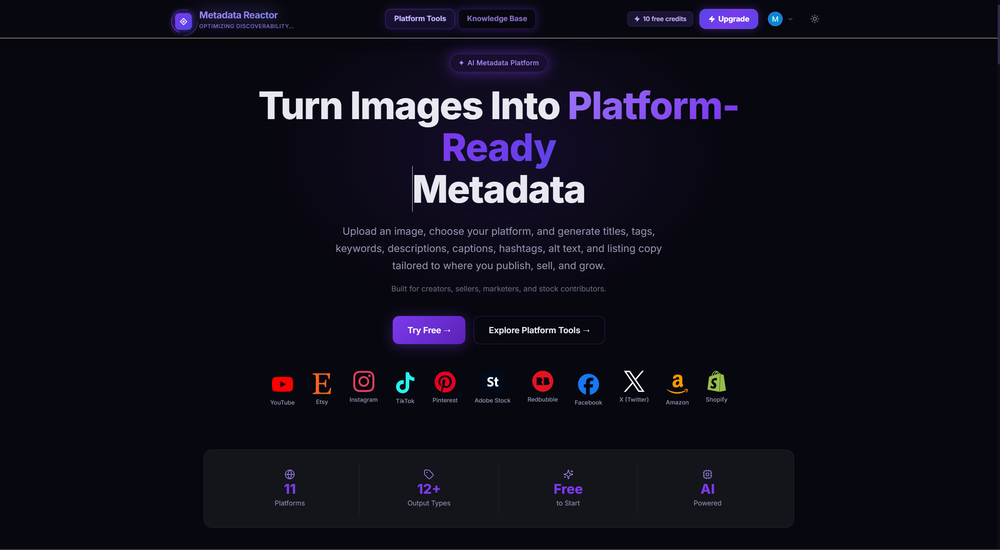
-
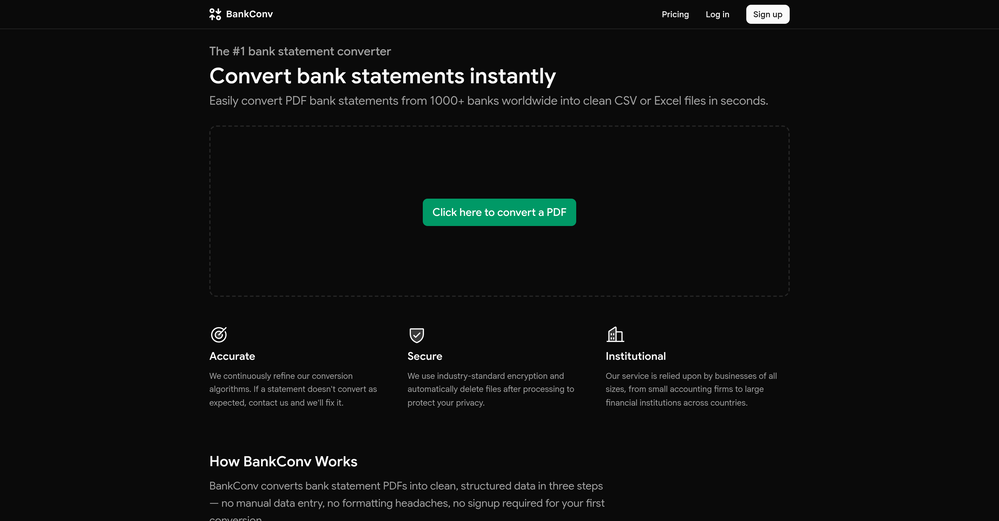
-
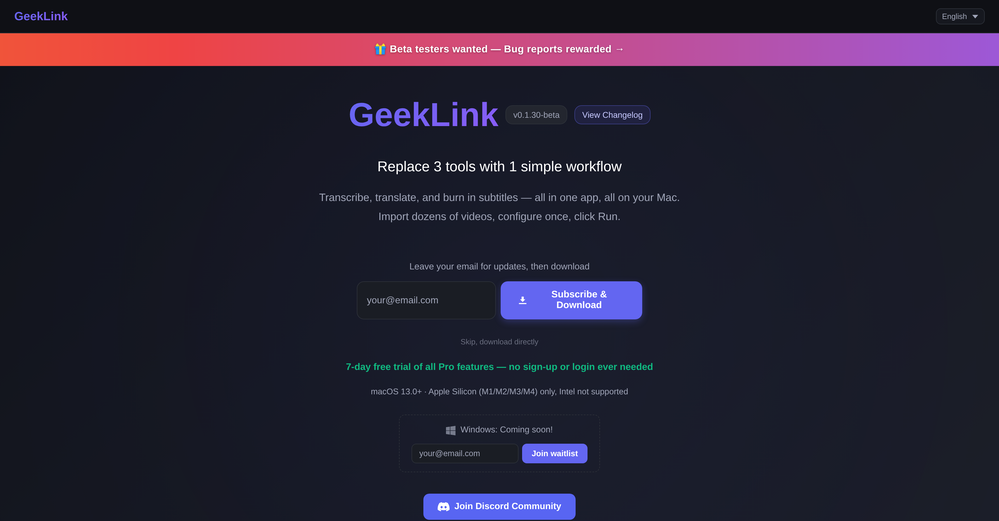 You are absolutely right. There are a lot of founder and certain types of tools that assume their users are experts, making their products very technical. GeekLink is not that kind of product. A creator shouldn't have to know the exact parameters, meanings, and depths behind it. All of that is handled behind GeekLink.
 -











Other tools
-
-
Easy to use and produces some very interesting results. It is going to be my Go To image creation tool.
- SponsorFlow - 4x faster than typing🎤 Dictation
-
-
Love FlowChai. I save so much time on writing content for my website.
-
-
The Remove Background tool is designed to be quite simple and easy to use. As long as the image is uploaded, the machine can automatically recognize the subject and background range, quickly remove the background, turn it into a transparent background or apply a specific color
-
This is basically Magnific Ai integrated into this service since they have bought the company.
- Didn't find the AI you were looking for?
-
Would love to see this in other lenguages. works great.
-
 OpenI’ve used PhotoGrid for 8 years—it’s amazing! The new AI Eraser
 -
Apologies for the delayed response. Let me clarify our free tier benefits: 1.Daily Quick Credits: Free users receive 2 quick generation credits every day. 2.Unlimited Standard Generation: You can generate an unlimited number of images daily. Please note that during peak usage times, generation speeds may be slower to accommodate high traffic. 3.Advanced Features: Free users also have access to our excellent face-swap feature. 4.Our platform features the leading Nanobanana series models, supports various LoRA effects, and includes tools for background removal and image outpainting/expansion. 5.We welcome you to try them out! Regarding your question about pricing: The core features mentioned above are genuinely free. The 'pricing' structure you saw likely refers to optional paid plans for users who need faster speeds during peak times, higher priority, or additional commercial features. It is not 'free after you pay,' but rather a free base service with optional upgrades. We hope this clears up any confusion!"
-
Hi! I'm the founder of watch.ID - feel free to ask any questions or feedbacks ✌️
-
-
We created FreeMangaTranslator.com to make manga translation truly accessible — no logins, no paywalls, no watermarks. Just upload your manga page and get a clean, AI-powered English translation in seconds. Perfect for fans, scanlation teams, or anyone exploring manga across languages. And yes — it's completely free.
-
Every claim on this site starting with #1 Free use as many times as you like is false. Dont waste your time! "https://imagetovideoai.run/#:~:text=1,as%20you%20need.
-
Great app. I am trying Free version. Working fine. will upgrade to Pro soon to transcribe and summarize my online meetings.
-
I've been using the free trial to use different chatbot models in the same conversation and it's way more efficient than having 3 or 4 different browser tabs open at the same time. It was really cool to see that when changing a model in the middle of a chat, it keeps the context! Can't wait to start using the image and speech features!
-
Enhanced a test image x4.when I zoomed it on it there is no difference
-
-
Six months ago I was building some landing pages and found myself wasting way too much time downloading stock photos, cropping them, resizing, rehosting... the whole thing felt broken. I looked around for a tool that just let me describe the image I wanted and get it in the right format instantly—but nothing really existed. So I built Inliner AI. Now when I need an image, I just write what I want directly into a URL like this: https://img.inliner.ai/my-project/panda-playing-guitar-on-stage_1200x750.png Hit enter and boom Inliner generates an original AI image, intelligently cropped, resized for the web, and served instantly via CDN. Need a quick edit? Just append it to the URL: .../remove-the-guitar_900x750.png No uploads, no UI, no waiting. You can also upload your own products, people, or logos and compose them into generated scenes. For more control, there's a Studio web GUI where you can play with prompts and dimensions and compare variants side by side before committing. Where this gets really powerful is when you show your LLM how to use these URLs. Once it knows the pattern like: https://img.inliner.ai/my-project/xxx-yyy-zzz.png It can generate, tweak, and iterate on image assets dynamically, right inside your prompts or your code. Everything stays self contained in the link. We also include copy/pasteable instructions for Claude, GPT, Cursor, and more so you can wire this up in minutes. If you're building a product, designing a page, or just prototyping something new try it out and let me know what you think!
-
 Rename, organize, and search files by content with local AIOpen
 -
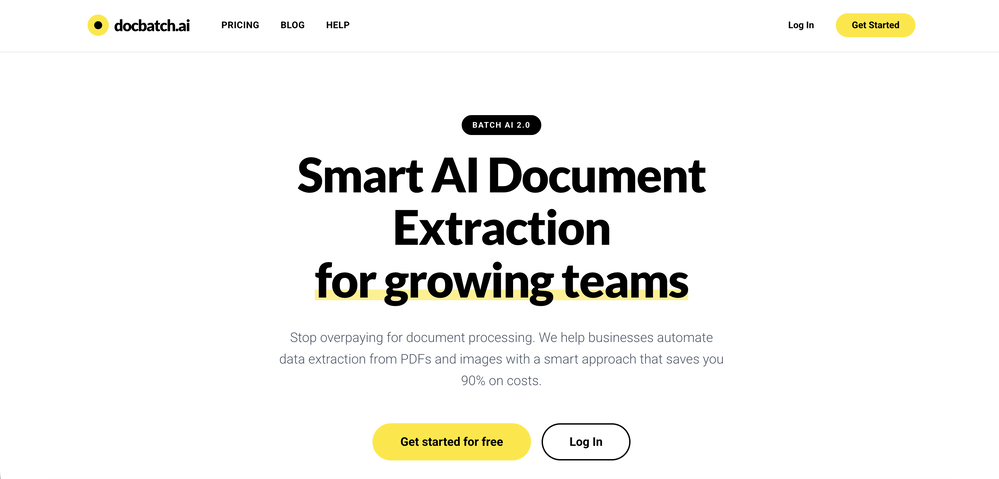
This is a text extraction service. Not image to text.
-
CreatOK is an AI-based video generator designed for TikTok e-commerce. The tool allows users to create original sales content and mimic viral content with ease. It excels at transforming product photos and descriptions into engaging videos optimized for TikTok. Also, it offers the option to generate videos from scratch by inputting product information for AI to create high-quality sales videos or replicate popular trends by uploading a viral video.
-
calling this freemium feels like a stretch as the free version is extremely limited. results are covered in watermarks and the upscaling isn't great either...
-
Fast & straightforward with acceptable quality
-
Thank you for your support. We value your feedback. If you have any questions or suggestions, please send us your feedback.
-
I used it to generate several Christmas-related videos, and the results were excellent. It’s a really great product and definitely worth trying.
-
 Stop guessing if your photo is good. Get instant, objective feedback.Open
 -
 OpenLove this app! So great at implementing several proven concepts to help with efficiency, productivity, and the ability to be consistent with tracking, rewards and gasification. Game changer in this space.
 -
 Turn one product upload into complete ecommerce image sets.Open
 -
-
 Translate manga while preserving original artwork and layout.Open
 -
img2img AI is the first image editor that actually replaced three tools on our team. I can upload a product shot, type what I want in plain English.
-
 Intelligent browser assistant for deep content analysis and instant translations.Open
 -
pretty clean tool, i tried a couple product images fast and the controls make sense. model picks, image-to-image and quick batch runs are handy for ad shots or thumbnails. the free tier is tiny at 2 credits, so it's more of a taste test than real use.
-
-
 Remove the background & retouch your product photosOpen
 -
-
-
 Remove unwanted text, watermark or logo from images online free.Open
 -
Tried to fix a cropped travel photo and it worked great. The AI naturally expanded the sky and beach, so the image fit a 16:9 YouTube thumbnail without any visible seams or quality loss.
-
i really wanted something fast. works really good. Certainly doesn't justify the price tag
-
Not available for PC only Mac, it would have been worth mentioning.
-
 Open4K resolution is one of its major advantages in the relevant field.
 -
 Translate Excel files into any language instantly.Open
 -
Went on to test uploaded an image but instead of allowing me to test the system it required buying credits . Seems like an initial freebie would be good to run a test on it . Just my view . Brendan
-
I just used LumiClip to make clips from my long podcast video and Im so amazed how it differs from other ai video clipper tools like Opus or vizard, It does the highlight finding very well and reframe comes our so clean with no editing required. Only thing i would suggest is adding b-roll videos to clips automaticaly.
-
-
 AI-powered multilingual translation for JSON and blog postsOpen
 -
 AI-powered subtitle translation for global content creators.Open
 -
 Open
Open -
 AI jewelry retouching, virtual try-ons & video — studio quality in secondsOpenWe teach product photographers for a living, so we're picky about what actually holds up to a pro eye. NeuroViz surprised us. The retouching keeps the real texture of metal and stones instead of plasticky AI smoothing — that's the part most tools get wrong. We've started recommending it to students who need clean catalog shots fast without losing the craft. It doesn't replace a good photographer, it just removes the boring 80% so you can focus on the shot that matters.
 -
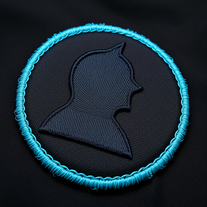 Create hyper-realistic embroidered patches from any silhouette.Open
 -
-
 Open
Open -
 Generate ultra-realistic skydiving portraits from your photos.Open