Go to section
Spotlight SureThing.io - "OpenClaw" for BeginnersTask automation
The front page of AI.Used by 90M+ humans.

Generate image
Tasks
Generate text
Free mode
Trending
Leaderboard
Characters
 Mini tools
New
Featured
Lists
Agents
Requests
Jobs
Map
Newsletter
Starter pack
Free tools
Speech to text
Text translator
Remove background
Settings
Edit profile
My tools
Gallery
Dashboard
Inbox
Get featured
Contact TAAFT
For you
Popular
Job impact index
Most saved
Affiliate program
Submit AI tool
Notification preferences
Glossary
Home
Timeline
My profile
Create tool
Deals
Companies
Models
Robots
Papers
Fundraises
Repositories
Devices
Organizations
Events
Prompt Pack
Merchendise
APIs
Features
Tools
Countries
Collections
Videos
Mini tools
New
Featured
Lists
Agents
Requests
Jobs
Map
Newsletter
Starter pack
Free tools
Speech to text
Text translator
Remove background
Settings
Edit profile
My tools
Gallery
Dashboard
Inbox
Get featured
Contact TAAFT
For you
Popular
Job impact index
Most saved
Affiliate program
Submit AI tool
Notification preferences
Glossary
Home
Timeline
My profile
Create tool
Deals
Companies
Models
Robots
Papers
Fundraises
Repositories
Devices
Organizations
Events
Prompt Pack
Merchendise
APIs
Features
Tools
Countries
Collections
Videos
Mini tools
New
Featured
Lists
Agents
Requests
Jobs
Map
Newsletter
Starter pack
Free tools
Speech to text
Text translator
Remove background
Settings
Edit profile
My tools
Gallery
Dashboard
Inbox
Get featured
Contact TAAFT
For you
Popular
Job impact index
Most saved
Affiliate program
Submit AI tool
Notification preferences
Glossary
Home
Timeline
My profile
Create tool
Deals
Companies
Models
Robots
Papers
Fundraises
Repositories
Devices
Organizations
Events
Prompt Pack
Merchendise
APIs
Features
Tools
Countries
Collections
Videos

▼ Most saved
Course
Free mode
100% free
Freemium
Free Trial
Featured matches
-
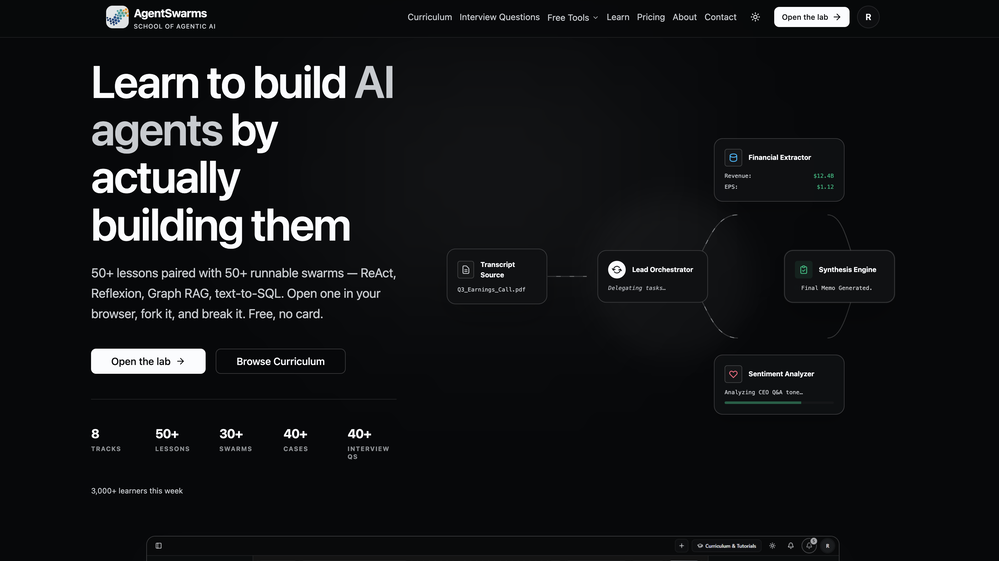 Rohan Ghosh🛠️ 1 tool 🙏 4 karmaMay 12, 2026@AgentSwarmsBuilding multi-agent AI systems shouldn’t require wrestling with messy Python boilerplate, cloud subscription or complex local setups. I built AgentSwarms (AgentSwarms.fyi) to solve this. It’s an interactive, in-browser visual sandbox for learning, building, testing, and orchestrating multi-agent AI workflows. Instead of relying on a single AI chatbot that easily hallucinates, AgentSwarms lets you drag and drop specialized AI agents—like data extractors, code reviewers, and SQL query nodes—to handle complex tasks reliably. Key features for builders: Visual Edge Tracing: Stop guessing why your AI failed. Click any connection line to see the exact JSON data passing between agents in real-time. In-Browser Execution: Powered by local DuckDB WASM. No backend setup required. Enterprise Templates: Test reverse-engineered Agenitic AI architectures for Cybersecurity, Finance, and E-commerce and 10+ industries right on the canvas. If you are tired of black-box AI debugging and want to master Agentic AI orchestration visually, come try the sandbox for free! Let me know what you think of the new execution history features. 🚀
 -

-
 Instant access to Chinese university admissions data.Open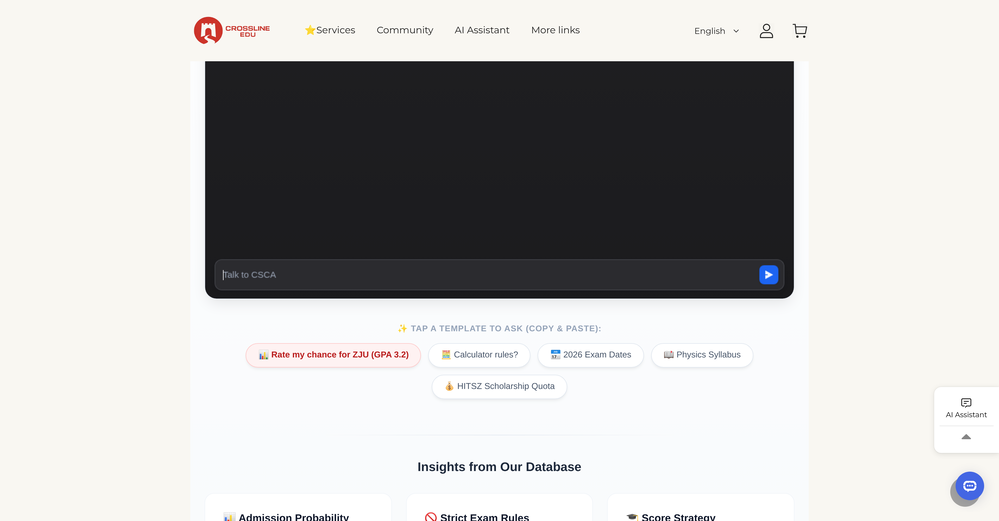
-

-
-
-
-
-
-












Other tools
-
As the service was in beta-testing stage, I created there a dozen of AI-generated courses for free. I wanted to use them. Those courses remained in my account as they started subscription tiers. But recently I have found out that they were deleted. The support didn't answer to my e-mail at all.
-
Suppppeeeeerrr! Wowwww! Mindsmith is absolutely fantastic! It is incredibly useful, easy to use, and very professional.
- SpotlightSureThing.io - "OpenClaw" for BeginnersTask automation
-
Comprehensive course outlines, lessons, and assessments within seconds.
-
 OpenVideo editing is the process of selecting, trimming, and arranging footage to create a cohesive story or visual narrative. Here are some fundamental concepts and techniques: Types of Video Editing Linear editing: A straightforward, sequential approach to editing, where clips are arranged in a linear timeline. Non-linear editing: A more flexible approach, where clips can be arranged and rearranged freely in a timeline. Key Video Editing Techniques Cutting: A transition between two clips, where one clip ends and another begins. Cutting on action: Cutting between two clips while an action is in progress, to create a seamless transition. J-cut: Cutting from one clip to another while audio from the second clip starts playing before the video cuts to it. L-cut: Cutting from one clip to another while audio from the first clip continues to play. Video Editing Software Popular video editing software includes: Adobe Premiere Pro: A professional-level editing software with advanced features and integration with other Adobe tools. Final Cut Pro: A professional-level editing software for Mac users, known for its user-friendly interface and advanced features. DaVinci Resolve: A free and paid editing software that offers advanced color grading and audio editing tools. Best Practices for Video Editing Plan your edit: Develop a clear vision and storyboard before starting to edit. Organize your footage: Label and categorize your clips to make them easily accessible. Keep it simple: Avoid overusing transitions and effects; focus on telling a clear story. Advanced Video Editing Techniques Color grading: Adjusting the color and brightness of footage to create a specific mood or atmosphere. Audio ducking: Automatically reducing the volume of background audio when dialogue is present. Motion graphics: Adding animated text, logos, or other graphics to enhance the visual narrative. Video editing involves selecting, trimming, and arranging footage to create a cohesive story. Linear and non-linear editing are two fundamental approaches. Key techniques include cutting, cutting on action, J-cuts, and L-cuts. Popular software includes Adobe Premiere Pro, Final Cut Pro, and DaVinci Resolve. Best practices involve planning, organizing footage, and keeping it simple. Advanced techniques include color grading, audio ducking, and motion graphics. Capcat pro Capcat pro Download image-to-image-generator generated imagetransparent pixel Image to Image Generator Image to Image Generator Download image-to-image-generator generated imagetransparent pixel Image to Image Generator Image to Image Generator Download image-to-image-generator generated imagetransparent pixel Image to Image Generator Image to Image Generator Download image-to-image-generator generated imagetransparent pixel Image to Image Generator Image to Image Generator Download image-to-image-generator generated imagetransparent pixel Image to Image Generator Image to Image Generator Download image-to-image-generator generated imagetransparent pixel Image to Image Generator Image to Image Generator Download image-generator generated imagetransparent pixel Image Generator Image Generator Copy Video Editing Basics Video editing is the process of selecting, trimming, and arranging footage to create a cohesive story or visual narrative. Here are some fundamental concepts and techniques: Types of Video Editing Linear editing: A straightforward, sequential approach to editing, where clips are arranged in a linear timeline. Non-linear editing: A more flexible approach, where clips can be arranged and rearranged freely in a timeline. Key Video Editing Techniques Cutting: A transition between two clips, where one clip ends and another begins. Cutting on action: Cutting between two clips while an action is in progress, to create a seamless transition. J-cut: Cutting from one clip to another while audio from the second clip starts playing before the video cuts to it. L-cut: Cutting from one clip to another while audio from the first clip continues to play. Video Editing Software Popular video editing software includes: Adobe Premiere Pro: A professional-level editing software with advanced features and integration with other Adobe tools. Final Cut Pro: A professional-level editing software for Mac users, known for its user-friendly interface and advanced features. DaVinci Resolve: A free and paid editing software that offers advanced color grading and audio editing tools. Best Practices for Video Editing Plan your edit: Develop a clear vision and storyboard before starting to edit. Organize your footage: Label and categorize your clips to make them easily accessible. Keep it simple: Avoid overusing transitions and effects; focus on telling a clear story. Advanced Video Editing Techniques Color grading: Adjusting the color and brightness of footage to create a specific mood or atmosphere. Audio ducking: Automatically reducing the volume of background audio when dialogue is present. Motion graphics: Adding animated text, logos, or other graphics to enhance the visual narrative. Video editing involves selecting, trimming, and arranging footage to create a cohesive story. Linear and non-linear editing are two fundamental approaches. Key techniques include cutting, cutting on action, J-cuts, and L-cuts. Popular software includes Adobe Premiere Pro, Final Cut Pro, and DaVinci Resolve. Best practices involve planning, organizing footage, and keeping it simple. Advanced techniques include color grading,
 -
 Transform any topic into a complete online course in 15 seconds.Open
 -
 Create charming cartoons of animal friends for kids.Open
 - Didn't find the AI you were looking for?
-
okay so the timing on when it makes you review is kinda creepy accurate? like it'll pop up right when i'm about to forget something. been using it for bio and actually remembering lecture stuff past the exam for once.
-
 Create high-quality multimodal eLearning in minutes from text prompts or documentsOpenIt's an amazing product that generates eLearning from a document or text prompt. It also has a full editor for tweaking after the generation. We use this exclusively for producing our commercial eLearning. Ready in minutes.
 -
 AI-powered tool to create engaging training course outlines instantly.OpenI used 2 of my Interest Topics and it seems to have gotten a good outline, when reading through the outline I thought of other information that I could add to it if I wanted to.
 -
ooo spooky!!! this will come in very handy now that spooky season is approaching, great
-
Currently, generating course videos is basically free, and everyone is welcome to use it! If you have any problems during use, you can complain and we will quickly iterate! Thank you~!
-
it got nothing free (absolutely). it only lets you write 300 characters (not words) then asks to pay for the citations. but if your paying, this might be the best one your looking for.
-
 Open
Open -
 OpenSo far good just trying out
 -
I am honestly impressed by the quality of questions generated. Looks better than the other study tools so far.
-
its very limited, not Free at all 19 Dollars per month
-
It comes up with better,and more correct, questions and answers than it's competitors. It is easy to use.
-
Makes some pretty houses, gives a good idea for when I want to do it one day.. 4/5
-
 Open
Open -
 Create whimsical 3D cartoon backgrounds with charming houses.Open
 -
 OpenMagnetify's clean and simple interface makes it incredibly easy to jump in and start creating marketing materials. The lead magnet templates are a total game-changer for creating lead magnets to grow our list. Magnetify has already become an essential tool for our marketing strategy!
 -
Made writing my first book simple and fast. I turned scattered ideas into a full, professional manuscript in a weekend. The guided flow kept me focused, and the editing felt natural.
-
 SCORM-compliant, Interactive course builder, personalized learning, tools instructional designers, Teacher toolsOpenI’ve been using Mexty for a few weeks now and it honestly makes lesson creation so much easier. The interface is clean, and I can build interactive content in minutes without needing to code. It’s been super helpful for saving time and still getting professional results.
 -
 AI-powered generator creating ultra-realistic photos of diverse couples.Open
 -
This is simple if at first you don't get the image correct opptunity to edit until satisfied
-
 AI-powered English courses at your fingertips.Open
 -
-
 AI art generator for hauntingly beautiful abandoned placesOpen
 -
 AI-powered scenario generator for interactive learning.Open
 -
 Craft AI-powered storyboards for Spanish e-learning courses.Open
 -
 AI-powered instructional design in seconds.Open
 -
 Transform imagination into reality with AI-powered art.Open
 -
Great tool. Definitely makes it a lot easier to revise any topic. Also made a video on it https://youtu.be/cIEUz3bxPRc
-
 Master data structures and algorithms with AI-driven learning.Open
 -
 Transform course outlines into tailored teaching strategies.Open
 -
 AI-powered avatar creator for unique couple illustrations.OpenIts ok although the pic was quick they changed the look of the female & she looks nothing like the women i love
 -
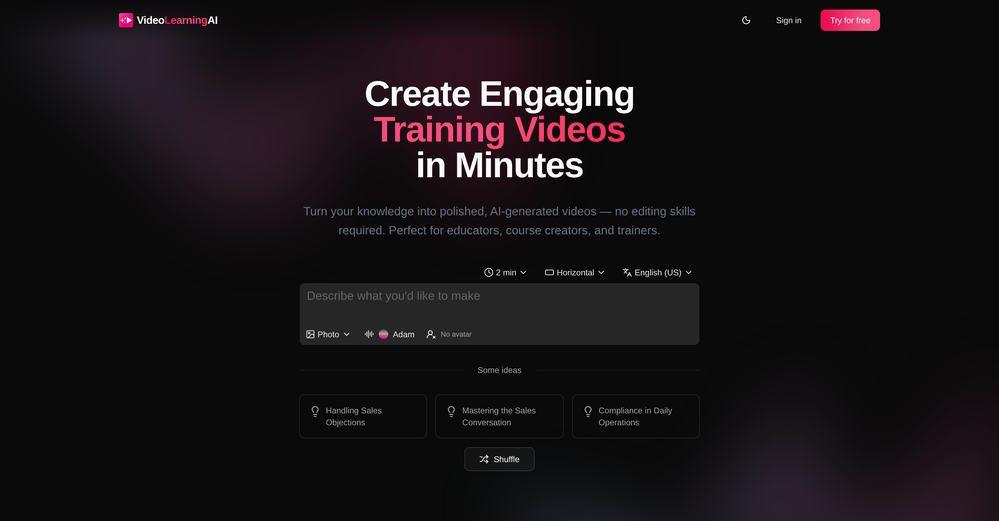
 Rapidly generate AI training videos without equipment or editing.Open
 -
 Creating practical assignment questions and marking criteria rapidly with AI.Open
 -
I just used LumiClip to make clips from my long podcast video and Im so amazed how it differs from other ai video clipper tools like Opus or vizard, It does the highlight finding very well and reframe comes our so clean with no editing required. Only thing i would suggest is adding b-roll videos to clips automaticaly.
-
 Open
Open -
-
 Create cinematic photos of specific people in surreal scenarios.OpenSimply upload your photo; you don't need to type anything in the prompt field. Just click "generate" and watch the magic happen.
 -
 Open
Open -
 Open
Open -
 Open
Open -
 Transform dream home ideas into stunning architectural visualizations.Open
 -
 Open
Open -
 AI-powered Peppa Pig wallpapers for magical kids' roomsOpen
 -
Hi, thanks for the rating. VidLogi is fully operational and actively updated with new features regularly. We have just rolled out several new services, and much more is coming soon.
-
 Astonishingly powerful and freely accessible, OpenAI's latest open-source model is a mind-blowing leap in AI—your miracle tool for language, logic, and limitless creation.Open
 -
 Merge two selfies into one realistic romantic couple photo, free.Open


















































































Collections
-
How to create your online course using AI toolsSubscribe12426





 +11
+11 -
Courses & EducationSubscribe15







