Go to section
Sponsor
 Flow - 4x faster than typing
🎤 Dictation
Flow - 4x faster than typing
🎤 Dictation
The front page of AI.Used by 90M+ humans.

TAAFT Tutorial
Generate image
Tasks
Generate text
Free mode
Trending
Leaderboard
Characters
 Mini tools
New
Featured
Lists
Agents
Requests
Jobs
Map
Newsletter
Starter pack
Free tools
Speech to text
Text translator
Remove background
Settings
Edit profile
My tools
Gallery
Dashboard
Inbox
Get featured
Contact TAAFT
For you
Popular
Job impact index
Most saved
Affiliate program
Submit AI tool
Notification preferences
Glossary
Home
Timeline
My profile
Create tool
Deals
Companies
Models
Robots
Papers
Fundraises
Repositories
Devices
Organizations
Events
Prompt Pack
Merchendise
APIs
Features
Tools
Countries
Collections
Videos
Mini tools
New
Featured
Lists
Agents
Requests
Jobs
Map
Newsletter
Starter pack
Free tools
Speech to text
Text translator
Remove background
Settings
Edit profile
My tools
Gallery
Dashboard
Inbox
Get featured
Contact TAAFT
For you
Popular
Job impact index
Most saved
Affiliate program
Submit AI tool
Notification preferences
Glossary
Home
Timeline
My profile
Create tool
Deals
Companies
Models
Robots
Papers
Fundraises
Repositories
Devices
Organizations
Events
Prompt Pack
Merchendise
APIs
Features
Tools
Countries
Collections
Videos
Mini tools
New
Featured
Lists
Agents
Requests
Jobs
Map
Newsletter
Starter pack
Free tools
Speech to text
Text translator
Remove background
Settings
Edit profile
My tools
Gallery
Dashboard
Inbox
Get featured
Contact TAAFT
For you
Popular
Job impact index
Most saved
Affiliate program
Submit AI tool
Notification preferences
Glossary
Home
Timeline
My profile
Create tool
Deals
Companies
Models
Robots
Papers
Fundraises
Repositories
Devices
Organizations
Events
Prompt Pack
Merchendise
APIs
Features
Tools
Countries
Collections
Videos

▼ Price
Document sharing
Free mode
100% free
Freemium
Free Trial
Featured matches
-
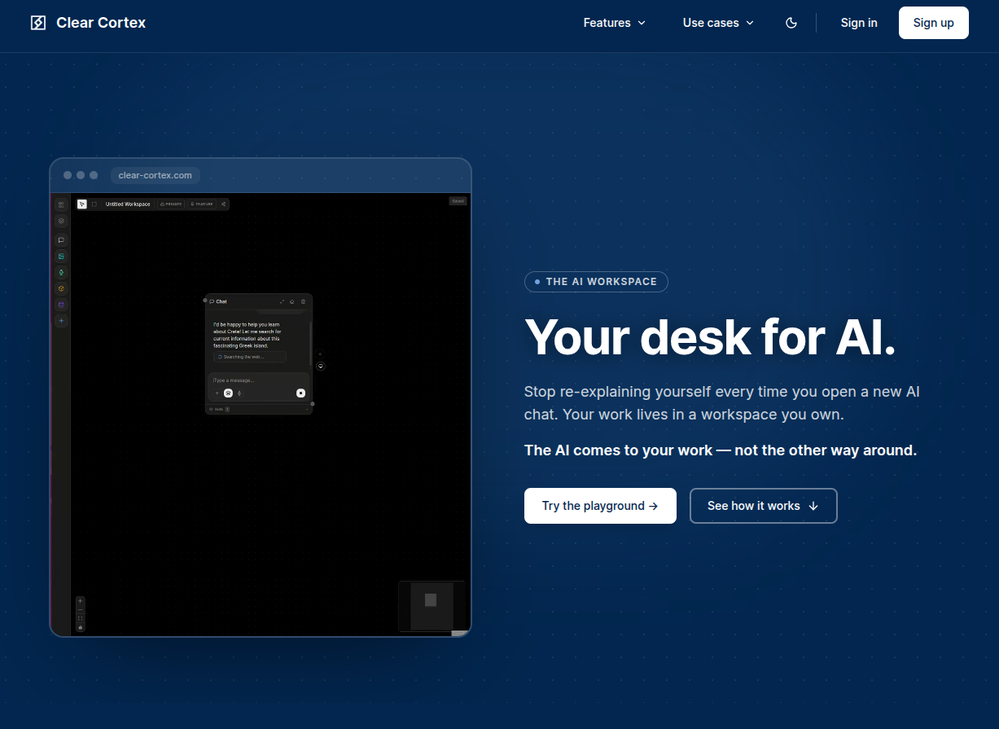
 James🛠️ 1 tool 🙏 1 karmaJun 24, 2026@Clear CortexFounder here 👋 I built Clear Cortex because the chat window is the wrong shape for real work. Every new conversation starts from zero — you re-paste the same context, re-explain the same project, and the good answers disappear into scrollback you'll never find again. So the model here is flipped: your work lives in a workspace you own, and the AI comes to it. Every leading model — chat, image, audio, code — works from the same canvas behind one login and one pot of credit. And every answer is cited back to the exact source it was built from, so you can open it a week later and still trust it.
 -
-
-
-
-
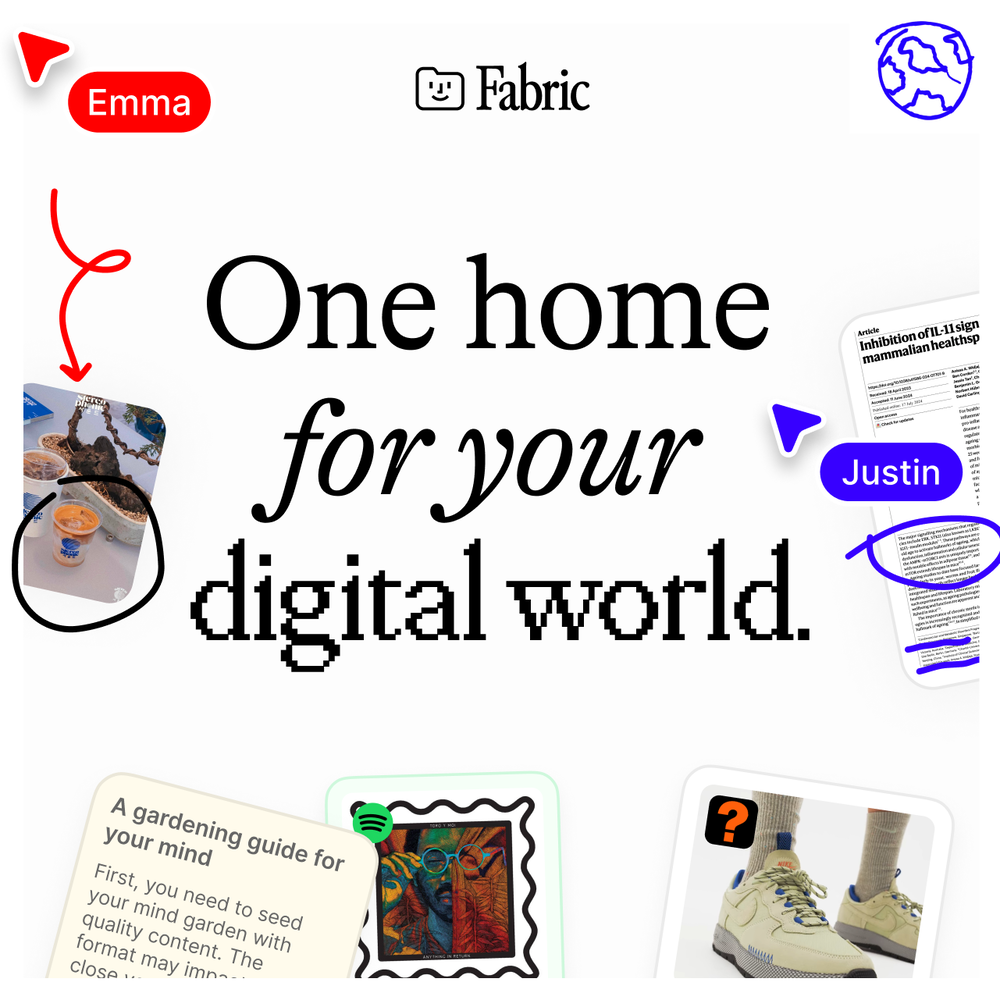 Fabric is kind of like a combo of bookmarking/webclipper/summarizer/knowledgebase. Basically you can add information and it will auto organize it as well as let you chat with this information and search through it. It is not a “search engine tool” I wouldn’t say. Maybe you will be able to create a knowledge, base and information repository of everything relevant to you and be able to search through that information… But that is still different than a “search engine, tool” in my opinion. So far I think they are shooting for individuals and not enterprise users. Which is great because I have been wanting to find a product that will allow me to add information from PDFs, websites and videos and then be able to search/query/chat with that. But so many of the companies I have found that offer anything close to along these lines are developing knowledge bases with only company customers in mind. I get that that is where the money is, but Fabric appears to be for actual people to use. The product is definitely underdevelopment, and I have the TestFlight of their iOS app. I wouldn’t say the app is perfect yet or anything, but they are actively developing it, and some of their ideas are changing and evolving not just minor changes to their user interface. I am using Fabric and Mem at the same time and I will be interested to see which turns put to be more for me. Definitely check it out if you have not already done so they have the opportunity to make an extremely useful tool and kind of even changing the way individuals think about storing/accessing information important to them.






Other tools
-
Quick and easy to use, but it doesn't offer many creative signature styles.
-
10 MB Limit does limit usability best if .pdf contains NO images.
- SponsorFlow - 4x faster than typing🎤 Dictation
-
5/5 very easy, it translated all the text very easily and in 5seconds
-
PDF Digest is a helpful AI tool that makes working with PDF files easier and saves time.
-
I’ve been using it for a month now and I have decided to keep it for a year. There definitely are some kinks they can still work out like file management, but it’s very good at it’s core function: it generally does a good job answering questions and most times identifies PDFs automatically and correctly. The browser plugin works great, and it’s very nice that Papers allows you to add your university’s library API so you can automatically download PDFs that are accessible through your institution (sometimes it refuses to download some papers, so you just have to downlow it yourself and manually add it). The iPad and Android apps are serviceable. Every once in a while it will mess up the PDF identification, especially with papers from either very old sources or online-only journals. Things they must work on: * A much better system to annotate PDFs (the post-it type notes are cumbersome). * Introduce a notepad attached to each PDF or some way to easily link and save the AI’s output to the PDF. Currently, you have to add a little post it note and then paste the text there. * Keep the AI answers available after closing the documents. If you close the document by mistake or have several open and wish to close some, the ai conversation will be reset. * I REALLY wish that you could get citations and links to where the info was from extracted from PDFs. Currently, I have found Coral.ai does a much better job of showing you where the info came from and it even highlights it for you. Give it a try, their 30-day no credit card needed trial allowed me to truly test it, and now I’m a yearly subscriber looking forward for new additions and releases.
-
Amazing tool, helped so much in my undergrad. Would definitely recommend
- Didn't find the AI you were looking for?
-
-
This is a pretty cool, easy to use tool for getting fresh ideas and getting your notes moving when you're stuck. It gives helpful suggestions and lets you customize stuff easily. Overall it's more about sparking inspiration than handling everything from start to finish.
-
Excited to share this tool that merges documents with AI, making writing PRDs a breeze! 🚀
-
It’s more than just a presentation maker, it also helps organize information.A great alternative to PowerPoint or Google Slides when you need something fast and professional. It has become part of my daily workflow at the office.
-
 OpenUnable to tried its functionality as its keep asking to pay
 -
ListenHub takes notebookLM to the next level, providing the unique ability to clone your voice for AI podcast production.
-
-
Matt here from Dokkio support! Thanks for checking out our page. If you'd like a free demo of Dokkio, please do not hesitate to reach out to [email protected]
-
Not bad, its freemium and the feature is good like private pdf and support OCR
-
-
Love this application. Use it as my go to writing app. Replaced Grammarly and ChatGPT.
-
It is a great tool to chat with plenty of documents, including scientific ones. The answers are very accurate.
-
 Private Q&A with your Documents on Windows or Mac.Open
 -
I tested the app to summarize a pdf document, however it failed to do its work.
-