Go to section
Spotlight SureThing.io - "OpenClaw" for BeginnersTask automation
The front page of AI.Used by 90M+ humans.

Generate image
Tasks
Generate text
Free mode
Trending
Leaderboard
Characters
 Mini tools
New
Featured
Lists
Agents
Requests
Jobs
Map
Newsletter
Starter pack
Free tools
Speech to text
Text translator
Remove background
Settings
Edit profile
My tools
Gallery
Dashboard
Inbox
Get featured
Contact TAAFT
For you
Popular
Job impact index
Most saved
Affiliate program
Submit AI tool
Notification preferences
Glossary
Home
Timeline
My profile
Create tool
Deals
Companies
Models
Robots
Papers
Fundraises
Repositories
Devices
Organizations
Events
Prompt Pack
Merchendise
APIs
Features
Tools
Countries
Collections
Videos
Mini tools
New
Featured
Lists
Agents
Requests
Jobs
Map
Newsletter
Starter pack
Free tools
Speech to text
Text translator
Remove background
Settings
Edit profile
My tools
Gallery
Dashboard
Inbox
Get featured
Contact TAAFT
For you
Popular
Job impact index
Most saved
Affiliate program
Submit AI tool
Notification preferences
Glossary
Home
Timeline
My profile
Create tool
Deals
Companies
Models
Robots
Papers
Fundraises
Repositories
Devices
Organizations
Events
Prompt Pack
Merchendise
APIs
Features
Tools
Countries
Collections
Videos
Mini tools
New
Featured
Lists
Agents
Requests
Jobs
Map
Newsletter
Starter pack
Free tools
Speech to text
Text translator
Remove background
Settings
Edit profile
My tools
Gallery
Dashboard
Inbox
Get featured
Contact TAAFT
For you
Popular
Job impact index
Most saved
Affiliate program
Submit AI tool
Notification preferences
Glossary
Home
Timeline
My profile
Create tool
Deals
Companies
Models
Robots
Papers
Fundraises
Repositories
Devices
Organizations
Events
Prompt Pack
Merchendise
APIs
Features
Tools
Countries
Collections
Videos

▼ Latest
Documents
Free mode
100% free
Freemium
Free Trial
Featured matches
-
 Jezza Beard🛠️ 1 tool 🙏 40 karmaNov 30, 2024@Format MagicThis is a gamechanger!
 -
-
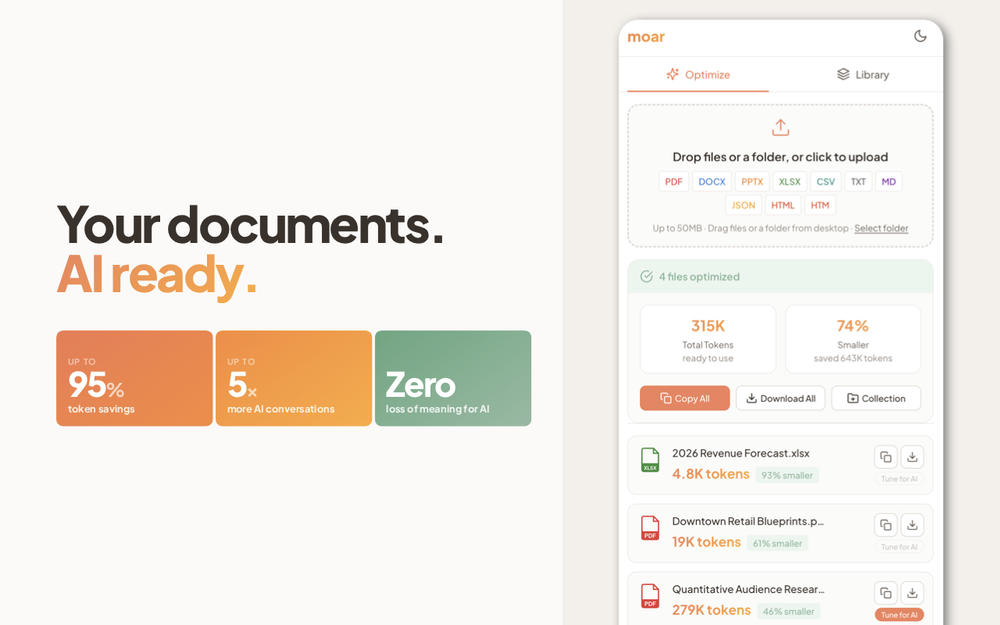
-
 Pay-as-you-go productivity. Meeting transcription at $0.25/hour, AI tasks, document search — noOpen
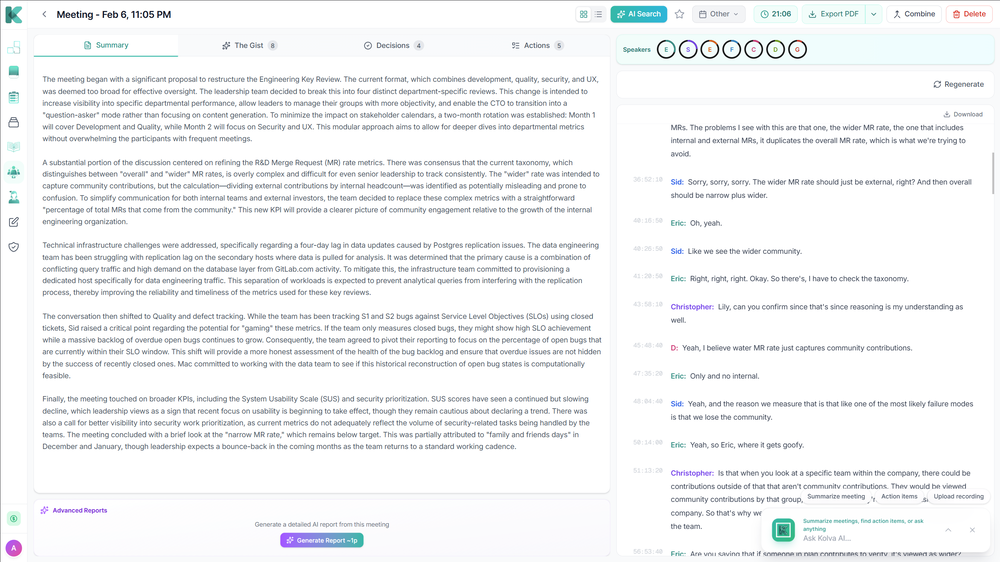 Kolva is a game changer! I use it almost every day and works every time! can't recommend it enough! I use it for every meeting. Give it go!
 -
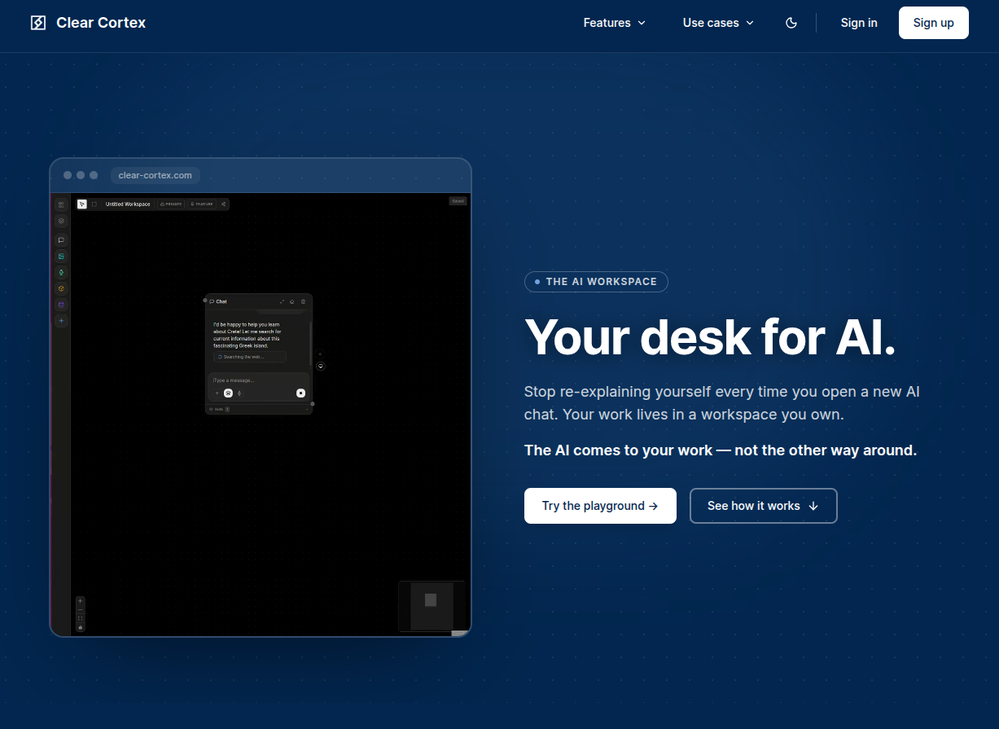 Founder here 👋 I built Clear Cortex because the chat window is the wrong shape for real work. Every new conversation starts from zero — you re-paste the same context, re-explain the same project, and the good answers disappear into scrollback you'll never find again. So the model here is flipped: your work lives in a workspace you own, and the AI comes to it. Every leading model — chat, image, audio, code — works from the same canvas behind one login and one pot of credit. And every answer is cited back to the exact source it was built from, so you can open it a week later and still trust it.
 -
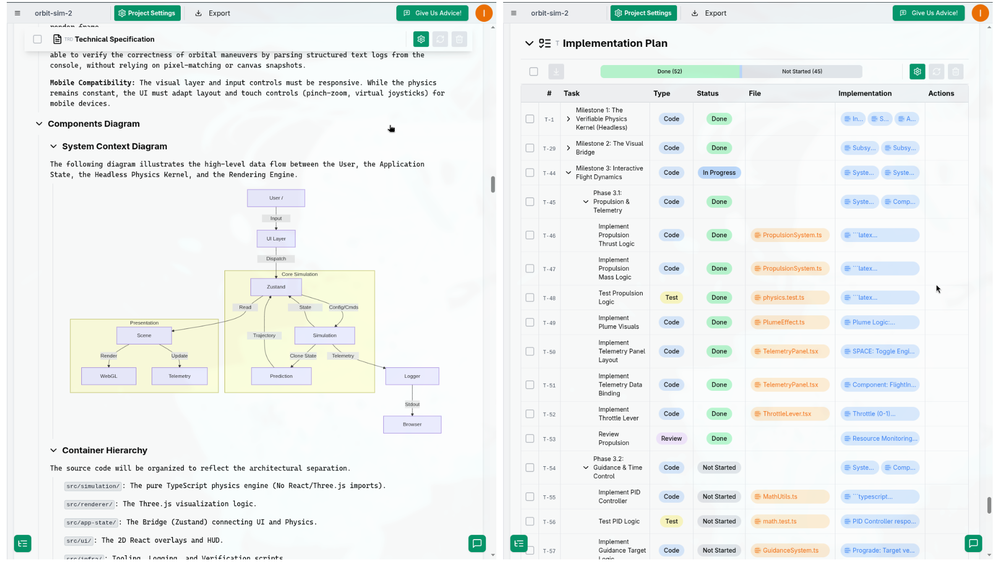 I successfully used this app for creating 50k+ LOC commertial projects. It shifts development effort to more thinking in advance and system design. And then straightforward implementation. Are we at the time of making Waterfall methodology great(er) again?
 -

-
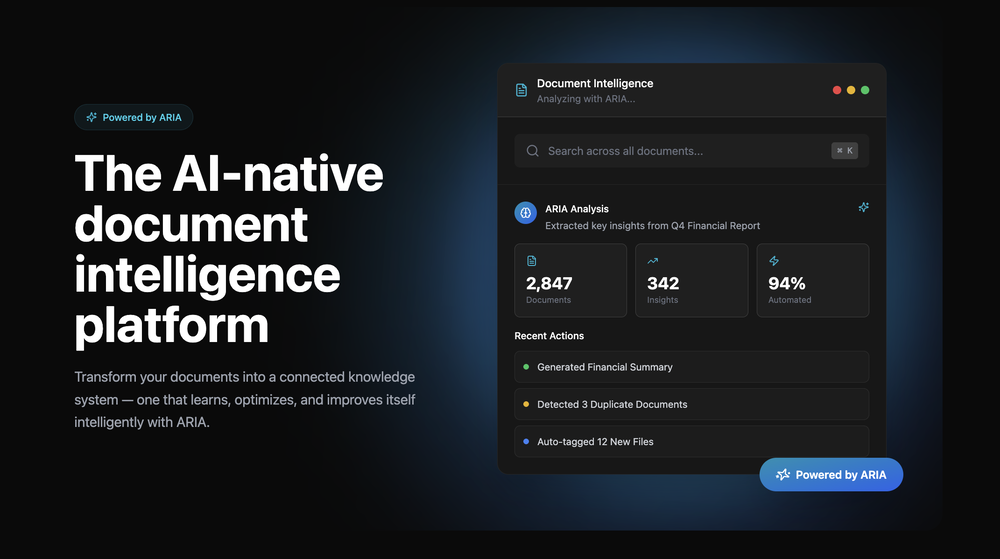 Great platform! Very impressed by the ability to combine documents to generate full research reports or extract data in large PDF files.
 -
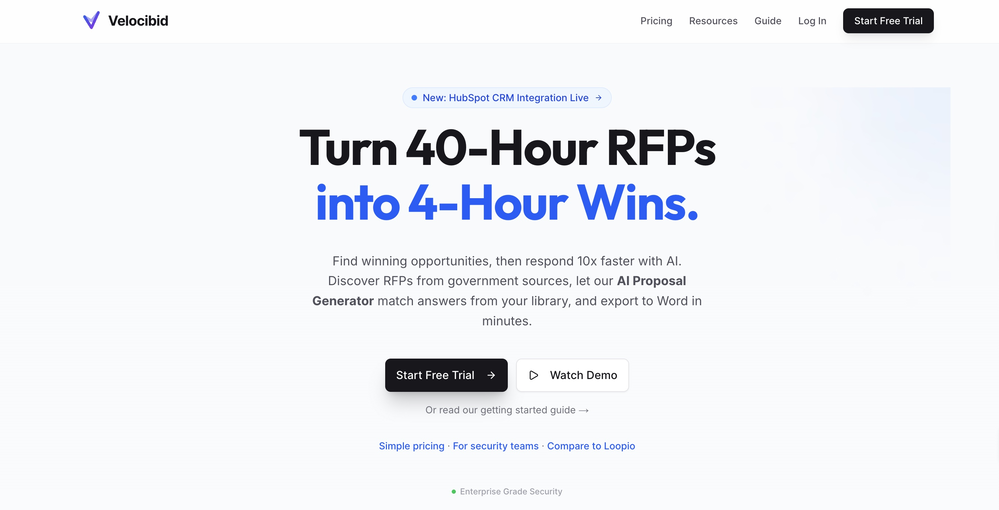
-
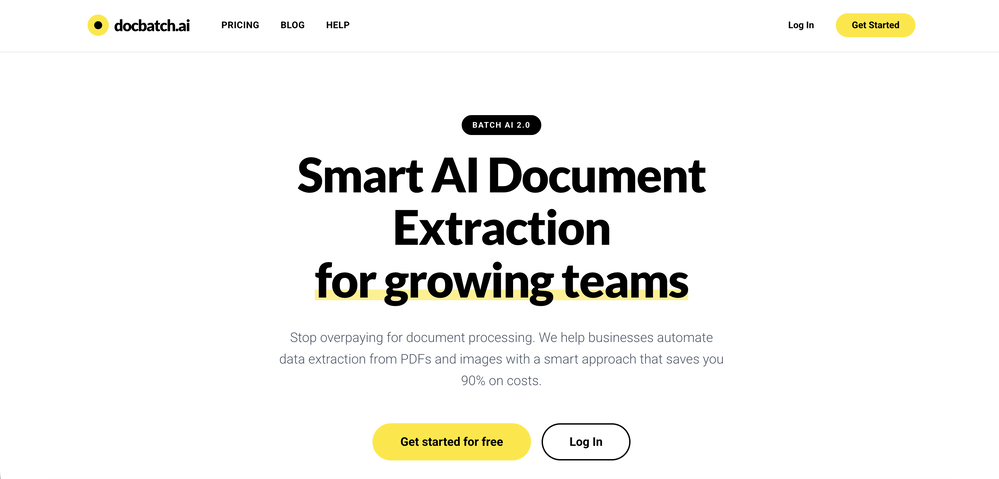










Verified tools
-
Highly recommend it for anyone dealing with high-volume document processing. Simplifies the process of extracting data from multiple PDFs into clean, accurate spreadsheets.
-
 Chain AI tasks with no-code into workflows for chatbots, video, documents, andOpenThis tool removes all of the prep work of getting an LLM API endpoint running. I can try out ideas quickly and see within minutes whether an endpoint concept actually works. And when it does, moving it into a production app is about as easy as it gets.
 - SpotlightSureThing.io - "OpenClaw" for BeginnersTask automation
-
-
FiveMinChat has been a fantastic addition to any website. The AI chatbot was easy to set up and customize, and it started providing helpful answers almost immediately after training. It feels like having an extra team member available 24/7 to assist visitors and capture leads. Highly recommended for businesses that want to improve customer support and engagement without complexity.
-
The Zetane AI platform helps me and my small marketing team produce like a team ten times our size while maintaining high quality. I can research through giant threads of emails, messages and threads and gain insights citing the exact place the insights come from. It works great for organizing our tasks and keeping our team collaborating in one central space.
-
We've shipped a major update that turns our PDF summarizer into a full document summarizer. Now more than just PDFs — 14 formats supported You can now summarize far more than PDFs. In addition to PDF, the tool now handles: - Documents & spreadsheets: Word (DOCX), Excel (XLS, XLSX), PowerPoint (PPTX), TXT, Markdown (MD), HTML Images: JPG, JPEG, PNG, GIF, WEBP E-books: EPUB, FB2, MOBI Upload almost any file and get the same clear, structured summary with key points in seconds. - New languages Added full localizations for Thai, Korean, and Indonesian, so more users can summarize and read results in their own language. - Bigger files Increased the maximum file size from 10 MB to 50 MB — summarize longer reports, books, and spreadsheets without splitting them. As always: 100% free, no registration, and no usage limits.
-
I was part of the beta trials and TidyDocs has made it so much easier to manage my receipts and invoices.
-
 Extract data from any document automatically with AI.OpenThe tool worked really well for us. It was easy to upload our first PDFs and set up an automated flow through the API
 -
A very simple-to-use, yet very powerful app. It made my work so much easier, my scanned and downloaded files are no longer a mess.
-
⭐⭐⭐⭐⭐ Great AI Presentation Tool! I really liked the Brand PPT feature. It helped me create professional, on-brand presentation slides in under 60 seconds. The AI-generated content was well-structured, the design looked polished, and the editing process was simple. It has saved me a lot of time compared to creating presentations manually. Highly recommended for anyone who needs fast, professional-quality PowerPoint presentations.
-
I have been using this application for some time now, and it pleasantly surprises me. At first, this tool seemed to be just something like a smart document search, but I was wrong. It is able to generate brief contents of books and documents. With it, I will be able to create my own knowledge base in various areas, which will be built only on the data I uploaded, which I am sure of. Overall, the app is great, and I can safely recommend it. How do I personally use this product: For example, to summarize medical research and books. I intend to use it for academic research to save time searching for answers to specific questions and searching for links (documents, pages, comments), and I have to say that I am impressed. I upload not only PDF documents, but also transcribe videos of specialists in the right subject and upload them together to the service. Thus, I make my personal library, knowledge base and the quality of knowledge deeper. More recently, I came up with the idea to use the knowledge of some specialists who run their social networks and tell me the information I am interested in on their pages, because I can also collect their posts on social networks. networks in one document and upload to the service. What I liked especially: 1. Simple and user-friendly interface. Everything is in its place and nothing superfluous. 2. The algorithm does not come up with answers, but proceeds from the data in the document, allowing you to ask contextual questions and receive point-to-point answers in real time. Very often, language models sin against this. 3. Unlimited questions in the "chat" You can ask as many questions as you want in real time without using any credits. 4. Unlimited daily download. 5. I can upload documents in any language and get answers in my own. I can make full use of knowledge from all over the world, not just in my language. 6. The file viewer and links work well. Just click on the link and you will open the document in exactly the right place! 7. Chat with documents is quite accurate and fast. 8. The idea of labels is quite convenient and it is possible to add multiple labels to a file. 9. After downloading the document, it will warn you which pages were not recognized or have little content. 10. Understands the context of the correspondence, and does not answer the last question. 11. Responsive support. 12. API Access 13. OCR. 14. Automation of the workflow. 15. The ability to use your OpenAI API key 16. There is a promising roadmap. Separately, I would like to tell you about the workflow automation function, with the help of, when working with a group of documents, which can be processed separately only the necessary sections of documents. This makes it possible to access several documents at once. This is a super opportunity to gain deeper knowledge from documents uploaded to the service. It should be noted that in the end, a lot depends on how correctly you ask the question. This is both a plus and a minus. An experienced user will always be able to bring the algorithm to the conclusions of interest. For novice researchers, it will be a little more difficult to set the right direction to find the right information. My dreams: 1. Although I have no problems with the document loading time, it would be cool to speed up the document processing time. 2. I would like more free language models. At the moment, the service uses OpenAL GPT 3.5 Turbo and Anthropic Claude 3 Haiku. In principle, this is enough, but it would be good if more advanced language models were included, which will allow you to study your documents even more deeply. 3. I would like to be able to add ready-made template queries to documents. 4. I would like to be able to mark the best answers, which I can quickly refer to later. 5. I would like to be able to create folders in the Documents and Options section cataloging my knowledge. 6. I would like to be able to change the title of the document. 7. I would like to have an internal search system for documents or labels, which will become very numerous over time. 8. It would be very useful to be able to add people to work together with configured access rights. 9. The opportunity to create your own knowledge base and post it on your website via html code would be very useful. 10. I would like to be able to highlight the desired fragment or keywords in the document when you click on the link in the response to the document request. What I wanted to draw attention to: It seemed to me that OCR does not work quite correctly, after downloading the document, it writes "you have not enough credits to use OCR", although there are credits. Maybe I was doing something wrong. I'll figure it out. In general, I would like to rate the usage experience at 5 stars. I recommend everyone to try it!
-
This is truly a wonderful experience that brings joy and delight.
-
 Rename, organize, and search files by content with local AIOpen
 -
 Transform documents into interactive knowledge bases using advanced AI.OpenThis tool is expected to evolve rapidly, we are also taking all feature requests so submit what you like and we'll build it if it aligns with our product vision! Have fun with the tool and let us know what you think!
 -
I would say this is the best document and researsh creation assistant, but it's more than an Assistant it basically does all the work while you comfortably instruct it.
-
 Extract structured data from images and PDFs into usable tables with AIOpen
 -
Pretty good tool for writing assignments or essays even, easy to use, gives a structured way to use AI and the outputs are better than expected, looks human.
-
Process patient referral documents way faster now. Pulls key medical history and relevant details instantly instead of me scanning through pages. Still review everything carefully but it flags what matters first.
-
 Transform unstructured documents into actionable data instantly.Open
 -
-
Hey Michael 🙂 Thanks for the honest feedback , and I totally understand where you're coming from. We recently added the tutorial to help new users understand the app quickly, but we hear you , we’ll look into making it optional. Also, just to clarify: we do offer a free plan! You should be able to create and preview documents without paying. If you ran into any issues, please reach out to us at [email protected] , we’d be happy to give you extra free credits and make things right. We’d love the chance to turn that 2⭐️ into a 5⭐️ , and your input helps us get better. Appreciate you giving it a shot! Best, The Writedoc.ai Team
-
For me, watching Pointer AI in action is like witnessing magic - editing even the longest documents is a breeze. Thanks for being such a supportive community. I hope you find as much joy in using Pointer AI as I did in creating it! 😊
-
No answer. I sent the documents several times and got no reply.
-
 Chat with any PDF, ask questions, summarize and extract insights effortlessly.OpenThe maximum number of pdf pages for the free tier is 10, which is a bit small. Generally, I think people need this service for pdf documents over 50 pages or so.
 -
 Private Q&A with your Documents on Windows or Mac.Open
 -
5/5 very easy, it translated all the text very easily and in 5seconds
-
I tested the app to summarize a pdf document, however it failed to do its work.
-
 Legal docs simplified w/ plain language definitions.Open
 -
Currently, generating course videos is basically free, and everyone is welcome to use it! If you have any problems during use, you can complain and we will quickly iterate! Thank you~!
-
Data extraction is accurate and incredibly efficient. Plus, it's super easy to use - no setup, no onboarding forms, perfectly simple UI. We started using it right away. The bank statements feature quickly imports, categorizes, and matches transactions. Their automatic categorization and matching process fully automates the reconciliation flow in our team.
-
 They owe you money. We send the attorney demand letter that collects.Open
 -
Didn't really do the graphs that i thought it would do. Good for simple graphs, like for a presentation
-
Great product to offload the data analytics workflow.
-
I love ShakespeareAi. After trying other products I landed on their website and it’s the best thing that ever happened to me. At first there were a few problems, but the team has been efficient and very quick in solving them for me, even accepting suggestiona from me.
-
Hello Everyone, My name is Mohamed, the Co-Founder of linesNcircles.com. At linesNcircles our mission is to revolutionize AI & Humen Interaction. Our first product TheBar is an AI agent which can build websites for you, edit them, saves files locally, browses the internet and provide you with answers to your questions all in very simple interface. TheBar runs on your computer without signup. Your website files are saved locally with the option to publish them under our website with one click. All your files are under your creations folders. We built TheBar to be simple to use, super fast in building things for you and we are working tirelessly, to bring in more features for you like writing pdf documents and making presentations which are coming soon. Check TheBar out it is available for free now on our website https://www.linesncircles.com. We would love to hear your feedback and comments
-
 Find and ask all your documents and emails in one AI workspace.OpenImpressive, looks like what I needed all these years... Finally I found something useful!
 -
create a ppt with example and small case study on augmented marketing mix
-
 AI-native OCR platform, 95%+ accuracy, zero prompt engineering, flags uncertain fields.OpenWe are a team of founders who worked before in data extraction, with traditional manual review of each document to check accuracy / errors. We are so excited about AI and the new LLM models because we have created DeepRead using those and the accuracy is 95% and we flag uncertain fields so no one has to manually review entire documents (whew), only the exceptions! We hope you try it out and please share your review, comments and feedback. Looking forward to hearing from users!
 -
 Open
Open -
The translation is good enough. It's free, so waiting longer for the result is not a problem
-
 OpenHi all, I am the founder of Futurwise, and we build this tool to help people keep up-to-date on fast-changing topics as the world is changing so incredibly fast. Our objective is to build a next gen media platform and help anyone cut through the noise of information overload and find your next insight faster. At the moment, we do that with an MVP focused on super fast summaries of many types of content but from trusted sources, available with one click, in your style and language. Ready in under 5 seconds, regardless of content type. Securely stored in your private library. Distraction free, no ads, forever. As we collapse hours into seconds and keep professionals aligned on what matters across 25 languages and trusted sources, we envision helping individuals, enterprises and global societies increase awareness on fast changing topics, such as emerging technologies, climate change or healthcare, that will affect humanity in the long run. I hope you enjoy our app!
 -
-
 Create high-quality multimodal eLearning in minutes from text prompts or documentsOpenIt's an amazing product that generates eLearning from a document or text prompt. It also has a full editor for tweaking after the generation. We use this exclusively for producing our commercial eLearning. Ready in minutes.
 -
I've known WebFill for a while, I use it almost every day, the interface is pretty good, what I like the most is that it solves any MCQ. Congratulations on the launch!
-
The hybrid feature is very powerful. I finally don’t need to manage our local knowledge base anymore.
-
 OpenUnable to tried its functionality as its keep asking to pay
 -
I recently tried this AI detection tool and it feels very useful. You can try it.










































































Other tools
-
 AI-powered legal document analysis for rapid insightsOpen
 -
Not bad, its freemium and the feature is good like private pdf and support OCR
- Didn't find the AI you were looking for?
-
-
 AI-powered PDF assistant for summarizing, translating, and creating content.Open
 -
 AI-powered research assistant for diverse content analysis.Open
 -
Way better than most Chat with PDF tools I tried
-
I like it. It answers simple questions accurately and by the book. The Ref (reference) page is not usually accurate though. I'll keep you updated on how it responds to complex questions.
-
 Transform snapshots into perfect passport photos in seconds.Open
 -
-
Excited to share this tool that merges documents with AI, making writing PRDs a breeze! 🚀
-
This is a pretty cool, easy to use tool for getting fresh ideas and getting your notes moving when you're stuck. It gives helpful suggestions and lets you customize stuff easily. Overall it's more about sparking inspiration than handling everything from start to finish.
-
Doesn't work on a PDF I uploaded. Seems like it just wants to collect (l)users.
-
I run an e-commerce store with customers worldwide. This tool helps me translate product descriptions into multiple languages while keeping them natural and engaging. Sales have increased thanks to localized content!
-
Highly recommended. It saves a lot of time. Their PDF chat feature is very user-friendly.
-
The AI, in general terms, is excellent. However, it doesn’t entirely replicate my personal writing tone, which is a significant limitation given the importance of authenticity in written communication. Despite this, the AI excels in managing other tones, showcasing impressive flexibility and adaptability across various contexts. This versatility is highly valued in many professional applications. In summary, the AI stands out for its excellence and adaptability, although improvements are needed to better replicate individual writing styles.
-
-
Hi! What exactly didn’t you like about it? I think it works fine, maybe a little outdated, but still okay
-
Nice interface, but no good at PDF answers, especially tables data.
-
Sharly AI is a total lifesaver at work! When I'm dealing with those super-long documents or reports, Sharly steps up and makes things way more manageable. It's also a big help for my studies, it kicks in to make studying way easier.
-
Great tool. I like their free AI slogan generator. You don't even need to sign up to use it. I made a video on it recently https://youtu.be/ApK-UHMGKDM
-
-
Without a doubt Petal is the most comprehensively helpful ai for analysing, comparing and paraphrasing multiple papers or websites etc. it’s table feature totally rocks for gathering citations and will answer you]r questions in a table containing your choice of docs - it then mines each uploaded doc for answers to your questions. The multi-doc lit review writer it’s very cool once you get the hang of it’s. Honestly, there are so many things to love in this ai - I’m truly surprised it’s isn’t more widely used … it mines your documents thoroughly and finds all kinds of helpful insights. I use it by preference.
-
It is a great tool to chat with plenty of documents, including scientific ones. The answers are very accurate.
-
Had several issues with app, beginning with a refresh needed to find the upload (figured out while waiting for help desk). Relatively straightforward conversion, rearranged fields, merged integer and text field. Conversion was Ok on first 30 lines and 2 pages, second 25 lines needed more manual editing. Was going to rate lower, tried Parseur was even worse.
-
-
 Open
Open -
Instafill excels at filling out lengthy legal and government forms, provided the PDF form is fillable. The app accepts multiple source files in various formats, such as PDFs, images, and text files, to extract the necessary information for form completion. It has exceeded my expectations and saves a tremendous amount of time when filling out forms.
-
I’m the developer of ClaviSay, and I’ve always struggled with learning foreign languages. But since I need to use them for work, I wondered if I could create an AI that would help me read more efficiently and save unfamiliar words—all while I’m actually reading content like BBC or Medium. Now I’ve made it happen—ClaviSay. All features are free, so feel free to use them as you like. You can also provide feedback at any time; ClaviSay offers a dedicated feedback channel. Thank you all.
-
Great tool. I use it a lot. It's free, you don't have to sign up, and it's quick. I also made a video on it https://youtu.be/wWQHOtY6cYE
-
It is free and provides decent summery and advice I wish it could do an entire pass of a text it can only examine a limited selection so if you have a large text you want to run through you have to do a lot of Copy & Paste then confirm every time your a human. Still it is a free tool and works well for what its designed to do.
-
Although not very detailed, the key points are almost all included. Not only can PDFs be uploaded, but other text files as well, and can be translated into the specified language, Overall, it's quite practical!
-
-
It's probably good, but it keeps asking you to pay for it.
-
This is a text extraction service. Not image to text.
-
couldn't even use it... i signed up, had to rewrite my prompt, but then i had to sign in, then rewrite my prompt, then sign in...
-
 Uncover Skanderbeg's legacy with AI-powered archival exploration.Open
 -
 Open
Open -
 AI-powered tool turns names into lifelike signatures.Open
 -