Go to section
Sponsor
 MongoDB - Build AI That Scales
🗄️ Database
MongoDB - Build AI That Scales
🗄️ Database
The front page of AI.Used by 90M+ humans.

TAAFT Tutorial
Generate image
Tasks
Generate text
Free mode
Trending
Leaderboard
Characters
 Mini tools
New
Featured
Lists
Agents
Requests
Jobs
Map
Newsletter
Starter pack
Free tools
Speech to text
Text translator
Remove background
Settings
Edit profile
My tools
Gallery
Dashboard
Inbox
Get featured
Contact TAAFT
For you
Popular
Job impact index
Most saved
Affiliate program
Submit AI tool
Notification preferences
Glossary
Home
Timeline
My profile
Create tool
Deals
Companies
Models
Robots
Papers
Fundraises
Repositories
Devices
Organizations
Events
Prompt Pack
Merchendise
Credits
APIs
Features
Tools
Countries
Collections
Mini tools
New
Featured
Lists
Agents
Requests
Jobs
Map
Newsletter
Starter pack
Free tools
Speech to text
Text translator
Remove background
Settings
Edit profile
My tools
Gallery
Dashboard
Inbox
Get featured
Contact TAAFT
For you
Popular
Job impact index
Most saved
Affiliate program
Submit AI tool
Notification preferences
Glossary
Home
Timeline
My profile
Create tool
Deals
Companies
Models
Robots
Papers
Fundraises
Repositories
Devices
Organizations
Events
Prompt Pack
Merchendise
Credits
APIs
Features
Tools
Countries
Collections
Mini tools
New
Featured
Lists
Agents
Requests
Jobs
Map
Newsletter
Starter pack
Free tools
Speech to text
Text translator
Remove background
Settings
Edit profile
My tools
Gallery
Dashboard
Inbox
Get featured
Contact TAAFT
For you
Popular
Job impact index
Most saved
Affiliate program
Submit AI tool
Notification preferences
Glossary
Home
Timeline
My profile
Create tool
Deals
Companies
Models
Robots
Papers
Fundraises
Repositories
Devices
Organizations
Events
Prompt Pack
Merchendise
Credits
APIs
Features
Tools
Countries
Collections

▼ Most saved
Engineering tool
Free mode
100% free
Freemium
Free Trial
Featured matches
-
 Find Your Ideal IT Career Path in Minutes - Backed by PsychologyOpen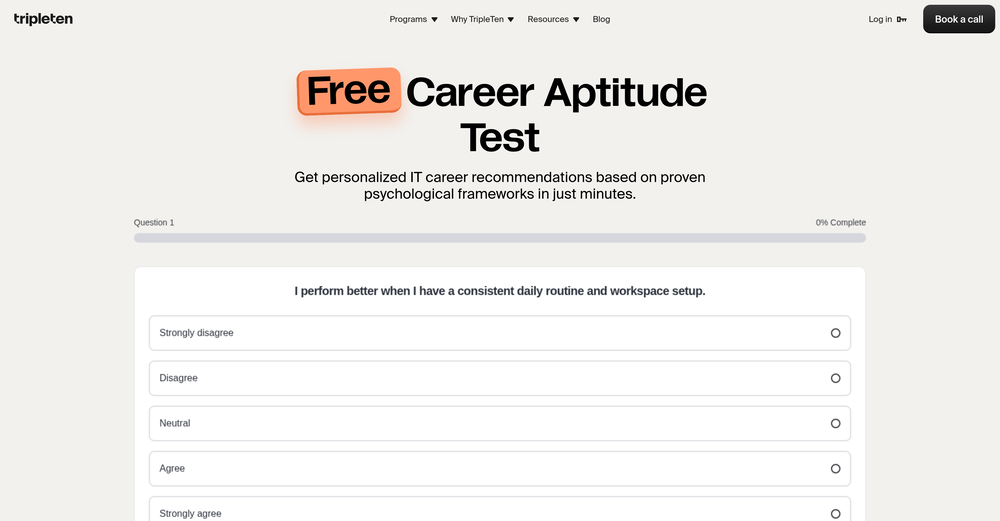
-
 Rakshita Vishakh🙏 3 karmaOct 30, 2025@Sherlocks.aiBest AI tool for SREs
 -
-
-
-
 Geekflare Chat has made my workflow much simpler by bringing multiple AI models into one place. I can quickly compare responses, which is really helpful for content ideas and research. It’s fast, clean, and easy to use, and I haven’t faced any issues so far.
 -
-
-
 Ready-to-use AI Teams for Your Automation NeedsOpen
 good!A different kind of AI tool that has been very helpful for my work!
 -








Other tools
-
I thought I could upload an existing logo and brand info and generate content based on that, but alas, not possible and more time wasted.
- SponsorMongoDB - Build AI That Scales🗄️ Database
-
Not very impressive in usefulness. Small tweaks and it could be super.
-
Dash AI has saved me countless hours. It has proven to be more useful than chatgpt or any other AI tool I've tried.
-
Intuitive, offering several ways of building AI powered apps. The dashboard allows refinement of prompts, a history of every iteration of the app you are working on and the code editor window. Pico also provides a choice of AI platforms and excellent support.
-
 Transform text descriptions into professional circuit diagrams instantly.Open
 -
 Generate AI-powered computer engineering project ideas.Open
 - Didn't find the AI you were looking for?
-
Worked for me. Try it again might get a pleasant result.
-
-
"I was very disappointed to find out that although this AI claims to be free, it requires payment when downloading files. This was not clear upfront and felt misleading. Please provide clearer information about any charges before users get too far in the process."
-
Really impressed by the multi-model planning and code review. Having different models collaborate instead of relying on just one actually leads to better decisions. You can feel the difference on more complex tasks.
-
I run a small online store and used to rely on stock photos for product mockups and promotional images. The problem was that they never quite fit what I needed. Either the lighting was off, the setting felt too generic, or I’d see the same image pop up on a dozen other websites. Editing them to match my brand took more time than it was worth. I started using Aux Machina a few weeks ago, and it’s completely changed my workflow. Instead of searching endlessly for something that’s *close enough*, I can just describe what I want—like a product sitting on a clean, minimalist desk with soft natural lighting, and get an image that actually fits. What’s even better is that I can refine the results instead of starting over from scratch. It’s been especially useful for seasonal promotions. For example, I needed holiday-themed images with a specific color palette to match my brand, and instead of settling for whatever stock sites had available, I generated exactly what I had in mind. The images look high-quality and professional, and I don’t have to worry about my competitors using the same ones. It’s saved me a ton of time, and the results feel a lot more unique and custom. I still use some stock images here and there, but for anything that needs to stand out, this has been a much better solution.
-
Didn't really do the graphs that i thought it would do. Good for simple graphs, like for a presentation
-
Absolutely love this tool! It helps me apply to jobs so quickly and is so easy to use
-
 Design futuristic war machines with AI-powered 3D CAD.Open
 -
 Open
Open -
 Open
Open -
I'm a Senior SWE with ~8 years of experience in front end and full stack development. I signed up for this tool after leaving my most recent role as the promise of saving 8 hours per week filling out job application forms seemed like a no brainer. Prepping for SWE interviews - especially senior - is incredibly time consuming any optimizations to that process to give more time to practice is invaluable. My expectations were tempered going in, and I was hoping for ~1 - 2 new interview every other week to augment my own efforts. I was blown away by the results, and was regularly receiving 3 - 5 interview requests weekly. Landed a new role end of December that checked my boxes (front end, dev advocacy opportunity, step up in comp -- $35K raise in this case), and am very happy in the investment I made in ApplyPass. Your mileage may vary depending on your experience level, but the premium plan I used which had ~400 applications going out per week was more than worth the subscription plan.
-
Its actually good. I was able to make 3 screens using the promo code and they were better than the other UI tools.