
 Mini tools
▼ Price
Extraction
Free mode
100% free
Freemium
Free Trial
Featured matches
-
 Brad AndersonNov 25, 2025@Canopy APIIncredibly easy way to connect to Amazon products and pull information
 -
 Extract data from any document automatically with AI.Open
 The tool worked really well for us. It was easy to upload our first PDFs and set up an automated flow through the API
 -
 I have been using this application for some time now, and it pleasantly surprises me. At first, this tool seemed to be just something like a smart document search, but I was wrong. It is able to generate brief contents of books and documents. With it, I will be able to create my own knowledge base in various areas, which will be built only on the data I uploaded, which I am sure of. Overall, the app is great, and I can safely recommend it. How do I personally use this product: For example, to summarize medical research and books. I intend to use it for academic research to save time searching for answers to specific questions and searching for links (documents, pages, comments), and I have to say that I am impressed. I upload not only PDF documents, but also transcribe videos of specialists in the right subject and upload them together to the service. Thus, I make my personal library, knowledge base and the quality of knowledge deeper. More recently, I came up with the idea to use the knowledge of some specialists who run their social networks and tell me the information I am interested in on their pages, because I can also collect their posts on social networks. networks in one document and upload to the service. What I liked especially: 1. Simple and user-friendly interface. Everything is in its place and nothing superfluous. 2. The algorithm does not come up with answers, but proceeds from the data in the document, allowing you to ask contextual questions and receive point-to-point answers in real time. Very often, language models sin against this. 3. Unlimited questions in the "chat" You can ask as many questions as you want in real time without using any credits. 4. Unlimited daily download. 5. I can upload documents in any language and get answers in my own. I can make full use of knowledge from all over the world, not just in my language. 6. The file viewer and links work well. Just click on the link and you will open the document in exactly the right place! 7. Chat with documents is quite accurate and fast. 8. The idea of labels is quite convenient and it is possible to add multiple labels to a file. 9. After downloading the document, it will warn you which pages were not recognized or have little content. 10. Understands the context of the correspondence, and does not answer the last question. 11. Responsive support. 12. API Access 13. OCR. 14. Automation of the workflow. 15. The ability to use your OpenAI API key 16. There is a promising roadmap. Separately, I would like to tell you about the workflow automation function, with the help of, when working with a group of documents, which can be processed separately only the necessary sections of documents. This makes it possible to access several documents at once. This is a super opportunity to gain deeper knowledge from documents uploaded to the service. It should be noted that in the end, a lot depends on how correctly you ask the question. This is both a plus and a minus. An experienced user will always be able to bring the algorithm to the conclusions of interest. For novice researchers, it will be a little more difficult to set the right direction to find the right information. My dreams: 1. Although I have no problems with the document loading time, it would be cool to speed up the document processing time. 2. I would like more free language models. At the moment, the service uses OpenAL GPT 3.5 Turbo and Anthropic Claude 3 Haiku. In principle, this is enough, but it would be good if more advanced language models were included, which will allow you to study your documents even more deeply. 3. I would like to be able to add ready-made template queries to documents. 4. I would like to be able to mark the best answers, which I can quickly refer to later. 5. I would like to be able to create folders in the Documents and Options section cataloging my knowledge. 6. I would like to be able to change the title of the document. 7. I would like to have an internal search system for documents or labels, which will become very numerous over time. 8. It would be very useful to be able to add people to work together with configured access rights. 9. The opportunity to create your own knowledge base and post it on your website via html code would be very useful. 10. I would like to be able to highlight the desired fragment or keywords in the document when you click on the link in the response to the document request. What I wanted to draw attention to: It seemed to me that OCR does not work quite correctly, after downloading the document, it writes "you have not enough credits to use OCR", although there are credits. Maybe I was doing something wrong. I'll figure it out. In general, I would like to rate the usage experience at 5 stars. I recommend everyone to try it!
 -
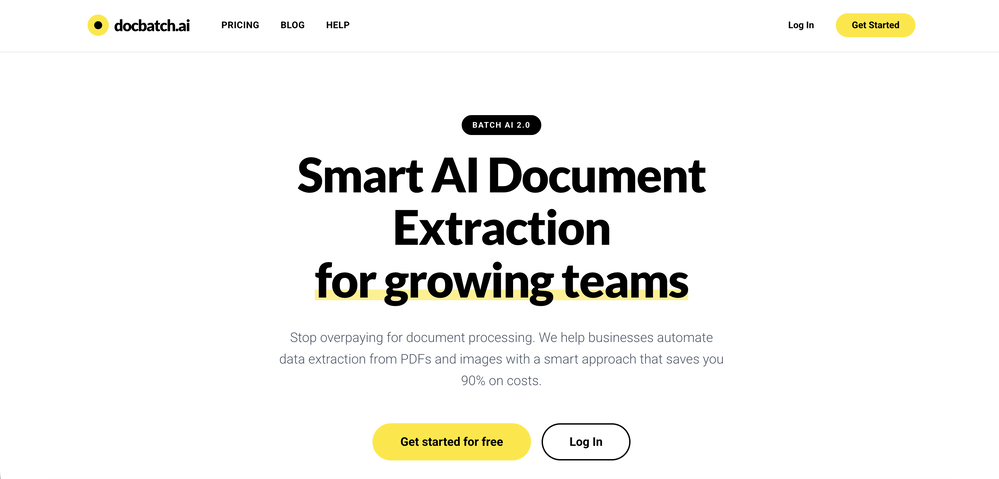
 Extract structured data from images and PDFs into usable tables with AIOpen
-
 Open
Open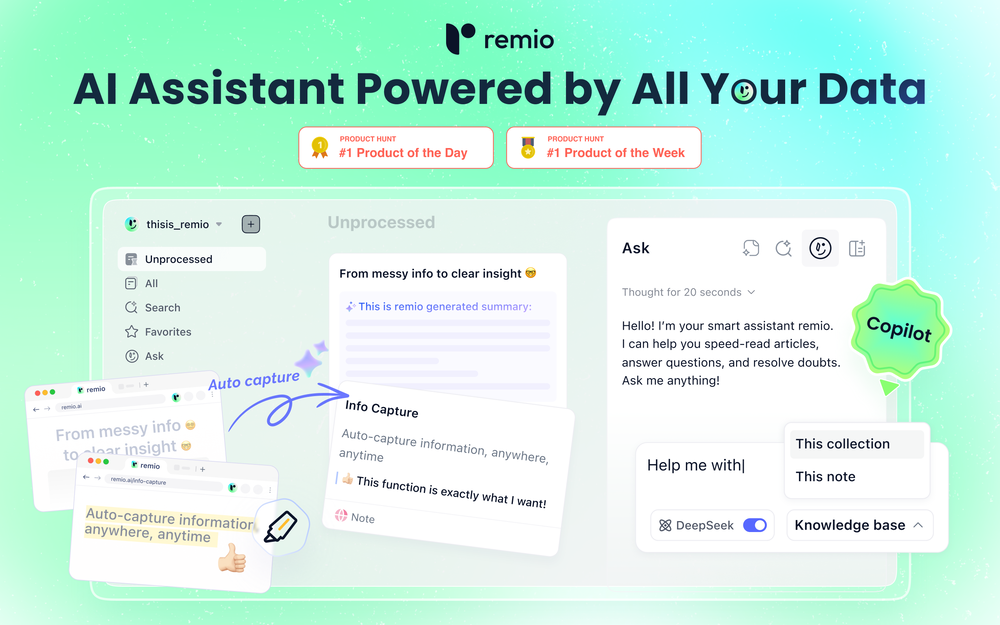 🚀Meet remio v2.12.0, which added lots of new and useful features to boost your productivity! Let's dive in! 1.🍌 Visualize thoughts faster with Nano Banana 2 Turn complex logic into professional diagrams and infographics instantly with the most affordable model. 2.🎧 Put Podcasts into your personal library Simply paste a link to save full transcripts from your favorite podcasts and get instant summaries. You can chat with your podcast library to find specific insights without listening to every second. 3.💬 Write at the speed of thought With global voice input, remio transforms natural speech into clear and polished writing across all your apps. Experience a creation process up to 5x faster than typing. 4.🔗 Seamless sharing of notes & recordings Knowledge is most powerful when it flows. You can now generate shareable links for your notes and recordings, and move insights from your personal library into team discussions. 5.🆙Advanced models upgrade Switch to the latest Gemini 3.1 and Claude Sonnet 4.6 models for superior accuracy and speed.
 -
 TinyFish helps builders automate complex workflows on the internet. Best tool so far.
 -
-
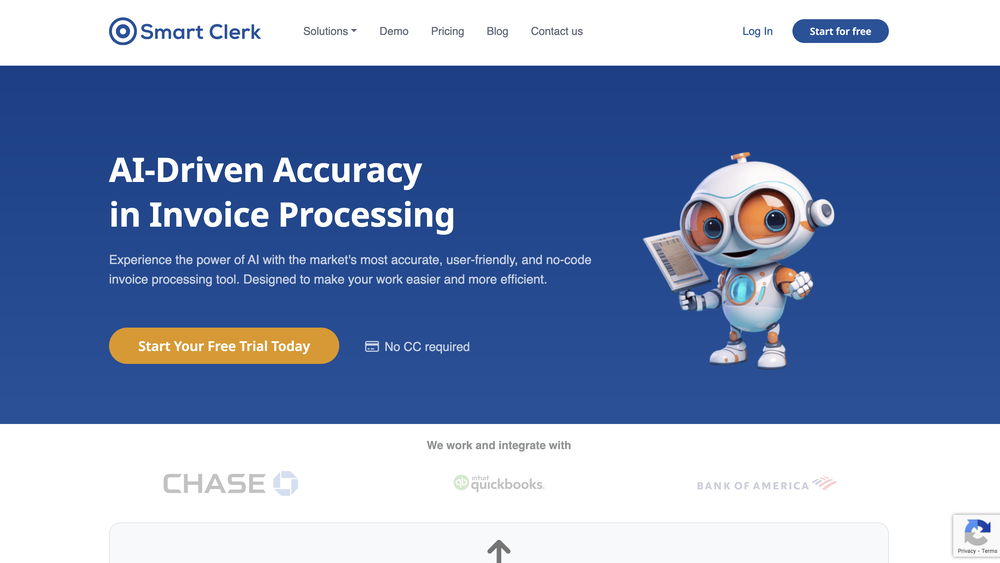 Data extraction is accurate and incredibly efficient. Plus, it's super easy to use - no setup, no onboarding forms, perfectly simple UI. We started using it right away. The bank statements feature quickly imports, categorizes, and matches transactions. Their automatic categorization and matching process fully automates the reconciliation flow in our team.
 -
-
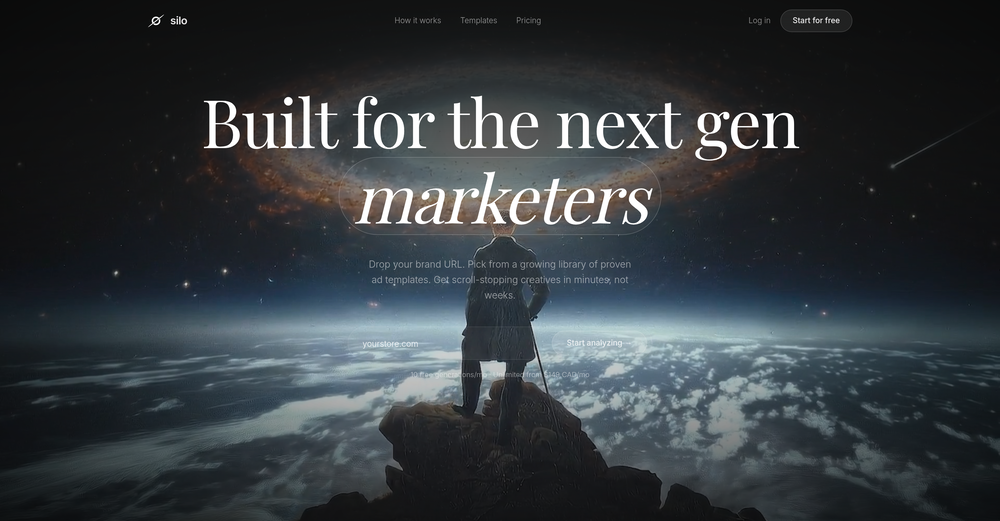 Hey everyone! Aria here, we just launch a new Silo update! AI Ad Editor Generated an ad that's 90% there? Now just describe what to change — "make the background darker", "swap the headline", "move the product left" — and AI rebuilds it instantly. Full edit history Undo anything, try wild ideas, iterate until it's perfect. Generate → Edit → Perfect → Launch. All in one place














Other tools
-
 Summarize any YouTube video, any size, under 30 seconds, for free.Open
 - Sponsor
 Rocket - Think it. Type it. Launch it.
 -
Absolutely PERFECT!!! After several image files with multiple fonts and subtleties therein, it never missed a single character. Several files transcribed accurately in less time than it would have taken me to do one manually. I can see myself needing to do this in "batches" possibly and it appears as though I'll be able to do that as well, although I have no idea as to the parameters there, but I'm sure it'll tell ya if you are trying to process too many at once. If I could add one constructive addendum, a line of text on the super clean UI to tell folks the file formats for the input. PNG files uploaded and processed quickly, but only figured that out when I couldn't get a .JPG to upload, but I figured it out quickly ... some may not. Thanks Lexy, It's Sweet to use something in today's world that completes a complex task, yet is simple, and simply works!!! Much love!!! ✌ "Without ART, the eARTh would just be 'eh'!" ოΓ. e
-
Tried using it to clean up a messy dataset and generate some quick formulas. It actually got most of them right, but sometimes overcomplicates simple stuff. Still, way faster than doing it all manually.
-
 Revolutionizing expense tracking with AI-powered receipt management.Open
 - Didn't find the AI you were looking for?
-
 Convert YouTube videos to text fast and freeOpenHands down the best ai tool for content creators. Their free YouTube transcriptor is always on point
 -
Faster than sifting through reddit myself. TY for building.
-
 Intelligent browser assistant for deep content analysis and instant translations.Open
 -
It's just a one-time output, and the roast was good, but it could be better. It should be more like a debate between the user and the AI, not just a single roast.
-
I really like DataLine, but I'm kinda biased cause I built it.
-
This AI PDF Summarizer worked really well
-
 Open
Open -
-
 Extract Wisdom from Any Link -- 6 AI Models, Haiku 4.5 SynthesizedOpenExtract wisdom from YT, websites, PDFs, any link. Multiple models catch what single perspectives miss. Organized thematically. Honest about uncertainty. Built for understanding, not compression. All feedback welcome!
 -
This is one of the best scrapers I have ever seen, especially considering that Cloudflare explicitly advises against scraping their pages. What makes this scraper stand out is that it opens a virtual machine and runs an agent on top of it, which allows it to bypass bot detection errors effectively. This advanced approach enables it to grab the text content reliably, even from websites with strong anti-scraping measures. By simulating a real user environment, it avoids common blocks and restrictions.
-
Preplo really helped me cook more at home. Can't wait to see what new features they will add in the future.
-
-
This is a text extraction service. Not image to text.
-
 OpenTubeYakker matches how I already use YouTube. Saving things for later and processing them bit by bit. The UI is pretty minimal, which I like, though it took me a minute to understand the intended workflow. Keep it up ;-)
 -
This one was really nice. In that it could also generate a white paper to go with the diagram
-
 Chat with any PDF, ask questions, summarize and extract insights effortlessly.OpenThe maximum number of pdf pages for the free tier is 10, which is a bit small. Generally, I think people need this service for pdf documents over 50 pages or so.
 -
-
 OpenI love this extension, mobile app and desktop software! I use it everyday and everywhere. Generated text are amazing. Well done to the team and continue your incredible work! For me, Voilà is the best AI assistant, copilot and AI writer on the market. I stopped my ChatGPT plus subscription since I discoverer it.
 -
 AI-powered Gmail assistant. Get instant email summaries, task extraction, replies +moreOpen
 -
 Turn scanned or normal PDF invoices into UAE FTA-ready Excel in minutes.Open
 -
Brilliant! I'm blow away... the quality and the vocals are on another level. I had my lyrics that I wrote years back. Then I decided to use this Ai to create the song for me... I'm still jamming on the song
-
-
I use Olostep to gather data from millions of e-commerce pages for my AI shopping assistant service and it's the most cost-effective and reliable product on the market
-
 OpenUnable to tried its functionality as its keep asking to pay
 -
⏺ AI Song Generator v1.0 — Create Full Songs from a Text Prompt in Seconds Multiple AI Models Choose from Suno V3, V4, V4.5+, and V5. Each version offers different tradeoffs between speed, expression, and sound richness. V5 delivers superior vocal expression with faster generation. V4.5+ produces richer, more layered sound with support for up to 8-minute tracks. Text-to-Song Pipeline Describe what you want to hear — genre, mood, theme — and AI generates complete lyrics, melody, vocals, and instrumentals in one shot. No music theory, no DAW, no production skills required. A full track is ready in under 2 minutes. 50+ Genres & Styles From lo-fi hip hop to symphonic metal, EDM to jazz, K-pop to country. Pick a genre and optional sub-genre, and the AI adapts composition structure, instrumentation, and vocal delivery to match. Custom Lyrics & Vocal Control Write your own lyrics or let AI generate them. Choose vocal gender (male/female/auto), adjust style weight and weirdness constraints. Toggle instrumental-only mode for background music and soundtrack use cases. AI Cover with 100+ Voice Styles Upload any track and re-create it with a completely different voice. Choose from 100+ vocal styles — from smooth R&B to raw punk, breathy pop to deep baritone. Custom mode lets you rewrite lyrics, add style prompts, and fine-tune parameters like style weight, weirdness constraint, and audio weight for precise creative control. AI Singing Photo Turn any portrait into a singing video. Upload a face photo and a song, and AI generates a realistic lip-synced video with natural facial expressions and head movements. 3 model tiers — V1 Base for quick social posts, V2 Quality for dynamic HD output, V3 Highest for best eye tracking and professional-grade results. Output at 480p or 720p, optimized for TikTok, Instagram Reels, and YouTube Shorts. Commercial License Included All generated tracks come with full commercial rights on paid plans. Use them on YouTube, TikTok, Spotify, in games, podcasts, or ads — no royalty fees, no licensing headaches. What's included: - 5 AI model versions (V3 through V5) - 50+ music genres with sub-genre options - AI lyrics generation + custom lyrics input - Vocal gender selection and style fine-tuning - Instrumental-only toggle for soundtrack use - AI Cover with 100+ voice styles and custom mode - AI Singing Photo with 3 quality tiers (V1/V2/V3) - Singing Photo 480p and 720p resolution options - MP3 and WAV export - Full commercial license on paid plans - Song extend and remix capabilities
-
 vocal remover, remove vocal, vocal remover online free, vocal remover AIOpen
 -
quick magic ai motion capture is amazing, so smooth, very great
-
I use Coolo to remove bass from the song. By isolating the bass track, I can hear every single note and nuance. It’s also been great for making backing tracks to practice my guitar solos over. Very nice!!
-
Great platform to increase your productivity. The infographic generator is my favorite tool.
-
nice tool,only input two images to easily create realistic cartoon animations.
-
-
 One API to track mentions, sentiment, and visibility across top LLMs.Open
 -
Like copilot, but for power users. Nice for my n8n workflows command center
-
I’ve used ChatGPT, I’ve tried scraping tools, and this just blew my mind. Chat4Data is like GPT got tired of talking and started doing things. I literally type ‘get me all the product listings from this page’ — and boom, it’s done. No code. No setup. Just results. 10/10 would recommend.
-
 Transform documents into interactive knowledge bases using advanced AI.OpenThis tool is expected to evolve rapidly, we are also taking all feature requests so submit what you like and we'll build it if it aligns with our product vision! Have fun with the tool and let us know what you think!
 -
-
Interesting! Worked quite well on free verifications I had.
-
-
Think its a fab tool but why wont it allow you to save your workflows?
-
Process patient referral documents way faster now. Pulls key medical history and relevant details instantly instead of me scanning through pages. Still review everything carefully but it flags what matters first.
-
This tool is different. I was impressed with its ability to process different file formats and the quality delivered.
-
 PDF Bank Statements to Spreadsheets with High Accuracy AI & SecurityOpenHighly accurate.. Superb!
 -
 Open
Open -
 AI-powered research assistant for diverse content analysis.Open
 -
 Open
Open -
The AI property description tool works really well. I haven’t gotten around to using the poster feature yet, but all in all, it’s worth an 8 out of 10.
-
Amazing tool for my school assignments!
-
-
Hey, appreciate the feedback! I have to respectfully disagree though. While resumebuild is a great tool, UseResume.ai actually takes a different approach with its AI builder workflow and the editor. As for ATS readiness - all our templates generate documents with machine readable text (not images). I've personally tested them through Workday, Breezy, and others (e.g. Google's job portal), with perfect parsing accuracy. Would be curious to hear what specific ATS issues you encountered? Always looking to improve!
-
 Transform unstructured documents into actionable data instantly.Open
 -
Waitlist
I'm in early beta and I'm managing to orchestrate my 3 openclaw agents with my 2 claude code sessions. It's cool, maybe this is the future.
-
I was part of the beta trials and TidyDocs has made it so much easier to manage my receipts and invoices.
-
Highly recommend it for anyone dealing with high-volume document processing. Simplifies the process of extracting data from multiple PDFs into clean, accurate spreadsheets.
-
YouTube to Doc is freaking awesome! Total lifesaver for turning videos into text. Just paste the URL → boom, you’ve got a doc. Perfect for notes or quotes. 10/10 recommend!
-
 Private Q&A with your Documents on Windows or Mac.Open
 -
 OpenI like some of the ideas it showed, but i'm stuck thinking about the initial investment some of them need. Is there a way you can add that info later?
 -
 Open
Open -
Love the idea of having a business/personal AI page you can share across your online channels. It’s perfect for creators, professionals & businesses of all kinds. the customization and design options are excellent... and it’s super easy to train and make your AI your own. nice work!
-
 AI browser assistant for intelligent automation.Open
 -
you know what, heck yes. it works great! I like how simplistic it is, i don't need to get a lot of info on the audio sample, i'm using AI it explicit that i don't know how and what. really cool!
-
 Create, Edit, and Apply Professional Signatures with AI in SecondsOpenThis product comes with great preset styles, which helps me avoid designing without direction. However, at the same time, the presets also limit creativity to some extent.
 -
It’s a fast, sleek, and feature-rich browser that makes multitasking effortless and browsing more enjoyable. Highly recommended!
-
Great platform! Very impressed by the ability to combine documents to generate full research reports or extract data in large PDF files.
-
Totally agree that disavow decisions shouldn’t be based purely on third-party metrics. Verify Backlinks doesn’t automatically disavow anything. The output is Keep / Review / Consider disavow, based on a broader verification layer that combines multiple signals similar to those search engines evaluate. The final decision always stays with the SEO.
-
i'm new to all the agent stuff, and now I'm on day 7 of using Clawdi. it feels like having a lightweight assistant - i did spend some time "onboarding" it. but i’ve been using it to prep quick summaries before meetings, help me scan/find the social media content and actually help me comment and engage with. the biggest win for me so far is just not having to context switch as much. everything happens in one place in my chat, which is pretty cool.
-
-
-
I don’t usually leave reviews, but I had to for this one. I just dropped my website URL into Board.ads didn’t have to explain anything it just pulled from my site and created ad copy and visuals that actually made sense for my brand. What really surprised me is it even suggested a logo, which is wild for something this fast. I’ve tried a bunch of AI tools before, but this is by far the easiest and most useful one for creating ads. Super simple, super quick, and the results don’t feel generic or boring.
-
-
 Extract contact data from email signatures using AI.Open
 -
Had several issues with app, beginning with a refresh needed to find the upload (figured out while waiting for help desk). Relatively straightforward conversion, rearranged fields, merged integer and text field. Conversion was Ok on first 30 lines and 2 pages, second 25 lines needed more manual editing. Was going to rate lower, tried Parseur was even worse.
-
We use it at Ucademy with 10 gmail accounts and works like a charm
-
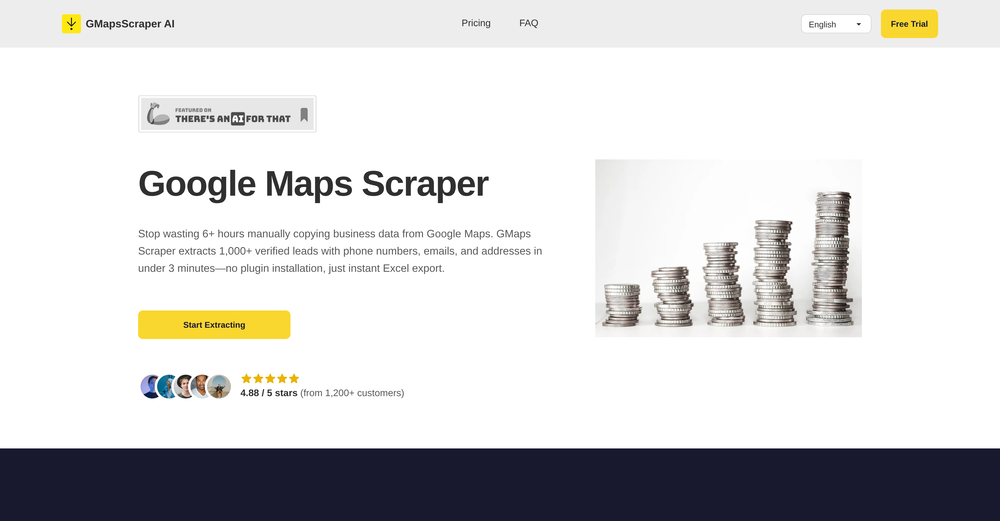
 Extract data instantly: Grab text, images, emails & links from any websiteOpen
 -
 OpenI recently tried legasite.io The process was straightforward. You paste in your site’s URL, choose a template, and wait. It didn’t take long before I got a downloadable version built with modern structure (Next/React.js). That alone saved me a decent chunk of manual setup time. The generated layout was clean and usable. Overall, I’d say it’s genuinely useful if you’re modernizing legacy sites and want a head start with the possibility of refining the output if the original website has messy interactions or complex structures.
 -
Spent some time analyzing Intedat. Interesting product, but it reads like another prospecting tool while the real value is automating B2B pipeline generation. That difference could dramatically change perceived value. Happy to share the breakdown if useful.
-
 AI-native OCR platform, 95%+ accuracy, zero prompt engineering, flags uncertain fields.OpenWe are a team of founders who worked before in data extraction, with traditional manual review of each document to check accuracy / errors. We are so excited about AI and the new LLM models because we have created DeepRead using those and the accuracy is 95% and we flag uncertain fields so no one has to manually review entire documents (whew), only the exceptions! We hope you try it out and please share your review, comments and feedback. Looking forward to hearing from users!
 -
tried quickdata on a stack of rent rolls (pdf+xls), a couple T12s and one chunky OM. setup's just an excel add in, super barebones ribbon button and it goes straight to work (no gimmicks). it mapped a lot of line items correctly and dumped them into my model fast. i like that it plugs into your existing model instead of forcing theirs. a clearer "why" for each auto category would be good.
-
The fact that it does not use ChatGPT but their own private AI models is a must for confidentiality !
-
-
 Book Summarizer instantly transforms any book into a crisp, intelligent summary.OpenBy far the most complete summary I received. Thank you.
 -
Pretty handy, not always helpful since sometimes notes are not in a simple text format, but it does the job
-
 Open
Open










































































































































































Post





