 Yooz AI
 Mini tools
▼ Popular
Gmail email management
Free mode
100% free
Freemium
Free Trial
Featured matches
-
 Duck Typer🙏 269 karmaFeb 12, 2025@TheLibrarian.ioGreat tool! Was very helpful in content production
 -
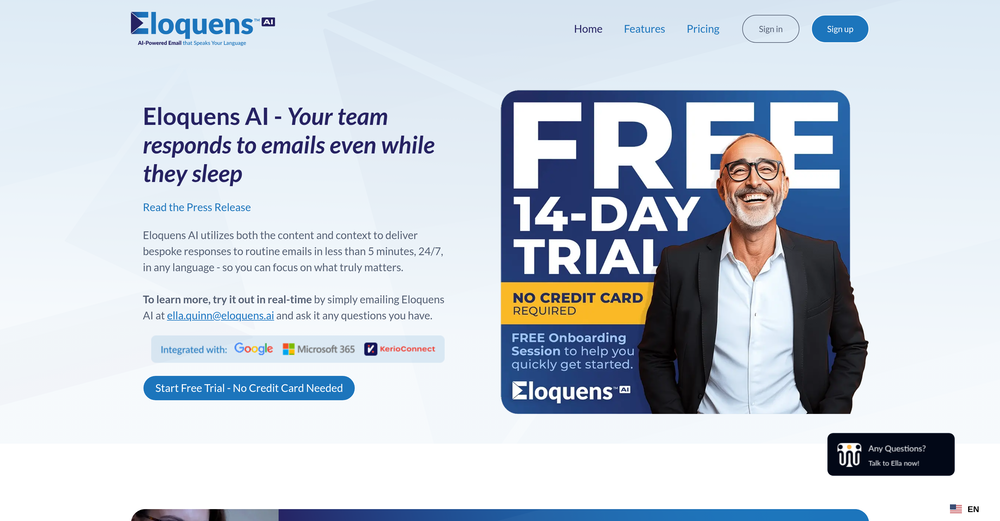
 Ellie, your AI for crafting personalized email replies.Open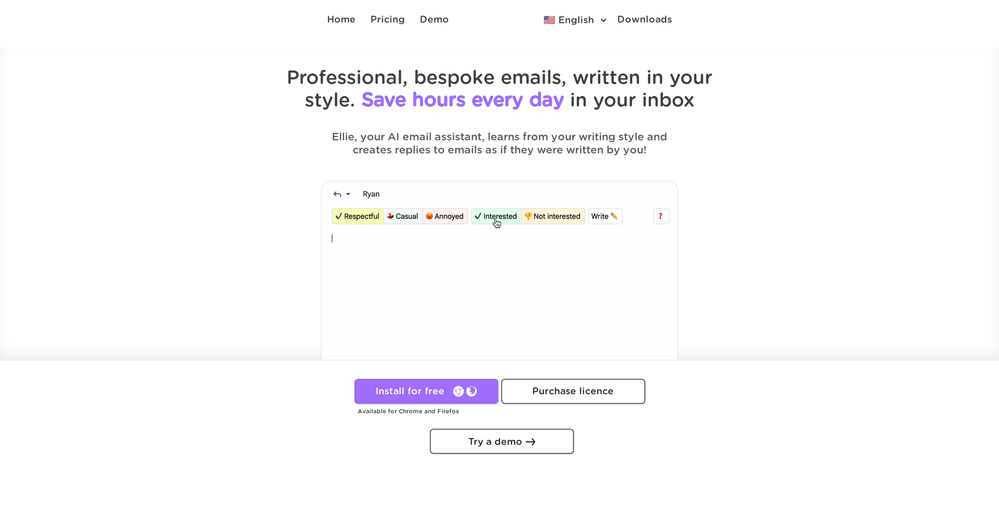
-
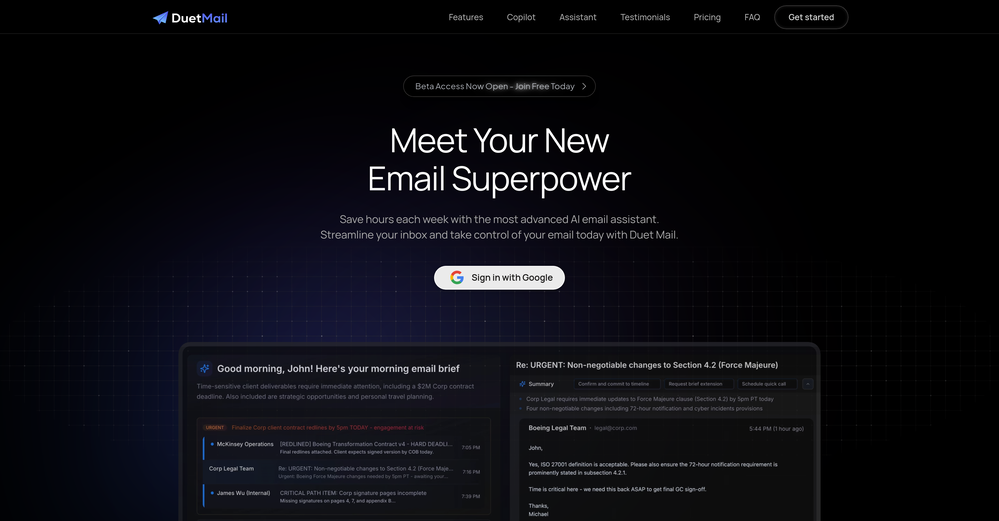
-
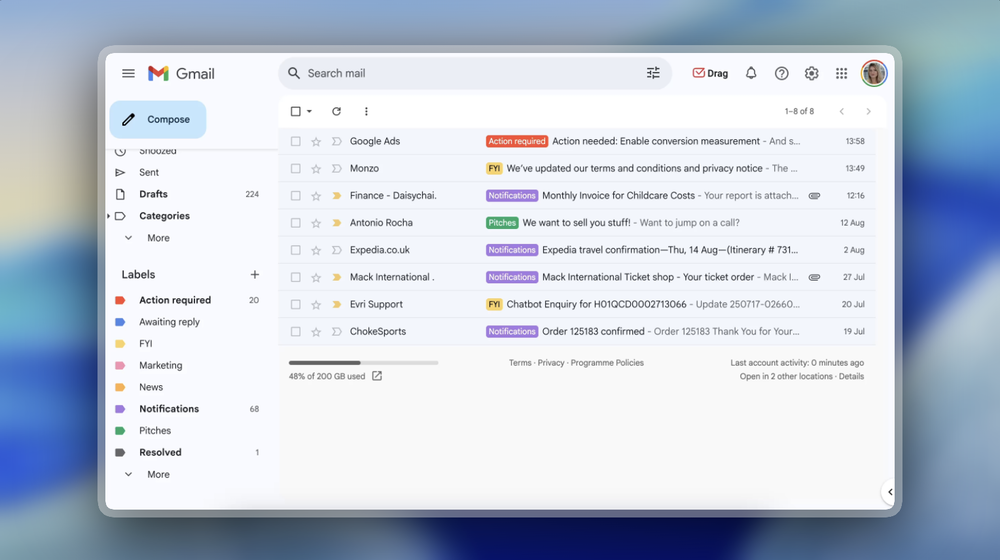 Been loving this tool so far, it's awesome to keep my inbox organized with the auto-tagging feature. I'll try the auto-draft as well, seems promising 🙏
 -
-
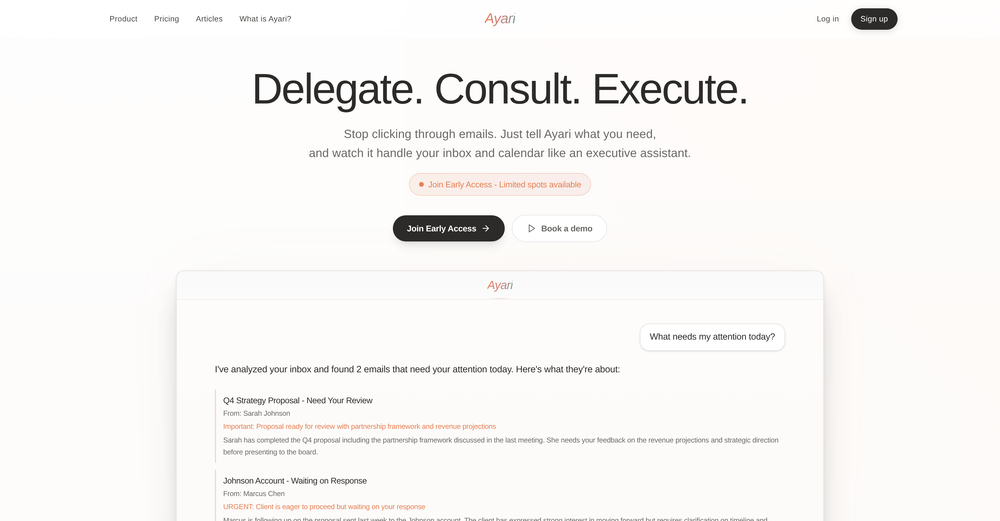 Maybe making an browser extension to integrate directly into mail clients would be great here :)





Other tools
-
Hey! We'd love to have you test our tool again after a year! It should work much better now :)
-
Very convenient tool. They have this "prompt wizard", kind of like a template selector so it's easy to generate outputs without coming up with prompts just to generate what I need.
- Spotlight: Yooz AI (LinkedIn)
-
-
Great tool to write emails faster and answer emails faster. It's very easy to use and fast!
-
It's a great tool that let's write your email just in your outlook account
- Didn't find the AI you were looking for?
-
Love it! chat style email threads is the best feature
-
Clever email management design and easy to use. I love the kanban board style with summarize and auto response.
-
We use it at Ucademy with 10 gmail accounts and works like a charm
-
 Chatbot for Email using your Data!OpenWe've been using InboxPilot for a couple of weeks now, and it’s been a game-changer for my art studio's business! Our admins were drowning in repetitive customer emails while juggling phone calls and front-desk responsibilities, but we had a debate in our team about whether we could afford to hire support specialists. Now, with AI handling emails 24/7, our admins only review the emails that are escalated. I used to notice that emails went unanswered for hours due to the workload, and I'm sure our customer satisfaction has increased significantly since they receive responses right away. Thank you for the tool!
 -
 OpenI had the opportunity to use Trimbox for 4 months now, and I must say, I am thoroughly impressed by its simplicity and efficiency. The tool has significantly aided me in composing emails, consistently leaving a positive impression (if I provided a well-thought-out prompt that is). Additionally, the one-click unsubscribe feature, which allows for unsubscribing without the need to open the emails, and the option to delete all emails from a sender with also just one click, have been invaluable in managing my inbox quickly and effectively. And as for me, the price is 27,99 € a year with both features in an unlimited version.
 -
 OpenAmazing! This is exactly what I‘ve been looking for for years
 -
 AI email co-pilot: Draft, triage, and capture notes effortlessly.OpenGreat tool! Look forward to trying!
 -
Ready to Send is the best thing I’ve seen in a while. I wake up every morning to drafts written to my important emails 🤯
-
would've loved to test out more features as a free user but it looks really promising. keeping an eye 👀 (or two) on this one until i decide.













































Post





