Go to section
Spotlight SureThing.io - "OpenClaw" for BeginnersTask automation
The front page of AI.Used by 90M+ humans.

Generate image
Tasks
Generate text
Free mode
Trending
Leaderboard
Characters
 Mini tools
New
Featured
Lists
Agents
Requests
Jobs
Map
Newsletter
Starter pack
Free tools
Speech to text
Text translator
Remove background
Settings
Edit profile
My tools
Gallery
Dashboard
Inbox
Get featured
Contact TAAFT
For you
Popular
Job impact index
Most saved
Affiliate program
Submit AI tool
Notification preferences
Glossary
Home
Timeline
My profile
Create tool
Deals
Models
Robots
Papers
Fundraises
Repositories
Devices
Organizations
Events
Prompt Pack
Merchendise
APIs
Features
Tools
Countries
Collections
Videos
Mini tools
New
Featured
Lists
Agents
Requests
Jobs
Map
Newsletter
Starter pack
Free tools
Speech to text
Text translator
Remove background
Settings
Edit profile
My tools
Gallery
Dashboard
Inbox
Get featured
Contact TAAFT
For you
Popular
Job impact index
Most saved
Affiliate program
Submit AI tool
Notification preferences
Glossary
Home
Timeline
My profile
Create tool
Deals
Models
Robots
Papers
Fundraises
Repositories
Devices
Organizations
Events
Prompt Pack
Merchendise
APIs
Features
Tools
Countries
Collections
Videos
Mini tools
New
Featured
Lists
Agents
Requests
Jobs
Map
Newsletter
Starter pack
Free tools
Speech to text
Text translator
Remove background
Settings
Edit profile
My tools
Gallery
Dashboard
Inbox
Get featured
Contact TAAFT
For you
Popular
Job impact index
Most saved
Affiliate program
Submit AI tool
Notification preferences
Glossary
Home
Timeline
My profile
Create tool
Deals
Models
Robots
Papers
Fundraises
Repositories
Devices
Organizations
Events
Prompt Pack
Merchendise
APIs
Features
Tools
Countries
Collections
Videos

▼ Price
Information processing
Free mode
100% free
Freemium
Free Trial
Featured matches
-
-
-
 Paul🙏 30 karmaMar 11, 2026@ConvoQuick thought after seeing Convo. Meeting notes tools are a crowded $10 SaaS category. But a tool that helps sales reps answer questions and handle objections live sits in a completely different value tier. That shift alone can change pricing and conversion dynamics significantly.
 -
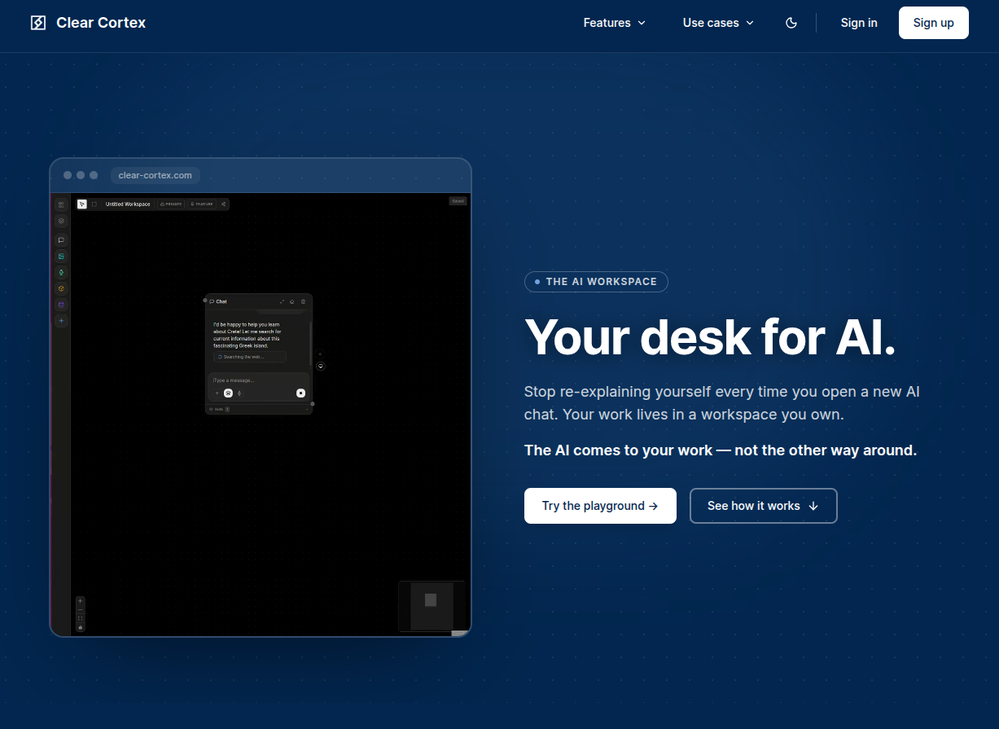 Founder here 👋 I built Clear Cortex because the chat window is the wrong shape for real work. Every new conversation starts from zero — you re-paste the same context, re-explain the same project, and the good answers disappear into scrollback you'll never find again. So the model here is flipped: your work lives in a workspace you own, and the AI comes to it. Every leading model — chat, image, audio, code — works from the same canvas behind one login and one pot of credit. And every answer is cited back to the exact source it was built from, so you can open it a week later and still trust it.
 -
-
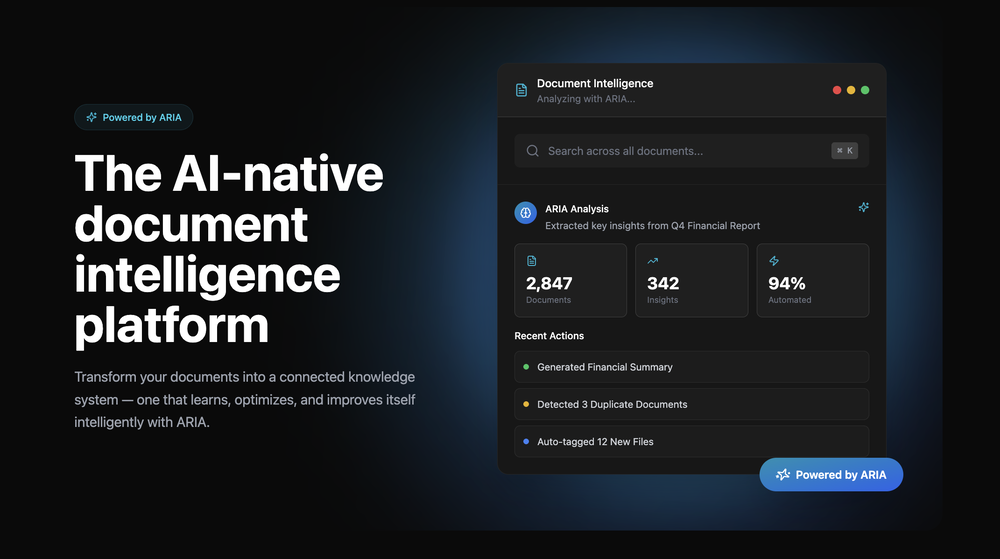 Great platform! Very impressed by the ability to combine documents to generate full research reports or extract data in large PDF files.
 -
-
-

-
 Search and chat across multiple developer documentation sources in one place.Open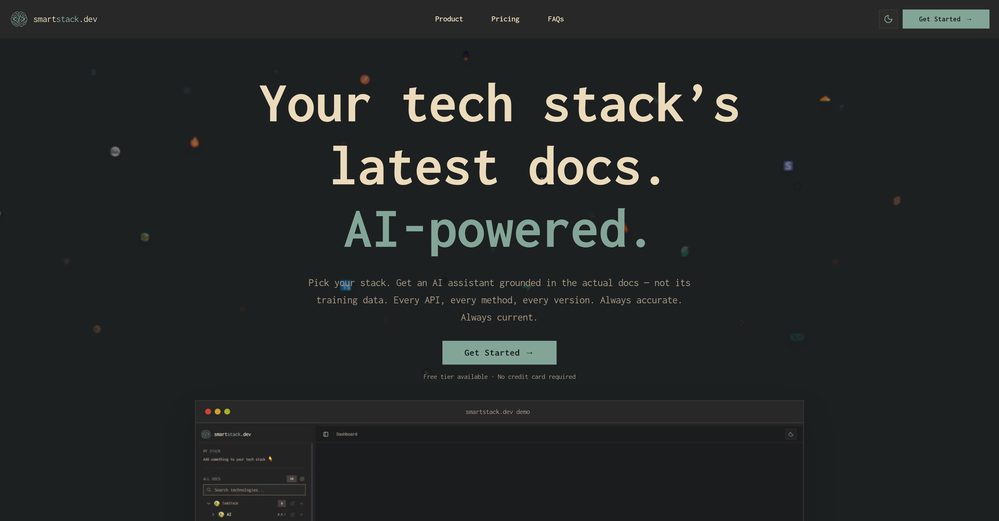











Other tools
- SpotlightSureThing.io - "OpenClaw" for BeginnersTask automation
-
-
 Intelligent browser assistant for deep content analysis and instant translations.Open
 -
Hi there! It worked great for me, it might have been a temporary issue.
- Didn't find the AI you were looking for?
-
 AI-powered NPI lookup: Find and validate healthcare providers instantly.Open
 -
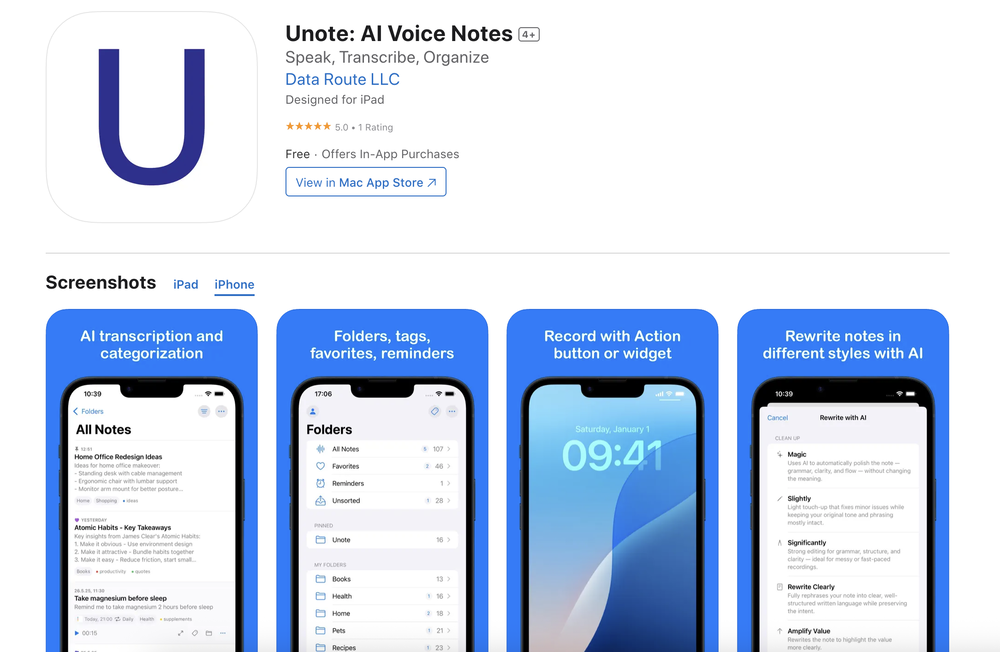
This is a nice concept. Anyway app needs to be more polished. Can’t delete notes. I was expecting auto assign of topics, or at least suggestions to be more creative instead of just showing some random words from the text I’ve entered.
-
Only extension that Worked well for large PDFs for Free.
-
 Summarize any webpage portion with ChatGPT.Open
 -
I have used this for several personal assistant applications and it works amazingly. Obviously it is still restricted to the flaws of any model you are using it with, but the ability to constrain prompts is incredibly helpful (especially when it comes to getting things like JSON format from the AI).
-
It didn’t help me at all and didn’t provide any accurate information; it’s still incomplete.
-
-
I wasn't able to use this one (I have my API key)
-
Appears to give factual and relevant responses. Includes sources. Has a clean interface and provides quick responses. It's also free. Awesome AI web app!
-
This AI PDF Summarizer worked really well
-
Absolutely! 🙏 When you have God in your life, true peace follows — in mind, heart, and spirit. I recently shared some thoughts on finding balance and positivity in life here → https://ropeherohub.com/
-
PDF Digest is a helpful AI tool that makes working with PDF files easier and saves time.
-
Without a doubt Petal is the most comprehensively helpful ai for analysing, comparing and paraphrasing multiple papers or websites etc. it’s table feature totally rocks for gathering citations and will answer you]r questions in a table containing your choice of docs - it then mines each uploaded doc for answers to your questions. The multi-doc lit review writer it’s very cool once you get the hang of it’s. Honestly, there are so many things to love in this ai - I’m truly surprised it’s isn’t more widely used … it mines your documents thoroughly and finds all kinds of helpful insights. I use it by preference.
-
 Extract Wisdom from Any Link -- 6 AI Models, Haiku 4.5 SynthesizedOpenExtract wisdom from YT, websites, PDFs, any link. Multiple models catch what single perspectives miss. Organized thematically. Honest about uncertainty. Built for understanding, not compression. All feedback welcome!
 -
How has this not received a single review. It’s a brilliant analytical writer of up to 5,000 words
-
They started charging for documents , Please change from no pricing to freemium
-
Such an impressive platform for all of us who are looking for more efficient ways to do the investigation. OpenRead has the potential to solve our problems.
-
You can now ask AI about your typed note. This issue has been fixed.
-
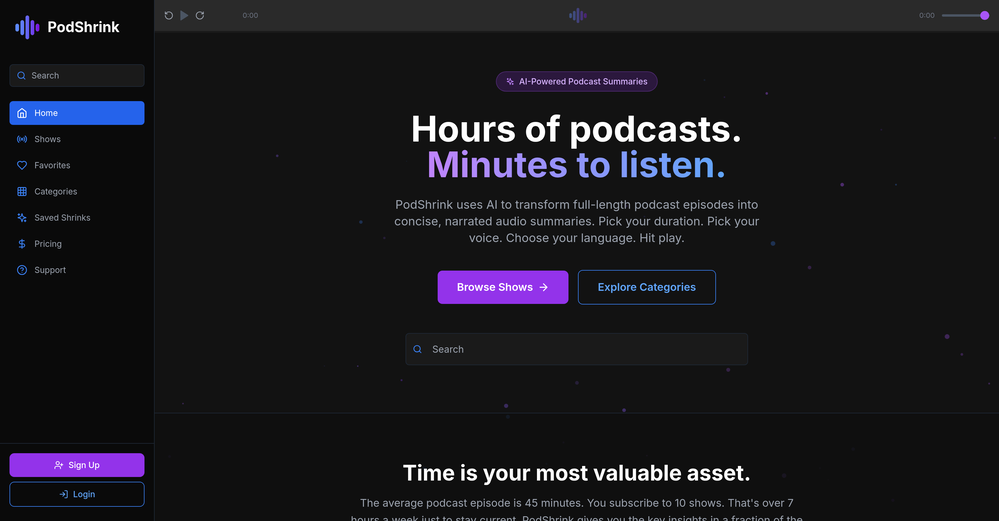
 Podcasts, scholarships, literature reviews - study and work faster with AIOpen
 -
Tested teh application. Saved 5 recipes. Three of them recognized as recipes. Two of them lost in translation. Other example. Saved three pages about company valuation. Two of them recognized. One lost in translation. Can't afford these kinds of tools ...
-
-
Amazing AI Tool available on Chrome , IE and Visual Studio code platform
-
Now here's an application where ML can shine. Translation quality is usually excellent, especially if the target language is English. Probably the closest you can get to a decent translation short of hiring a professional translator.
-
-
-
Hi everyone. 👋 I created Ozigi because I was tired of seeing AI slop in content all over the internet, from social media posts to long-form content. Ozigi operates on two principles: 1. We eliminate AI slop words from your content, using a banned lexicon feature that filters common/known AI words or structures from getting into your content. 2. We encourage a human-in-the-loop philosophy. We do not believe in mindless automation that values quantity over quality. We value quality, and that is why it is important to us to make sure that you--a human--reviews the generated content first before setting it up for publishing. Ozigi does more than just social media content. It generates email newsletters and blogppsts as well.
-
Yeah, Chatgot is really amazing. I used it for over two months, it was really precise and helpful with every kind of question. I used to ask it to explain math problems to me, and any other questions. It gave detailed and comprehensive explanations. It used to be free, but now it is premium so I can't use it anymore. Overall, it's really great.
-
Ask AI outperforms ChatGPT in search capabilities, providing more accurate and relevant results. Its advanced AI technology ensures a superior search experience for users.
-
I like the way I can read, search, write, take note and organize in one seamless place.
-
Handles long texts really well. Super useful if you’re into detailed content but want the quick version without losing key info.
-
Used it for PPT generation and performed extremely well, especially the numbers and data part.
-
-
-
-
Dash AI has saved me countless hours. It has proven to be more useful than chatgpt or any other AI tool I've tried.
-
I couldn't use it because it wouldn't let me upload a PDF file, so I can't really review it properly. This tool would work best with audio files. For example, if your teacher gave you an assignment in a PDF file, you wouldn't be able to use it. Until it enables that feature, it's not very useful for students. However, it is useful if you're incorporating audio.
-
Solid platform. Cites information, provides follow-up queries. FREE
-
it got nothing free (absolutely). it only lets you write 300 characters (not words) then asks to pay for the citations. but if your paying, this might be the best one your looking for.
-
This started from a small frustration that wouldn't go away: I'd open 12 tabs for "research," skim none of them properly, and close my laptop feeling more behind than when I started. The web rewards reading speed, not reading depth — and I wanted a tool that flipped that. So I built GetTheGists: a Chrome extension that gives you the gist of any page in 3 seconds, then lets you ask follow-up questions like you would a smart friend who already read it. A few things we went out of our way to get right: - Cognitive hierarchy, not walls of text. Every summary is structured as Gist → Why It Matters → Key Takeaways → Implications. Compression before precision. - Ask, don't just read. Hit the page with follow-ups, get answers grounded in the content. - 20 languages, full dark mode, and a resizable side panel that actually respects your screen. What surprised me building this: the hardest part wasn't the AI — it was deciding what not to show. Every iteration was about removing a section, not adding one. It's free to try (Premium and Pro tiers if you want higher limits). I'd love your honest feedback — especially on the summary format and where it falls short on your favorite kind of page. I'll be in the comments all day. Thank you for taking a look 🙏
-
It really does a good job at humanizing, very little adjustment needed for the end product.
-
 Private Q&A with your Documents on Windows or Mac.Open
 -
Very expensive for most common pages, no way you pay that
-
TabTabTab has been so useful to me since starting a company!
-
-
Combines knowledge graphs with AI, reveals main topics and gaps in a discourse.
-
Hello Everyone, My name is Mohamed, the Co-Founder of linesNcircles.com. At linesNcircles our mission is to revolutionize AI & Humen Interaction. Our first product TheBar is an AI agent which can build websites for you, edit them, saves files locally, browses the internet and provide you with answers to your questions all in very simple interface. TheBar runs on your computer without signup. Your website files are saved locally with the option to publish them under our website with one click. All your files are under your creations folders. We built TheBar to be simple to use, super fast in building things for you and we are working tirelessly, to bring in more features for you like writing pdf documents and making presentations which are coming soon. Check TheBar out it is available for free now on our website https://www.linesncircles.com. We would love to hear your feedback and comments
-
i love it i use it to teach me Italian and ukranian and programing ! and it awesome , because it allows you in the free version send many prints of your screen , not having to explain all the errors by typing diferent from gpt that you can only send 3 photos in the free version. i also use grok to study i frist make the exercise in my book then i take a photo of my exercise then i ask it to see if there is any mistake and dissipate my terryble handwriting it understands
-
-
 Extract contact data from email signatures using AI.Open
 -
Had several issues with app, beginning with a refresh needed to find the upload (figured out while waiting for help desk). Relatively straightforward conversion, rearranged fields, merged integer and text field. Conversion was Ok on first 30 lines and 2 pages, second 25 lines needed more manual editing. Was going to rate lower, tried Parseur was even worse.
-
 AI-powered legal document analysis for rapid insightsOpen
 -
Process Street has increased my efficiency in ways I didn't even know was possible especially with the AI-powered workflow builder and the insanely large template library!
-
Sadly they no longer offer this. It was exactly what I was looking for/needed. I chatted with them and they said I could build it using their platform, but nothing more.
-
It does exactly what is expected and more. I asked it to create a map with pins for 30 addresses and it did exactly that within a few seconds. It has great customization options also.
-
pretty handy I guess, saves me thinking too much honestly.
-
 Turn academic jargon into human conversation.Open
 -
 Transform any document into structured, navigable outlines.Open
 -
 Open
Open -