Go to section
Sponsor
 Flow - 4x faster than typing
🎤 Dictation
Flow - 4x faster than typing
🎤 Dictation
The front page of AI.Used by 90M+ humans.

Generate image
Tasks
Generate text
Free mode
Trending
Leaderboard
Characters
 Mini tools
New
Featured
Lists
Agents
Requests
Jobs
Map
Newsletter
Starter pack
Free tools
Speech to text
Text translator
Remove background
Settings
Edit profile
My tools
Gallery
Dashboard
Inbox
Get featured
Contact TAAFT
For you
Popular
Job impact index
Most saved
Affiliate program
Submit AI tool
Notification preferences
Glossary
Home
Timeline
My profile
Create tool
Deals
Companies
Models
Robots
Papers
Fundraises
Repositories
Devices
Organizations
Events
Prompt Pack
Merchendise
APIs
Features
Tools
Countries
Collections
Videos
Mini tools
New
Featured
Lists
Agents
Requests
Jobs
Map
Newsletter
Starter pack
Free tools
Speech to text
Text translator
Remove background
Settings
Edit profile
My tools
Gallery
Dashboard
Inbox
Get featured
Contact TAAFT
For you
Popular
Job impact index
Most saved
Affiliate program
Submit AI tool
Notification preferences
Glossary
Home
Timeline
My profile
Create tool
Deals
Companies
Models
Robots
Papers
Fundraises
Repositories
Devices
Organizations
Events
Prompt Pack
Merchendise
APIs
Features
Tools
Countries
Collections
Videos
Mini tools
New
Featured
Lists
Agents
Requests
Jobs
Map
Newsletter
Starter pack
Free tools
Speech to text
Text translator
Remove background
Settings
Edit profile
My tools
Gallery
Dashboard
Inbox
Get featured
Contact TAAFT
For you
Popular
Job impact index
Most saved
Affiliate program
Submit AI tool
Notification preferences
Glossary
Home
Timeline
My profile
Create tool
Deals
Companies
Models
Robots
Papers
Fundraises
Repositories
Devices
Organizations
Events
Prompt Pack
Merchendise
APIs
Features
Tools
Countries
Collections
Videos

▼ Top rated
Presentations generator
Free mode
100% free
Freemium
Free Trial
Featured matches
-
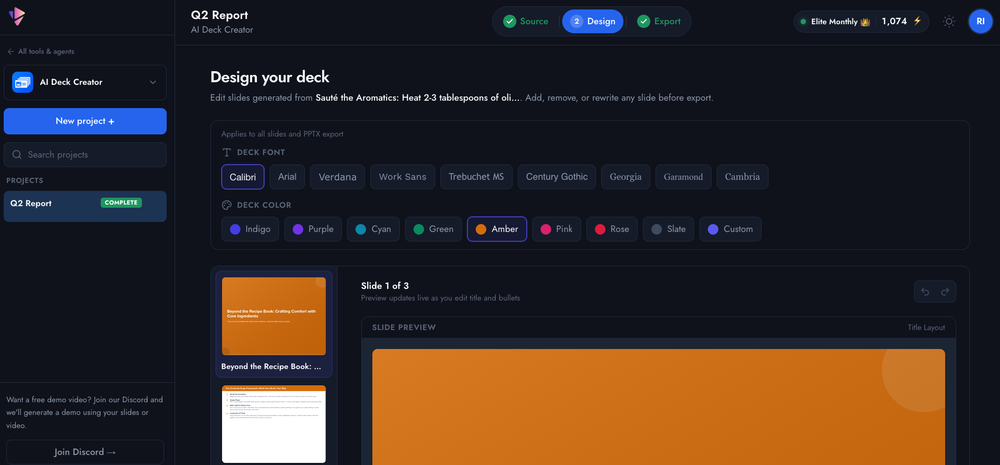 Rielly Milne🛠️ 4 tools 🙏 27 karmaJul 17, 2026@AI Deck CreatorStarted building this to make presentation creation less repetitive. It's become one of the tools I use the most myself.
 -
-
-
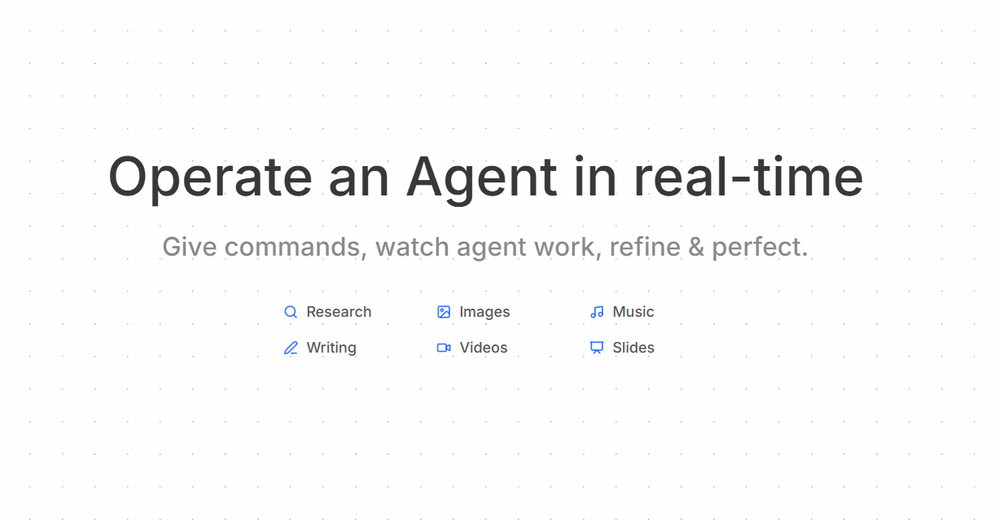 Hi! Thor here, the creator. Think of Axey as your collaborative partner: you give commands, watch Axey work, refine & perfect. Feel free to ask any questions!
 -
-
-
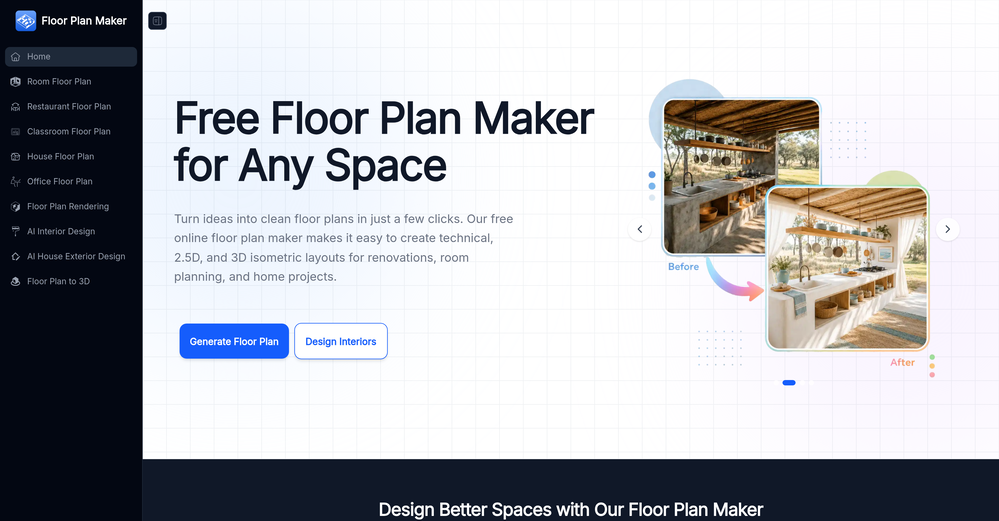 A useful AI tool for homeowners. I used it to convert my basic floor plan into a 3D model and explore different interior styles. The AI interior design feature is a nice bonus because it helps visualize ideas before spending money on renovation. Simple to use and great for early-stage planning.
-
-
-












Other tools
-
 Open
Open -
I’ve tried almost every AI slide generator out there, and Tosea is in a league of its own. Most tools just scrape the surface, but Tosea actually digs into my research PDFs. It captures the nuance and logical flow of the original document without the usual AI hallucinations. The slides it produced for my last project were surprisingly deep and well-structured. Plus, being able to export directly to PPTX and make my own tweaks is a lifesaver. It’s easily saved me hours of manual formatting this week.
-
Hello Everyone, My name is Mohamed, the Co-Founder of linesNcircles.com. At linesNcircles our mission is to revolutionize AI & Humen Interaction. Our first product TheBar is an AI agent which can build websites for you, edit them, saves files locally, browses the internet and provide you with answers to your questions all in very simple interface. TheBar runs on your computer without signup. Your website files are saved locally with the option to publish them under our website with one click. All your files are under your creations folders. We built TheBar to be simple to use, super fast in building things for you and we are working tirelessly, to bring in more features for you like writing pdf documents and making presentations which are coming soon. Check TheBar out it is available for free now on our website https://www.linesncircles.com. We would love to hear your feedback and comments
-
- SponsorFlow - 4x faster than typing🎤 Dictation
-
I really gotta let my heart out, got so many great reviews from my peers. It has helped me make my school work so much easier. I work with little children so when i make it cartoonish it's giving me the best one's yet.
-
The infographic maker lets you use it once for free without signing in. This infographic maker is simple and easy to use, even more so than Canva or Venngage. However, the available styles and templates are still limited. I hope they add more design options and customization in future updates. Overall, a good choice for quickly creating infographics.
-
create a ppt with example and small case study on augmented marketing mix
- Didn't find the AI you were looking for?
-
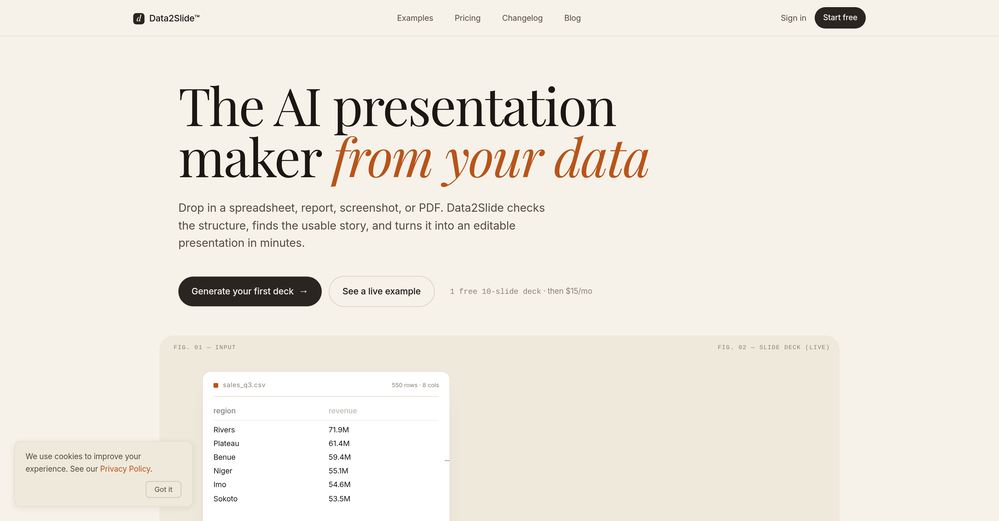
Used it for PPT generation and performed extremely well, especially the numbers and data part.
-
Yep! Thanks for the comment!
-
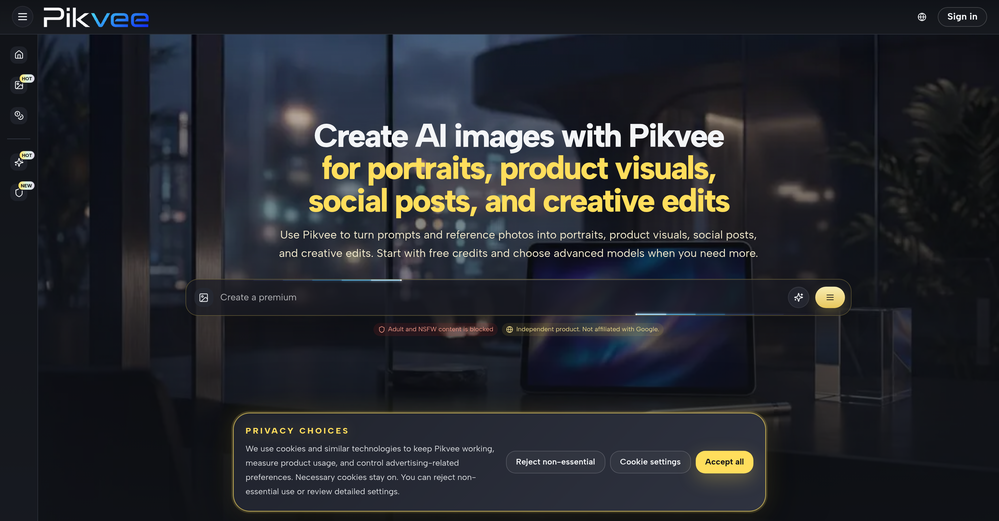
 Create futuristic business visuals with AI.Open
 -
 Qurate is an AI-powered quote discovery platform that helps you find theOpenfree version's already solid and i didn't expect to get that much out of it without paying. lifetime deal for 25 isn't bad at all either, might actually get it. w
 -
Generate decks in seconds that are indistinguishable from top consulting firms. Using only verified data and credible sources. Xavier specializes exclusively in business and consulting presentations, unlike general AI presentation tools.
-
Makes it easy to get started with a presentation if you have an outline, but as soon as you want more control, you're better off using Google Slides. Gamma's feature that I used the most was image generation - you can select among a variety of models (Ideogram, Flux, DALL-E, but not Midjourney), and it shows 3 variations to choose from. Performance is slow and a little janky, even in Chrome. Prompts and settings are often not respected - e.g. you set it to "preserve text" and just generate slides, and it goes onto dumping an entire 3 paragraphs of text in one slide. You can't overlay text over images (e.g. for image attribution), and there's no precise positioning control, or grouping elements. No way to control table layout, e.g. to have two images slide-by-side in full bleed mode. I tried Gamma for a new presentation, but next time I need to make a presentation, I'll go back to Google Slides and generate images independently.