TAAFT Tutorial
Generate image
Tasks
Generate text
Free mode
Trending
Leaderboard
Characters
 Mini tools
New
Featured
Lists
Agents
Requests
Jobs
Map
Newsletter
Starter pack
Free tools
Speech to text
Text translator
Remove background
Settings
Edit profile
My tools
Gallery
Dashboard
Inbox
Get featured
Contact TAAFT
For you
Popular
Job impact index
Most saved
Affiliate program
Submit AI tool
Notification preferences
Glossary
Home
Timeline
My profile
Create tool
Deals
Companies
Models
Robots
Papers
Fundraises
Repositories
Devices
Organizations
Events
Prompt Pack
Merchendise
APIs
Features
Tools
Countries
Collections
Videos
Mini tools
New
Featured
Lists
Agents
Requests
Jobs
Map
Newsletter
Starter pack
Free tools
Speech to text
Text translator
Remove background
Settings
Edit profile
My tools
Gallery
Dashboard
Inbox
Get featured
Contact TAAFT
For you
Popular
Job impact index
Most saved
Affiliate program
Submit AI tool
Notification preferences
Glossary
Home
Timeline
My profile
Create tool
Deals
Companies
Models
Robots
Papers
Fundraises
Repositories
Devices
Organizations
Events
Prompt Pack
Merchendise
APIs
Features
Tools
Countries
Collections
Videos
Mini tools
New
Featured
Lists
Agents
Requests
Jobs
Map
Newsletter
Starter pack
Free tools
Speech to text
Text translator
Remove background
Settings
Edit profile
My tools
Gallery
Dashboard
Inbox
Get featured
Contact TAAFT
For you
Popular
Job impact index
Most saved
Affiliate program
Submit AI tool
Notification preferences
Glossary
Home
Timeline
My profile
Create tool
Deals
Companies
Models
Robots
Papers
Fundraises
Repositories
Devices
Organizations
Events
Prompt Pack
Merchendise
APIs
Features
Tools
Countries
Collections
Videos

▼ Latest
Quick video creation
Free mode
100% free
Freemium
Free Trial
Featured matches
-

 Liam Therrien🙏 18 karmaSep 17, 2025@Ferndeskthrew it at our dusty help center and it cooked. pulled context from tickets and updates and wrote clean articles and faqs. inbox got quieter fast. solid tool.
 -
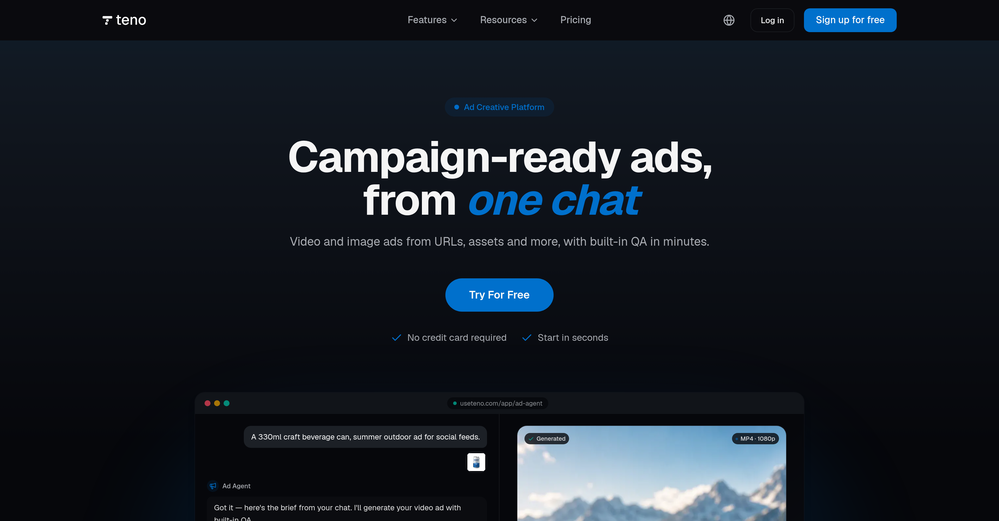 Tried Teno for a quick product ad — surprisingly simple. Chat your idea, get image/video outputs in minutes. Good free tier to test. Handy if you need creatives fast without a full production team.
 -
 Turn images into videos with advanced AI All with Fylia AI.Open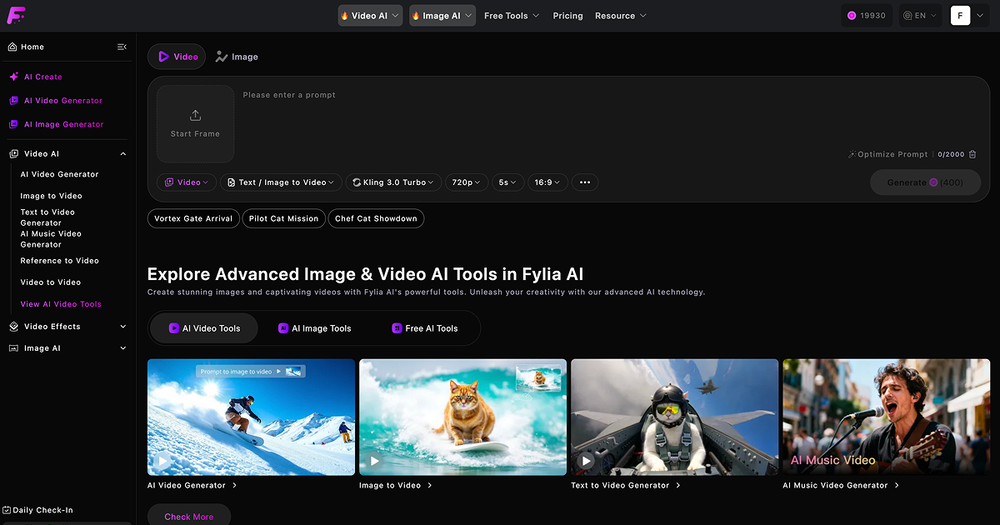
-



Verified tools
- Sponsor
 Tripo AI 3D Generator
 -
-
This was impressive. From just one picture and a few details, it made a really good, professional video. Amazing quality!
-
This tool not only transcribes videos and audio, but also automatically generates summaries, which greatly helps me organize my study notes.
-
It's working very well. AI chat is 100% free, but image and video are not free, though they are still good. You get a few daily credits, but at least you still have some
-
pretty clean tool, i tried a couple product images fast and the controls make sense. model picks, image-to-image and quick batch runs are handy for ad shots or thumbnails. the free tier is tiny at 2 credits, so it's more of a taste test than real use.
-
-
Excellent to restore old interlaced video, and to add FPS in order to make the motion smooth. The best part is that is accessible in browser, from any device, no equipment request.
-
good platform to create my short video
-
 Transform static images into animated videos instantly.OpenHi everyone! I'm the creator of AI Video Maker. It's completely free to use and doesn't require any signup. You can instantly generate unlimited 5-second AI videos from text or images. Great for testing ideas before upgrading to HD or commercial plans. Excited to see what you all create!
 -
I completely agree with the previous comment. I first purchased the $5 package and then upgraded to the Pro package, hoping to create videos longer than 3.5 minutes. However, I was disappointed to find out that I needed to purchase the $99 package to create longer videos. It was not clear that the 5000 characters of script only equated to 3.5 minutes of video. To make things worse, the company has a strict no-refund policy, which feels unfair. They seem more focused on taking your money than providing quality service. I would highly recommend avoiding this service at all costs.
-
This is so encouraging — thank you! ❤️ We’re putting everything into the next version to make it even better.
-
Best Free Movie Maker App on the Market
-
It says it’s free but they don’t have a free option once you’re on their site. Have to sign up for a subscription. It may be a great product- I don’t know. But I’m not going to pay to try it. There are other platforms out there.




























Other tools
-
AutoEditor is a tool powered by AI that allows users to create highly customized short videos. It is primarily designed to make video editing easier and more efficient, thus enabling users to focus more on content creation. Distinct features include the automatic generation of subtitles in more than 40 languages, detection of silence or non-relevant content in videos, and the ability to enhance videos by adding b-rolls, watermarks, and other effects. The platform provides an easy-to-use interface for video editing, putting users in complete control of their content. Users can change text, styles, and various other aspects of their videos without prior knowledge in video editing. Furthermore, AutoEditor supports editing of long videos, which can be broken down into smaller parts without pre-cutting them. Videos for editing can be directly processed from YouTube, eliminating the need for separate downloading websites. Users can also customize their captions, save their unique styles as presets, and create videos with a few simple clicks for a fast editing experience. AutoEditor's pricing is designed to be simple and affordable, with plans tailored to suit different needs. Users can also access a free tier to get started. Flexibility is one of its key advantages, providing users the means to edit their videos exactly how they want them. The software works best with videos containing any type of voice or talking, such as podcasts, talk shows, documentaries, educational videos, or speeches.
-
-
Only available on the iphone... doesn't seem super intuitive to use.
-
-
-
the tool charges per response not result, simply the 100 gratuity credits keeps decreasing every time i try to correct the action taken backend, may be i am stupid but if i am uploading a photo that cannot be altered in horizontal view, the tool should notify me that the outcome will be wrong due to the reference image, what really happened is that i was charged, the result even after i requested correction was the same for 3 times. and guess what the script was complete and i literally requested the assets to be added since i had none, the tool promised to get assets and show a preview,, but after charging ofcourse and again the result was wrong.. not recommended sorry!