Go to section
Sponsor
 MongoDB - Build AI That Scales
🗄️ Database
MongoDB - Build AI That Scales
🗄️ Database
#1 website for AI tools.Used by 90M+ humans.

TAAFT Tutorial
Generate image
Tasks
Generate text
Free mode
Trending
Leaderboard
Characters
 Mini tools
New
Featured
Lists
Agents
Requests
Jobs
Map
Newsletter
Starter pack
Free tools
Speech to text
Text translator
Remove background
Settings
Edit profile
My tools
Gallery
Dashboard
Inbox
Get featured
Contact TAAFT
For you
Popular
Job impact index
Most saved
Affiliate program
Submit AI tool
Notification preferences
Glossary
Home
Timeline
My profile
Create tool
Deals
Companies
Models
Robots
Papers
Fundraises
Repositories
Devices
Organizations
Events
Prompt Pack
Merchendise
Credits
APIs
Features
Tools
Countries
Collections
Mini tools
New
Featured
Lists
Agents
Requests
Jobs
Map
Newsletter
Starter pack
Free tools
Speech to text
Text translator
Remove background
Settings
Edit profile
My tools
Gallery
Dashboard
Inbox
Get featured
Contact TAAFT
For you
Popular
Job impact index
Most saved
Affiliate program
Submit AI tool
Notification preferences
Glossary
Home
Timeline
My profile
Create tool
Deals
Companies
Models
Robots
Papers
Fundraises
Repositories
Devices
Organizations
Events
Prompt Pack
Merchendise
Credits
APIs
Features
Tools
Countries
Collections
Mini tools
New
Featured
Lists
Agents
Requests
Jobs
Map
Newsletter
Starter pack
Free tools
Speech to text
Text translator
Remove background
Settings
Edit profile
My tools
Gallery
Dashboard
Inbox
Get featured
Contact TAAFT
For you
Popular
Job impact index
Most saved
Affiliate program
Submit AI tool
Notification preferences
Glossary
Home
Timeline
My profile
Create tool
Deals
Companies
Models
Robots
Papers
Fundraises
Repositories
Devices
Organizations
Events
Prompt Pack
Merchendise
Credits
APIs
Features
Tools
Countries
Collections

▼ Latest
Realistic
Free mode
100% free
Freemium
Free Trial


Featured matches
-
 Multib🙏 2 karmaJun 8, 2026@smallest.aiNice service
 -

-
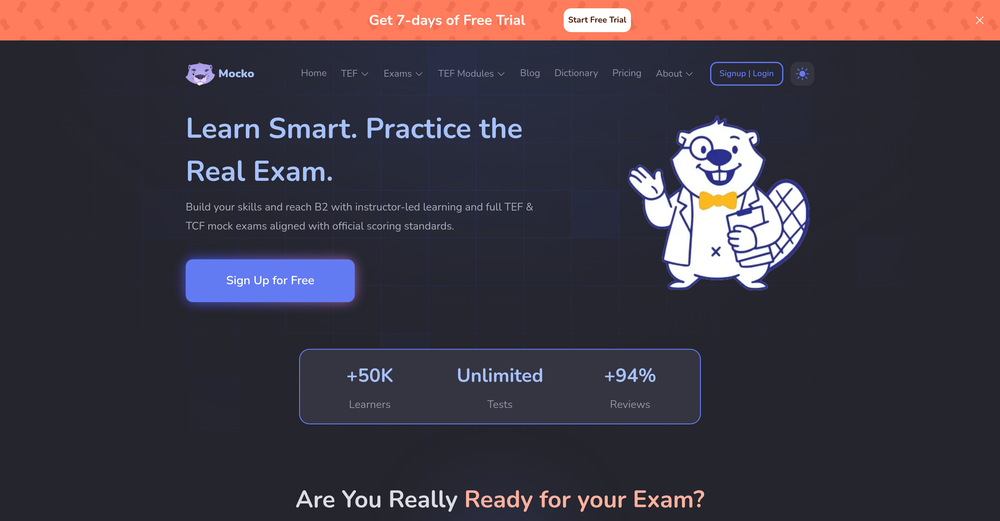 Mocko.ai not good for TEF preparation. ⚠️ Broken AI Service & No Customer Support [Update: I successfully got all my money back via bank dispute.] I spent $202.72 on Mocko.ai(purchased in Dec, 2025) for TEF preparation, and it is a total failure. The AI is broken — it marks correct answers as "Wrong" even when they match the audio perfectly. The product does not do what it promises. My Evidence (Screenshots: https://drive.google.com/drive/folders/1GgneM32b3BEMZd7P82tjxnYgDwV37N2_?usp=sharing): 1. 100% Error Rate: I did 5 random tests. Each time, I answered only the first listening question, recorded the audio, took a screenshot then went to result. Every single time, the AI marked my correct answer as "Wrong." 2. Unable to review any listening question in mock exam: The review page crashed with a coding error: "Something went wrong while showing your report. examContext.Provider is missing!" 3. No Correct Answers Provided: In the listening mock exam, the system flags your answers as "Wrong" but doesn't tell you the correct answers. 4. Inaccurate Grading: I recorded a full listening test in mock exam and converted the audio to text. The AI claimed I got 29 wrong (especially a weird pattern from Q3 to Q14). I compared these with ChatGPT and Gemini, and both confirmed that my answers should be 29 correct and 11 wrong.
 -
-
-
-
-
-
-
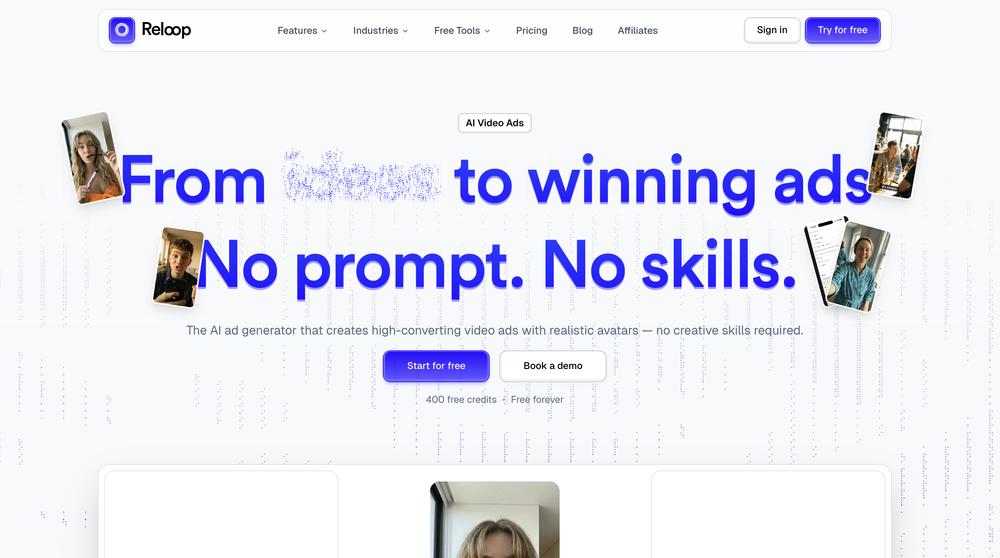 Reloop let's you create and edit ads in different kind of styles, whether you want to promote a product, a service or a tool, you can do it in 3 minutes, by having a convo with an agent. The output and ease of use is great!











Verified tools
- SponsorMongoDB - Build AI That Scales🗄️ Database
-
 OpenHonestly, the kissing effect on Viyou is remarkably fluid—way better than other AI tools I’ve tried. The preset scenes are a great touch and super fun to play with. My only tip? The default prompts could be a bit more polished to get even better details, but the results are already top-tier. Definitely worth checking out!
 -
 Create AI personas complete with homes, friends, and pets for authentic UGC.OpenFantastic results! Crazy consistency and impressive customization
 -
 OpenHey, Zeeshaan here, co-founder of The Influencer AI. I genuinely hope this service enables people to do things that were not possible before. Our goal is to help anyone create pro-level visuals for all needs in minutes. Happy to answer any questions, and open to all feedback. Appreciate the community!
 -
 Turn text and images into production-ready 3D models with AI in seconds.Open
 -
 Turn simple prompts into viral videos, stunning images, and realistic audio.Open
 -
 Turn photos into realistic AI kissing videos instantly.Open
 -
So, how is it "100% FREE" if there is "PRICING" involved? Did I awake in an alternate universe where "red" is "green" on the traffic light and "free" means "free after you pay?" ;-)
-
-
 Create AI fashion model photos without photoshoots.Open










Other tools
-
I’ve been an entrepreneur since my early 20s so I don’t often give low ratings even if I don’t like a product as it’s never my intention to potentially hurt a small company that’s just starting out but I’ve got to say that this is beyond worthless as a tool. The promise of street interviews Sounds like an excellent way to promote a product, but after paying you find out that it has a limitation of eight seconds. Barely enough time for an extremely simple question and a one sentence answer at best. It was only 10 bucks to find out but for this to be viable there needs to be an option to extend up to at least 20 or 30 seconds. I’d happily pay the 10 bucks for 1 32nd St. interview that could be solid for marketing than 5 videos of 8 seconds each that are just useless. Also, just a quick update. The first video I generated took maybe five minutes. The next two attempts are still processing after almost a half an hour. I think with something like this, it needs to be made much clearer that the interview is limited to eight seconds. But in my opinion, that’s besides the point as that kind of time limitation is just way too short for any kind of “interview”.
-
quick and the quality's nuts. tons of presets and styles to pick from, definitely one of those tools that makes you wanna keep testing more stuff.
-
-
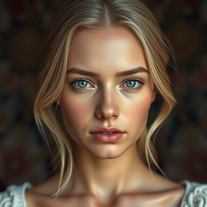
 Generate realistic portraits in seconds with custom specifications.Open
 -
 Open
Open -
 Transform ideas into stunning, photorealistic images.OpenJust kept copying my original image, and inserting a background that's a painting not photorealistic. 🤨
 -
 Transform your vision into stunning futuristic realities.Open
 -
 Transform your photo into an ultra-realistic beach scene with SpongeBob!Open
 -
 Transform any photo into a stunning oil painting portrait.Open
 -
 Open
Open -
 Transform text descriptions into ultra-realistic portraits.Open
 - Didn't find the AI you were looking for?
-
-
 Miniature worlds from your imagination, encapsulated.Open
 -
 Open
Open -
 Transform ideas into captivating miniature worlds.Open
 -
 Open
Open -
-
 AI-powered instructions for realistic cat crochet.Open
 -
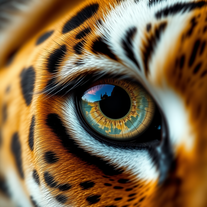 Creates stunning ultra-realistic animal eyeball close-ups.Open
 -
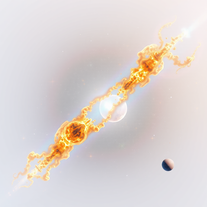 Create stunning, scientifically accurate 3D space images.Open
 -
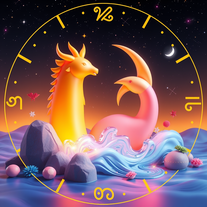 Transform zodiac signs into enchanting 3D fairy tales.Open
 -
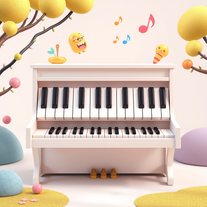 Create whimsical 3D images of magical pianos.Open
 -
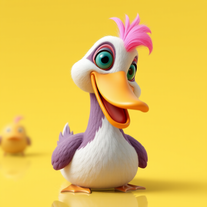 Transform ducks into 3D whimsical masterpieces.Open
 -
 AI illustrator conjuring whimsical magical animal scenes.Open
 -
 Transform photos into split-screen editorial posters instantly.Open
 -
 Open
Open -
 Transform selfies into ultra-realistic jet ski adventures.OpenSimply upload your photo; you don't need to type anything in the prompt field. Just click "generate" and watch the magic happen.
 -
 Create surreal 8K desk scenes with miniature you.Open
 -
 Create ultra-realistic selfies with The Mask characters.Open
 -
 Transform any photo into walnut wood relief sculpture.OpenSimply upload your photo; you don't need to type anything in the prompt field. Just click "generate" and watch the magic happen.
 -
 Transform your photo into a cinematic New Year celebration.Open
 -
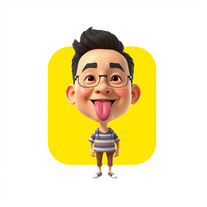 Transform photos into stunning 3D bobblehead caricatures.OpenSimply upload your photo; you don't need to type anything in the prompt field. Just click "generate" and watch the magic happen.
 -
 Transform yourself into hyper-realistic celebrity group photos.OpenSimply upload your photo; you don't need to type anything in the prompt field. Just click "generate" and watch the magic happen.
 -
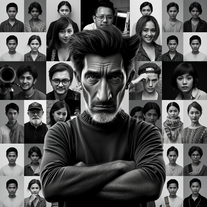 Transform your photo into stunning 8K hyper-realistic portraits.Open
 -
 Transform photos into stunning semi-realistic caricature portraits.Open
 -
 Transform photos into ultra-realistic Disney park portraits.Open
 -
 AI-powered image generator creating ultra-realistic photos.OpenI also asked for a knight in armor and got exactly that, it might have been something else in your prompt that confused the AI
 -
 Transform photos into stunning black and white portraits.Open
 -
 Transform photos into kawaii chibi illustrations instantly.Open
 -
 Transform photos into Mucha-inspired Art Nouveau portraits.Open
 -
 Transform photos into Barbie-inspired digital art portraits.Open
 -
 Transform your photos into cinematic masterpieces.Open
 -
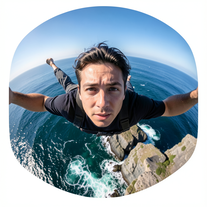
 Generate ultra-realistic skydiving portraits from your photos.Open
 -
 Transform photos into cinematic Funko-Pop portraits.Open
 -
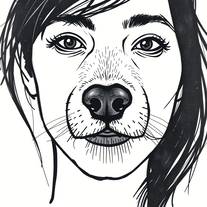 Transform photos into cinematic graffiti portraits.Open:D :D :D :D :D :D :D :D :D :D :D :D :D :D :D
 -
 Transform photos into cinematic luxury portraits.Open
 -
 Transform photos into cyberpunk portraits with neon magic.Open
 -
 Transform photos into cinematic Ghost Rider portraits.Open
 -
 Create ultra-realistic celebrity selfies in iconic locations.Open
 -
 Transform photos into cinematic dawn portraits.Open
 -
 Transform portraits into epic cinematic warriors.Open
 -
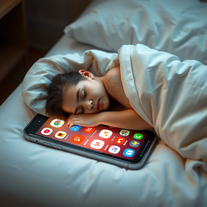 Create cinematic scenes of tech dependency.Open
 -
 Open
Open -
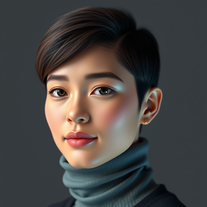 Generate hyper-realistic human portraits with AI precision.Open
 -
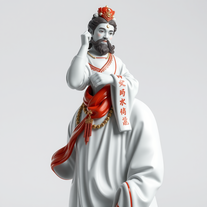 Transform icons into hyper-realistic porcelain statues.Open
 -
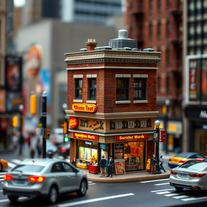 Craft hyper-realistic miniature NYC scenes from your ideas.Open
 -
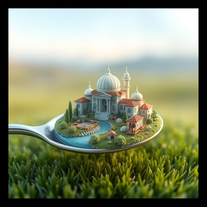 Create mesmerizing miniature worlds from any concept.Open
 -
 Create mesmerizing surreal portraits with AI.Open
 -
 Open
Open -
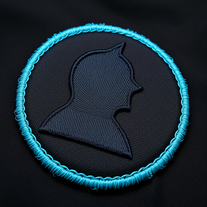 Create hyper-realistic embroidered patches from any silhouette.Open
 -
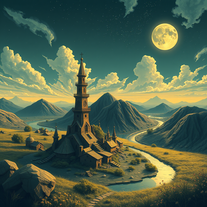 Transform dreams into photo-realistic comic strips.Open
 -
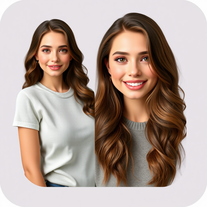 Create customized, lifelike digital avatars in minutes.Open
 -
 Your AI assistant for dynamic, genuine dating chats.Open
 -
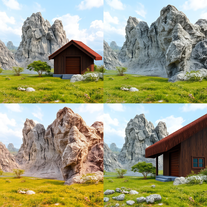 Transform detailed descriptions into breathtakingly realistic images.OpenWow. You have real artistic talent. This app is pretty amazing and it actually works.
 -
 Creates ultra-realistic peephole-view portraits with precise facial accuracy.Open
 -
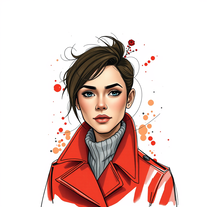 Transform portraits into hyper-realistic masterpieces with artistic flair.Open
 -
-
 Transform any face into stunning urban editorial photography.OpenSimply upload your photo; you don't need to type anything in the prompt field. Just click "generate" and watch the magic happen.
 -
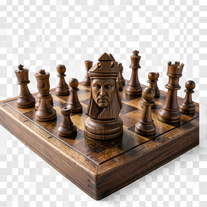 Turn portraits into hyper-realistic carved wooden chess pieces.Open
 -
 Transform subjects into hyper-realistic 8K war scenes.Open
 -
 Hyper-realistic portraits with cinematic lighting perfection.Open
 -
 Generate bold, cinematic portraits with hyper-realistic detail.Open
 -
 Create hyper-realistic 8K underwater portraits with perfect facial fidelity.Open
 -
 Transform photos into hyper-realistic ballpoint pen portraits.OpenBeautiful, great job, I love it! It is extremely accurate, no need to even enter a prompt.
 -
 Transform photos into hyper-realistic 8K caricature portraits.OpenThis tool is pre-trained; just upload a photo of yourself or someone you want to create a funny or comical scene with.
 -
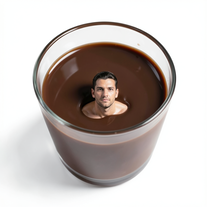 Transform yourself into surreal miniature scenes with hyper-realistic 8K imagery.Open
 -
 Create cinematic disaster scenes with hyper-realistic visuals.Open
 -
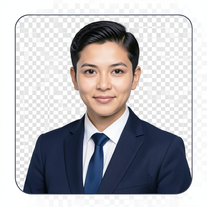 AI-powered corporate portrait generator for ultra-realistic executive headshots.Open
 -
 Transform your photo into hyper-realistic cinematic scenes.OpenThis tool is designed to only receive a photo as a reference; just use this and see the result.
 -
 Creates hyper-realistic cinematic selfies with giant-scale perspective effects.Open
 -
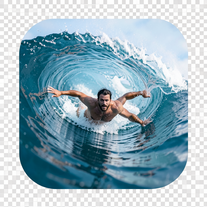 Transform portraits into hyper-realistic barrel wave shots.Open
 -
 Generate hyper-realistic 8K cinematic motorcycle chase scenes.Open
 -
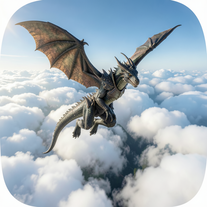 Generate hyper-realistic 8K dragon-riding portraits from photos.Open
 -
 Creates ultra-realistic cinematic portraits from your photos.Open
 -
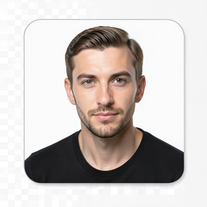 Transform your face into ultra-realistic cinematic scenes.Open
 -
 Transform yourself into ultra-realistic scenes with impossible scale.Open
 -
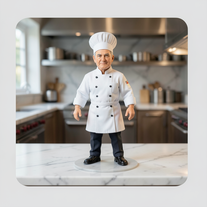 Transform photos into ultra-realistic miniature chef figurines.Open
 -
 Generate ultra-realistic cinematic action photographs with perfect physics.Open
 -
 Generate ultra-realistic candid photography with facial recreation.Open
 -
 Ultra-realistic AI image generator with perfect identity preservation.OpenJust put your photo, dont put prompt text ok
 -
 Generate hyper-realistic photos of people hilariously trapped in washing machines.Open
 -
 Create ultra-realistic 8K photos of real people.OpenSimply upload your photo; you don't need to type anything in the prompt field. Just click "generate" and watch the magic happen.
 -
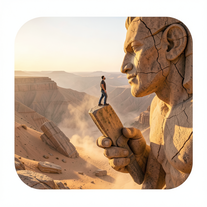 Ultra-realistic AI image generator creating hyper-detailed 8K cinematic photographs.OpenSimply upload your photo; you don't need to type anything in the prompt field. Just click "generate" and watch the magic happen.
 -
 Creates ultra-realistic 8K cinematic library photographs.Open
 -
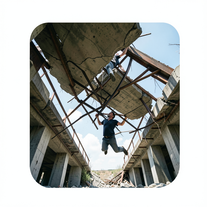 Generate ultra-realistic photos of people supporting massive debris.Open
 -
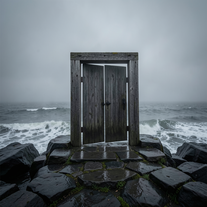 Creates ultra-realistic cinematic photographs of people through mystical doorways.Open
 -
 Transform photos into ultra-realistic cinematic scenes.Open
 -
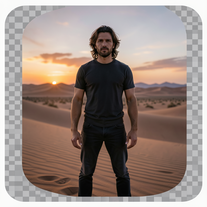 Generate ultra-realistic 8K cinematic photographs from prompts.OpenPlease only use the image and do not describe anything else in the prompt.
 -
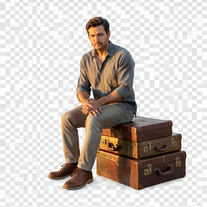 Creates hyper-realistic 8K cinematic photographs featuring surreal human-animal interactions.OpenSimply upload your photo; you don't need to type anything in the prompt field. Just click "generate" and watch the magic happen.
 -
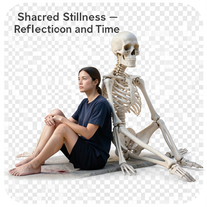 Create hyper-realistic 8K cinematic photos with skeleton companions.Open
 -
 Transform any portrait into a hyper-realistic volcanic stone masterpiece.Open
 -
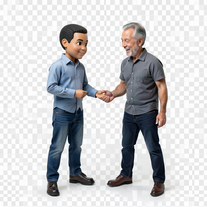 Transform photos into hyper-realistic miniature scenes.OpenSimply upload your photo; you don't need to type anything in the prompt field. Just click "generate" and watch the magic happen.
 -
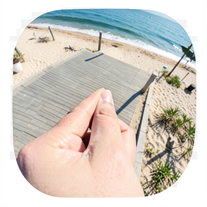 Creates ultra-realistic forced-perspective beach photos where you appear tiny.Open
 -
 OpenVideo editing is the process of selecting, trimming, and arranging footage to create a cohesive story or visual narrative. Here are some fundamental concepts and techniques: Types of Video Editing Linear editing: A straightforward, sequential approach to editing, where clips are arranged in a linear timeline. Non-linear editing: A more flexible approach, where clips can be arranged and rearranged freely in a timeline. Key Video Editing Techniques Cutting: A transition between two clips, where one clip ends and another begins. Cutting on action: Cutting between two clips while an action is in progress, to create a seamless transition. J-cut: Cutting from one clip to another while audio from the second clip starts playing before the video cuts to it. L-cut: Cutting from one clip to another while audio from the first clip continues to play. Video Editing Software Popular video editing software includes: Adobe Premiere Pro: A professional-level editing software with advanced features and integration with other Adobe tools. Final Cut Pro: A professional-level editing software for Mac users, known for its user-friendly interface and advanced features. DaVinci Resolve: A free and paid editing software that offers advanced color grading and audio editing tools. Best Practices for Video Editing Plan your edit: Develop a clear vision and storyboard before starting to edit. Organize your footage: Label and categorize your clips to make them easily accessible. Keep it simple: Avoid overusing transitions and effects; focus on telling a clear story. Advanced Video Editing Techniques Color grading: Adjusting the color and brightness of footage to create a specific mood or atmosphere. Audio ducking: Automatically reducing the volume of background audio when dialogue is present. Motion graphics: Adding animated text, logos, or other graphics to enhance the visual narrative. Video editing involves selecting, trimming, and arranging footage to create a cohesive story. Linear and non-linear editing are two fundamental approaches. Key techniques include cutting, cutting on action, J-cuts, and L-cuts. Popular software includes Adobe Premiere Pro, Final Cut Pro, and DaVinci Resolve. Best practices involve planning, organizing footage, and keeping it simple. Advanced techniques include color grading, audio ducking, and motion graphics. Capcat pro Capcat pro Download image-to-image-generator generated imagetransparent pixel Image to Image Generator Image to Image Generator Download image-to-image-generator generated imagetransparent pixel Image to Image Generator Image to Image Generator Download image-to-image-generator generated imagetransparent pixel Image to Image Generator Image to Image Generator Download image-to-image-generator generated imagetransparent pixel Image to Image Generator Image to Image Generator Download image-to-image-generator generated imagetransparent pixel Image to Image Generator Image to Image Generator Download image-to-image-generator generated imagetransparent pixel Image to Image Generator Image to Image Generator Download image-generator generated imagetransparent pixel Image Generator Image Generator Copy Video Editing Basics Video editing is the process of selecting, trimming, and arranging footage to create a cohesive story or visual narrative. Here are some fundamental concepts and techniques: Types of Video Editing Linear editing: A straightforward, sequential approach to editing, where clips are arranged in a linear timeline. Non-linear editing: A more flexible approach, where clips can be arranged and rearranged freely in a timeline. Key Video Editing Techniques Cutting: A transition between two clips, where one clip ends and another begins. Cutting on action: Cutting between two clips while an action is in progress, to create a seamless transition. J-cut: Cutting from one clip to another while audio from the second clip starts playing before the video cuts to it. L-cut: Cutting from one clip to another while audio from the first clip continues to play. Video Editing Software Popular video editing software includes: Adobe Premiere Pro: A professional-level editing software with advanced features and integration with other Adobe tools. Final Cut Pro: A professional-level editing software for Mac users, known for its user-friendly interface and advanced features. DaVinci Resolve: A free and paid editing software that offers advanced color grading and audio editing tools. Best Practices for Video Editing Plan your edit: Develop a clear vision and storyboard before starting to edit. Organize your footage: Label and categorize your clips to make them easily accessible. Keep it simple: Avoid overusing transitions and effects; focus on telling a clear story. Advanced Video Editing Techniques Color grading: Adjusting the color and brightness of footage to create a specific mood or atmosphere. Audio ducking: Automatically reducing the volume of background audio when dialogue is present. Motion graphics: Adding animated text, logos, or other graphics to enhance the visual narrative. Video editing involves selecting, trimming, and arranging footage to create a cohesive story. Linear and non-linear editing are two fundamental approaches. Key techniques include cutting, cutting on action, J-cuts, and L-cuts. Popular software includes Adobe Premiere Pro, Final Cut Pro, and DaVinci Resolve. Best practices involve planning, organizing footage, and keeping it simple. Advanced techniques include color grading,
 -
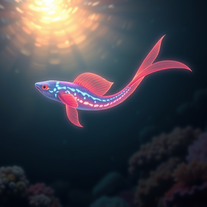 Create hyper-realistic underwater fantasy creatures with AI.Open
 -
 Create stunning, ultra-realistic images from text prompts.Open
 -
 Generate hyper-realistic portraits while preserving 100% facial identity.OpenSimply upload your photo; you don't need to type anything in the prompt field. Just click "generate" and watch the magic happen.
 -
 Transform photos into hyper-realistic wooden twig portraits.Open
 -
 Generate ultra-realistic human faces with customizable parameters.Open
 -
 Transform any photo into a hyper-realistic keychain portrait.Open
 -
 Generate ultra-realistic cinematic portraits with absolute precision.Open
 -
 Open
Open -
Don't like it, boring. Doesn't give me much creativity to me. Also, i asked for a wine spilled in bed..that looks like blood man
-
 Transform yourself into a galactic commander with ultra-realistic AI imagery.OpenSimply upload your photo; you don't need to type anything in the prompt field. Just click "generate" and watch the magic happen.
 -
 Transform into an ultra-realistic 8K jungle warrior.Open
 -
 Create hyper-realistic beach party scenes for personal branding.Open
 -
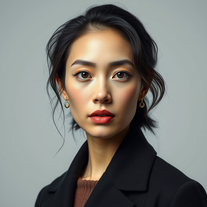 Transform your photos into stunning hyper-realistic studio portraits.Open
 -
Hey Hemant, I've just tried generating an image from a photo myself and it worked just fine. Would you like to give it another try?
-
 Transform anything into stunning hyper-realistic glass sculptures.Open
 -
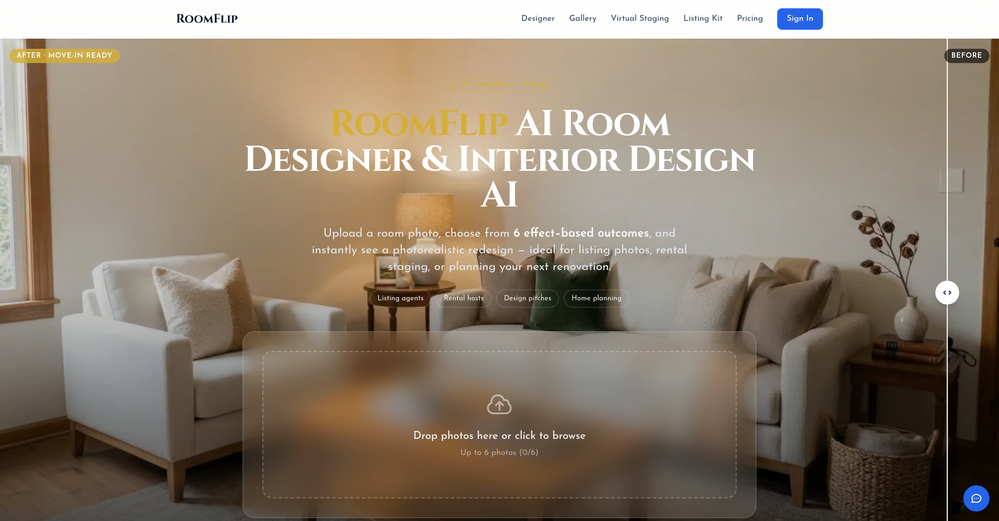
 Creates stunning, hyper-realistic interior design images based on your style preferences.Open
 -
 Transform photos into hyper-realistic 64K cinematic portraits.Open
 -
 AI-powered cinematic photography for ultra-realistic social portraits.Open
 -
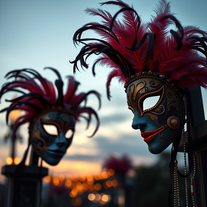 Creates stunning, ultra-realistic carnival masks with intricate fantasy details.Open
 -
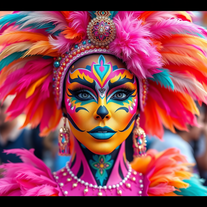 AI-powered digital artist creating ultra-realistic carnival performer images.Open
 -
 Transform your photo into an ultra-realistic 8K cinematic portrait.Open
 -
 AI fashion designer creating ultra-realistic clothing images.Open
 -
 Generate ultra-realistic satellite images with professional detail.Open
 -
 Open
Open -
 Generate stunning AI princess characters with ultra-realistic detail.Open
 -
 AI-powered generator creating ultra-realistic photos of diverse couples.Open
 -
 Transform photos into hyper-realistic countryside scenes.Open
 -
 Creates stunning, customizable landscape images from realistic to fantastical.Open
 -
 AI fashion designer creating stunning, ultra-realistic outfit images.Open
 -
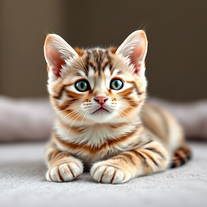 Instantly generates heartwarming, ultra-realistic cat images that melt hearts.Open