Go to section
Spotlight SureThing.io - "OpenClaw" for BeginnersTask automation
The front page of AI.Used by 90M+ humans.

TAAFT Tutorial
Generate image
Tasks
Generate text
Free mode
Trending
Leaderboard
Characters
 Mini tools
New
Featured
Lists
Agents
Requests
Jobs
Map
Newsletter
Starter pack
Free tools
Speech to text
Text translator
Remove background
Settings
Edit profile
My tools
Gallery
Dashboard
Inbox
Get featured
Contact TAAFT
For you
Popular
Job impact index
Most saved
Affiliate program
Submit AI tool
Notification preferences
Glossary
Home
Timeline
My profile
Create tool
Deals
Companies
Models
Robots
Papers
Fundraises
Repositories
Devices
Organizations
Events
Prompt Pack
Merchendise
APIs
Features
Tools
Countries
Collections
Videos
Mini tools
New
Featured
Lists
Agents
Requests
Jobs
Map
Newsletter
Starter pack
Free tools
Speech to text
Text translator
Remove background
Settings
Edit profile
My tools
Gallery
Dashboard
Inbox
Get featured
Contact TAAFT
For you
Popular
Job impact index
Most saved
Affiliate program
Submit AI tool
Notification preferences
Glossary
Home
Timeline
My profile
Create tool
Deals
Companies
Models
Robots
Papers
Fundraises
Repositories
Devices
Organizations
Events
Prompt Pack
Merchendise
APIs
Features
Tools
Countries
Collections
Videos
Mini tools
New
Featured
Lists
Agents
Requests
Jobs
Map
Newsletter
Starter pack
Free tools
Speech to text
Text translator
Remove background
Settings
Edit profile
My tools
Gallery
Dashboard
Inbox
Get featured
Contact TAAFT
For you
Popular
Job impact index
Most saved
Affiliate program
Submit AI tool
Notification preferences
Glossary
Home
Timeline
My profile
Create tool
Deals
Companies
Models
Robots
Papers
Fundraises
Repositories
Devices
Organizations
Events
Prompt Pack
Merchendise
APIs
Features
Tools
Countries
Collections
Videos

▼ Popular
Replies
Free mode
100% free
Freemium
Free Trial
Featured matches
-
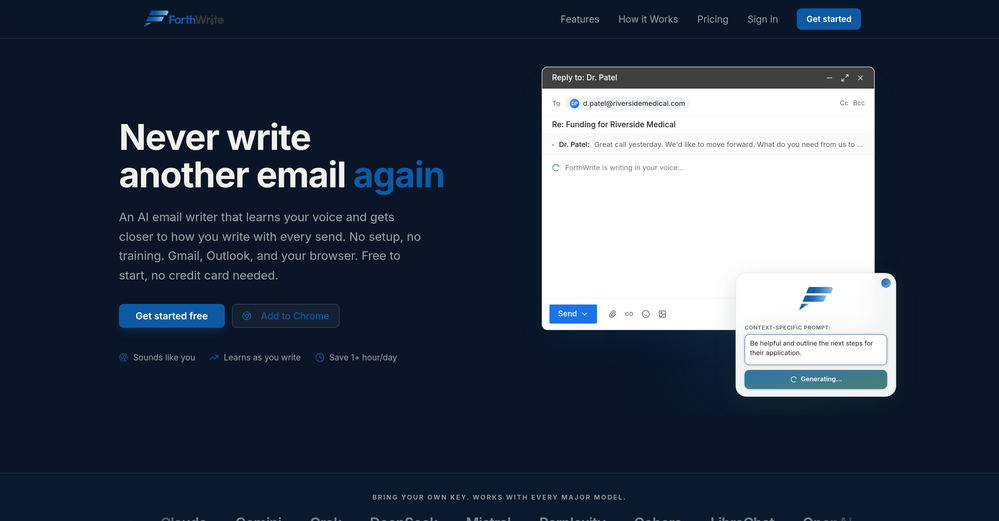
 Curtis Boortz🛠️ 1 tool 🙏 2 karmaJun 19, 2026@ForthWriteI've tried a lot of AI email tools and they all produce the same generic output. ForthWrite is different because it actually learns from the gap between what it drafts and what I end up sending. After a few weeks the drafts need almost no editing. Works right inside Gmail via the Chrome extension, so there's no new app to learn. The 60-day guarantee made it easy to commit. Highly recommend for anyone who sends a high volume of professional email.
 -
-
 Quick thought after seeing Convo. Meeting notes tools are a crowded $10 SaaS category. But a tool that helps sales reps answer questions and handle objections live sits in a completely different value tier. That shift alone can change pricing and conversion dynamics significantly.
 -
 Worth the $60 monthly if you're a small business especially because it sends email on your behalf - doesn't just draft and keep it in your inbox (that option also exists). Mails composed are accurate, it's as if the tool is thinking on your behalf too. Learns and understands your writing style, job role, etc. and tailors the response.
 -
 Ellie, your AI for crafting personalized email replies.Open
-
 WhatsApp messages auto-translate across 134 languages instantly.Open
-
-
-
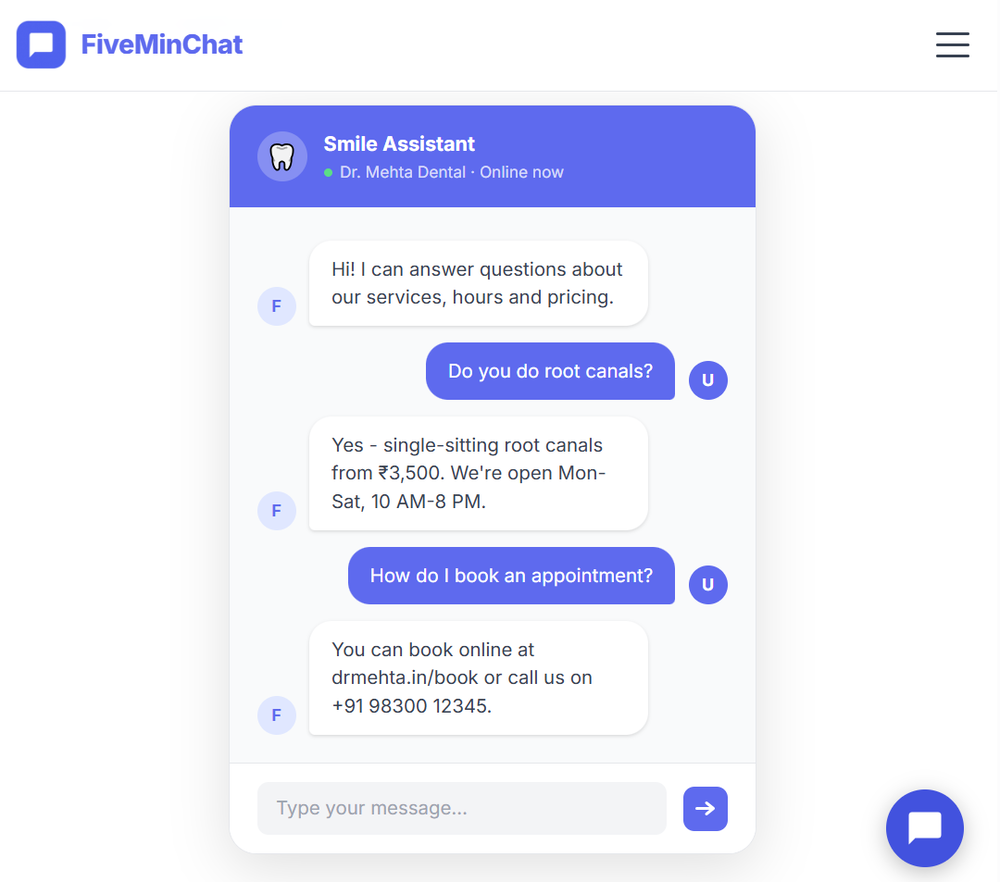 FiveMinChat has been a fantastic addition to any website. The AI chatbot was easy to set up and customize, and it started providing helpful answers almost immediately after training. It feels like having an extra team member available 24/7 to assist visitors and capture leads. Highly recommended for businesses that want to improve customer support and engagement without complexity.
 -








Other tools
-
stupid. they spend more effort on clothes than on upgrading the ai. It's out of date.
- SpotlightSureThing.io - "OpenClaw" for BeginnersTask automation
-
Great tool. I like their free AI slogan generator. You don't even need to sign up to use it. I made a video on it recently https://youtu.be/ApK-UHMGKDM
-
 OpenNote from the Founder: Try the web app before you try its chrome extension. It's very powerful - I use it for my own linkedin posts, comments
 -
Tha I think about this application this is so girate application
-
 OpenVery useful, but for me, who only needs the simplest feedback functions, the on-boarding where they force me to do things I don't need to do is unbearable. I've done it once, but I'll never create an account on it again just for that reason.
 -
Easy to use and it actually helped me collect real reviews. Felt positive, not spammy.
-
🐦 Pounce v2.4 — Smoother Setup & Sharper Sessions 🎨 A Redesigned Onboarding 1. Setting up a campaign is cleaner and more guided — the setup, refine, and new-campaign flows now share a consistent, step-by-step experience that's easier to follow start to finish. 2. Every step breathes better and reads more clearly, so getting Pounce dialed in feels effortless whether it's your first campaign or your fifth. 🛡️ Reply With Confidence 1. New explanations on the homepage and throughout setup spell out exactly why using Pounce won't get your account banned or suspended. 2. Know what Pounce can and can't do before you connect — no more guessing about account safety. 📒 A Reply Log That Makes Sense 1. Your reply log now groups replies by day, so your history reads like a timeline instead of an endless list. 2. Filter by platform or by account to zero in on exactly the replies you want to review. ⚡ Sharper Sessions 1. Your queue now flags tweets from people you interact with frequently, so familiar faces are easy to spot at a glance. 2. The "here's what you're missing" digest email has a clearer subject line — see how many tweets are waiting and what they're about before you even open it.
- Didn't find the AI you were looking for?
-
It gets 2 stars for actually being able to deploy an app. But I'd give it negative 5 stars because it will cause pure rage when it starts to break your app and won't reference what is currently deployed or it will break backups. Wtf?!?!
-
-
haha nice tool, it is fun to use and it gives you some really good responses but don't forget to also maintain your originality ;)
-
 24/7 Creative Agents Generating Value on Social MediaOpen
 -
 Create Responses to Reviews just with 1 click - Chrome Browser ExtensionOpenI use this tool everyday! Works very well and i love the SEO-Feature.
 -
I’ve been using Qura.ai to grow my X account by responding to all my followers on every post. It’s been a great tool I would highly recommend.
-
 Chatbot for Email using your Data!OpenWe've been using InboxPilot for a couple of weeks now, and it’s been a game-changer for my art studio's business! Our admins were drowning in repetitive customer emails while juggling phone calls and front-desk responsibilities, but we had a debate in our team about whether we could afford to hire support specialists. Now, with AI handling emails 24/7, our admins only review the emails that are escalated. I used to notice that emails went unanswered for hours due to the workload, and I'm sure our customer satisfaction has increased significantly since they receive responses right away. Thank you for the tool!
 -
 OpenI had the opportunity to use Trimbox for 4 months now, and I must say, I am thoroughly impressed by its simplicity and efficiency. The tool has significantly aided me in composing emails, consistently leaving a positive impression (if I provided a well-thought-out prompt that is). Additionally, the one-click unsubscribe feature, which allows for unsubscribing without the need to open the emails, and the option to delete all emails from a sender with also just one click, have been invaluable in managing my inbox quickly and effectively. And as for me, the price is 27,99 € a year with both features in an unlimited version.
 -
Neat concept. But I'm not really working yet. Especiallafter the 2.0 release But most of all, there was no response from developers.
-
Ready to Send is the best thing I’ve seen in a while. I wake up every morning to drafts written to my important emails 🤯
-
The tool finds very accurate AI posts and generate pretty authentic reply. And it even posts comment for you, no need to manage your own account, the only app works for me
-
“AI replies in your voice, not AI’s” is actually such a smart positioning line 👀
-
You can't use the trial without signing up for a plan.
-
 AI-powered Gmail assistant. Get instant email summaries, task extraction, replies +moreOpen
 -
 AI-powered mobile repair guidance for all skill levels.Open
 -
 Transform any photo into walnut wood relief sculpture.OpenSimply upload your photo; you don't need to type anything in the prompt field. Just click "generate" and watch the magic happen.
 -
 Open
Open -
 Creates contextually perfect replies for emails, texts, and chats.Open
 -
 Enhance your email communication with artificial intelligence.Open
 -
 Craft personalized replies to customer reviews instantly.Open
 -
 Transform photos into cinematic Funko-Pop portraits.Open
 -
 AI-powered wallpaper generator creating stunning snake images.Open
 -
 Turns client messages into clear, professional replies you can send instantly.Open