TAAFT Tutorial
Generate image
Tasks
Generate text
Free mode
Trending
Leaderboard
Characters
 Mini tools
New
Featured
Lists
Agents
Requests
Jobs
Map
Newsletter
Starter pack
Free tools
Speech to text
Text translator
Remove background
Settings
Edit profile
My tools
Gallery
Dashboard
Inbox
Get featured
Contact TAAFT
For you
Popular
Job impact index
Most saved
Affiliate program
Submit AI tool
Notification preferences
Glossary
Home
Timeline
My profile
Create tool
Deals
Companies
Models
Robots
Papers
Fundraises
Repositories
Devices
Organizations
Events
Prompt Pack
Merchendise
APIs
Features
Tools
Countries
Collections
Videos
Mini tools
New
Featured
Lists
Agents
Requests
Jobs
Map
Newsletter
Starter pack
Free tools
Speech to text
Text translator
Remove background
Settings
Edit profile
My tools
Gallery
Dashboard
Inbox
Get featured
Contact TAAFT
For you
Popular
Job impact index
Most saved
Affiliate program
Submit AI tool
Notification preferences
Glossary
Home
Timeline
My profile
Create tool
Deals
Companies
Models
Robots
Papers
Fundraises
Repositories
Devices
Organizations
Events
Prompt Pack
Merchendise
APIs
Features
Tools
Countries
Collections
Videos
Mini tools
New
Featured
Lists
Agents
Requests
Jobs
Map
Newsletter
Starter pack
Free tools
Speech to text
Text translator
Remove background
Settings
Edit profile
My tools
Gallery
Dashboard
Inbox
Get featured
Contact TAAFT
For you
Popular
Job impact index
Most saved
Affiliate program
Submit AI tool
Notification preferences
Glossary
Home
Timeline
My profile
Create tool
Deals
Companies
Models
Robots
Papers
Fundraises
Repositories
Devices
Organizations
Events
Prompt Pack
Merchendise
APIs
Features
Tools
Countries
Collections
Videos

▼ Popular
Software cost estimation
Free mode
100% free
Freemium
Free Trial
Featured matches
-
 Create accurate estimates in minutes with AI.Open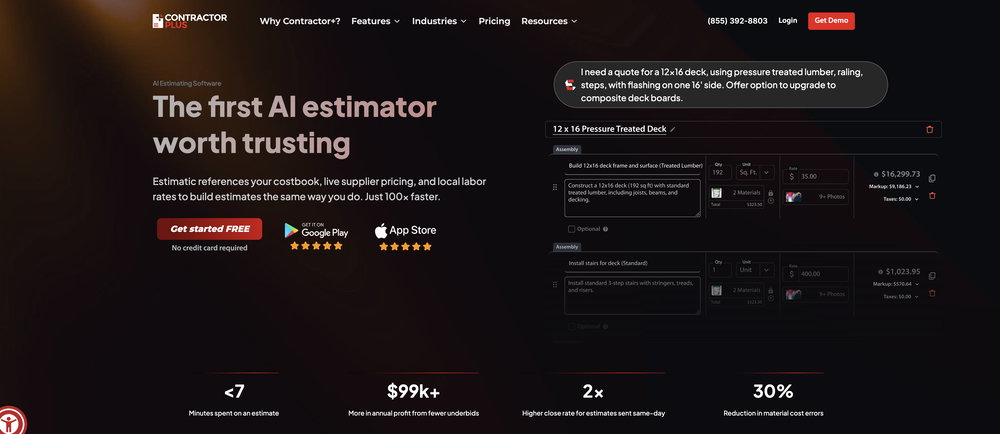
-

-
 Get instant AI cost estimates for construction projects.Open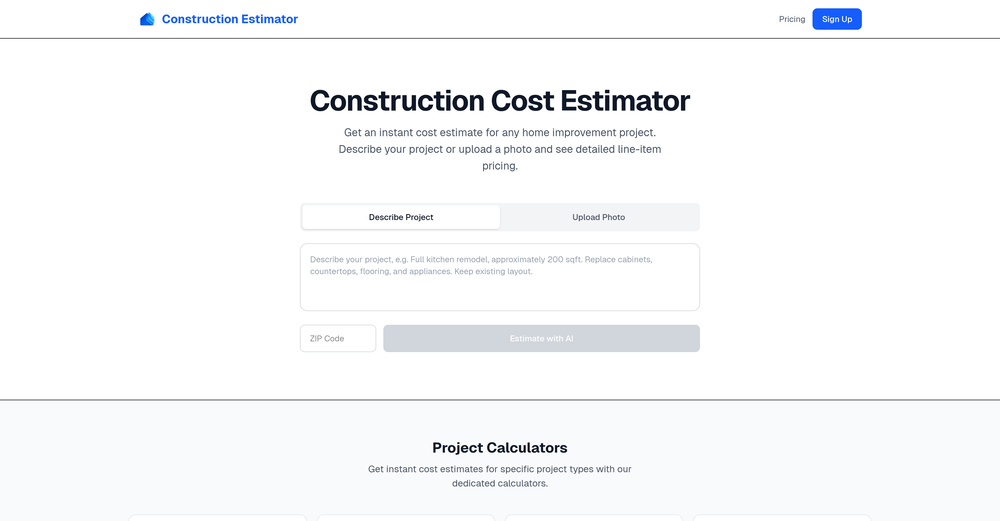

Other tools
-
 No more guesswork: get AI-powered software cost estimates in minutesOpenDaniel A.🙏 13 karmaOct 23, 2024@AI Software Cost EstimatorReally cool tool. Looking forward to new updates
 -
Best AI tool so far, easy to use and provides accurate estimations.
-
Codespell streamlined our development process by automating repetitive backend tasks. It’s intuitive, efficient, and has become a core part of our workflow.
-
Absolutely love this tool! It helps me apply to jobs so quickly and is so easy to use
- Sponsor
 Tripo AI 3D Generator
 -
 Find out if your idea is worth building. Instantly.OpenSo I tested out Test Your Idea, and it actually works pretty well. You put in your idea, wait a minute, and it shows you the stuff you've been missing. Got some decent pivot suggestions that helped me refocus from a tiny niche to something way bigger. Saved me from probably wasting a few months in the wrong direction if you're actually gonna build something, not just daydreaming about it
 -
Using @Bugasura has been a game-changer for our QA workflow. The AI automatically generates precise issue descriptions, assesses impact, and suggests assignments, cutting down bug logging time by more than half while keeping everything organized and collaborative across teams.
-
I'm non-technical and I've tried Lovable, Emergent, Bolt. Nothing comes close to imagine.bo right now. The UI is clean and dead simple: type your idea, watch it build a real full-stack app in minutes. But what actually blew me away? Whenever I got stuck and had no idea what to do next, I clicked Hire a Human and a real engineer jumped in and sorted it out. No Fiverr. No agency. One platform, start to finish.
-
tried quickdata on a stack of rent rolls (pdf+xls), a couple T12s and one chunky OM. setup's just an excel add in, super barebones ribbon button and it goes straight to work (no gimmicks). it mapped a lot of line items correctly and dumped them into my model fast. i like that it plugs into your existing model instead of forcing theirs. a clearer "why" for each auto category would be good.
- Didn't find the AI you were looking for?
-
 Elevate team performance with data-driven project managementOpen