Go to section
Spotlight SureThing.io - "OpenClaw" for BeginnersTask automation
The front page of AI.Used by 90M+ humans.

Generate image
Tasks
Generate text
Free mode
Trending
Leaderboard
Characters
 Mini tools
New
Featured
Lists
Agents
Requests
Jobs
Map
Newsletter
Starter pack
Free tools
Speech to text
Text translator
Remove background
Settings
Edit profile
My tools
Gallery
Dashboard
Inbox
Get featured
Contact TAAFT
For you
Popular
Job impact index
Most saved
Affiliate program
Submit AI tool
Notification preferences
Glossary
Home
Timeline
My profile
Create tool
Deals
Companies
Models
Robots
Papers
Fundraises
Devices
Organizations
Events
Prompt Pack
Merchendise
APIs
Features
Tools
Countries
Collections
Videos
News
Investors
Repositories
Mini tools
New
Featured
Lists
Agents
Requests
Jobs
Map
Newsletter
Starter pack
Free tools
Speech to text
Text translator
Remove background
Settings
Edit profile
My tools
Gallery
Dashboard
Inbox
Get featured
Contact TAAFT
For you
Popular
Job impact index
Most saved
Affiliate program
Submit AI tool
Notification preferences
Glossary
Home
Timeline
My profile
Create tool
Deals
Companies
Models
Robots
Papers
Fundraises
Devices
Organizations
Events
Prompt Pack
Merchendise
APIs
Features
Tools
Countries
Collections
Videos
News
Investors
Repositories
Mini tools
New
Featured
Lists
Agents
Requests
Jobs
Map
Newsletter
Starter pack
Free tools
Speech to text
Text translator
Remove background
Settings
Edit profile
My tools
Gallery
Dashboard
Inbox
Get featured
Contact TAAFT
For you
Popular
Job impact index
Most saved
Affiliate program
Submit AI tool
Notification preferences
Glossary
Home
Timeline
My profile
Create tool
Deals
Companies
Models
Robots
Papers
Fundraises
Devices
Organizations
Events
Prompt Pack
Merchendise
APIs
Features
Tools
Countries
Collections
Videos
News
Investors
Repositories

▼ Latest
Top
Free mode
100% free
Freemium
Free Trial
Featured matches
-
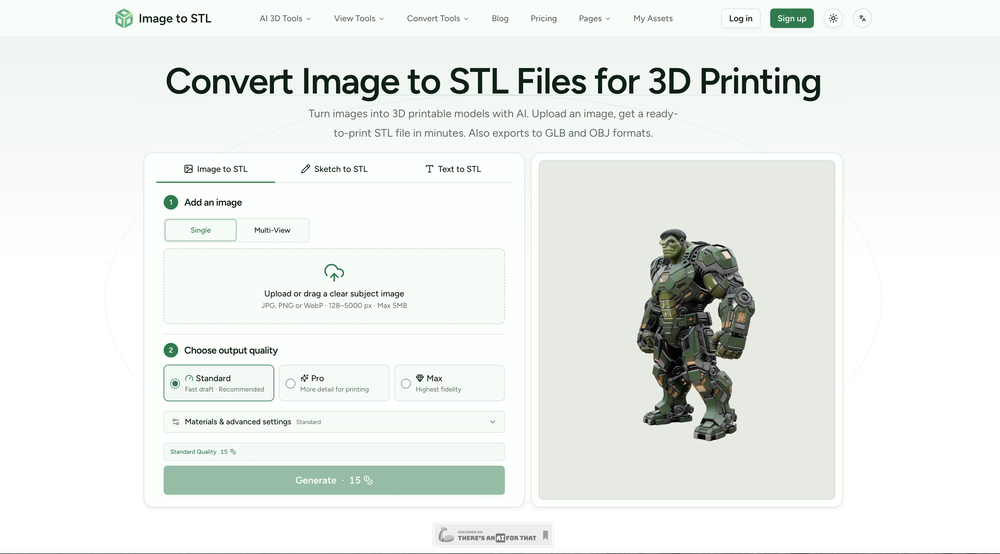 rainbow🛠️ 2 tools 🙏 1 karmaJul 6, 2026@Image to STLThe tool makes converting images into STL files quick and straightforward. It’s easy to use, though complex images may require some adjustment for the best results.
 -
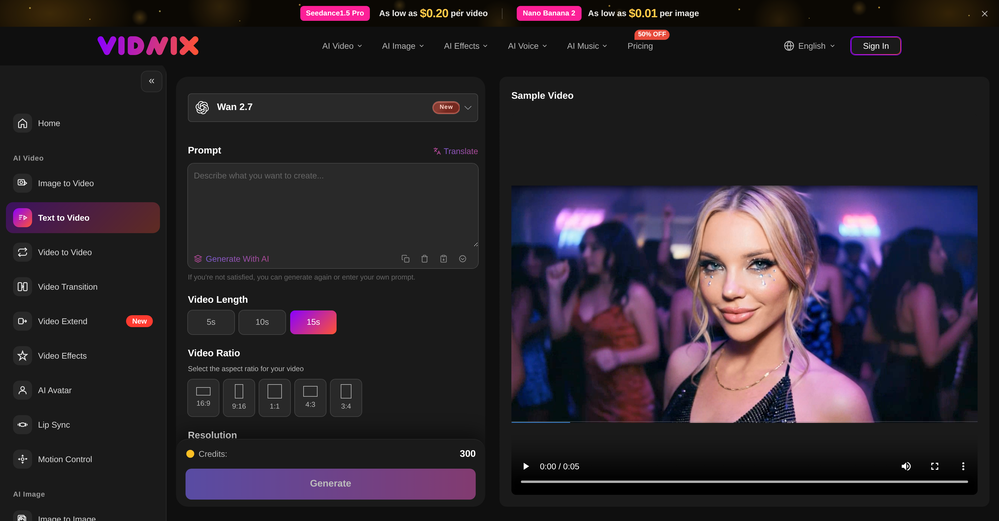 Solid. Not perfect but it gets the job done and the updates have been pretty consistent
 -
 One API to track mentions, sentiment, and visibility across top LLMs.Open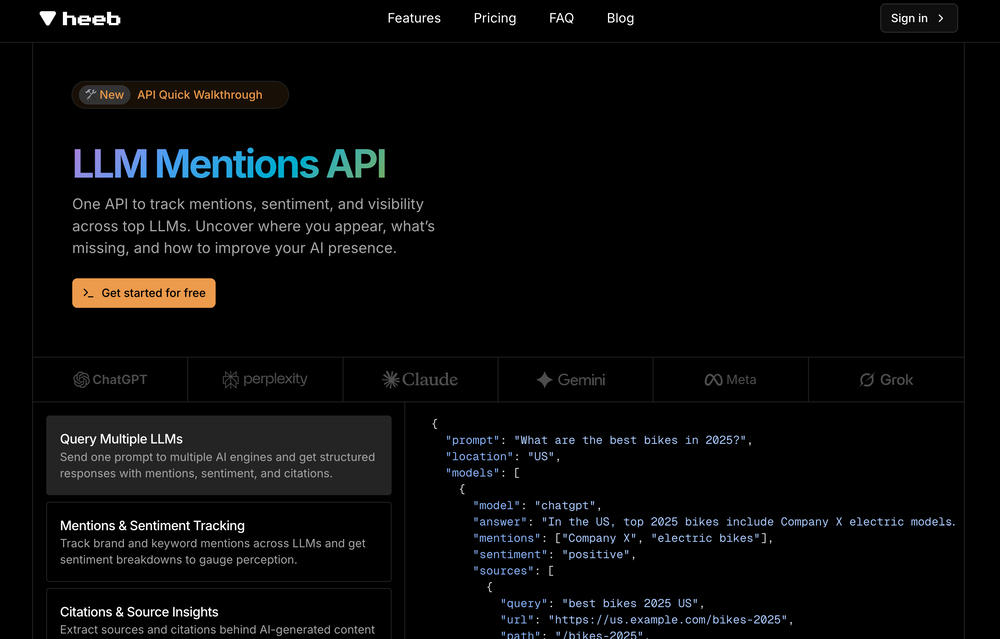
-

-
-
 Free landing page analyzer backed by a library of 500+ top-converting pages.Open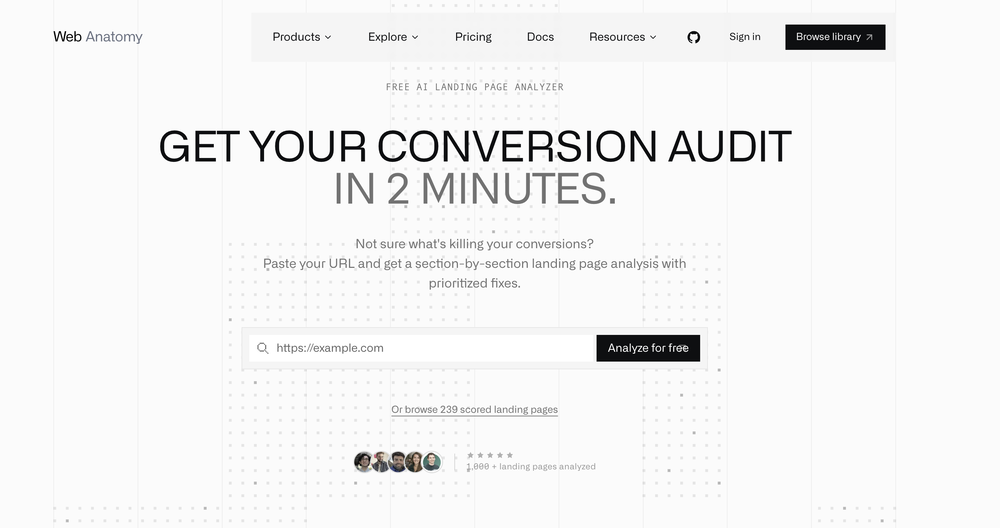
-
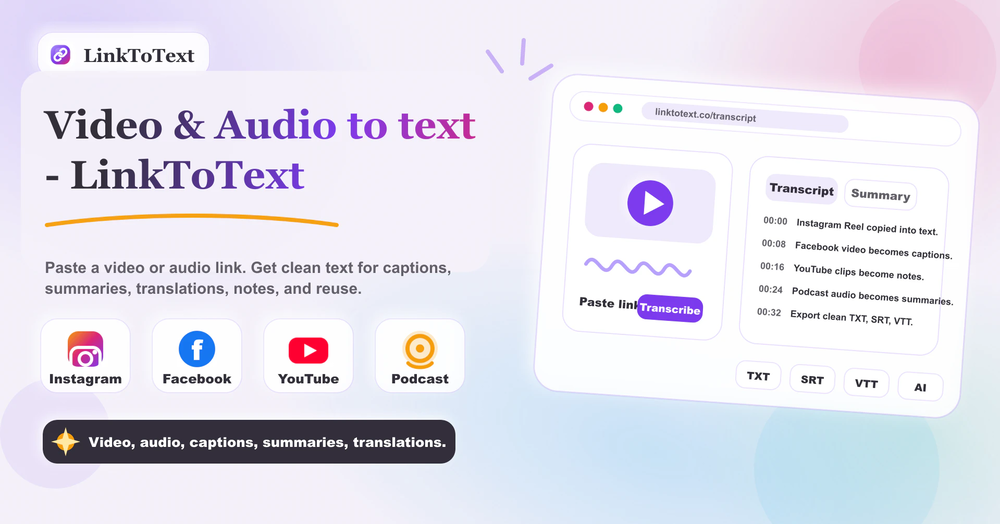 Tried this with a couple clips and the speed was honestly impressive. Feels super useful for creators and research workflows.
 -
-
-








Verified tools
- SpotlightSureThing.io - "OpenClaw" for BeginnersTask automation
-
It did not transcribe the whole audio file as it should and theres pieces missing in the transcript it needs to isolate background sound and only focus on the audio thats being spoken
-
 AI-powered task list: Dictate tasks, integrate with Gmail, Slack, ChatGPT & Calendar.OpenEasy to use and the AI does its work but it is not something extraordinary. But the AI can do nothing more as it does right now
 -
Which is more valuable, time or money? This doesn't save you either, at the moment as you only get two infographics to test out and you have to do quite a bit of editing to get it to look ok. The point of infographics is to inform in a highly visual and compelling way. None of the example info graphics are that. I suggest a pivot and use AI to fill out the text in a pre-made graphic template.
-
 Turn your slides into narrated videos with AI voiceoverOpen
 -
 Start from real examples. Turn one good clip into a full video.OpenI was surprised by MotionGen's image2 model. I've uploaded a photo and it accurately suggested hairstyle variations I actually loved. Didn't expect that at all.
 -
-
 Turn prompts into polished images and videos, instantly.Open
 -
 Turn images into videos with advanced AI All with Fylia AI.Open
 -
 Open
Open -
It's great to have free tools of such high value
-
 Turn simple prompts into viral videos, stunning images, and realistic audio.Open
 -
 Transform any image into stunning AI-enhanced visuals.OpenIt can generate any image I want freely, it's amazing!
 -
 OpenAI Inspo is an excellent all-in-one AI platform. With trending templates and advanced AI generation models, creating engaging videos becomes fast and effortless in just a few clicks.
 -
 Transform images with AI-powered creative editing tools.Open
 -
 Turn any image into AI video. No watermark, 10+ models, free.OpenVdoo is excellent; it can freely generate all sorts of videos and images I want. I highly recommend giving it a try.
 -
"I’m genuinely impressed by how quickly AI to Song turns a simple text prompt into a coherent track. As someone without a musical background, it’s a game-changer for creating quick demos or just having fun with song ideas. The UI is clean and the generation speed is top-notch!"
-
Steer clear of this by any cost ! it gives you ONE video for free and then ask you for no less than FIFTY dollars a month for only FIVE videos ! they must be crazy with all the alternatives.
-
Hands down best multilingual stt API.
-
 Transform one photo into complete Etsy media kits.Open
 -
Every claim on this site starting with #1 Free use as many times as you like is false. Dont waste your time! "https://imagetovideoai.run/#:~:text=1,as%20you%20need.
-
-
 Transform photos into sketches, anime, paintings instantly.OpenNOT even 1 FREE demo to TEST it. It demands subscription right away! IT'S A BANDIT ON STEROIDS! ;-(
 -
I ama YouTuber, scrambling to put out content,this AI video maker works.No weird,glitchy stuff here—just realistic footage that doesn’t make my viewers go‘that’s AI?’Total lifesaver when I’m tight on time.
-
 OpenThe features are incredibly comprehensive. I really love it — the AI videos I created got a ton of praise when I shared them. Likes galore!
 -
It helped me save so much time! Thank you to whoever made this.
-
Subsequent to my comment, I was able to login and spend the rest of the purchased credits. Currently, the daily check-in is under maintenance.
-
It's working very well. AI chat is 100% free, but image and video are not free, though they are still good. You get a few daily credits, but at least you still have some
-
 OpenThe only model available to use as a non-subscriber is Music 3.5, which is not available to select in the model menu. As a result, no music can be created unless you are a subscriber. This is a bit ... annoying.
 -
Nice art! This tool seems promising, keep up the good work
-
tried it on selfies and random shots and it did fine. faces look good objects get weird if the source is rough. free tier is tight too on my account it gave 20 credits which basically covered one export then a small daily drip of +2 or +5 before I could play more. would love more runway up front. paid packs lift the watermark and quality if you need it.
-
-
VideoWeb AI is an useful AI tool for my video creation. I like the video to video feature that I can create the anime video with my videos.
-
 Two-way voice translator that turns your phone into a speaking interpreterOpen
 -
Easy to use with chrome addon! I added the pages that I wanted to read and listened with the app later while jogging.
-
 Open
Open -
It's kind of lame to promise the moon and deliver essentially nothing.
-
 Create any AI Videos, Images and Music - No creative limitsOpenI mainly used Himedia AI for image creation and got surprisingly realistic outputs. Prompt control feels intuitive compared with some other tools.
 -
 Turn text and images into production-ready 3D models with AI in seconds.OpenThis tool is definitely good for basic stuff, no doubt. Just keep the prompts super duper simple and it gets the job done. But once I put in something a bit more complex at it… it kinda screwed up the thing. Still, I see potential here
 -
 Open
Open -
hmm it is un-real...literally...sounds robotic....far awy from Real
-
 Open
Open -
realistic lip sync working very good recommended
-
-
-
-
 Multi-model AI video generator for turning images and prompts into short videos.OpenAll tools and models in one place, handy and cost-effective!
 -
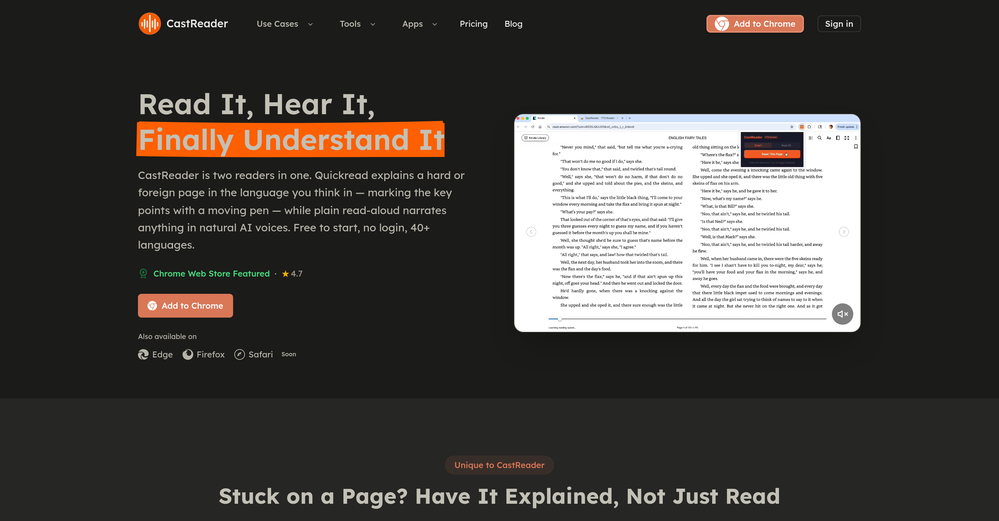
 Free text-to-audio reader for PDFs, web pages, URLs, and even paper books.Open
 -
-
-
Preplo really helped me cook more at home. Can't wait to see what new features they will add in the future.
-
-
Great tool for experimenting with paint effects. It's like an AI-powered version of microsoft paint. Also made a video on it https://youtu.be/ZWOP1M7pgSE
-
 Transform static images into animated videos instantly.OpenHi everyone! I'm the creator of AI Video Maker. It's completely free to use and doesn't require any signup. You can instantly generate unlimited 5-second AI videos from text or images. Great for testing ideas before upgrading to HD or commercial plans. Excited to see what you all create!
 -
-
it does only do one image per time i am looking for multiple images to video
-
I like that the ai support many languages the only disadvantage is that the free version is limited and the paid version is also high $8 per month!!
-
 OpenFree AI Voice Generator, good
 -
At last, we have a voice AI hub that works like OpenRouter.
-
 Create Celebrity voices and voiceovers in 120 languages with 800+ AI voices.OpenThis is a cool little generator for a quick clip! Could see some potential quick use cases if you needed to generate something with an accent on the fly. Not a bad little tool!
 -
Not what I expected. The roblocks stuff. When you say PDF to video, I was expecting whatever the PDF says there would be an animation or cartoon or something visually animated going on.
-




































































































Other tools
-
-
 Open
Open -
 AI planning partner that simplifies executive function and focus.Open
 - Didn't find the AI you were looking for?
-
it's kinda disappointing that all you get upon registration is enough to make only one 4 second clip that gets hit or miss. it looked promising tho
-
too expensive for me, I just want to make memes, not pay that much
-
Feels illegal to be this early, quick run with Grok Imagine: great for teaser bits. The image-to-video pass holds up for shorts ~6s loops with decent motion and sound sync. Style range is solid. Access sits behind the Grok sub on mobile, so not fully free and I’d love longer clips!
-
-
VoisLabs is a promising voice-tech platform that makes multilingual voice creation simple, fast, and highly practical for real-world use cases.
-
-
this one looks good, it has a clean layout and a clear flow that makes prompt-building feel approachable. the idea is genuinely useful, and the execution alr feels solid, it has a lot of potential, WELL DONE! :)
-
-
To be honest it's insane how accurate the logos are, it really listens to your prompt. Good first sketch.
-
Well... it does make pizza pies, but it hardly listens to the instructions you give it, and as a result, you get very samey pies.
-
 Open
Open -
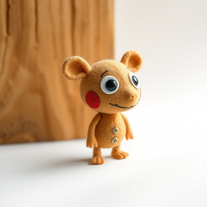 Transform ideas into charming stop-motion style images.OpenChanged the prompt to improve results.
 -
It is the best free image to image generator I have seen! It is fast, reliable, and good for making either quick adjustments or large gradual changes! 10/10 would recommend!
-
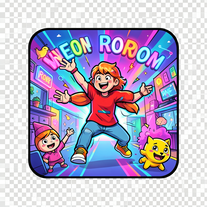 Create vibrant comic-style illustrations with neon energy.Open
 -
 Transform any colored image into a kid-friendly coloring page instantly.Open
 -
 Transform yourself into a Renaissance masterpiece.Open
 -
 Your AI culinary expert for mastering sauce recipes.Open
 -
 Transform photos into epic 3D cartoon characters.OpenSimply upload your photo; you don't need to type anything in the prompt field. Just click "generate" and watch the magic happen.
 -
 Transform photos into vibrant comic book illustrations.Open
 -
 Instantly translate English words to Kannada with AI precision.Open
 -
 OpenVideo editing is the process of selecting, trimming, and arranging footage to create a cohesive story or visual narrative. Here are some fundamental concepts and techniques: Types of Video Editing Linear editing: A straightforward, sequential approach to editing, where clips are arranged in a linear timeline. Non-linear editing: A more flexible approach, where clips can be arranged and rearranged freely in a timeline. Key Video Editing Techniques Cutting: A transition between two clips, where one clip ends and another begins. Cutting on action: Cutting between two clips while an action is in progress, to create a seamless transition. J-cut: Cutting from one clip to another while audio from the second clip starts playing before the video cuts to it. L-cut: Cutting from one clip to another while audio from the first clip continues to play. Video Editing Software Popular video editing software includes: Adobe Premiere Pro: A professional-level editing software with advanced features and integration with other Adobe tools. Final Cut Pro: A professional-level editing software for Mac users, known for its user-friendly interface and advanced features. DaVinci Resolve: A free and paid editing software that offers advanced color grading and audio editing tools. Best Practices for Video Editing Plan your edit: Develop a clear vision and storyboard before starting to edit. Organize your footage: Label and categorize your clips to make them easily accessible. Keep it simple: Avoid overusing transitions and effects; focus on telling a clear story. Advanced Video Editing Techniques Color grading: Adjusting the color and brightness of footage to create a specific mood or atmosphere. Audio ducking: Automatically reducing the volume of background audio when dialogue is present. Motion graphics: Adding animated text, logos, or other graphics to enhance the visual narrative. Video editing involves selecting, trimming, and arranging footage to create a cohesive story. Linear and non-linear editing are two fundamental approaches. Key techniques include cutting, cutting on action, J-cuts, and L-cuts. Popular software includes Adobe Premiere Pro, Final Cut Pro, and DaVinci Resolve. Best practices involve planning, organizing footage, and keeping it simple. Advanced techniques include color grading, audio ducking, and motion graphics. Capcat pro Capcat pro Download image-to-image-generator generated imagetransparent pixel Image to Image Generator Image to Image Generator Download image-to-image-generator generated imagetransparent pixel Image to Image Generator Image to Image Generator Download image-to-image-generator generated imagetransparent pixel Image to Image Generator Image to Image Generator Download image-to-image-generator generated imagetransparent pixel Image to Image Generator Image to Image Generator Download image-to-image-generator generated imagetransparent pixel Image to Image Generator Image to Image Generator Download image-to-image-generator generated imagetransparent pixel Image to Image Generator Image to Image Generator Download image-generator generated imagetransparent pixel Image Generator Image Generator Copy Video Editing Basics Video editing is the process of selecting, trimming, and arranging footage to create a cohesive story or visual narrative. Here are some fundamental concepts and techniques: Types of Video Editing Linear editing: A straightforward, sequential approach to editing, where clips are arranged in a linear timeline. Non-linear editing: A more flexible approach, where clips can be arranged and rearranged freely in a timeline. Key Video Editing Techniques Cutting: A transition between two clips, where one clip ends and another begins. Cutting on action: Cutting between two clips while an action is in progress, to create a seamless transition. J-cut: Cutting from one clip to another while audio from the second clip starts playing before the video cuts to it. L-cut: Cutting from one clip to another while audio from the first clip continues to play. Video Editing Software Popular video editing software includes: Adobe Premiere Pro: A professional-level editing software with advanced features and integration with other Adobe tools. Final Cut Pro: A professional-level editing software for Mac users, known for its user-friendly interface and advanced features. DaVinci Resolve: A free and paid editing software that offers advanced color grading and audio editing tools. Best Practices for Video Editing Plan your edit: Develop a clear vision and storyboard before starting to edit. Organize your footage: Label and categorize your clips to make them easily accessible. Keep it simple: Avoid overusing transitions and effects; focus on telling a clear story. Advanced Video Editing Techniques Color grading: Adjusting the color and brightness of footage to create a specific mood or atmosphere. Audio ducking: Automatically reducing the volume of background audio when dialogue is present. Motion graphics: Adding animated text, logos, or other graphics to enhance the visual narrative. Video editing involves selecting, trimming, and arranging footage to create a cohesive story. Linear and non-linear editing are two fundamental approaches. Key techniques include cutting, cutting on action, J-cuts, and L-cuts. Popular software includes Adobe Premiere Pro, Final Cut Pro, and DaVinci Resolve. Best practices involve planning, organizing footage, and keeping it simple. Advanced techniques include color grading,
 -
 Transform ordinary images into luminous masterpieces with AI-powered shining effects.Open
 -
 Transform any photograph into elegant engraving-style line art.Open
 -
 Open
Open -
-
 Transform text descriptions into professional circuit diagrams instantly.Open
 -
 Transform your selfie into a cinematic horror masterpiece.Open
 -
 Transform any photo into charming crayon art with childlike wonder.Open
 -
 Transform photos into cinematic Funko-Pop portraits.Open
 -
-
 Turn academic jargon into human conversation.Open
 -
 Transform any image into stunning artistic masterpieces.Open
 -
 Transform photos into bold WPA-style geometric art.Open
 -
-
-
 Create adorable Funko Pop-style characters from any concept!OpenChanged the prompt to improve results.
 -
Changed the prompt to improve results.
-
 Microsoft BING alternative that generates ONE precise, anatomically correct image per request.Open
 -
 Transform photos into Lichtenstein pop-art portraits.Opennice artwork. good lines and colors
 -
 Generate hilariously exaggerated failure scenarios for any character.Open
 -
 Transform into a car maintenance expert with AI-powered guides.Open
 -
 Your personal culinary expert for mastering the perfect roast dinner.Open
 -
-
 OpenChanged the prompt to improve results.
 -
 Transform yourself into a hyperrealistic collectible action figure.Open
 -
 Create charming 3D toy-style characters like classic action figures.Open
 -
 Transform any character into a professional action figure image.Open
 -
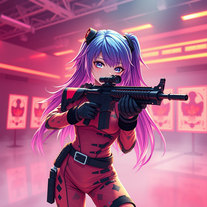 Transform ideas into 3D anime-inspired battle scenes.Open
 -
 Transform ideas into vibrant pop art masterpieces.Open
 -
 Open
Open -
 Open
Open -
-




















































Collections
-
Top ai tools for journalistsSubscribe916









 +1
+1 -
Top AI Paraphrasing ToolsSubscribe511






-
Top AI Tools for Affiliate MarketingSubscribe810








-
Top AI CRM toolsSubscribe310









-
Top AI tools for Premiere ProSubscribe49


-
Top eCom ai toolsSubscribe421









 +6
+6 -
Top 20 ai tools for productivitySubscribe3220








 +5
+5 -
Top AI Sales ToolsSubscribe918





 +3
+3 -
Top ai tools for stock tradingSubscribe88






-
Top AI tools for customer serviceSubscribe57


-
TOP generative AI toolsSubscribe77



-
Top AI Tools for Artistic Image TransformationSubscribe156