Go to section
Sponsor
 MongoDB - Build AI That Scales
🗄️ Database
MongoDB - Build AI That Scales
🗄️ Database
The front page of AI.Used by 90M+ humans.

TAAFT Tutorial
Generate image
Tasks
Generate text
Free mode
Trending
Leaderboard
Characters
 Mini tools
New
Featured
Lists
Agents
Requests
Jobs
Map
Newsletter
Starter pack
Free tools
Speech to text
Text translator
Remove background
Settings
Edit profile
My tools
Gallery
Dashboard
Inbox
Get featured
Contact TAAFT
For you
Popular
Job impact index
Most saved
Affiliate program
Submit AI tool
Notification preferences
Glossary
Home
Timeline
My profile
Create tool
Deals
Companies
Models
Robots
Papers
Fundraises
Repositories
Devices
Organizations
Events
Prompt Pack
Merchendise
Credits
APIs
Features
Tools
Countries
Collections
Mini tools
New
Featured
Lists
Agents
Requests
Jobs
Map
Newsletter
Starter pack
Free tools
Speech to text
Text translator
Remove background
Settings
Edit profile
My tools
Gallery
Dashboard
Inbox
Get featured
Contact TAAFT
For you
Popular
Job impact index
Most saved
Affiliate program
Submit AI tool
Notification preferences
Glossary
Home
Timeline
My profile
Create tool
Deals
Companies
Models
Robots
Papers
Fundraises
Repositories
Devices
Organizations
Events
Prompt Pack
Merchendise
Credits
APIs
Features
Tools
Countries
Collections
Mini tools
New
Featured
Lists
Agents
Requests
Jobs
Map
Newsletter
Starter pack
Free tools
Speech to text
Text translator
Remove background
Settings
Edit profile
My tools
Gallery
Dashboard
Inbox
Get featured
Contact TAAFT
For you
Popular
Job impact index
Most saved
Affiliate program
Submit AI tool
Notification preferences
Glossary
Home
Timeline
My profile
Create tool
Deals
Companies
Models
Robots
Papers
Fundraises
Repositories
Devices
Organizations
Events
Prompt Pack
Merchendise
Credits
APIs
Features
Tools
Countries
Collections

▼ Popular
User security
Free mode
100% free
Freemium
Free Trial
Featured matches
-
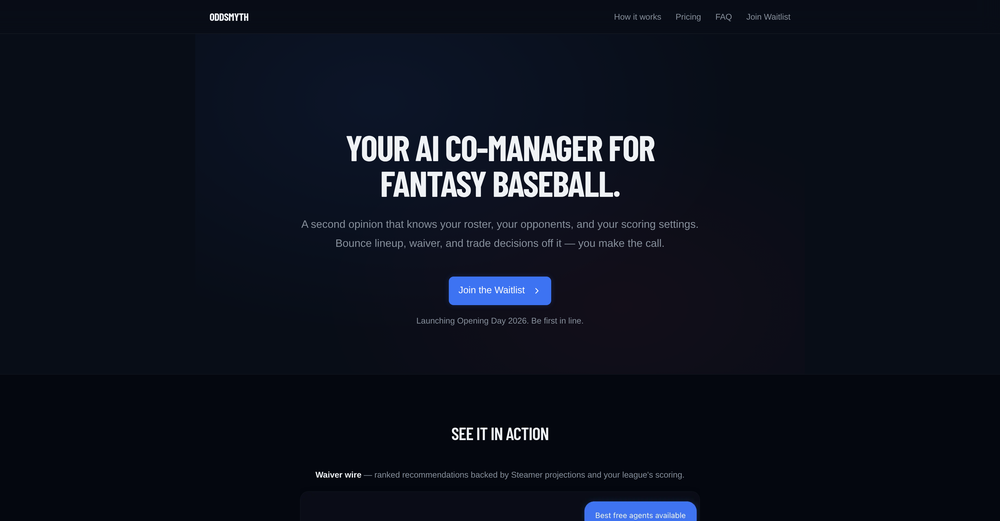
 Kwan Kim🛠️ 1 tool 🙏 4 karmaMar 18, 2026@OddsmythHey! I'm Kwan, the solo founder behind Oddsmyth. I built this because I play in 2 Yahoo H2H fantasy baseball leagues and was spending 30+ minutes every morning researching lineups, scanning the waiver wire, and evaluating trades. The tools I tried (FantasyPros, Yahoo's built-in recs) all had the same problem: they don't know my league. They give generic advice based on generic rankings. Oddsmyth connects to your Yahoo Fantasy league and actually knows your roster, your opponents, your scoring settings, and who's available on your waiver wire. You can ask it anything in plain English ("who should I start today?", "is this trade worth it?", "who should I grab off waivers?") and it gives you a specific answer with reasoning based on your situation. It's not meant to replace doing your own research. It's a second opinion you can bounce decisions off of when you're torn on a close call or managing multiple leagues and don't have time to dig into every decision. The AI is powered by Claude and uses live data from the MLB Stats API, FanGraphs Steamer projections, and your Yahoo league data. You get 5 free credits to try it. Quick questions (game times, scores, injury checks) are always free. I'd love feedback from anyone who plays Yahoo fantasy baseball. What's working, what's not, what would make it more useful. I'm building this in public and actively improving it based on what real users tell me.
 -
-
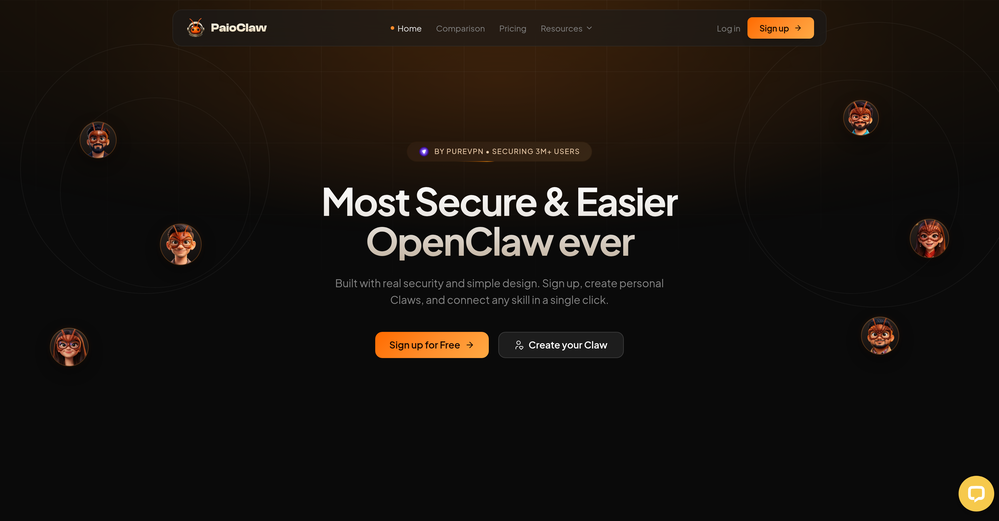 Does what it says. Signed up, picked a pre-built agent, live in under a minute. Token savings are noticeable, security is handled, and I don't have to think about Docker or VPS configs anymore. Free tier is enough to know if it works for you. It did for me.
 -
 Your AI-powered file organizer that respects privacy for macosOpen
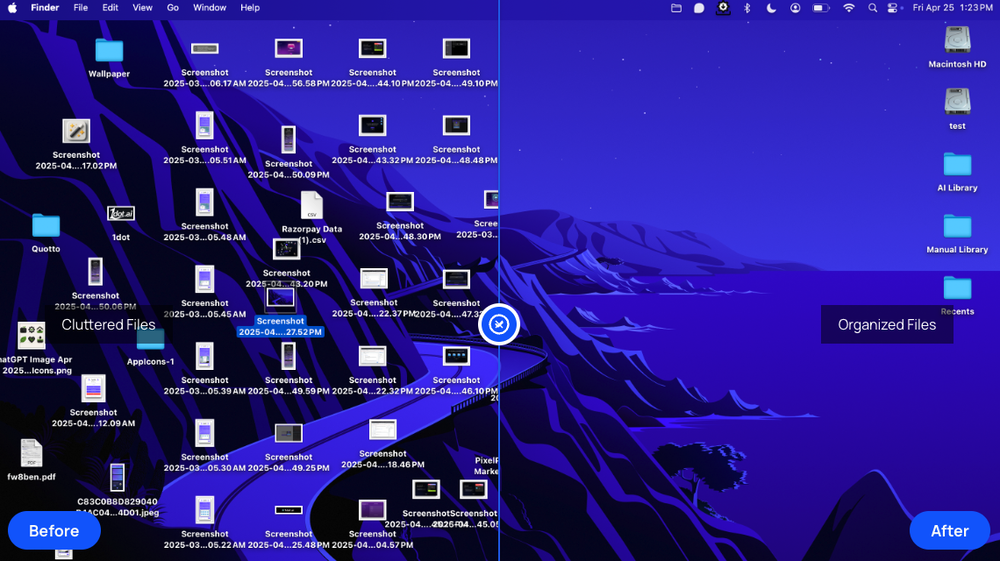 Good Replacement for the sparkle. Keep it up
 -
-
 Real-time voice translation for meetings, calls, and videosOpen
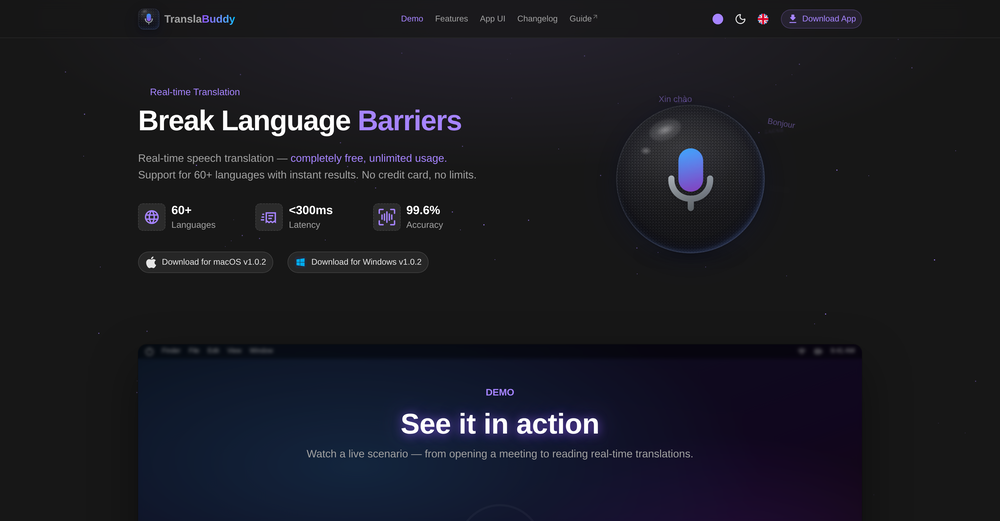 its a great initiative . i appreciate your each piece of effort. make it more versatile for meeting as note taking also . auto summarise and notes down mom of meeting. if should have transcipt interface as two people are chatting instead of just line by line text. not easy understandable who is spaeking. which line.
 -
-
-
-
 Open
Open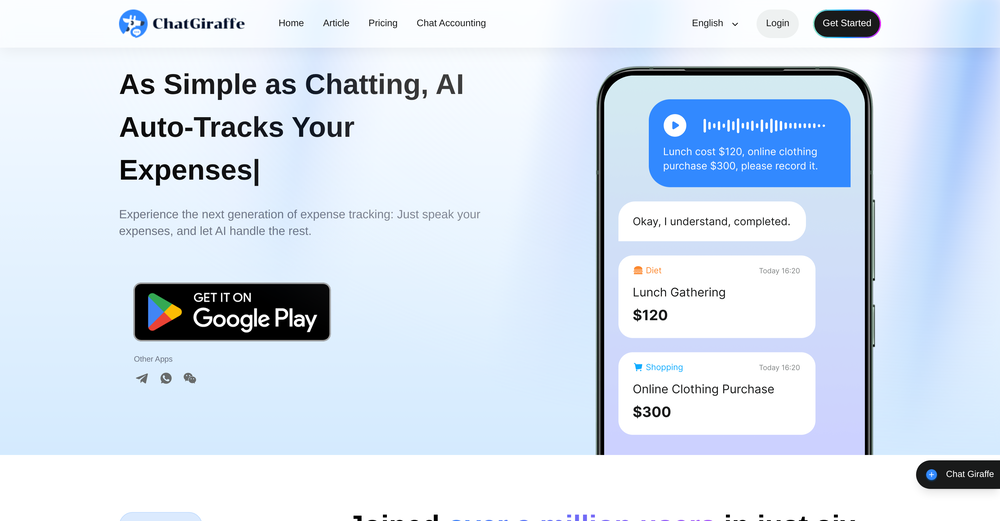 This is an easy, hassle-free way to track expenses, just snap a pic, speak a sentence, or text it—AI takes care of the rest.











Other tools
-
 Open
Open -
This tool finally helps me understand what makes a great prompt. It doesn't just give me a better version, it shows me to get there by analyzing why the original prompt is weak and showing what to improve. The difference this makes to the final AI output is incredible. An essential tool for getting more accurate and detailed results, Great Job!
-
Prefect Idea! I love it. I just wish to keep up the good work
- SponsorMongoDB - Build AI That Scales🗄️ Database
-
I've known WebFill for a while, I use it almost every day, the interface is pretty good, what I like the most is that it solves any MCQ. Congratulations on the launch!
-
 Create professional AI headshots instantly for freeOpenProduce nice picture and is fast but does a horrible job if you are no a white dude
 -
This AI PDF Summarizer worked really well
-
-
- Didn't find the AI you were looking for?
-
This is an amazing AIGC tool! The effect is incredible, it can perfectly restore what I want.
-
Not bad, its freemium and the feature is good like private pdf and support OCR
-
 Build professional, on-brand decks — 10x faster. Inside PowerPoint or online.OpenI think Slidely is the only tool that has worked for me when creating my client presentations. The presentations aren't web pages or images like the other tools but actual PowerPoint slides which I really like.
 -
Every claim on this site starting with #1 Free use as many times as you like is false. Dont waste your time! "https://imagetovideoai.run/#:~:text=1,as%20you%20need.
-
Hey TAAFT, real talk. AI gives you ideas. But, it doesn't give you a voice. Enter Humanize.sh. We make AI text sound like a real person, not a bot. Fast, private, and low effort. How: Paste. Humanize. Copy. Done. Works with ChatGPT, Gemini, Claude, and all the usual suspects. Made for students who want clear essays, honest emails to profs, and captions that don’t scream “generated”. Teachers, creators, everyone welcome. Privacy: we never store your text. Want a demo? Drop one sentence and we'll humanize it live :)
-
I like the way I can read, search, write, take note and organize in one seamless place.
-
-
-
Cool tool! I really like how it checks different areas of a website—like design, SEO, performance, and more. It gives a clear picture of what’s good and what needs fixing.
-
-
the autocomplete suggestions actually matched my tone and flow. the referencing tool is a lifesaver too, no more flipping between tabs. super smooth inside Word. gonna keep using it for sure
-
Early stage development. Little to no training materials available.Cant adjust outcome length for summaries. Disappointing as this tool could be so good.
-
Quick and easy to use, but it doesn't offer many creative signature styles.
-
Very, very short “free” leash of 200 words. I didn’t give it a second whirl after that. Smh. Maybe limit free to about 1,000 Words. Or limit functions instead of characters. But I don’t know… I’m nothing but a chump layman here so don’t mind me
-
Great for skimming research papers and reports
-
Add unlimited photos — just by chatting. Most AI website builders hand you a blank canvas and a stock-photo library. WebZum builds the entire site for you, and now you can add as many of your own photos as you want. Drop your product shots, your team, your storefront, your menu, your before-and-afters into any section just by talking to your site — WebZum places them, captions them, and fits them into the layout, mixing your real photos with its own custom AI imagery (Flux2 Pro). Already have a website? WebZum now pulls the photos off your existing site into your image pool automatically, and every image is labeled so you always know what's yours and what's AI. New in 2.8.0: drop any link into the chat — a menu, a brochure, an old site, a social profile — and WebZum reads it and builds it into your pages. SEO is now built into every site: before generating, WebZum runs AI keyword research to find the low-competition and answer-engine (AEO) phrases your real customers actually search, then writes your pages around them — so your site is built to be found, not just to look good. Editing is sharper too — regenerate a single image, logo, or hero on command, in any language, without touching the rest of the page. And every site looks better and loads faster: self-hosted brand fonts with no swap flicker, a contrast guardrail that keeps text readable on any theme, and edge-cached hosting that paints pages in well under a second. Still everything WebZum ships in 5 minutes: market research on your trade and local competition, a real logo, multi-page copy written around your customers, AWS hosting, CloudFront CDN, SSL, a registered domain, and a cinematic Launch Reel video for TikTok and Reels. ChatGPT writes code. Claude writes code. WebZum builds your website — with your photos in it.
-
 Discord voice transcription and note taking app for teams and DnD sessionsOpen
 -
 Free AI t-shirt design generator: Transform photos or prompts into custom apparelOpenTook like 1 minutes to generate the design and preview was straightforward. Worth trying if you want custom shirts
 -
-
Bruv, where was this when i was 15? Quick, easy and gave me the feelin' that i could read 1000 books xD
-
 Build AI Mobile & Web Apps - No Code, No Api KeysOpenI built my fitness app and published it to both App Store and Google Play in just 3 days. OnSpace AI handled all the mobile development complexity. I'm now earning from in-app subscriptions.
 -
Clothes recognition is quite accurate, recommended
-
 Chrome extension that turns lazy prompts into pro-level instructions.Open
 -
 OpenThe watermark was removed so cleanly, it's amazing!
 -
-
Hey Jack, fair question! The AI is the "Wingman" feature inside the video call. Instead of transcribing the audio (which would violate our privacy policy), the AI is an on-demand agent powered by GPT-4o. You toggle modes like 'Roast' or 'Spicy', and it generates context-aware conversation cards to save the date if things get awkward. We prioritized user privacy over an 'always-listening' AI assistant. Give the Roast mode a try—it's pretty ruthless!
-
 Instant Website Security Audit & Score. Free Scan & Report in 30s.Open
 -
The tool is not user friendly After I was paid there no available service
-
-
Hey everyone 👋 I’m excited to introduce VidFab, an AI-powered tool that turns text and images into cinematic videos in seconds. We built VidFab to help creators and startups make beautiful videos without complex editing or long render times. Just type an idea — and our AI brings it to life. I’d love to hear your feedback and ideas for what features you’d like to see next. Your thoughts really help us shape the future of VidFab!
-
Hey everyone! It's Noel, cofounder of Tinkery. We launched recently, growing rapidly and always welcoming feedback to continue improving the platform. Please reach out!
-
Spoken Punctuation Say punctuation and symbols by name and Voibe types them as you dictate, instantly and on your Mac. On by default, and you can turn it off anytime in Settings. Spoken Punctuation & Symbols Say a mark or symbol by name and Voibe types it instead of the words. Say "comma" for a comma or "open paren" for an opening bracket, plus @, math signs, currency, and even full email addresses. It happens the instant you speak, entirely on your Mac. Structure By Voice Use "new line", "new paragraph", "bullet point", or "numbered list" to lay out paragraphs and lists while you dictate. Cleaner Transcripts Custom dictionary words are recalled accurately without leaking into your text. Stability & Setup Fixes More Reliable Model Downloads Models now download with an integrity check, so a wrong or corrupted download no longer breaks transcription. If a download does fail, you can reach us directly with a new Contact Support option. Audio Handling While Dictating Improved how Voibe manages other audio playing on your Mac while you dictate. Live Dictation Watch your words appear as you speak, and edit them before they land. Live Dictation A new third dictation mode. Your words appear on screen as you speak, so you can read along and make edits before the text lands in your app. Like every mode, it transcribes entirely on your Mac. Cancel a Dictation Instantly Press Escape to discard the current dictation before it's inserted. Improved Simpler Default Hotkeys Hands-Free now starts with Fn+Space, and a quick double-tap of Fn works too. You can also assign function keys like F1 and F2, and choose your own key combination for Push-to-Talk. Refreshed App Icon A cleaner look for the Dock and menu bar icons.
-
-
-
unexpectedly nice email service with useful ai features. heavily recommended.
-
-
 Instant compression, zero restrictions just fast, free, and flawless.Open
 -
👋 Founder here! Celebrating our launch. If you want to test the pro features, just reach out via the website "Contact" form (mention TAAFT) and I'll set you up! 🚀
-
EZClaws makes it easy to deploy OpenClaw for non-technical people.
-
Nice interface and a good ai humanizer.
-
The OLD design gave me such nostalgia, i love it!!!!! 100 free tries per day is so good, really like please more!
-
 Export Instagram followers to CSV instantly.Open
 -
 OpenLove the app! It helps to make overthinking productive
 -
Awesome Tool! Saved me hours of editing and better than i would have done!
-
 Open
Open -
Waitlist
I’m no longer worried about office devices or Wi-Fi being blocked when using AI. With that "AI You Can Text" feature, where Anuma can be accessed via SMS or iMessage, all those problems are gone. Plus, I’m not worried about data security either, because all our interactions stored in the Private Memory are end-to-end encrypted, and the Private Memory itself makes sure we never lose context.
-
Paying $300-$500/month for a docs site, as a small founder, is way too much. We've been looking for a simple, affordable, practically autonomous tool like Docsio for a while.
-
Looks like a nice tool, but the pricing card needs updating, the black text on dark background is barely visible.
-
Geekflare Chat has made my workflow much simpler by bringing multiple AI models into one place. I can quickly compare responses, which is really helpful for content ideas and research. It’s fast, clean, and easy to use, and I haven’t faced any issues so far.
-
-
would've loved to test out more features as a free user but it looks really promising. keeping an eye 👀 (or two) on this one until i decide.
-
I run an early-stage startup. Arka has been pretty amazing for understanding our user adoption data (and then be able to ask follow up questions) in just a few clicks!
-
Tried this with a couple videos and the comment insights were actually pretty useful for spotting content patterns and new ideas.
-
High quality, really fast and generous free tier. Great tool! Comes even with speaker annotation!
-
This feels like one of those tools that removes a super annoying workflow people just accepted for years.
-
 AI agent with infrastructure knowledge for incidents.Open
 -
Lynx by Apex7 AI offers an interesting approach to workflow automation and AI-powered business operations. The interface feels clean, and it’s great to see a tool focused on helping teams streamline repetitive tasks more efficiently. Looking forward to seeing how the platform evolves and the new capabilities it brings over time.
-
AudioScribe has been really helpful for turning meeting recordings into clean transcripts without much hassle. I especially like the AI summaries and speaker identification, since they make it much easier to review long conversations and pull out the key points. Solid tool overall, and definitely worth a 5-star rating.