 VeriIA
 Mini tools
▼ Top rated
Video assistant
Free mode
100% free
Freemium
Free Trial
Featured matches
-
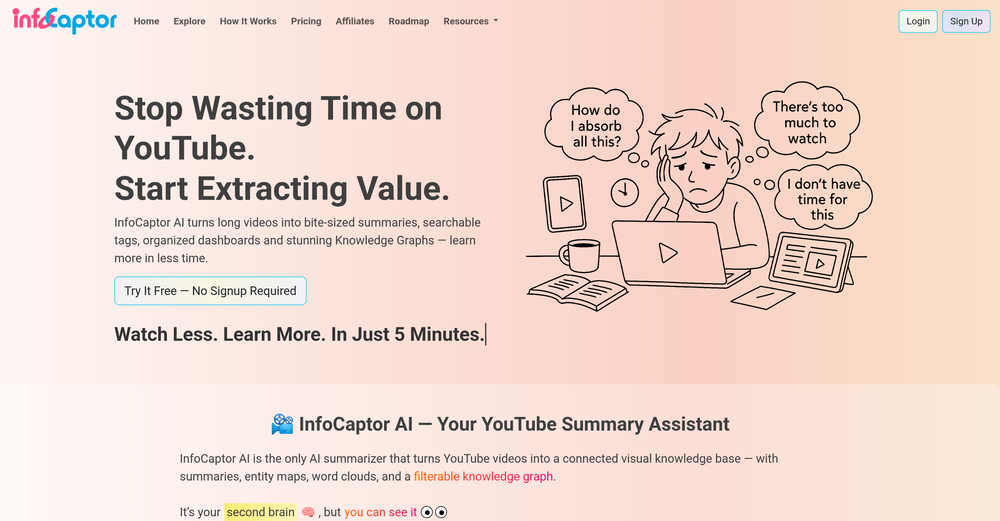 Escapism Records🙏 6 karmaSep 18, 2025@InfoCaptorPretty useful
 -
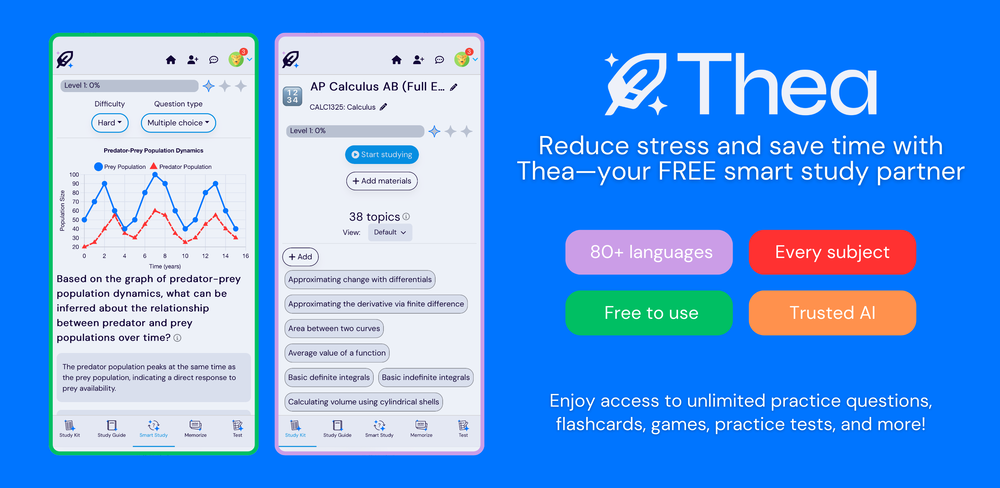 Went from a C to an A in Cognitive Psychology using Thea!!
 -
 No Code AI Dashboard to create customized chatbots, ai tools, and moreOpen
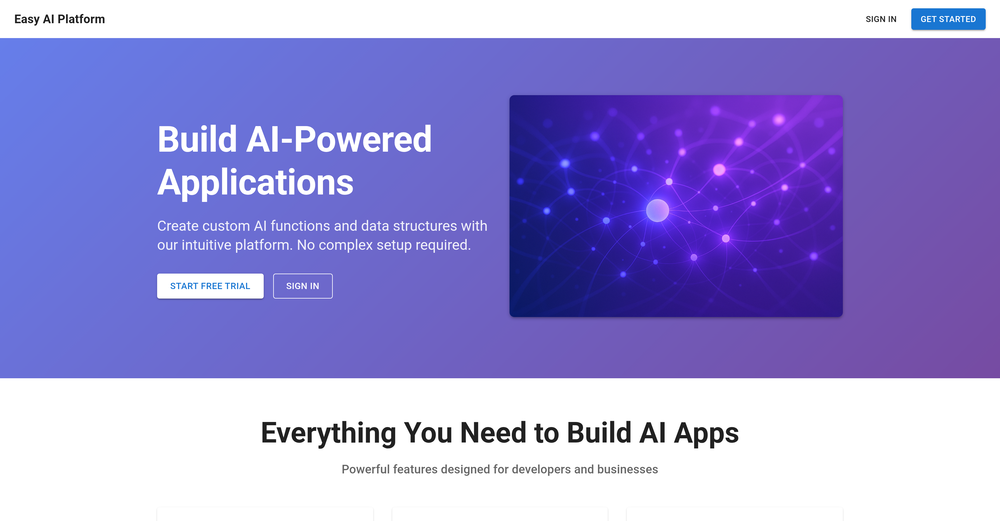 This tool removes all of the prep work of getting an LLM API endpoint running. I can try out ideas quickly and see within minutes whether an endpoint concept actually works. And when it does, moving it into a production app is about as easy as it gets.
 -

-





Other tools
-
It is the bet transcription tool I’ve ever used. I quit taking notes after I discovered Transkriptor.
-
 OpenI played around with PodScribe.IO for just 5 minutes, and it helped me save at least 35 minutes when transcribing my first podcast (for free - have not subscribed to the paid version yet). That's pretty sweet! The way it presents and separates podcast data into different formats is really well done. It makes it super easy to find what you're looking for.
 - Spotlight: VeriIA (AI content detection)
-
Excellent tool. Especially their chrome extension and context feature that makes it so I never need to repeat myself when jumping between LLMs. It upgrades my prompts instantly right inside any LLM chat tool. Super worth the monthly sub, unlimited prompt generation and unlimited prompt saving AND unlimited contexts.
- Didn't find the AI you were looking for?
-
 Productivity-focused AI companion powered with tools from video understanding to web searchOpenVery good AI assistant, that helped me in my everyday life, by making the tasks for myself, asking David about the things I might not know and many more. I highly recommend.
 -
 Paperguide: The All-in-One AI Research Assistant for Scientific ResearchOpen
 -
This was a helpful tool for what I needed to get done. The audio sounds pretty human, but could improve a bit more on the pronunciation. A useful tool overall
-
I recently started using Napkin AI, and I couldn't be more impressed! This tool is incredibly user-friendly and intuitive, making it easy to generate clear visual representations from text. Moreover, the interface is clean and visually appealing, which enhances the overall user experience. Napkin AI is a fantastic companion. Highly recommended for anyone looking to elevate their creative process!
-
AutoEditor is a tool powered by AI that allows users to create highly customized short videos. It is primarily designed to make video editing easier and more efficient, thus enabling users to focus more on content creation. Distinct features include the automatic generation of subtitles in more than 40 languages, detection of silence or non-relevant content in videos, and the ability to enhance videos by adding b-rolls, watermarks, and other effects. The platform provides an easy-to-use interface for video editing, putting users in complete control of their content. Users can change text, styles, and various other aspects of their videos without prior knowledge in video editing. Furthermore, AutoEditor supports editing of long videos, which can be broken down into smaller parts without pre-cutting them. Videos for editing can be directly processed from YouTube, eliminating the need for separate downloading websites. Users can also customize their captions, save their unique styles as presets, and create videos with a few simple clicks for a fast editing experience. AutoEditor's pricing is designed to be simple and affordable, with plans tailored to suit different needs. Users can also access a free tier to get started. Flexibility is one of its key advantages, providing users the means to edit their videos exactly how they want them. The software works best with videos containing any type of voice or talking, such as podcasts, talk shows, documentaries, educational videos, or speeches.
-
-
-
Really useful for podcast work. the transcription is accurate and speeds things up a lot.




















Post





