Go to section
Sponsor
 Wispr Flow - Don’t type, just speak
🎤 Dictation
Wispr Flow - Don’t type, just speak
🎤 Dictation
The front page of AI.Used by 90M+ humans.

TAAFT Tutorial
Generate image
Tasks
Generate text
Free mode
Trending
Leaderboard
Characters
 Mini tools
New
Featured
Lists
Agents
Requests
Jobs
Map
Newsletter
Starter pack
Free tools
Speech to text
Text translator
Remove background
Settings
Edit profile
My tools
Gallery
Dashboard
Inbox
Get featured
Contact TAAFT
For you
Popular
Job impact index
Most saved
Affiliate program
Submit AI tool
Notification preferences
Glossary
Home
Timeline
My profile
Create tool
Deals
Companies
Models
Robots
Papers
Fundraises
Repositories
Devices
Organizations
Events
Prompt Pack
Merchendise
Credits
APIs
Features
Tools
Countries
Collections
Videos
Mini tools
New
Featured
Lists
Agents
Requests
Jobs
Map
Newsletter
Starter pack
Free tools
Speech to text
Text translator
Remove background
Settings
Edit profile
My tools
Gallery
Dashboard
Inbox
Get featured
Contact TAAFT
For you
Popular
Job impact index
Most saved
Affiliate program
Submit AI tool
Notification preferences
Glossary
Home
Timeline
My profile
Create tool
Deals
Companies
Models
Robots
Papers
Fundraises
Repositories
Devices
Organizations
Events
Prompt Pack
Merchendise
Credits
APIs
Features
Tools
Countries
Collections
Videos
Mini tools
New
Featured
Lists
Agents
Requests
Jobs
Map
Newsletter
Starter pack
Free tools
Speech to text
Text translator
Remove background
Settings
Edit profile
My tools
Gallery
Dashboard
Inbox
Get featured
Contact TAAFT
For you
Popular
Job impact index
Most saved
Affiliate program
Submit AI tool
Notification preferences
Glossary
Home
Timeline
My profile
Create tool
Deals
Companies
Models
Robots
Papers
Fundraises
Repositories
Devices
Organizations
Events
Prompt Pack
Merchendise
Credits
APIs
Features
Tools
Countries
Collections
Videos

▼ Latest
Video editing generator
Free mode
100% free
Freemium
Free Trial
Featured matches
-
-
 Open
Open
-
 Turn any song into scroll-stopping videos in minutes with AI-directed scripts andOpen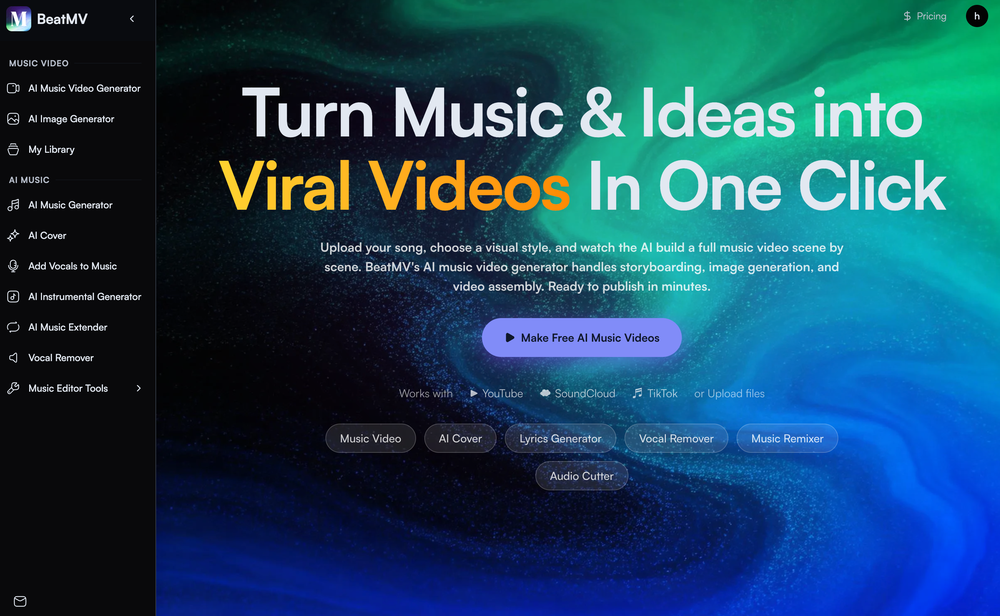
-
-
-
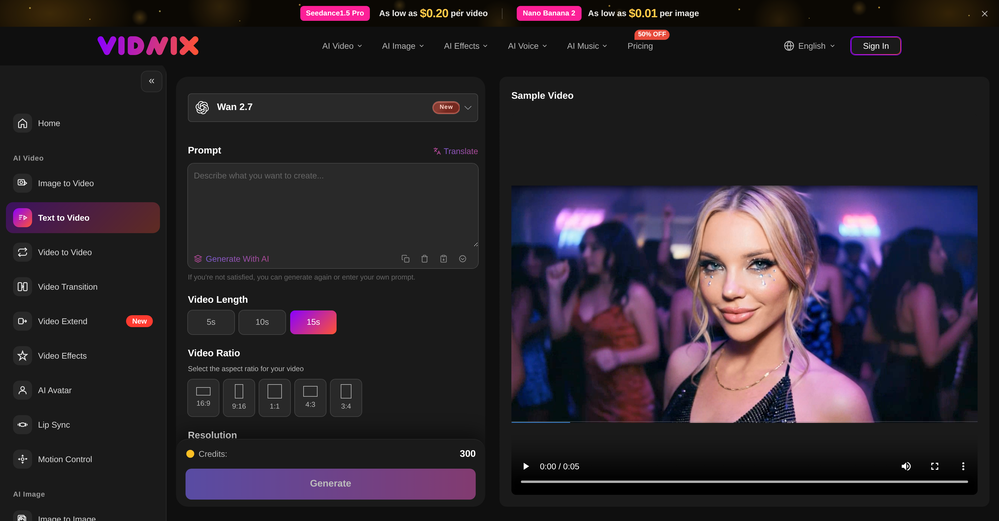 smith tom🙏 12 karmaJun 9, 2026@Vidnix | AI Text to Video GeneratorSolid. Not perfect but it gets the job done and the updates have been pretty consistent
 -
-
-

-
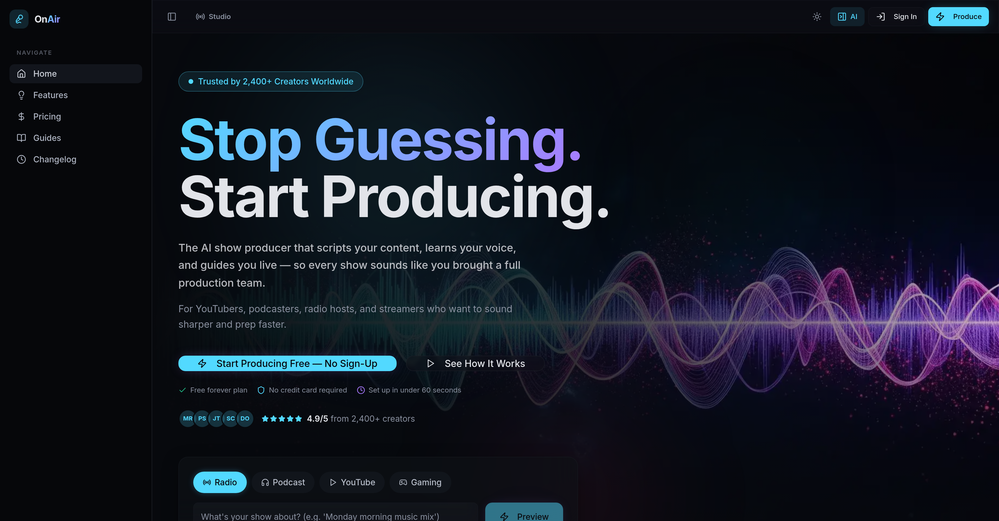 Thank you for the feedback, Bella Blast. All of the issues you mentioned have been addressed, and the Learn My Voice engine has been fixed and improved. We really appreciate you taking the time to share this — feedback like yours helps us make the experience better.









Verified tools
-
- SponsorWispr Flow - Don’t type, just speak🎤 Dictation
-
It's got a lot of potential...but glitchy right now (Sept 25). Unable to generate background video at the last line of the text. Eventually, if you tinker with the editing a few dozen times, the subtitles stop highlighting the current word.
-
-
 Turn property photos into scroll-stopping videos that sell homes faster.Open
 -
Geek Link seems genuinely practical for people working with recordings, meetings, or voice notes regularly. I like transcription tools that focus on speed and usability instead of making the workflow feel overly technical.
-
Particularly useful in scenarios where human voices are clear but background noise is complex.
-
As a student, I regularly work with research papers and long PDFs. PodcastorAI has been a helpful way to turn that content into something I can listen to while commuting or walking. I like that it creates a structured podcast rather than simply reading the text aloud. The dialogue format is surprisingly engaging and makes dense material easier to get through. I still rely on the original documents for deeper study, but for review and knowledge retention, it's been a genuinely useful tool.
-
 Open
Open -
I was lucky enough to join the early canary testing for this platform, and it’s been impressively simple and transparent to use.
-
Tried Teno for a quick product ad — surprisingly simple. Chat your idea, get image/video outputs in minutes. Good free tier to test. Handy if you need creatives fast without a full production team.
-
 Open
Open -
 Turn prompts into polished images and videos, instantly.Open
 -
 Open
Open -
 Turn images into videos with advanced AI All with Fylia AI.Open
 -
The Agent is really handy. It's much more streamlined and convenient than canvas-based AI tools. There's a bit of a learning curve at the start, but once you get the hang of it, it's incredibly useful
-
 OpenI was struggling to create some free Christmas and New Year's e-cards, and these templates are really good. I recommend giving them a try. The only downside is that each free template can only be used once.
 -
 Seamless AI video text and subtitle removal with zero blur.Open
 -
This is not good, it is randomly adding 3 seconds video before the given video. Not related to the video, so not good.
-
 Web platform for video translation, text-to-speech conversion, image creation, media editingOpenGenerated a pretty accurate video translation. Also, was quite impressed with a price tag.
 -
 OpenAI Inspo is an excellent all-in-one AI platform. With trending templates and advanced AI generation models, creating engaging videos becomes fast and effortless in just a few clicks.
 -
Love Dadan's new AI features. I used to hate searching through videos to find specific points and actions. Now I just get AI Assist to transcribe them and use one of the meeting templates to find what I need in a few seconds.
-
it removed the watermark cleanly while keeping the original quality.
-
I am the builder of WUI.AI, an innovative content repurposing application designed to help global individual creators transform their text, audio, and video content into platform-optimized short and long videos for YouTube, TikTok, Reels, and more, with automated publishing capabilities. I try to build in public so any feedbacks will be appreciated
-
 Turn baby photos into talking podcast videos.OpenWow, The AI tool is so interesting for the AI talking baby podcast. I like it. Thank you for the AI
 -
Hey Jack, fair question! The AI is the "Wingman" feature inside the video call. Instead of transcribing the audio (which would violate our privacy policy), the AI is an on-demand agent powered by GPT-4o. You toggle modes like 'Roast' or 'Spicy', and it generates context-aware conversation cards to save the date if things get awkward. We prioritized user privacy over an 'always-listening' AI assistant. Give the Roast mode a try—it's pretty ruthless!
-
Currently, generating course videos is basically free, and everyone is welcome to use it! If you have any problems during use, you can complain and we will quickly iterate! Thank you~!
-
Generating captions was super fast like seconds. Wish they had Anton font though
-
-
-
🚀🚀 25+ Music Styles, 23% Lower Video Credits Cost, and Smarter Generation Control 🚀🚀 AirMusic v2.5 adds 25+ music styles, reduces AI music video credits cost by 23%, improves music generation reliability with auto-retry, and introduces cancel & regenerate without credit deduction for slow or unwanted generations. 🎵 AI Music Generator — 25+ Styles New supported styles: Pop & Vocal: Pop, R&B, K-Pop, Gospel Hip-Hop & Beats: Hip Hop, Trap, Phonk, Lo-Fi Electronic: Electronic, House, Drum & Bass, Synthwave Rock: Rock, Metal, Punk Global: Reggaeton, Afrobeats, Reggae Acoustic: Country, Folk, Blues, Funk Jazz & Cinematic: Jazz, Classical, Cinematic 💰 AI Music Video Cost (-23%) - Same video duration now costs 23% fewer credits - Optimized rendering pipeline for image + video generation - Reduced compute usage per scene 🔁 Music Generation Reliability - Auto-retry when generation fails - Improved success rate for long / complex prompts - Reduced manual regeneration needs ⚡ Cancel & Regenerate (No Credit Loss) - Cancel slow image/video generation anytime - Regenerate with new prompt or model instantly - No credits charged for cancelled or failed tasks 🎯 Best For AI music creators (Suno users, indie artists) → Generate tracks in different genres (Pop, Trap, Cinematic) and quickly turn them into usable music for content or demos Content creators (YouTube, TikTok, Instagram Reels) → Produce background music and music videos with lower cost and faster iteration cycles Music video creators using AI Music Video Generator → Test multiple visual styles without wasting credits due to failed or slow generations Beginners without music production skills → Use preset styles instead of writing complex prompts to generate usable songs quickly High-volume creators / agencies → Lower per-video cost (-23%) enables scalable production of AI music videos
-
 Start from real examples. Turn one good clip into a full video.OpenI was surprised by MotionGen's image2 model. I've uploaded a photo and it accurately suggested hairstyle variations I actually loved. Didn't expect that at all.
 -
Best Free Movie Maker App on the Market
-
 Transform your music into stunning visual experiences with AIOpenThe generation effect is good, the pictures are exquisite, and the transition animations of the pictures are smooth The only drawback is that it would be better if the generation time were a little faster
 -
AIReel provides a convenient way to generate videos or images from text prompts or photos using several AI models in one place. When trying different prompts and images, the platform produced AI creations with noticeably different visual styles depending on the model selected. Compared with accessing many AI video models directly on their native platforms, the overall cost is more affordable, making it easier to experiment with AI-generated content, including both AI videos and AI images.
-
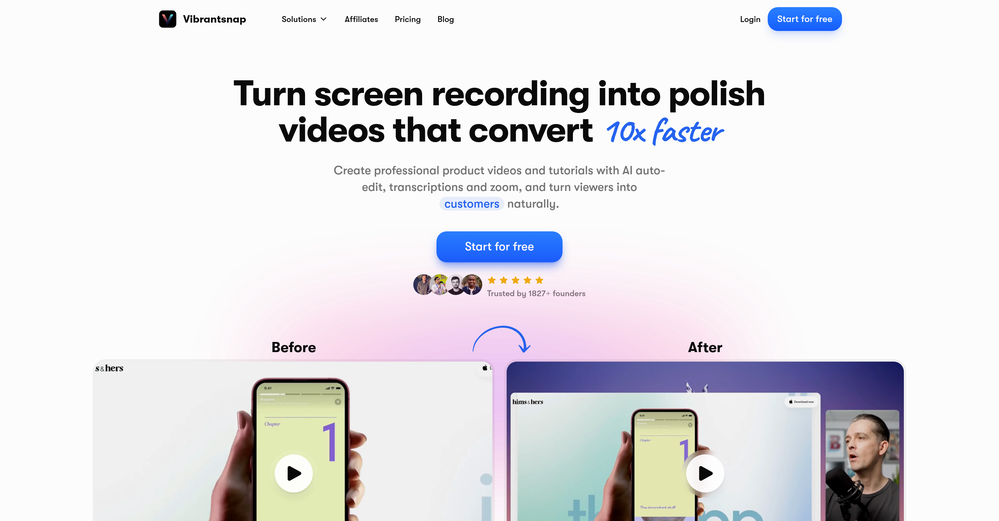
 Instantly create professional screen recordings in perfect English.OpenHi folks - I'm Charles, the founder of Wizardly. I built this app to help marketing, product, and sales teams instantly create polished product videos without requiring expensive professional video editing. Try it out to see how to turn a quick screen recording into professional, customer-ready video today. We have lot's of cool features in the pipe but feel free to share feedback and suggestions once you give the app a spin! 🙏🏻
 -
 Open
Open -
-
 OpenHi! I'm the founder of LyricEdits. After 20 years as a bass player and 20 years in software engineering, I finally combined both passions into one. I'd love to hear your comments and suggestions!
 -
best part? it doesn't fight my process. i can iterate fast, try different moods and play with compositions while the idea's still hot.
-
-
-
-
 Turn simple prompts into viral videos, stunning images, and realistic audio.Open
 -
Been using ViralReels.co for a few days and it honestly saves me a ton of time editing shorts. The animated captions look really good, and I can turn one video into multiple Reels and Shorts in minutes.
-
-
 Open
Open -
 Transform images with AI-powered creative editing tools.Open
 -
 Get 99.9% accurate TikTok transcripts in seconds.OpenOne tool that really impressed me—I honestly can’t believe something this good is free. Even if it becomes paid later, I’d still keep using it. The results are just that good.
 -
 Open
Open -
 AI-powered YouTube thumbnail maker for click-ready designs.Open
 -
-
Vocallab AI is honestly the easiest tool I’ve ever used. The interface is super simple and intuitive. Generations take less than 2 seconds. The quality is also incredible. The voices sound very realistic — almost like real people. You can even add emotions and details like coughs, laughs, sighs, and other subtle effects, which makes everything feel much more natural and alive. Highly recommend it to anyone working with content, videos, or voice projects.
-
-
I tried Animon for a bit and it’s actually pretty solid. It does a good job with simple animations and keeps the original image style pretty well, so the results usually look clean.
-
 Remove subtitles, captions, and watermarks from videos instantly.Open
 -
-
Pricing is fair since it would take me days to clip 4 hour videos
-
 Open
Open -
I really gotta let my heart out, got so many great reviews from my peers. It has helped me make my school work so much easier. I work with little children so when i make it cartoonish it's giving me the best one's yet.
-
This was impressive. From just one picture and a few details, it made a really good, professional video. Amazing quality!
-
Compared with similar AI tools, this one stands out for the clarity and relevance of its outputs. Instead of producing generic results, it adapts well to different inputs and preserves context effectively. This makes the generated content feel more intentional and less “AI-like.” It’s particularly useful when quality matters more than just speed.
-
I paid for the subscription and the video generation has failed. I found no way to access support and the site says no refunds allowed. Hoping to find some help on here with this and I revisit my review
-
 Convert YouTube videos to text with 99% accuracy.OpenI’ve used Riverside before and it’s a really solid tool for recording and producing high-quality audio and video. If you’re looking for a YouTube transcript generator, I’ve also been using Saveto AI. It’s been pretty handy for turning videos into clean text and quick notes.
 -
needed broll for a travel vlog and didn't have footage of certain locations. generated some establishing shots with this and they blend in perfectly. not replacing my camera but great for filling gaps
-
 Open4K resolution is one of its major advantages in the relevant field.
 -
Well, I use Statuz myself, so maybe I'm biased. The only way to find out is to try it yourself. Let us know here.
-
Terrible experience. Spent over $200 to produce a music video that Musid.ai was never able to complete. System crashed during the final production generation/rendering - over and over and over. Contacted [email protected] - no response whatsoever after 2 days. Don't touch it! UPDATE: minutes after posting this Musid.ai responded by reinstating all of the credits purchased. Doesn't compensate for the wasted time but better that a poke in the eye with a sharp stick! I'll review again once I get to the other side of this drama...
-
-
So cute! It's actually crazy how real the dance moves look. Highly recommend using high-quality photos for the best result.
-
Can only edit oe long clip to shorter clip, but i have multiple clip
-
 Open
Open -
I'm giving it two stars because it does do an ok job on videos but I would NOT recommend this. The "free trial" gives you 80 credits. It's not even enough to make a 60 second video so you can't really "trial" anything. I then spent $35 to make a 60 second video and I did two edits to it and I only have 451 credits left for the month. Until the costs come down, this is not feasible.
-
Every claim on this site starting with #1 Free use as many times as you like is false. Dont waste your time! "https://imagetovideoai.run/#:~:text=1,as%20you%20need.
-
I used it to generate several Christmas-related videos, and the results were excellent. It’s a really great product and definitely worth trying.
-
 Open
Open -
-
✨ Key Advantages of Pixwith: 1. Wide range of AI models: From video generation to image creation, enhancement, and style transformation — you get access to a full suite of cutting-edge AI models in one place. 2. Affordable and transparent pricing: Our credit-based system is flexible and offers better value compared to many similar platforms. 3. Free trials available: Several models can be used for free, allowing you to test the quality before purchasing credits. 4.Beginner-friendly interface: Simple and intuitive design — generate high-quality content in just a few clicks. 5.Constant updates: We continuously add new models and features, ensuring you always have access to the latest AI capabilities.
-
-
Hey everyone 👋 I’m excited to introduce VidFab, an AI-powered tool that turns text and images into cinematic videos in seconds. We built VidFab to help creators and startups make beautiful videos without complex editing or long render times. Just type an idea — and our AI brings it to life. I’d love to hear your feedback and ideas for what features you’d like to see next. Your thoughts really help us shape the future of VidFab!
-
 Generate custom copyright-free music that fits to your video automaticallyOpenWe built Vidsembly’s Video Music-Score tool to make adding background music simple and fast. Upload your MP4 video, choose a music style, and get a copyright-free soundtrack that is automatically fit to your video and ready for export. No editing skills needed. You can try it free with 15 credits.































































































































Other tools
-
the tool charges per response not result, simply the 100 gratuity credits keeps decreasing every time i try to correct the action taken backend, may be i am stupid but if i am uploading a photo that cannot be altered in horizontal view, the tool should notify me that the outcome will be wrong due to the reference image, what really happened is that i was charged, the result even after i requested correction was the same for 3 times. and guess what the script was complete and i literally requested the assets to be added since i had none, the tool promised to get assets and show a preview,, but after charging ofcourse and again the result was wrong.. not recommended sorry!
-
The one day free version works really well and hepls you a lot by searching and optimizing your search time, good to considerate to pay for the long time version
-
AutoEditor is a tool powered by AI that allows users to create highly customized short videos. It is primarily designed to make video editing easier and more efficient, thus enabling users to focus more on content creation. Distinct features include the automatic generation of subtitles in more than 40 languages, detection of silence or non-relevant content in videos, and the ability to enhance videos by adding b-rolls, watermarks, and other effects. The platform provides an easy-to-use interface for video editing, putting users in complete control of their content. Users can change text, styles, and various other aspects of their videos without prior knowledge in video editing. Furthermore, AutoEditor supports editing of long videos, which can be broken down into smaller parts without pre-cutting them. Videos for editing can be directly processed from YouTube, eliminating the need for separate downloading websites. Users can also customize their captions, save their unique styles as presets, and create videos with a few simple clicks for a fast editing experience. AutoEditor's pricing is designed to be simple and affordable, with plans tailored to suit different needs. Users can also access a free tier to get started. Flexibility is one of its key advantages, providing users the means to edit their videos exactly how they want them. The software works best with videos containing any type of voice or talking, such as podcasts, talk shows, documentaries, educational videos, or speeches.
-
-
 AI video editor that transforms raw footage into multilingual presentations.Open
 -
 Open
Open - Didn't find the AI you were looking for?
-
-
-
Appears to be a full-featured video editor. It tried hard…but chose such shit B-roll.
-
-
 AI-powered video editing for YouTube creators.OpenSelamat siang saya akan membagikan tutorial gimana caranya mengedit video di aplikasi capcut
 -
Been using Knowcast to keep up with new ideas and information, and I like how easy it is to discover and revisit useful content. The experience feels straightforward and helps cut through a lot of the noise, making it easier to stay informed without getting overwhelmed.
-
 Apply spooky Halloween filters and scary makeup effects online for free.Open
 -
-
too expensive for me, I just want to make memes, not pay that much
-
I recently started using Napkin AI, and I couldn't be more impressed! This tool is incredibly user-friendly and intuitive, making it easy to generate clear visual representations from text. Moreover, the interface is clean and visually appealing, which enhances the overall user experience. Napkin AI is a fantastic companion. Highly recommended for anyone looking to elevate their creative process!
-
-
Hey SFS, it seems the app works with credits via an API key, priced at $0.01 per credit. The lowest generation cost is 0.9 credits, and the highest is 8 credits. We’ve also updated the app’s price description. Thank you very much!
-
Awesome Tool! Saved me hours of editing and better than i would have done!
-
Has anyone made anything with these tools they could share? Curious about the AI capabilities.
-
 AI-powered subtitle translation for global content creators.Open
 -
 Open
Open -
 Open
Open -
 Transform yourself into a Fast & Furious action hero!Open