 PDFClean.ai
 Mini tools
▼ Latest
Videos editing
Free mode
100% free
Freemium
Free Trial
Featured matches
-
-
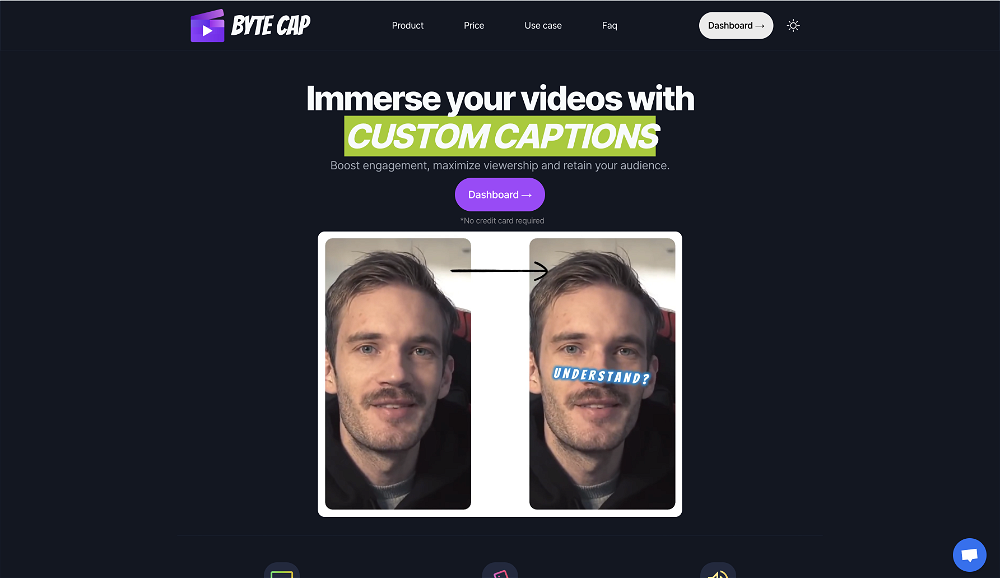 bob miller🙏 70 karmaMay 22, 2024@ByteCapGenerating captions was super fast like seconds. Wish they had Anton font though
 -

-
-
 Easy to use, good visuals and good price to videos ratio. Made a few with 10k views.
 -
 Create AI fashion model photos without photoshoots.Open
-
 it removed the watermark cleanly while keeping the original quality.
 -
 Rapidly generate AI training videos without equipment or editing.Open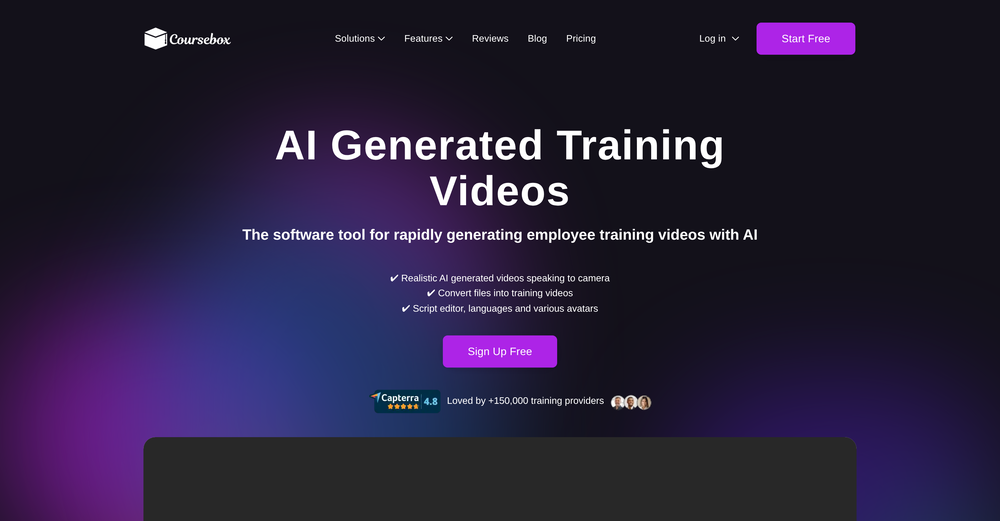
-
 The system responds quickly, the video generation quality is excellent, and the AI voice is perfectly synchronized with the visuals.
 -
 Ladies and gentlemen, welcome to Pak Udin's duck rice stall. The sun sets in the evening. Accidentally saw an apparition. As night falls, I wish you bon appetit. Where does love begin? From the eyes to the heart. Thank you for your time. Your presence means a lot.






Verified tools
- Spotlight: PDFClean.ai (PDF to Spreadsheets)
-
It's got a lot of potential...but glitchy right now (Sept 25). Unable to generate background video at the last line of the text. Eventually, if you tinker with the editing a few dozen times, the subtitles stop highlighting the current word.
-
-
Currently, generating course videos is basically free, and everyone is welcome to use it! If you have any problems during use, you can complain and we will quickly iterate! Thank you~!
-
-
-
The ability to create a short video as a demo of the output is great. It had good imagery and it created a good script.
-
1. AI-powered transcription: Edit videos simply by editing text. 2. AI Virtual Avatars: Use high-quality and diverse virtual presenters to keep video engaged without the need for a real person on camera, helping to solve the issue of camera shyness. 3. AI Voice Enhancement: Elevate your audio to studio-grade quality with one click. Sound professional, no matter what mic you're using. 4. Webcam Background Removal & Replacement: Instantly remove or swap your webcam background for a polished, distraction-free look. 5. AI Subtitles Generation: Support for over 55 languages, generating corresponding subtitles instantly, simplifies the workflow, and enhances video accessibility. 6. Smart Noise Reduction: Eliminate background noise for crystal-clear audio in any recording environment. 7. Stylish Cursor Effects: Highlight your mouse with refined cursors and smooth animations to make your recordings more engaging and dynamic effortlessly. 8. Hide Cursor: Keep your recordings clean by hiding the cursor when you don't need it. 9. Redesigned UI & Interactions: A sleek new interface designed to make video creation faster, smoother, and more intuitive. 10. Smarter Project Naming: Improved default naming conventions help you organize and locate your projects with ease. 11. Performance & Stability Improvements: Under-the-hood optimizations for a faster, more reliable workflow. Less waiting, more doing.
-
 OpenHi! I'm the founder of LyricEdits. After 20 years as a bass player and 20 years in software engineering, I finally combined both passions into one. I'd love to hear your comments and suggestions!
 -
I use Fliz to create videos to promote my store's products. I also use it for my blog posts. The result is really good and I can post it on tiktok quickly.
-
✨ Key Advantages of Pixwith: 1. Wide range of AI models: From video generation to image creation, enhancement, and style transformation — you get access to a full suite of cutting-edge AI models in one place. 2. Affordable and transparent pricing: Our credit-based system is flexible and offers better value compared to many similar platforms. 3. Free trials available: Several models can be used for free, allowing you to test the quality before purchasing credits. 4.Beginner-friendly interface: Simple and intuitive design — generate high-quality content in just a few clicks. 5.Constant updates: We continuously add new models and features, ensuring you always have access to the latest AI capabilities.
-
Hey everyone 👋 I’m excited to introduce VidFab, an AI-powered tool that turns text and images into cinematic videos in seconds. We built VidFab to help creators and startups make beautiful videos without complex editing or long render times. Just type an idea — and our AI brings it to life. I’d love to hear your feedback and ideas for what features you’d like to see next. Your thoughts really help us shape the future of VidFab!
-
 Generate custom copyright-free music that fits to your video automaticallyOpenWe built Vidsembly’s Video Music-Score tool to make adding background music simple and fast. Upload your MP4 video, choose a music style, and get a copyright-free soundtrack that is automatically fit to your video and ready for export. No editing skills needed. You can try it free with 15 credits.
 -
Looks great, I really appreciated that it gives you credits to test it out first, not many video tools do that. Makes it way easier to actually see what it can do before paying. Nice experience overall :)
-
 Turn photos into realistic AI kissing videos instantly.Open
 -
Hey Cherryl, seems to be working just fine for me, can you give it another try?
-
 OpenThe features are incredibly comprehensive. I really love it — the AI videos I created got a ton of praise when I shared them. Likes galore!
 -
"CrePal integrates all the top-performing models on the market and automatically crafts the best-formatted prompts for each of them. All I need to do is chat with it, and I can create a viral TikTok short—absolutely amazing!
-
 Turn your slides into narrated videos with AI voiceoverOpenWe built Vidsembly to make video creation from presentations as simple as having a conversation. Just upload your slide deck, pick a voice, and get a clean narrated video in minutes. No editing software or mic needed. Great for creators, educators, and sales teams who want their message to land. You can try it free with 30 credits.
 -
 Create Your First Viral Video and Start YouTube Monetization with Multilingual Content.OpenIt feels so cool. I think the characters generated by the model are very consistent.
 -
It is easy to use, has a low threshold for getting started, and is inexpensive.
-
1- No custom email sign up. 2- What is "Resona"? Do mean Persona? 3- Audio analyzing failes for no obvious reason. 4- Why can't I delete my creations, and why can't I delete my account?
-
Crazy stuff, it's so useful, i feel like a weight's been lifted off my shoulders. Real game changer 10/10
-
This is so encouraging — thank you! ❤️ We’re putting everything into the next version to make it even better.
-
 OpenThank you for your feedback, and I apologize for any inconvenience you experienced. We are currently working to ease the resolution constraints for user uploads. Your insights are invaluable to us.
 -
I let my dog imitate the way I speak, it's so funny that it makes me laugh to death.
-
-
Wonderful tool for generation short videos may add options for more voices
-
It's $47/mo after a short free trial
-
-
5 star and Ai is the best to guide anybody Ai helps many things like hardwork is easy due to use of Ai .You help in your study
-
I completely agree with the previous comment. I first purchased the $5 package and then upgraded to the Pro package, hoping to create videos longer than 3.5 minutes. However, I was disappointed to find out that I needed to purchase the $99 package to create longer videos. It was not clear that the 5000 characters of script only equated to 3.5 minutes of video. To make things worse, the company has a strict no-refund policy, which feels unfair. They seem more focused on taking your money than providing quality service. I would highly recommend avoiding this service at all costs.






































Other tools
-
 AI-powered video editing for YouTube creators.OpenI bought it. But its pretty slow and laggy
 -
The one day free version works really well and hepls you a lot by searching and optimizing your search time, good to considerate to pay for the long time version
-
AutoEditor is a tool powered by AI that allows users to create highly customized short videos. It is primarily designed to make video editing easier and more efficient, thus enabling users to focus more on content creation. Distinct features include the automatic generation of subtitles in more than 40 languages, detection of silence or non-relevant content in videos, and the ability to enhance videos by adding b-rolls, watermarks, and other effects. The platform provides an easy-to-use interface for video editing, putting users in complete control of their content. Users can change text, styles, and various other aspects of their videos without prior knowledge in video editing. Furthermore, AutoEditor supports editing of long videos, which can be broken down into smaller parts without pre-cutting them. Videos for editing can be directly processed from YouTube, eliminating the need for separate downloading websites. Users can also customize their captions, save their unique styles as presets, and create videos with a few simple clicks for a fast editing experience. AutoEditor's pricing is designed to be simple and affordable, with plans tailored to suit different needs. Users can also access a free tier to get started. Flexibility is one of its key advantages, providing users the means to edit their videos exactly how they want them. The software works best with videos containing any type of voice or talking, such as podcasts, talk shows, documentaries, educational videos, or speeches.
-
-
 AI video editor that transforms raw footage into multilingual presentations.Open
 -
 Open
Open -
- Didn't find the AI you were looking for?
-
-
Appears to be a full-featured video editor. It tried hard…but chose such shit B-roll.
-
-
I recently started using Napkin AI, and I couldn't be more impressed! This tool is incredibly user-friendly and intuitive, making it easy to generate clear visual representations from text. Moreover, the interface is clean and visually appealing, which enhances the overall user experience. Napkin AI is a fantastic companion. Highly recommended for anyone looking to elevate their creative process!
-
Great tool! The most complete one if you want to create music video specifically.
-
 Create consistent character videos from AI images.Open
 -
-
Not really worth it, not only does it only support Youtube, but can only generate up to 30s of video and has no options to control the image style.
-
Highly recommend for anyone looking to create engaging videos without the hassle!
-
-
Step 1 . Registered first for you to have an access. Make sure you let people in your advert first that registration is required. Not misleading them .
-
-
-
-
Fantastic product - it helped me increase my conversions on my website quite a bit. The support was really helpful too.
-
-
-
as someone into djing and mixing, this was actually pretty fun to mess around with. cool seeing how different sounds work together. not sure how often i’ll use it, but def feels like it could be useful in production one day xD
-
-
TopView is a very good tools to make tiktok/youtube/ig ads video, ecommerce video.





























































Post





