
 Mini tools
▼ Latest
Adapta
Free mode
100% free
Freemium
Free Trial
Featured matches
-
 AI agent for Jupyter: Generate code, run cells with natural language.Open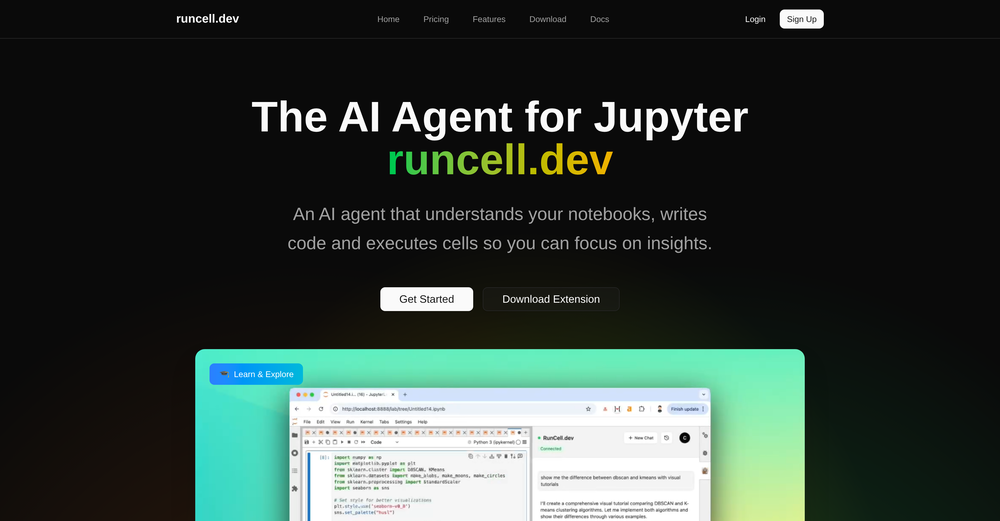
-
 goran husiic🙏 3 karmaJan 22, 2026@SportBot AIHmmm, I like it cause its simple to use, there are more powerfull apps out there, but I get lost with all chaotic numbers and stats..
 -
 UI Experience is fast & good with free account limited data (100 csv records) but no 3rd party integrations and limited data connection and no 3D /funnel many more chart visualizations are missing.
 -
-
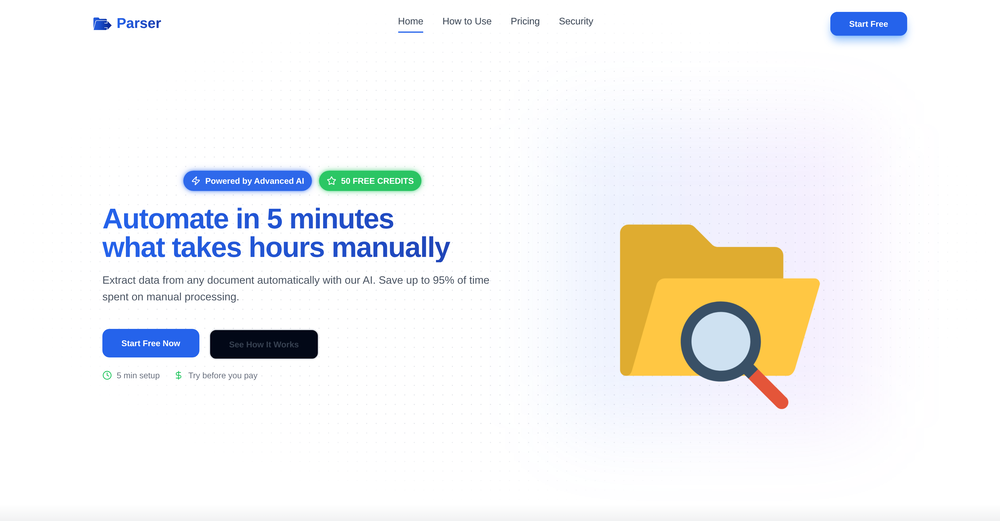
 Extract data from any document automatically with AI.Open
 The tool worked really well for us. It was easy to upload our first PDFs and set up an automated flow through the API
 -
 Incredibly easy way to connect to Amazon products and pull information








Verified tools
-
 AI spreadsheet & data analyst. 10x your productivity.OpenI use Sourcetable for quick data analysis and visualizations with natural-language queries. I'm working with Excel files and our Postgres database. It feels like an AI analyst built into a spreadsheet for turning raw data into clear reports. (Like ChatGPT + Excel, but better.)
 -
 Ask data questions, get instant insights, SQL, and charts — all poweredOpen
 - Sponsor
 Rocket - Start building, Now!💻 Vibe coding
 -
 ChatGPT, Gemini, Mistral, Perplexity for Sheets | Programmatic SEO | Data Enrichment | o1-preview | o1-mini | gpt-4oGPT, Gemini, Mistral, Perplexity for Sheets | Programmatic SEO | Data EnrichmentOpenAmazing tool! it has helped me with Programmatic SEO
 -
 AI-powered Excel analysis and visualization in natural languageOpenTired of wrestling with complex formulas, spending hours cleaning data, and struggling to create the right charts? Excelmatic is a powerful web-based AI agent designed to revolutionize your relationship with spreadsheets.
 -
Highly recommend it for anyone dealing with high-volume document processing. Simplifies the process of extracting data from multiple PDFs into clean, accurate spreadsheets.
-
Great tool, offers a lot of data story suggestion and detailed charts.
-
 Automate data work and reporting with AI Agents. No data|coding skills required.OpenSigned up for a pro account for Google Drive integration. Works great! Saves me a lot of manual excel work.
 -
I really gotta let my heart out, got so many great reviews from my peers. It has helped me make my school work so much easier. I work with little children so when i make it cartoonish it's giving me the best one's yet.
-
-
The OLD design gave me such nostalgia, i love it!!!!! 100 free tries per day is so good, really like please more!
-
Created a dashboard using my Excel file and it gave insights I didn’t even expect. It can read any kind of Excel file no matter the template. I can even check the accuracy by tracing back which column the data came from Great tool. highly recommended!!
-
Nice tool, great insights and they have a good chat assistant
-
tried quickdata on a stack of rent rolls (pdf+xls), a couple T12s and one chunky OM. setup's just an excel add in, super barebones ribbon button and it goes straight to work (no gimmicks). it mapped a lot of line items correctly and dumped them into my model fast. i like that it plugs into your existing model instead of forcing theirs. a clearer "why" for each auto category would be good.
-
I felt there is need of more ready made templates. But, it does what it claims. I chose one question suggested by the AI agent, and it created the infographics in few seconds. It's cool. Saving it for future reference.
-
I’ve used ChatGPT, I’ve tried scraping tools, and this just blew my mind. Chat4Data is like GPT got tired of talking and started doing things. I literally type ‘get me all the product listings from this page’ — and boom, it’s done. No code. No setup. Just results. 10/10 would recommend.
-
As a UX Researcher - this is an amazing tool to rank and classify various user comments and feedback.
-
Displayr has become an essential tool for survey data analysis. By leveraging advanced AI integration, the platform offers a user-friendly, low-code solution for analyzing survey data. Users can efficiently create presentations while working on data analysis within the same interface, eliminating the hassle of transferring numbers from Excel to PowerPoint.
-
-
-
I really like DataLine, but I'm kinda biased cause I built it.
-
It works for me, might’ve been a temporary issue. Give it another try!
-
I can't help but rave about this product because of the level of craftsmanship in it; Vizly is made for data scientists, by data scientists, and it shows. Having tried various tools in the space, I can confidently say it's the best by a mile, the UX is silky smooth and will feel familiar to any data scientist, and yet it manages to supercharge your workflows - I gurantee you'll be a few times more productive, can't recommend it enough.
-
It is the ease of use for me. DataSquirrel is fast, the UI is super intuitive, and the guided analysis feature is highly convenient. I have officially moved from uploading CSV files from Google sheet to DataSquirrel. Within minutes, I can visualize my data and interpreting it becomes super simple.
-
Surprisingly powerful data transformation tool for data scientists and data analysts. Quick onboarding and easy visual interface. I used AI for sentiment analysis and categorization of game reviews for dataset over 20,000 rows, works pretty fine.
-
great in Slack or Teams to quickly fetch data and get visualizations
-
This was impressive. From just one picture and a few details, it made a really good, professional video. Amazing quality!
















































Other tools
-
 Transform unstructured documents into actionable data instantly.Open
 -
I run an early-stage startup. Arka has been pretty amazing for understanding our user adoption data (and then be able to ask follow up questions) in just a few clicks!
-
Data narration and augmentation are valuable tools from datumfuse.ai
-
I was just trying to get a quick graph showing population evolution over the last 30 years, didn’t have the dataset ready, so I was hoping the tool could auto-fill something reasonable. But it literally gave me three values. Three?? For 30 years?? What kind of trend can I possibly see with that? If the tool offers to research the data, it should at least offer a full timeline. And when I pasted the data I found, it created a literally bar chart???
-
- Didn't find the AI you were looking for?
-
-
Keepy has been a game-changer for my business. The effortless data entry and reliable automation have streamlined our processes and saved us countless hours. Keepy's seamless integration with Google Sheets makes it easy to access and manage our financial data. It's an essential tool for any organization looking to boost efficiency and productivity. I highly recommend Keepy.
-
tested it on a few neighborhoods. the interface is so stripped down it almost feels unfinished, quick to load but u might hunt for extra fillers. the data look on point, yet they dont dive deep into data sources to explain. overall accuracy feeks solid and the map is smooth, just wish it talked more about the results.
-
Such a powerful tool with free account, all your data analysis needs with an easy intuitive itnerface
-
Nice spreadsheet tool. Good alternative to Excel and Google Sheets.
-
Very good AI tool for data analysis. Besides, it provides comprehensive AI chat capability and multimedia input and output action, like generating image, read image, read voice, generate voice, etc.
-
-
Probably the most fun way to explore a topic, powered by GPT. Albus is a live board that will help you explore any topic you like in new ways, from different perspectives. Think of it as Google meets Pinterest.
-
-
 Extract contact data from email signatures using AI.Open
 -
asking for key, no usability without a paid subscription
-
- Seemless onboarding of new properties - Data updated daily - Unlimited searches - Automatic comparables identification - Price Recommendations
-
Had several issues with app, beginning with a refresh needed to find the upload (figured out while waiting for help desk). Relatively straightforward conversion, rearranged fields, merged integer and text field. Conversion was Ok on first 30 lines and 2 pages, second 25 lines needed more manual editing. Was going to rate lower, tried Parseur was even worse.
-
Read the terms and conditions about data usage, not nice...
-
Combines knowledge graphs with AI, reveals main topics and gaps in a discourse.
-
-
 Master data structures and algorithms with AI-driven learning.Open







































































































Post





