Go to section
Sponsor
 Flow - 4x faster than typing
🎤 Dictation
Flow - 4x faster than typing
🎤 Dictation
The front page of AI.Used by 90M+ humans.

Generate image
Tasks
Generate text
Free mode
Trending
Leaderboard
Characters
 Mini tools
New
Featured
Lists
Agents
Requests
Jobs
Map
Newsletter
Starter pack
Free tools
Speech to text
Text translator
Remove background
Settings
Edit profile
My tools
Gallery
Dashboard
Inbox
Get featured
Contact TAAFT
For you
Popular
Job impact index
Most saved
Affiliate program
Submit AI tool
Notification preferences
Glossary
Home
Timeline
My profile
Create tool
Deals
Companies
Models
Robots
Papers
Fundraises
Repositories
Devices
Organizations
Events
Prompt Pack
Merchendise
APIs
Features
Tools
Countries
Collections
Videos
Mini tools
New
Featured
Lists
Agents
Requests
Jobs
Map
Newsletter
Starter pack
Free tools
Speech to text
Text translator
Remove background
Settings
Edit profile
My tools
Gallery
Dashboard
Inbox
Get featured
Contact TAAFT
For you
Popular
Job impact index
Most saved
Affiliate program
Submit AI tool
Notification preferences
Glossary
Home
Timeline
My profile
Create tool
Deals
Companies
Models
Robots
Papers
Fundraises
Repositories
Devices
Organizations
Events
Prompt Pack
Merchendise
APIs
Features
Tools
Countries
Collections
Videos
Mini tools
New
Featured
Lists
Agents
Requests
Jobs
Map
Newsletter
Starter pack
Free tools
Speech to text
Text translator
Remove background
Settings
Edit profile
My tools
Gallery
Dashboard
Inbox
Get featured
Contact TAAFT
For you
Popular
Job impact index
Most saved
Affiliate program
Submit AI tool
Notification preferences
Glossary
Home
Timeline
My profile
Create tool
Deals
Companies
Models
Robots
Papers
Fundraises
Repositories
Devices
Organizations
Events
Prompt Pack
Merchendise
APIs
Features
Tools
Countries
Collections
Videos

▼ Latest
Chart
Free mode
100% free
Freemium
Free Trial
-
 Marcy🙏 9 karmaJun 8, 2025@ChartaiThis one was really nice. In that it could also generate a white paper to go with the diagram


Featured matches
-
 I am planning to automate my trading system and customise an agent , I chatted with the support right from the dashboard they answered in 15 mins
 -
 Open
Open
-
-
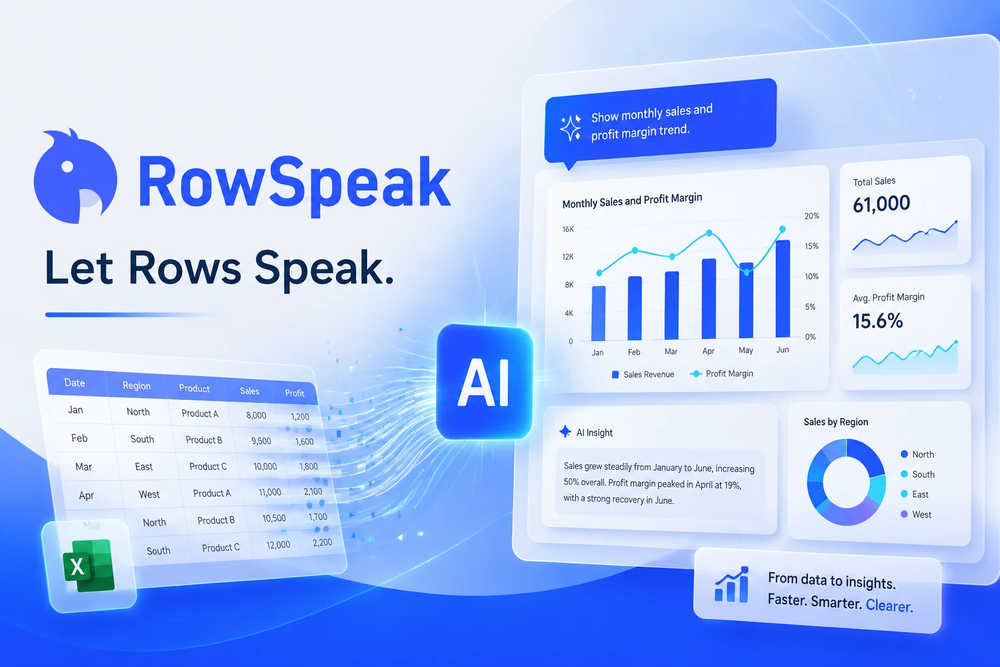 Tired of wrestling with complex formulas, spending hours cleaning data, and struggling to create the right charts? Excelmatic is a powerful web-based AI agent designed to revolutionize your relationship with spreadsheets.
 -

-
 Have AI-powered conversations with famous historical figures.Open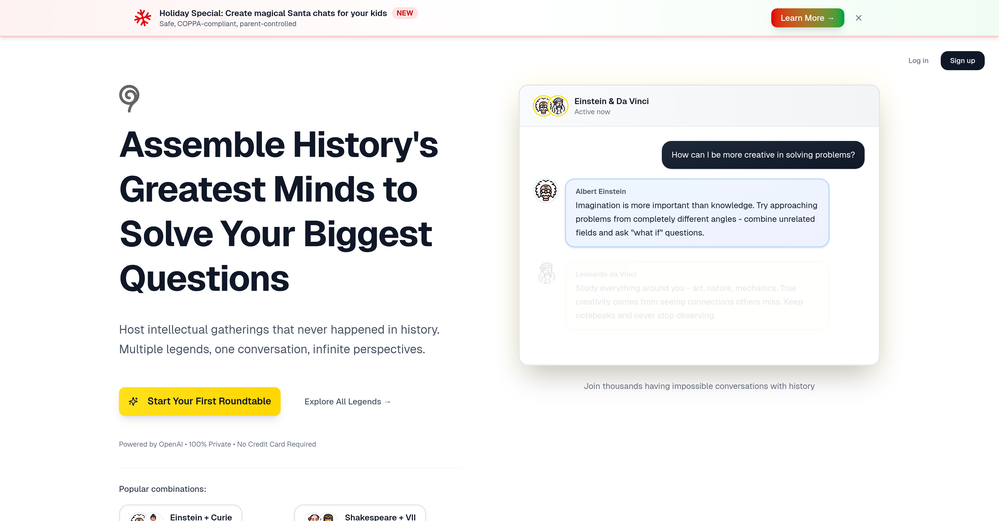
-
-
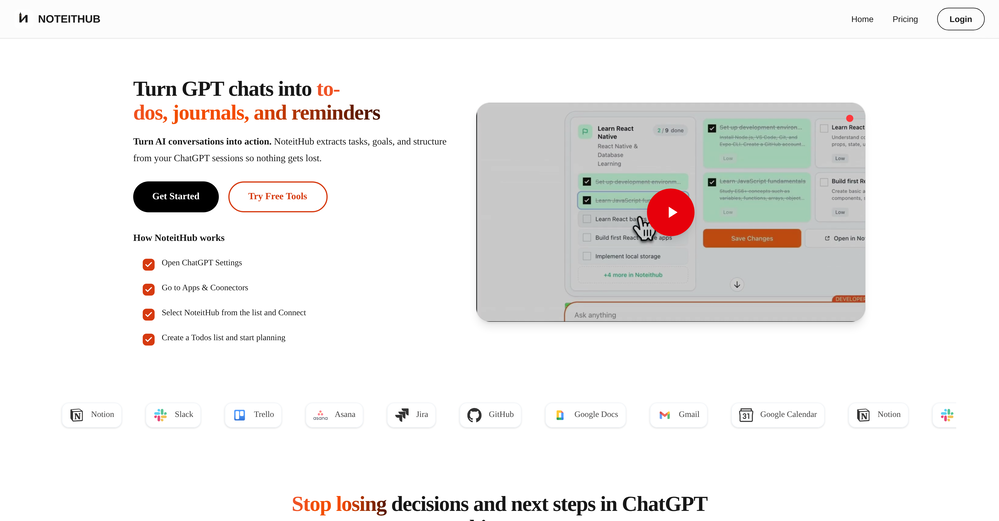
 Zi Wei Astrology makes ancient Chinese destiny analysis much easier to explore. The interface is clean, the chart experience feels structured, and the AI-guided reading helps translate complex Zi Wei Dou Shu ideas into something more practical for modern users. It is especially useful for people who are curious about life path, personality patterns, relationships, and long-term timing cycles but do not know how to read a traditional chart on their own. A strong concept with real potential.
 -
-
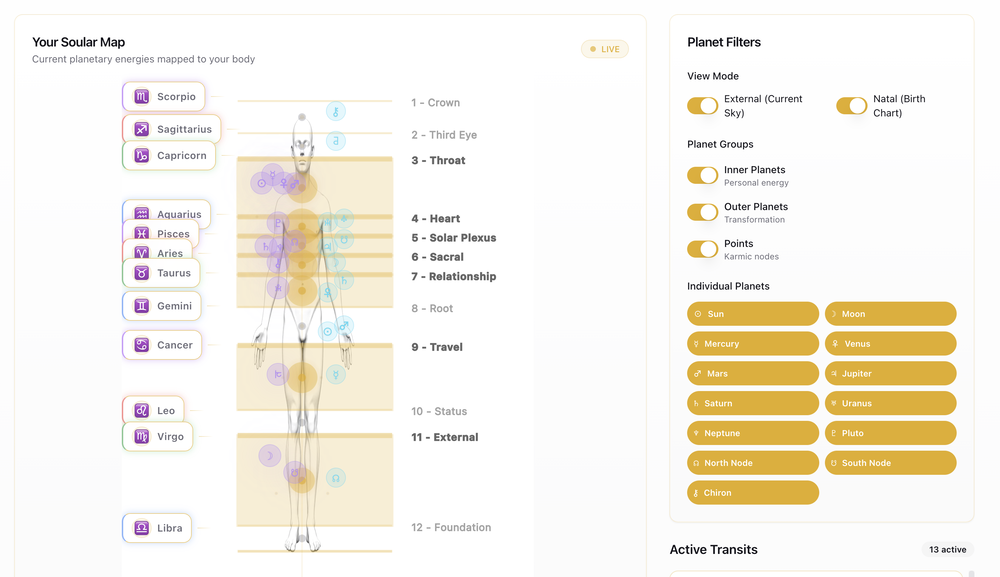 the body mapping is such an underated feature











Verified tools
-
 Create custom AI gaming companions with voice chat and live screenshare.Open- New supported games (Path of Exile, Marvel Rivals, and WoW) - Improved stability and performance of the Questie AI Game Companion
 -
 Debating AI models, tireless agents, and workspaces. Unlocked, pay-as-you-go.Open
 - SponsorFlow - 4x faster than typing🎤 Dictation
-
Being able to tell it to create an app for anything I want - for myself or for the AI to use is the coolest thing!
-
Working good and enough credits including achievements to test the app for free
-
 Solve Math Problems Instantly with AI-Powered Step-by-Step ExplanationsOpenI like the AI Math Solver for my math problem.
 -
 AI chat with images – Create, edit, innovate for free!Openthis is completely free, and it is amazing that you can change pictures into art and animations without paying anything.
 -
 Private Q&A with your Documents on Windows or Mac.Open
 -
 Your secret weapon to ace any interview and land the job.Open
 -
The AI itinerary planner crafted a great travel plan for me. Highly recommend!
-
Im a doctor and I think that it is very correct and useful
-
 AI Chat assistant & Chatbots for productivity & creativity automation.Open
 -
 Just type what you need — AI fills Sheets™, Docs™, and Slides™OpenJust type what you need — AI fills Sheets™, Docs™, and Slides™. FREE Forever with your API key for up to 100 execution per month! Zero formula typing, natural language instructions, zero complexity. Fill spreadsheets, create and edit documents, generate slide presentations, create images, and more.
 -
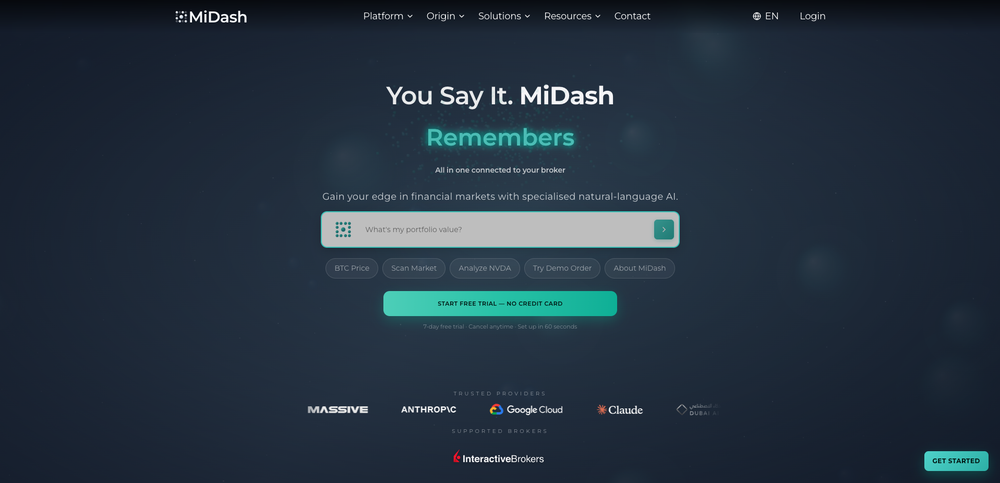
Ideal for stock-watchlist and not missing trade setups that correspond to my strategy.
-
-
I have been using this application for some time now, and it pleasantly surprises me. At first, this tool seemed to be just something like a smart document search, but I was wrong. It is able to generate brief contents of books and documents. With it, I will be able to create my own knowledge base in various areas, which will be built only on the data I uploaded, which I am sure of. Overall, the app is great, and I can safely recommend it. How do I personally use this product: For example, to summarize medical research and books. I intend to use it for academic research to save time searching for answers to specific questions and searching for links (documents, pages, comments), and I have to say that I am impressed. I upload not only PDF documents, but also transcribe videos of specialists in the right subject and upload them together to the service. Thus, I make my personal library, knowledge base and the quality of knowledge deeper. More recently, I came up with the idea to use the knowledge of some specialists who run their social networks and tell me the information I am interested in on their pages, because I can also collect their posts on social networks. networks in one document and upload to the service. What I liked especially: 1. Simple and user-friendly interface. Everything is in its place and nothing superfluous. 2. The algorithm does not come up with answers, but proceeds from the data in the document, allowing you to ask contextual questions and receive point-to-point answers in real time. Very often, language models sin against this. 3. Unlimited questions in the "chat" You can ask as many questions as you want in real time without using any credits. 4. Unlimited daily download. 5. I can upload documents in any language and get answers in my own. I can make full use of knowledge from all over the world, not just in my language. 6. The file viewer and links work well. Just click on the link and you will open the document in exactly the right place! 7. Chat with documents is quite accurate and fast. 8. The idea of labels is quite convenient and it is possible to add multiple labels to a file. 9. After downloading the document, it will warn you which pages were not recognized or have little content. 10. Understands the context of the correspondence, and does not answer the last question. 11. Responsive support. 12. API Access 13. OCR. 14. Automation of the workflow. 15. The ability to use your OpenAI API key 16. There is a promising roadmap. Separately, I would like to tell you about the workflow automation function, with the help of, when working with a group of documents, which can be processed separately only the necessary sections of documents. This makes it possible to access several documents at once. This is a super opportunity to gain deeper knowledge from documents uploaded to the service. It should be noted that in the end, a lot depends on how correctly you ask the question. This is both a plus and a minus. An experienced user will always be able to bring the algorithm to the conclusions of interest. For novice researchers, it will be a little more difficult to set the right direction to find the right information. My dreams: 1. Although I have no problems with the document loading time, it would be cool to speed up the document processing time. 2. I would like more free language models. At the moment, the service uses OpenAL GPT 3.5 Turbo and Anthropic Claude 3 Haiku. In principle, this is enough, but it would be good if more advanced language models were included, which will allow you to study your documents even more deeply. 3. I would like to be able to add ready-made template queries to documents. 4. I would like to be able to mark the best answers, which I can quickly refer to later. 5. I would like to be able to create folders in the Documents and Options section cataloging my knowledge. 6. I would like to be able to change the title of the document. 7. I would like to have an internal search system for documents or labels, which will become very numerous over time. 8. It would be very useful to be able to add people to work together with configured access rights. 9. The opportunity to create your own knowledge base and post it on your website via html code would be very useful. 10. I would like to be able to highlight the desired fragment or keywords in the document when you click on the link in the response to the document request. What I wanted to draw attention to: It seemed to me that OCR does not work quite correctly, after downloading the document, it writes "you have not enough credits to use OCR", although there are credits. Maybe I was doing something wrong. I'll figure it out. In general, I would like to rate the usage experience at 5 stars. I recommend everyone to try it!
-
-
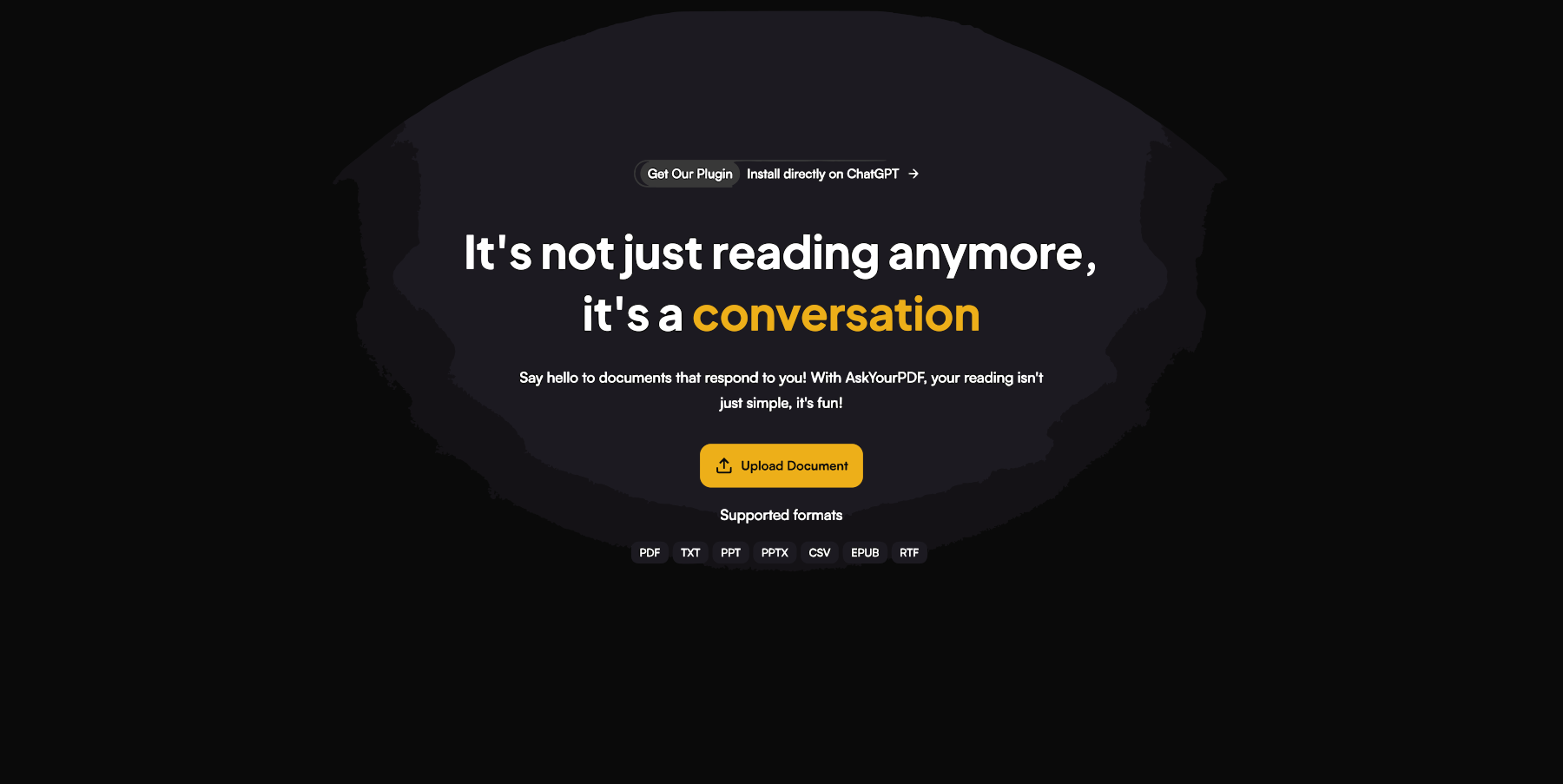
 Chat with any PDF, ask questions, summarize and extract insights effortlessly.OpenThe maximum number of pdf pages for the free tier is 10, which is a bit small. Generally, I think people need this service for pdf documents over 50 pages or so.
 -
I tested the app to summarize a pdf document, however it failed to do its work.
-
 AI spreadsheet & data analyst. 10x your productivity.OpenI use Sourcetable for quick data analysis and visualizations with natural-language queries. I'm working with Excel files and our Postgres database. It feels like an AI analyst built into a spreadsheet for turning raw data into clear reports. (Like ChatGPT + Excel, but better.)
 -
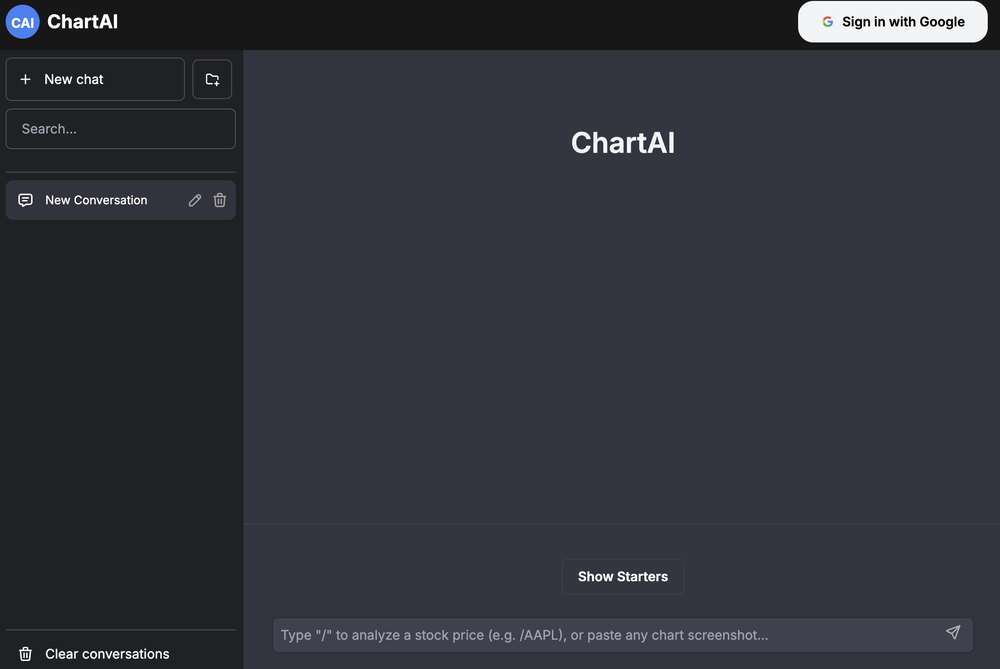
 Make Better Decisions with Data-Driven Charts, Clear Explanations, and Insightful AnalysisOpen
 -
Awesome. Helps me understand myself in simple terms!
-
 Empower your investment strategies with AI signals, option flow data, and advanced chart patterns.OpenOver-priced for what it promises to do. Other AI powered services, at more affordable prices, or cheaper, some with incredible track records and scientists with great track records.
 -
I've been using Basquio as alpha tester and saved around 10 hours a week when doing slides since I started. My team at loamly.ai uses daily now. The depth of the analysis, as specialised agent is really impressive
-
The infographic maker lets you use it once for free without signing in. This infographic maker is simple and easy to use, even more so than Canva or Venngage. However, the available styles and templates are still limited. I hope they add more design options and customization in future updates. Overall, a good choice for quickly creating infographics.
-
 AI infographic generator that turns blog posts into link magnetsOpen
 -
Eh it's ok. You only get one question to test it out and the quality of the info you get in that one message is too lackluster to warrant going back for more, especially if you're into astrology and already know basic stuff. The aesthetic is fine. Some of the buttons are inexplicably disabled and the tooltips conflict with one another on the map, making it irritating to try to interact with the lines rendered on the map.
-
It’s a powerful and intuitive tool that simplifies complex tasks, boosts productivity, and makes managing work smoother than ever. Highly recommended!
-
Amazing app and really easy-to-use! It has all the things I need to create a neat, functional, and clear-cut mindmap.
-
-










































Other tools
-
-
 Your playful pocket-sized paradise for flirtatious AI chats.Open
 -
Hi guys Despite a super complicated start with AI Chat, we can finally say that all processes are working perfectly and are ready for your tests and work. We are sorry that we came to this platform having some bugs in the system. Now everything is working as we intended. One question - many answers from different AI's. Compare and choose further dialogue with the AI you find better. Please feel free to ask or give any feedback about this product. Just one advert I can tell you about AI Chat - we started using it instead of gpt. On a day to day basis. It works. We are getting supermuch feedback and co-launching with ideas on how it can be improved. We are charged up and will update the product until we run out of great ideas for optimisation! Translated with www.DeepL.com/Translator (free version)
-
Just made Ronaldo scream "Siuuuuu" , pretty fun.
- Didn't find the AI you were looking for?
-
Great tool! Had used the Free version initially for research as it is the only tool I found connected to the internet and works. Have subscribed for their Ultra Plan and man! This is just great. Kudos to that Odin!
-
It's a great AI assistant that have made my coding life so much easier.
-
This is a cute little website. Wish there was an Apple Music feature but I still really like it
-
 Open
Open -
Wow, Happy to see a very nice ai Jinnah. He answering me about everything .
-
Not bad, its freemium and the feature is good like private pdf and support OCR
-
I recently started using Napkin AI, and I couldn't be more impressed! This tool is incredibly user-friendly and intuitive, making it easy to generate clear visual representations from text. Moreover, the interface is clean and visually appealing, which enhances the overall user experience. Napkin AI is a fantastic companion. Highly recommended for anyone looking to elevate their creative process!
-
-
Great tool for getting some initial information about your data, especially in the beginning phase when your main goal is to explore your data
-
-
Way better than most Chat with PDF tools I tried
-
I like it. It answers simple questions accurately and by the book. The Ref (reference) page is not usually accurate though. I'll keep you updated on how it responds to complex questions.
-
Doesn't work on a PDF I uploaded. Seems like it just wants to collect (l)users.
-
Highly recommended. It saves a lot of time. Their PDF chat feature is very user-friendly.
-
Btw there’s a promo code “GETDATES” for first month free.
-
Hi! What exactly didn’t you like about it? I think it works fine, maybe a little outdated, but still okay
-
-
Nice interface, but no good at PDF answers, especially tables data.
-
Sharly AI is a total lifesaver at work! When I'm dealing with those super-long documents or reports, Sharly steps up and makes things way more manageable. It's also a big help for my studies, it kicks in to make studying way easier.
-
Great tool. I like their free AI slogan generator. You don't even need to sign up to use it. I made a video on it recently https://youtu.be/ApK-UHMGKDM
-
-
Without a doubt Petal is the most comprehensively helpful ai for analysing, comparing and paraphrasing multiple papers or websites etc. it’s table feature totally rocks for gathering citations and will answer you]r questions in a table containing your choice of docs - it then mines each uploaded doc for answers to your questions. The multi-doc lit review writer it’s very cool once you get the hang of it’s. Honestly, there are so many things to love in this ai - I’m truly surprised it’s isn’t more widely used … it mines your documents thoroughly and finds all kinds of helpful insights. I use it by preference.
-
-
It is a great tool to chat with plenty of documents, including scientific ones. The answers are very accurate.
-
I was just trying to get a quick graph showing population evolution over the last 30 years, didn’t have the dataset ready, so I was hoping the tool could auto-fill something reasonable. But it literally gave me three values. Three?? For 30 years?? What kind of trend can I possibly see with that? If the tool offers to research the data, it should at least offer a full timeline. And when I pasted the data I found, it created a literally bar chart???
-
Says "free during testing," but keeps telling me I have insufficient credits. I also can't seem to find a way to delete my account.
-
 Open
Open -
-
 Turn visions into Parisian watercolor scenes.Open
 -
 Transform ideas into charming stick figure illustrations.Open
 -
 Facilitating profound conversations between the living and departed.Open