Tools 50,423
Mini tools 36,097
Companies 7,163
Tasks 11,171
Jobs 5,238
Events 95
Papers 7,810
Models 1,188
Repos 39,608
Robots 545
Devices 197
Countries 100
Investors 1,885
Collections 13,240
Job openings 341
Requests 1,505
Fundraises 1,896
Deals 410
Characters 23,266
Features 68
Tools 50,423
Tasks 11,171
Models 1,188
Mini tools 36,097
Characters 23,266
Companies 7,163
Requests 1,505
Papers 7,810
Collections 13,240
Fundraises 1,896
Investors 1,885
Countries 100
Repos 39,608
Devices 197
Features 68
Jobs 5,238
Robots 545
Events 95
Deals 410
Tools 50,423
Mini tools 36,097
Companies 7,163
Tasks 11,171
Jobs 5,238
Events 95
Papers 7,810
Models 1,188
Repos 39,608
Robots 545
Devices 197
Countries 100
Investors 1,885
Collections 13,240
Job openings 341
Requests 1,505
Fundraises 1,896
Deals 410
Characters 23,266
Features 68
Tools 50,423
Tasks 11,171
Models 1,188
Mini tools 36,097
Characters 23,266
Companies 7,163
Requests 1,505
Papers 7,810
Collections 13,240
Fundraises 1,896
Investors 1,885
Countries 100
Repos 39,608
Devices 197
Features 68
Jobs 5,238
Robots 545
Events 95
Deals 410
Go to section
Spotlight RealSmileFacial symmetry analysis
#1 website for AI tools.Used by 90M+ humans.
TAAFT Tutorial
Generate image
Tasks
Generate text
Free mode
Trending
Leaderboard
Characters
 Mini tools
New
Featured
Lists
Agents
Requests
Jobs
Map
Newsletter
Starter pack
Free tools
Speech to text
Text translator
Remove background
Settings
Edit profile
My tools
Gallery
Dashboard
Inbox
Get featured
Contact TAAFT
For you
Popular
Job impact index
Most saved
Affiliate program
Submit AI tool
Notification preferences
Glossary
Home
Timeline
My profile
Create tool
Deals
Companies
Models
Robots
Papers
Fundraises
Repositories
Devices
Organizations
Events
Prompt Pack
Merchendise
Credits
APIs
Features
Tools
Countries
Collections
Mini tools
New
Featured
Lists
Agents
Requests
Jobs
Map
Newsletter
Starter pack
Free tools
Speech to text
Text translator
Remove background
Settings
Edit profile
My tools
Gallery
Dashboard
Inbox
Get featured
Contact TAAFT
For you
Popular
Job impact index
Most saved
Affiliate program
Submit AI tool
Notification preferences
Glossary
Home
Timeline
My profile
Create tool
Deals
Companies
Models
Robots
Papers
Fundraises
Repositories
Devices
Organizations
Events
Prompt Pack
Merchendise
Credits
APIs
Features
Tools
Countries
Collections
Mini tools
New
Featured
Lists
Agents
Requests
Jobs
Map
Newsletter
Starter pack
Free tools
Speech to text
Text translator
Remove background
Settings
Edit profile
My tools
Gallery
Dashboard
Inbox
Get featured
Contact TAAFT
For you
Popular
Job impact index
Most saved
Affiliate program
Submit AI tool
Notification preferences
Glossary
Home
Timeline
My profile
Create tool
Deals
Companies
Models
Robots
Papers
Fundraises
Repositories
Devices
Organizations
Events
Prompt Pack
Merchendise
Credits
APIs
Features
Tools
Countries
Collections

▼ Latest
Code editing
Free mode
100% free
Freemium
Free Trial
Featured matches
-
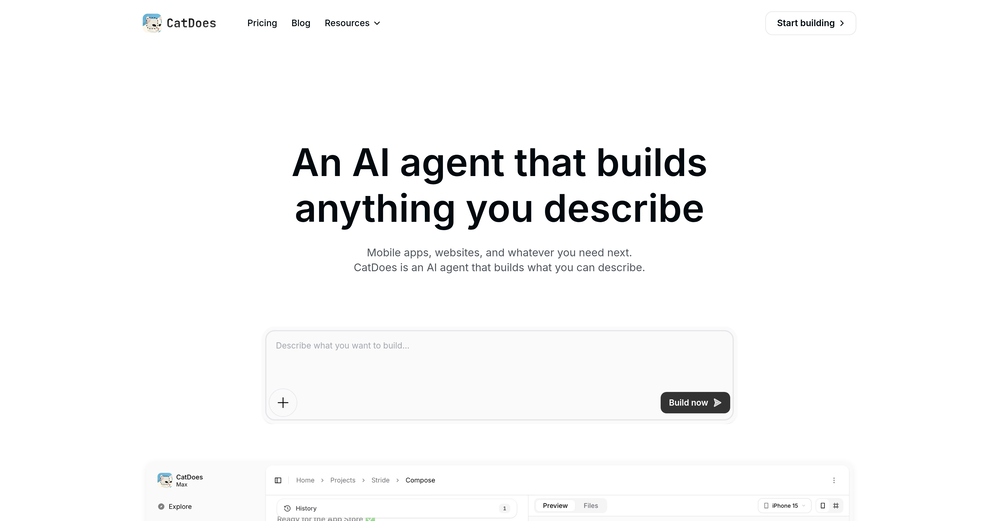
 AI agent for Jupyter: Generate code, run cells with natural language.Open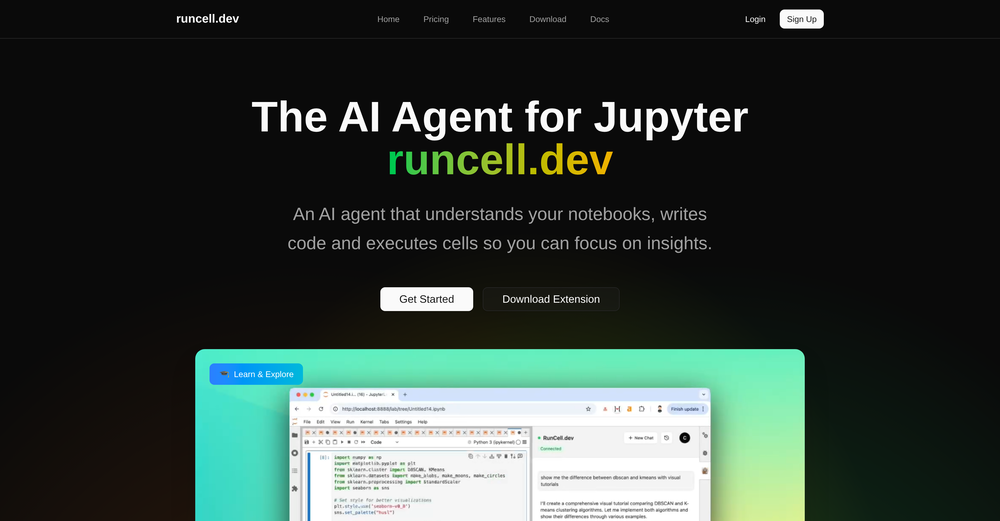
-

 Martin Durant🙏 17 karmaMar 26, 2026@SEOForge.aiImages could be better
 -
-
-
-
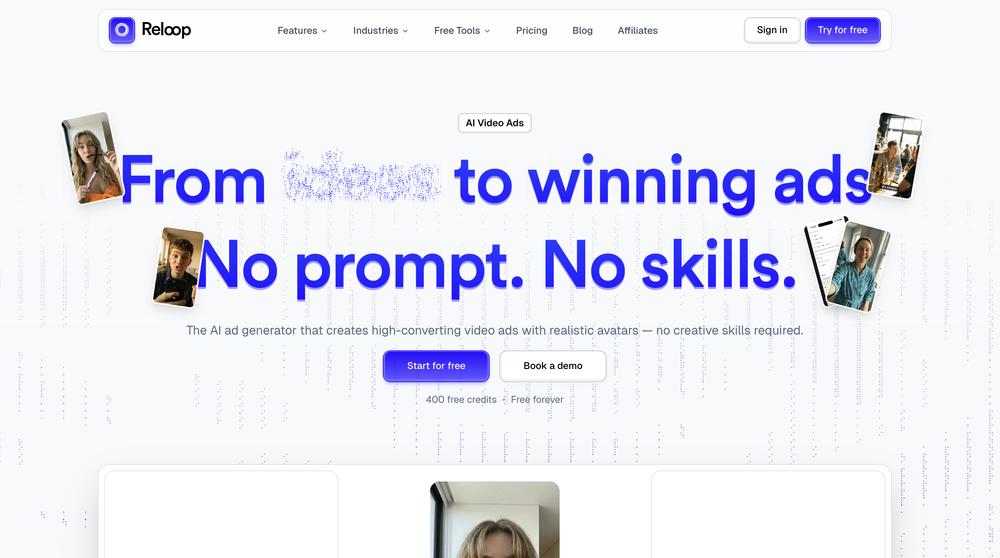 Reloop let's you create and edit ads in different kind of styles, whether you want to promote a product, a service or a tool, you can do it in 3 minutes, by having a convo with an agent. The output and ease of use is great!
 -
-
 Open
Open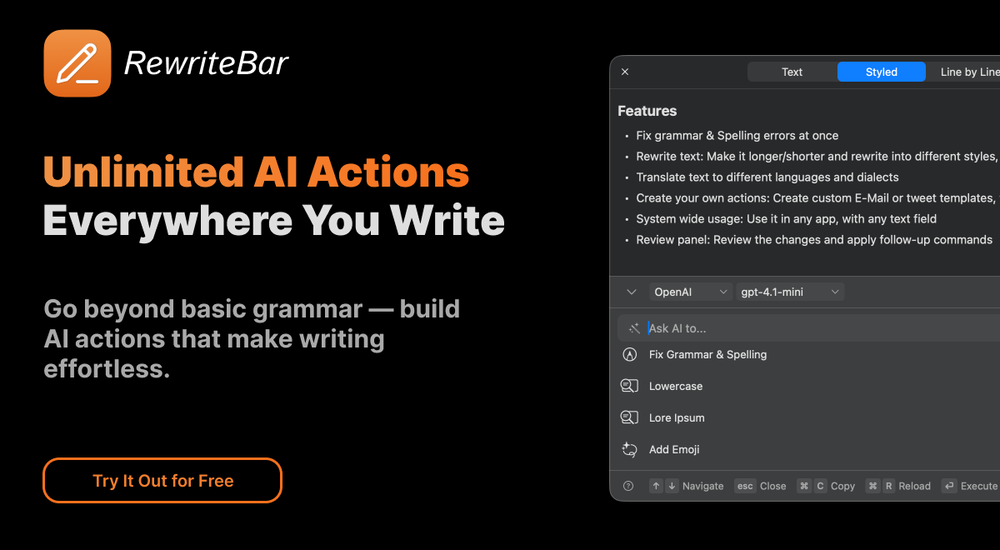
-
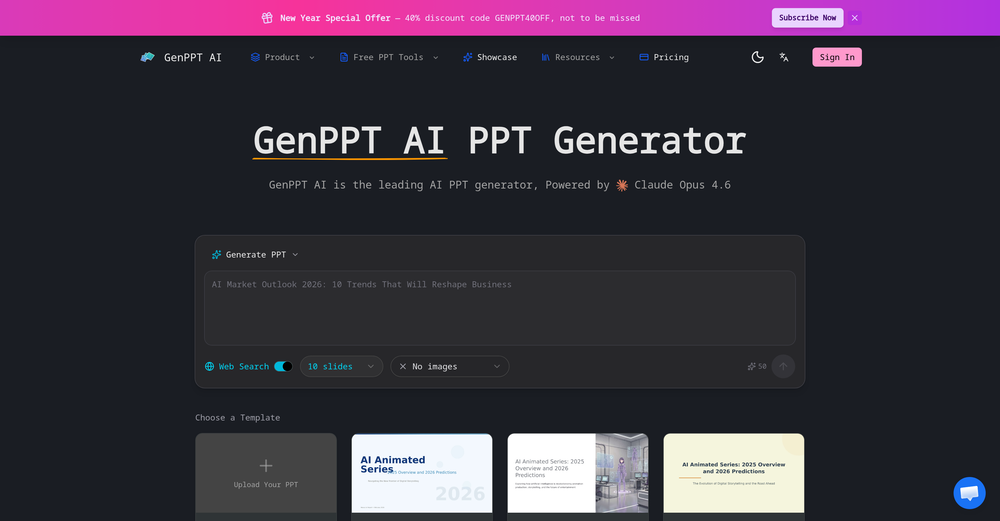 It's a pity I got a red line saying there is an error Actually, after a while, I got an email with the presentation So it was created, delivery was average I'd say, I didn't use it
 -
 Seamless AI video text and subtitle removal with zero blur.Open







Verified tools
-
 Start from real examples. Turn one good clip into a full video.OpenI was surprised by MotionGen's image2 model. I've uploaded a photo and it accurately suggested hairstyle variations I actually loved. Didn't expect that at all.
 - Spotlight
 PUNKU.AIAgents
 -
 Stop guessing if your photo is good. Get instant, objective feedback.Open
 -
Didn't really do the graphs that i thought it would do. Good for simple graphs, like for a presentation
-
 Enhance portraits with AI for stunning detailsOpen
 -
Been using ViralReels.co for a few days and it honestly saves me a ton of time editing shorts. The animated captions look really good, and I can turn one video into multiple Reels and Shorts in minutes.
-
 Open
Open -
High bandwidth way to work with Claude Code and Codex. Has become my main workspace.
-
Well, I use Statuz myself, so maybe I'm biased. The only way to find out is to try it yourself. Let us know here.
-
-
Create and share Mermaid diagrams instantly in your browser
-
 AI documentation that stays fresh and reduces support tickets.Open
 -
 Build AI Mobile & Web Apps - No Code, No Api KeysOpenI built my fitness app and published it to both App Store and Google Play in just 3 days. OnSpace AI handled all the mobile development complexity. I'm now earning from in-app subscriptions.
 -
-
Made writing my first book simple and fast. I turned scattered ideas into a full, professional manuscript in a weekend. The guided flow kept me focused, and the editing felt natural.
-
Six months ago I was building some landing pages and found myself wasting way too much time downloading stock photos, cropping them, resizing, rehosting... the whole thing felt broken. I looked around for a tool that just let me describe the image I wanted and get it in the right format instantly—but nothing really existed. So I built Inliner AI. Now when I need an image, I just write what I want directly into a URL like this: https://img.inliner.ai/my-project/panda-playing-guitar-on-stage_1200x750.png Hit enter and boom Inliner generates an original AI image, intelligently cropped, resized for the web, and served instantly via CDN. Need a quick edit? Just append it to the URL: .../remove-the-guitar_900x750.png No uploads, no UI, no waiting. You can also upload your own products, people, or logos and compose them into generated scenes. For more control, there's a Studio web GUI where you can play with prompts and dimensions and compare variants side by side before committing. Where this gets really powerful is when you show your LLM how to use these URLs. Once it knows the pattern like: https://img.inliner.ai/my-project/xxx-yyy-zzz.png It can generate, tweak, and iterate on image assets dynamically, right inside your prompts or your code. Everything stays self contained in the link. We also include copy/pasteable instructions for Claude, GPT, Cursor, and more so you can wire this up in minutes. If you're building a product, designing a page, or just prototyping something new try it out and let me know what you think!
-
Thank you, if we can help with anything reach out any time!
-
Absolutely love this tool! It helps me apply to jobs so quickly and is so easy to use
-
Amazing app and really easy-to-use! It has all the things I need to create a neat, functional, and clear-cut mindmap.
-
The fact that it's available as a Chrome and Firefox extension makes it super convenient to integrate into my workflow. I love how it not only helps with proofreading and editing but also tracks changes, which is incredibly useful.




























Other tools
-
It's a great AI assistant that have made my coding life so much easier.
-
The tool's quality has dropped significantly over the past three months. The AI is taking three times longer to solve problems and is still making many mistakes. Accuracy has decreased by at least 60%. I had to manually fix everything and stop using the prompt. Unfortunately, it used to work very well for me, but now it no longer does.
-
- Didn't find the AI you were looking for?
-
-
A spotlight-ish and unique design styled app for Mac with support for local LLMs and the major flagship LLM models via API key like OpenAi, Anthropic, xAi, Groq, Google, perplexity and last but not least Deepseek. The UI blends perfectly with the MacOS UI. Has support for keyboard shortcuts. It has Some design decisions adding a touch of uniqueness. You can contextually talk with it, like, with files, audio, and document texts. So far so good.
-
-
Hello! I am writing about an error When using Asc Isaac. It is not the answer that appears, but the text of the HTML code. here is the first half of <!DOCTYPE html> <html> <head> <meta name="viewport" content="width=device-width, initial-scale=1" /> <meta charset="utf-8" /> <title>Server Error</title> <style media="screen"> :root { --bg: hsl(250, 24%, 9%); --fg: hsl(0, 0%, 100%); --pink: hsl(270, 60%, 52%); } html,
-