Go to section
Spotlight SureThing.io - "OpenClaw" for BeginnersTask automation
The front page of AI.Used by 90M+ humans.

Generate image
Tasks
Generate text
Free mode
Trending
Leaderboard
Characters
 Mini tools
New
Featured
Lists
Agents
Requests
Jobs
Map
Newsletter
Starter pack
Free tools
Speech to text
Text translator
Remove background
Settings
Edit profile
My tools
Gallery
Dashboard
Inbox
Get featured
Contact TAAFT
For you
Popular
Job impact index
Most saved
Affiliate program
Submit AI tool
Notification preferences
Glossary
Home
Timeline
My profile
Create tool
Deals
Companies
Models
Robots
Papers
Fundraises
Repositories
Devices
Organizations
Events
Prompt Pack
Merchendise
APIs
Features
Tools
Countries
Collections
Videos
Mini tools
New
Featured
Lists
Agents
Requests
Jobs
Map
Newsletter
Starter pack
Free tools
Speech to text
Text translator
Remove background
Settings
Edit profile
My tools
Gallery
Dashboard
Inbox
Get featured
Contact TAAFT
For you
Popular
Job impact index
Most saved
Affiliate program
Submit AI tool
Notification preferences
Glossary
Home
Timeline
My profile
Create tool
Deals
Companies
Models
Robots
Papers
Fundraises
Repositories
Devices
Organizations
Events
Prompt Pack
Merchendise
APIs
Features
Tools
Countries
Collections
Videos
Mini tools
New
Featured
Lists
Agents
Requests
Jobs
Map
Newsletter
Starter pack
Free tools
Speech to text
Text translator
Remove background
Settings
Edit profile
My tools
Gallery
Dashboard
Inbox
Get featured
Contact TAAFT
For you
Popular
Job impact index
Most saved
Affiliate program
Submit AI tool
Notification preferences
Glossary
Home
Timeline
My profile
Create tool
Deals
Companies
Models
Robots
Papers
Fundraises
Repositories
Devices
Organizations
Events
Prompt Pack
Merchendise
APIs
Features
Tools
Countries
Collections
Videos

▼ Top rated
Code editing
Free mode
100% free
Freemium
Free Trial
Featured matches
-
 Jash🛠️ 1 tool 🙏 3 karmaMay 18, 2026@TryApplyNowHey everyone, I’m the founder of TryApplyNow. It helps job seekers apply faster with AI resume matching, ATS scoring, resume tailoring, recruiter contact discovery, application tracking, and a Chrome extension for faster job applications. We’re improving the product every day and would love feedback from real users. If you’re job hunting, try it out and leave a genuine review. Tell us what helped, what felt confusing, and what you’d like us to improve. Every review helps us build a better product for job seekers 🙏
 -
 AI agent for Jupyter: Generate code, run cells with natural language.Open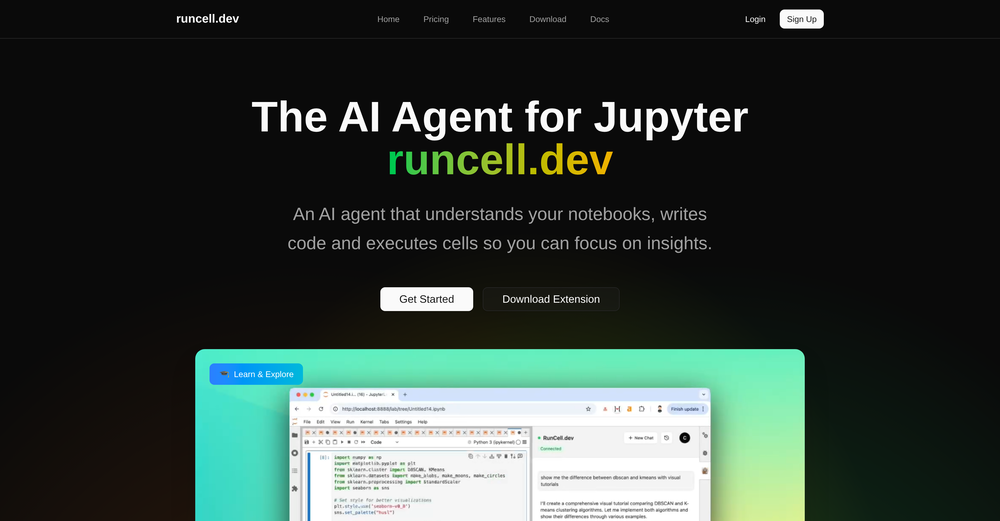
-

-
 Turn scanned or normal PDF invoices into UAE FTA-ready Excel in minutes.Open
-
-
-
-
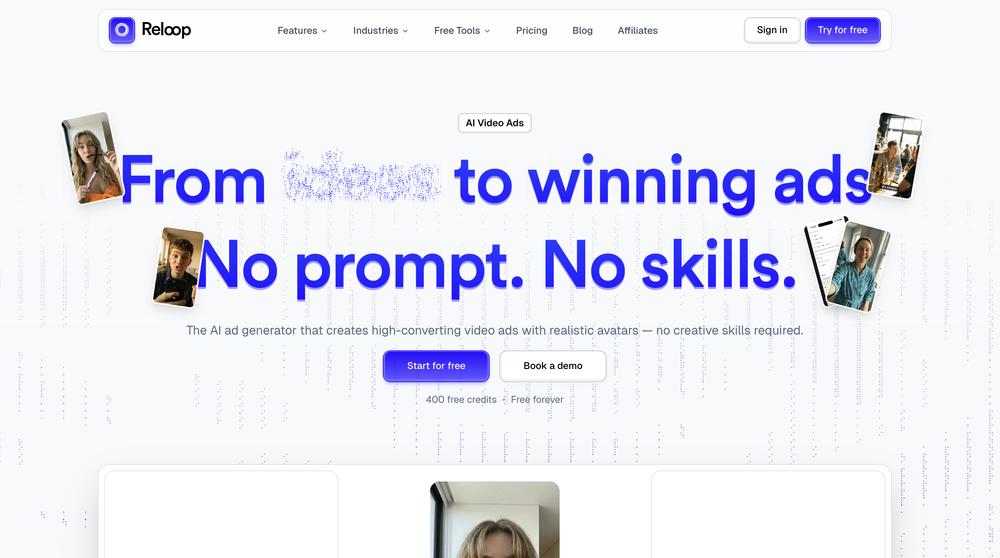 Reloop let's you create and edit ads in different kind of styles, whether you want to promote a product, a service or a tool, you can do it in 3 minutes, by having a convo with an agent. The output and ease of use is great!
 -
-








Other tools
-
 Build AI Mobile & Web Apps - No Code, No Api KeysOpenI built my fitness app and published it to both App Store and Google Play in just 3 days. OnSpace AI handled all the mobile development complexity. I'm now earning from in-app subscriptions.
 - SpotlightSureThing.io - "OpenClaw" for BeginnersTask automation
-
 Open
Open -
Well, I use Statuz myself, so maybe I'm biased. The only way to find out is to try it yourself. Let us know here.
-
Absolutely love this tool! It helps me apply to jobs so quickly and is so easy to use
-
-
It's a great AI assistant that have made my coding life so much easier.
- Didn't find the AI you were looking for?
-
High bandwidth way to work with Claude Code and Codex. Has become my main workspace.
-
A spotlight-ish and unique design styled app for Mac with support for local LLMs and the major flagship LLM models via API key like OpenAi, Anthropic, xAi, Groq, Google, perplexity and last but not least Deepseek. The UI blends perfectly with the MacOS UI. Has support for keyboard shortcuts. It has Some design decisions adding a touch of uniqueness. You can contextually talk with it, like, with files, audio, and document texts. So far so good.
-
-
Since the VSC extension became available, I've been using IDEs just to install the extension and run Claude Code in them. In the peak of my dev frenzy, I was running nine Claude Code instances in three projects on two computers. Cognitive strain was also extreme, but the amount of code and solutions deployed at that time was extreme as well.
-
 Stop guessing if your photo is good. Get instant, objective feedback.Open