 Tendem
 Mini tools
▼ Latest
Create infographic
Free mode
100% free
Freemium
Free Trial
Featured matches
-
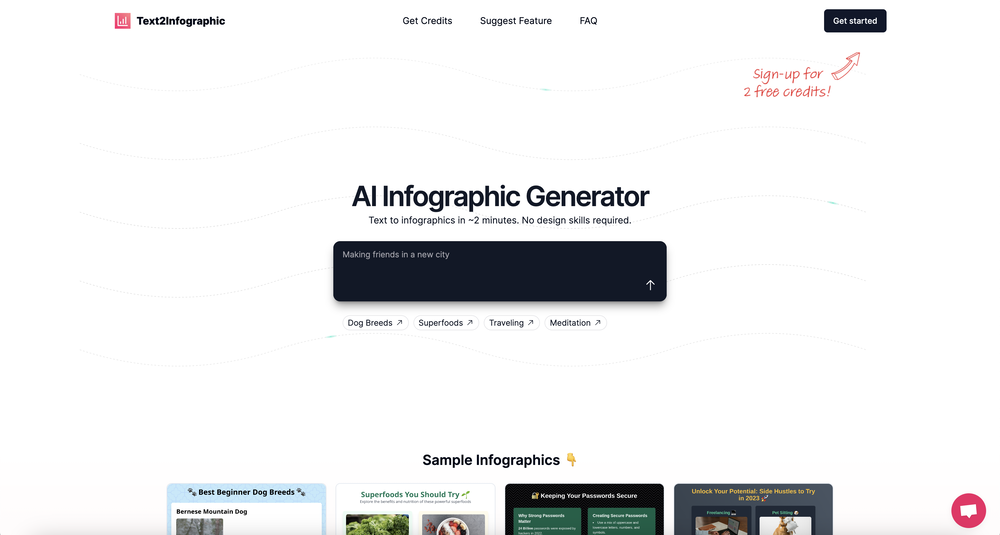 David Parsons🙏 5 karmaJun 15, 2024@Text to InfographicThis definitely has potential. The lack of control over what gets generated is annoying, in particular how it will insert meaningless graphs despite being provided with no data - there needs to be a way of preventing this. However, the fact that you can download the HTML and then edit yourself is a big plus. Unfortunately only having two credits to test it out didn't really give me a chance to find out what it could do.
 -
 I got some free credits to try the app when I signed up, I could create a few great infographics



Verified tools
-
I had to tweak a few things to match my brand style, but overall it saved me a ton of time. Definitely handy if you need something fast and professional-looking.
-
- Spotlight: Tendem (Task automation)
-
Looks promising but found it very slow to load and create templates and previews
-
I felt there is need of more ready made templates. But, it does what it claims. I chose one question suggested by the AI agent, and it created the infographics in few seconds. It's cool. Saving it for future reference.
-
I was not able to produce a logo that would be useful. The output accuracy is behind many other similar ai products. It has potential, but it's not quite there yet.
-
The tool isn't bad for design, especially for the creative part, but very poor with language (French) even when you provide it with all the text
-
A very useful AI slides tool! The content it generates is genuinely smart.
-
Using it on day-to-day basis to create presentations for my real estate clients. It's good.













Other tools
-
It took me less than 20 minutes to create infographic perfection- all the other AI design sites I tried, and I tried them all, weren't able to give me what I wanted in 1 way or another. Outline Ninja helped me create my infographic
-
Is amazing but you can't edit the mind map
-










Post





