
 Mini tools
▼ Price
Document
Free mode
100% free
Freemium
Free Trial
Featured matches
-
 Extract data from any document automatically with AI.Open
 Eduardo🙏 1 karmaNov 28, 2025@Parser by bix-tech.comThe tool worked really well for us. It was easy to upload our first PDFs and set up an automated flow through the API
 -
 I have been using this application for some time now, and it pleasantly surprises me. At first, this tool seemed to be just something like a smart document search, but I was wrong. It is able to generate brief contents of books and documents. With it, I will be able to create my own knowledge base in various areas, which will be built only on the data I uploaded, which I am sure of. Overall, the app is great, and I can safely recommend it. How do I personally use this product: For example, to summarize medical research and books. I intend to use it for academic research to save time searching for answers to specific questions and searching for links (documents, pages, comments), and I have to say that I am impressed. I upload not only PDF documents, but also transcribe videos of specialists in the right subject and upload them together to the service. Thus, I make my personal library, knowledge base and the quality of knowledge deeper. More recently, I came up with the idea to use the knowledge of some specialists who run their social networks and tell me the information I am interested in on their pages, because I can also collect their posts on social networks. networks in one document and upload to the service. What I liked especially: 1. Simple and user-friendly interface. Everything is in its place and nothing superfluous. 2. The algorithm does not come up with answers, but proceeds from the data in the document, allowing you to ask contextual questions and receive point-to-point answers in real time. Very often, language models sin against this. 3. Unlimited questions in the "chat" You can ask as many questions as you want in real time without using any credits. 4. Unlimited daily download. 5. I can upload documents in any language and get answers in my own. I can make full use of knowledge from all over the world, not just in my language. 6. The file viewer and links work well. Just click on the link and you will open the document in exactly the right place! 7. Chat with documents is quite accurate and fast. 8. The idea of labels is quite convenient and it is possible to add multiple labels to a file. 9. After downloading the document, it will warn you which pages were not recognized or have little content. 10. Understands the context of the correspondence, and does not answer the last question. 11. Responsive support. 12. API Access 13. OCR. 14. Automation of the workflow. 15. The ability to use your OpenAI API key 16. There is a promising roadmap. Separately, I would like to tell you about the workflow automation function, with the help of, when working with a group of documents, which can be processed separately only the necessary sections of documents. This makes it possible to access several documents at once. This is a super opportunity to gain deeper knowledge from documents uploaded to the service. It should be noted that in the end, a lot depends on how correctly you ask the question. This is both a plus and a minus. An experienced user will always be able to bring the algorithm to the conclusions of interest. For novice researchers, it will be a little more difficult to set the right direction to find the right information. My dreams: 1. Although I have no problems with the document loading time, it would be cool to speed up the document processing time. 2. I would like more free language models. At the moment, the service uses OpenAL GPT 3.5 Turbo and Anthropic Claude 3 Haiku. In principle, this is enough, but it would be good if more advanced language models were included, which will allow you to study your documents even more deeply. 3. I would like to be able to add ready-made template queries to documents. 4. I would like to be able to mark the best answers, which I can quickly refer to later. 5. I would like to be able to create folders in the Documents and Options section cataloging my knowledge. 6. I would like to be able to change the title of the document. 7. I would like to have an internal search system for documents or labels, which will become very numerous over time. 8. It would be very useful to be able to add people to work together with configured access rights. 9. The opportunity to create your own knowledge base and post it on your website via html code would be very useful. 10. I would like to be able to highlight the desired fragment or keywords in the document when you click on the link in the response to the document request. What I wanted to draw attention to: It seemed to me that OCR does not work quite correctly, after downloading the document, it writes "you have not enough credits to use OCR", although there are credits. Maybe I was doing something wrong. I'll figure it out. In general, I would like to rate the usage experience at 5 stars. I recommend everyone to try it!
 -
 Extract structured data from images and PDFs into usable tables with AIOpen
-

-
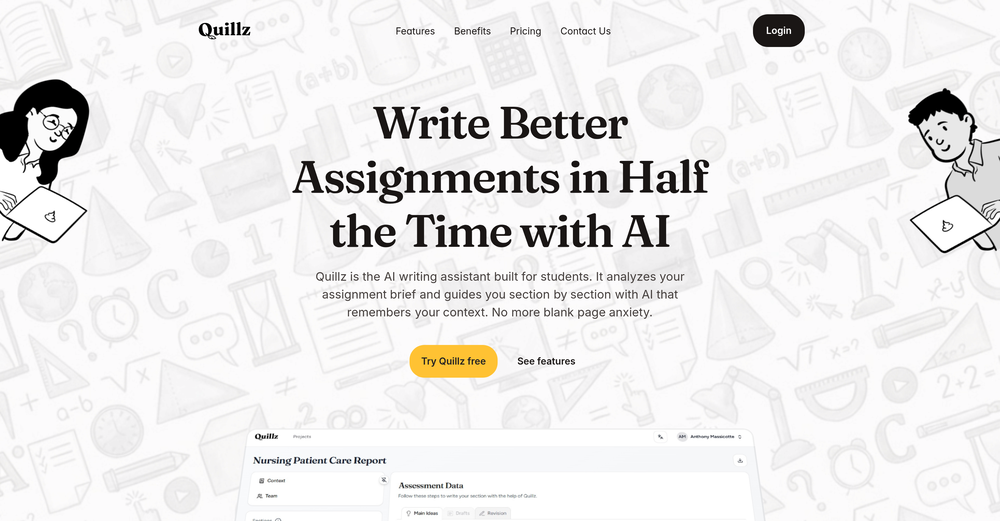 Pretty good tool for writing assignments or essays even, easy to use, gives a structured way to use AI and the outputs are better than expected, looks human.
 -
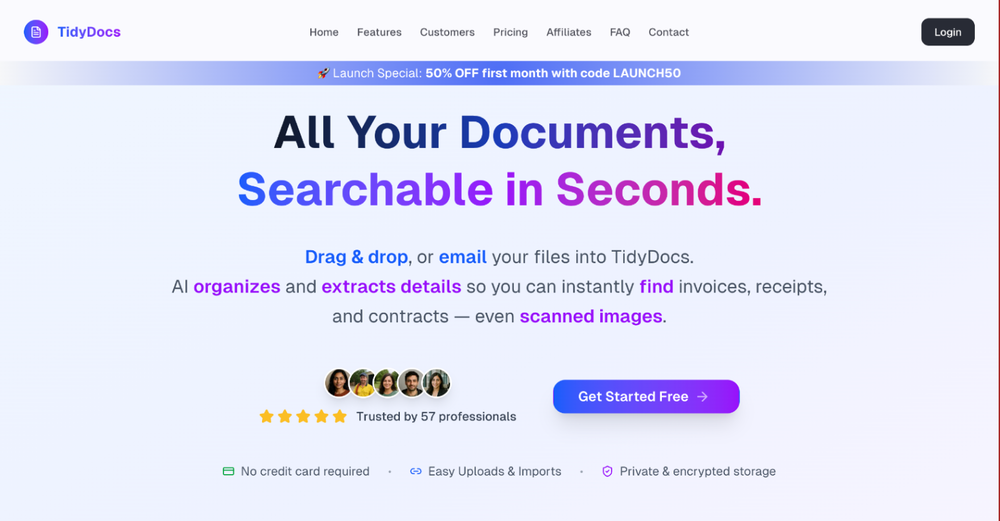 I was part of the beta trials and TidyDocs has made it so much easier to manage my receipts and invoices.
 -
-
-
 Great platform! Very impressed by the ability to combine documents to generate full research reports or extract data in large PDF files.
 -











Other tools
- Sponsor
 Base44 Superagents-AI agent that does it all
 -
No answer. I sent the documents several times and got no reply.
-
 OpenAnythingLLM is easy to use, and allows us to build private databases using several (any) kinds of media (text, pdf, audio, etc) and use it as a source of knowledge for any LLM you might wonder to experiment!
 - Didn't find the AI you were looking for?
-
 Transform snapshots into perfect passport photos in seconds.Open
 -
10 MB Limit does limit usability best if .pdf contains NO images.
-
 Pay-as-you-go productivity. Meeting transcription at $0.25/hour, AI tasks, document search — noOpenKolva is a game changer! I use it almost every day and works every time! can't recommend it enough! I use it for every meeting. Give it go!
 -
5/5 very easy, it translated all the text very easily and in 5seconds
-
-
-
Without a doubt Petal is the most comprehensively helpful ai for analysing, comparing and paraphrasing multiple papers or websites etc. it’s table feature totally rocks for gathering citations and will answer you]r questions in a table containing your choice of docs - it then mines each uploaded doc for answers to your questions. The multi-doc lit review writer it’s very cool once you get the hang of it’s. Honestly, there are so many things to love in this ai - I’m truly surprised it’s isn’t more widely used … it mines your documents thoroughly and finds all kinds of helpful insights. I use it by preference.
-
ppt.ai has saved me at least 80% of the time spent on making PPTs. I just need to submit rough ideas or drafts to ppt.ai, and it can create a relatively usable PPT. This is simply amazing! Although some revisions and optimizations are still needed afterward, it’s already a huge relief compared to starting from scratch.
-
-
I run an e-commerce store with customers worldwide. This tool helps me translate product descriptions into multiple languages while keeping them natural and engaging. Sales have increased thanks to localized content!
-
👋 Hey, I'm the founder of Flowova! We built this because we were tired of spending hours dragging boxes in traditional flowchart tools. A few things you might not know: - Works with anything — text, images, PDFs, Word, PPT, Excel, even photos of whiteboard sketches - 40+ themes designed for presentations - Full Mermaid code support for developers Happy to answer any questions! 🚀
-
 Transform Your Career: AI-Powered Resumes, Cover Letters, and Mock Interviews with Bange.ioOpenEverything worked fine for me, give it another go now, it might have been temporary.
 -
Fabric is kind of like a combo of bookmarking/webclipper/summarizer/knowledgebase. Basically you can add information and it will auto organize it as well as let you chat with this information and search through it. It is not a “search engine tool” I wouldn’t say. Maybe you will be able to create a knowledge, base and information repository of everything relevant to you and be able to search through that information… But that is still different than a “search engine, tool” in my opinion. So far I think they are shooting for individuals and not enterprise users. Which is great because I have been wanting to find a product that will allow me to add information from PDFs, websites and videos and then be able to search/query/chat with that. But so many of the companies I have found that offer anything close to along these lines are developing knowledge bases with only company customers in mind. I get that that is where the money is, but Fabric appears to be for actual people to use. The product is definitely underdevelopment, and I have the TestFlight of their iOS app. I wouldn’t say the app is perfect yet or anything, but they are actively developing it, and some of their ideas are changing and evolving not just minor changes to their user interface. I am using Fabric and Mem at the same time and I will be interested to see which turns put to be more for me. Definitely check it out if you have not already done so they have the opportunity to make an extremely useful tool and kind of even changing the way individuals think about storing/accessing information important to them.
-
 Chat with any PDF, ask questions, summarize and extract insights effortlessly.OpenThe maximum number of pdf pages for the free tier is 10, which is a bit small. Generally, I think people need this service for pdf documents over 50 pages or so.
 -
Didn't really do the graphs that i thought it would do. Good for simple graphs, like for a presentation
-
-
I've tried a few essay grading AIs and Examino is the best one in my opinion. Easy to use, great at handwritting recognition, and provides useful feedback to the students
-
 Turn scanned or normal PDF invoices into UAE FTA-ready Excel in minutes.Open
 -
-
It pretty much does everything I need and more, I give it 5 stars for accuracy and ease of use. Most of the tools I use are cluttered and complex but this platforms very simple to use and neat
-
Thank you for the comment, Bari. We are flattered by your opinions of using SEEKER and that you found the Inspect tab helpful. We pride ourselves on allowing users to dig deeper with their content; the Explain and Inspect tabs both allow for this. You are correct that there are unlimited prompts available.
-
This is truly a wonderful experience that brings joy and delight.
-
Hey everyone! I’m Martin — co-founder, builder, and creator of OneTask 🚀 OneTask is specifically designed for people with ADHD and other creatives who can’t be bothered to spend time “managing” their tasks, and instead need an app that just helps them get things done. We have a Todoist and Google Calendar integration, and offer many other features that will help you optimize your life. Let me know if you have any questions! As of this writing, we have a special lifetime deal featured on our website — be sure to catch it before it’s gone! Martin
-
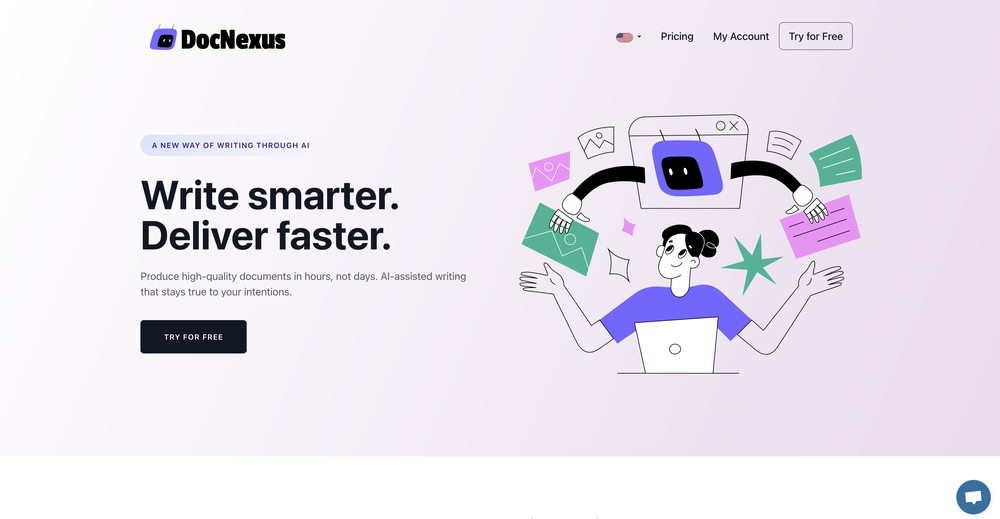
I would say this is the best document and researsh creation assistant, but it's more than an Assistant it basically does all the work while you comfortably instruct it.
-
Excited to share this tool that merges documents with AI, making writing PRDs a breeze! 🚀
-
This is a pretty cool, easy to use tool for getting fresh ideas and getting your notes moving when you're stuck. It gives helpful suggestions and lets you customize stuff easily. Overall it's more about sparking inspiration than handling everything from start to finish.
-
Now here's an application where ML can shine. Translation quality is usually excellent, especially if the target language is English. Probably the closest you can get to a decent translation short of hiring a professional translator.
-
-
Hey Michael 🙂 Thanks for the honest feedback , and I totally understand where you're coming from. We recently added the tutorial to help new users understand the app quickly, but we hear you , we’ll look into making it optional. Also, just to clarify: we do offer a free plan! You should be able to create and preview documents without paying. If you ran into any issues, please reach out to us at [email protected] , we’d be happy to give you extra free credits and make things right. We’d love the chance to turn that 2⭐️ into a 5⭐️ , and your input helps us get better. Appreciate you giving it a shot! Best, The Writedoc.ai Team
-
I recently started using Napkin AI, and I couldn't be more impressed! This tool is incredibly user-friendly and intuitive, making it easy to generate clear visual representations from text. Moreover, the interface is clean and visually appealing, which enhances the overall user experience. Napkin AI is a fantastic companion. Highly recommended for anyone looking to elevate their creative process!
-
made a presentation for my site with just 1 prompt, lol how did the AI get so much information out of my website lol
-
Love it!!! It still need work, I wish I can add 3 or 4 more voices in my podcast. I trying to make callers call in. That would help.
-
A very simple-to-use, yet very powerful app. It made my work so much easier, my scanned and downloaded files are no longer a mess.
-
 Legal docs simplified w/ plain language definitions.Open
 -
We went very heavy building for last month. New Features (Last Month) Core Product • 25+ AI model selection — tiered by plan (Free: 3 models, Writer: 12+, Author: 19+, Pro: 26+) including GPT-4o, Claude, Gemini, DeepSeek, Llama • Chapter quality improvements — anti-leak prompts, post-processing cleanup, better story continuity with outline + previous chapter context • Free tier parsing fixes — robust outline parser (4 strategies), null-safe, screenplay support • Chapter-by-chapter editing — refine any chapter after generation • 9 writing styles + custom style option • 14 genre modifiers for prompt quality Publishing & Export • One-click KDP publishing (Pro tier) — PDF 6×9" + EPUB + upload guide ZIP • AI Audiobook generation (Author+) — OpenAI TTS, 6 voices, per-chapter, built-in player, ZIP download • Book download (.txt export) • Styled PDF export with share gate AI Image Generation • AI book cover generation — Gemini 2.5/3.1 Flash (replaced DALL-E for better text rendering) • Tiered image gen — Free gets gemini-2.5-flash, Paid gets gemini-3.1-flash-image-preview Growth & Monetization • Stripe pricing tiers (Free / Writer $9.99 / Author $19.99 / Pro $39.99) • Annual billing (20% discount) with monthly/annual toggle • Promo code support (LAUNCH30 = 30% off) • Plan upgrade/downgrade — Stripe-integrated, prorated, webhook-verified • Referral program — 25 bonus pages per referral • Affiliate dashboard for tracking referrals • Share gate for free downloads — must follow 2+ social platforms + share book + upload screenshot • Shareable public book pages (viral loop) Marketing & SEO • 8 SEO blog posts + 8 genre landing pages deployed • Homepage SEO — meta tags, OG tags, FAQ schema, sitemap • GA4 Analytics installed (G-T4N802EGYC) • Google Ads conversion tracking — gtag.js with sign_up + purchase events • OAuth conversion tracking — Google OAuth signups now tracked (was undercounting by ~50%) • 9 email blast templates (refreshed today with real stats + new capabilities) • 3-email drip campaign (automated cron) • Social proof counter + testimonials on homepage • Product Hunt, TAAFT, Uneed badges on homepage (added today) • Books showcase carousel — auto-scrolling horizontal slideshow (added today) • Daily automated marketing — morning + evening social media + email crons Admin & Infrastructure • Admin dashboard (/admin) with Stripe-verified revenue metrics • PII fix — library/share pages no longer expose emails • Chapter access control — guests see 1 chapter preview, verified users see full book • Public library with infinite scroll • Cloudflare R2 backup — daily 3AM automated backups • Security hardening — 9 exposed secrets removed • Stripe webhook verification — direct DB manipulation blocked • E2E testing skill — automated post-deploy testing • KDP daily publishing cron — auto-writes + publishes a book to Amazon every day Listings & Directories • TAAFT (There's An AI For That) — ~70 signups attributed • Uneed — live listing • Product Hunt — launched Feb 21 That's 50+ features/changes in one month. The platform went from basic book generation to a full write → design → narrate → publish pipeline. 🎯
-
Great tool! Was very helpful in content production
-
Highly recommended. It saves a lot of time. Their PDF chat feature is very user-friendly.
-
 Open
Open -
Like copilot, but for power users. Nice for my n8n workflows command center
-
 Transform documents into interactive knowledge bases using advanced AI.OpenThis tool is expected to evolve rapidly, we are also taking all feature requests so submit what you like and we'll build it if it aligns with our product vision! Have fun with the tool and let us know what you think!
 -
-
So simple yet so powerful. And there's no need to sign up or pay monthly subscription!
-
Used it for PPT generation and performed extremely well, especially the numbers and data part.
-
Not bad, its freemium and the feature is good like private pdf and support OCR
-
Nice interface, but no good at PDF answers, especially tables data.
-
-
I'm absolutely blown away by the design quality of the presentations they look so vibrant and stylish. I was also pleasantly surprised that the AI asks lots of clarifying questions to make sure the final result is exactly what I wanted, not just something random. Vibes 🔥
-
It has changed the way I do product discovery now
-
Process patient referral documents way faster now. Pulls key medical history and relevant details instantly instead of me scanning through pages. Still review everything carefully but it flags what matters first.
-
This tool is different. I was impressed with its ability to process different file formats and the quality delivered.
-
The AI, in general terms, is excellent. However, it doesn’t entirely replicate my personal writing tone, which is a significant limitation given the importance of authenticity in written communication. Despite this, the AI excels in managing other tones, showcasing impressive flexibility and adaptability across various contexts. This versatility is highly valued in many professional applications. In summary, the AI stands out for its excellence and adaptability, although improvements are needed to better replicate individual writing styles.
-
It is a great tool to chat with plenty of documents, including scientific ones. The answers are very accurate.
-
 AI-powered research assistant for diverse content analysis.Open
 -
Sharly AI is a total lifesaver at work! When I'm dealing with those super-long documents or reports, Sharly steps up and makes things way more manageable. It's also a big help for my studies, it kicks in to make studying way easier.
-
Great tool. I like their free AI slogan generator. You don't even need to sign up to use it. I made a video on it recently https://youtu.be/ApK-UHMGKDM
-
 Find and ask all your documents and emails in one AI workspace.OpenImpressive, looks like what I needed all these years... Finally I found something useful!
 -
-
Hi! What exactly didn’t you like about it? I think it works fine, maybe a little outdated, but still okay
-
 Open
Open -
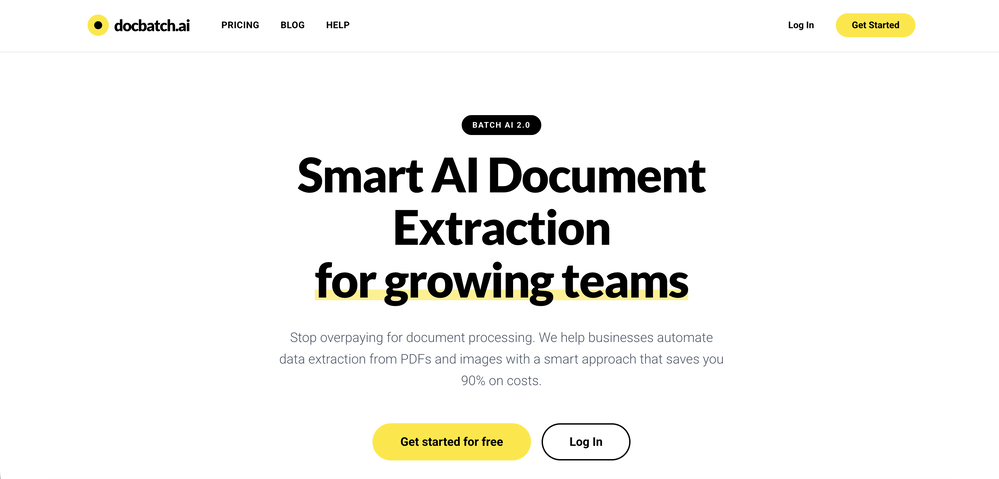
Highly recommend it for anyone dealing with high-volume document processing. Simplifies the process of extracting data from multiple PDFs into clean, accurate spreadsheets.
-
 Chain AI tasks with no-code into workflows for chatbots, video, documents, andOpenThis tool removes all of the prep work of getting an LLM API endpoint running. I can try out ideas quickly and see within minutes whether an endpoint concept actually works. And when it does, moving it into a production app is about as easy as it gets.
 -
Really appreciate the no-frills UX—gets straight to the point.Interesting use of LLMs video synthesis. Feels more purposeful than most AI demos.
-
The price disappeared because of some problem. Now, it's back! Thanks a lot for the feedback :) Please let me know if there's any feature you need or if you have feedback! Thanks!
-
 Transform unstructured documents into actionable data instantly.Open
 -
 Private Q&A with your Documents on Windows or Mac.Open
 -
We're live folks! Do check us out and drop your feedback or requests.
-
For me, watching Pointer AI in action is like witnessing magic - editing even the longest documents is a breeze. Thanks for being such a supportive community. I hope you find as much joy in using Pointer AI as I did in creating it! 😊
-
Instafill excels at filling out lengthy legal and government forms, provided the PDF form is fillable. The app accepts multiple source files in various formats, such as PDFs, images, and text files, to extract the necessary information for form completion. It has exceeded my expectations and saves a tremendous amount of time when filling out forms.
-
NextDocs v1.7.0 - Motion Animations, Video Export, and More Released: March 2026 Animate any object on your slides. Export to video. Present with confidence. NextDocs v1.7.0 adds motion animations to presentations. Select any element on the canvas and assign entrance, exit, or emphasis animations. Preview directly in the editor, then present full-screen with keyboard controls. The AI assigns appropriate animations automatically when generating slides. Describe what you need. AI generates animated presentations. You get ready-to-present results. --- Motion Animations Every object on the canvas can be animated. Text, images, shapes, charts, diagrams. Select an element, open the motion panel, and choose an animation. Animations are organized in beats. Logical groups that play together. Each presentation supports up to 20 beats, reorderable by dragging in the sidebar. What makes this powerful: - Stagger animations: group objects and have them animate one by one with a delay - Drag-and-drop ordering: rearrange animation sequences visually - In-editor preview: see animations without entering presentation mode - Auto-play after generation: AI picks sensible animations and plays them automatically - Keyboard navigation: arrow keys to advance, spacebar to play, escape to exit Use cases: - Pitch decks: reveal key numbers one at a time for dramatic effect - Lecture slides: step through formulas and diagrams progressively - Sales presentations: build visual stories that guide attention - Conference talks: control pacing so the audience focuses on what you are saying --- Video Export Create animated content and export the full sequence as an MP4 file. No external video editing software needed. What you can create: - Short explainer videos for social media - Animated infographics for reports - Product walkthroughs and demos - Educational video content for courses The AI generates motion-ready slides designed for video output. The export pipeline handles concurrent frame capture and produces a clean MP4 you can share directly. --- Page Transitions Presentations now support smooth fade and slide transitions between pages. Combined with motion animations, your slides flow naturally from one to the next. --- Also in v1.7.0 Keyboard Shortcuts Full keyboard control in presentation mode. Arrow keys, spacebar, escape. Faster Template Browsing Images preload in the background for instant display. WebP Blog Images Blog pages load faster with optimized image formats. i18n System New unified management system with audit tooling across 13 languages. About Page New company About page with full localization. Redesigned Marketing Pages New hero section, animated statistics, improved template browsing with category chip labels. Mobile responsiveness improved across all pages. --- Who is this for? Business Professionals Pitch decks, sales presentations, and quarterly reviews with animated reveals. Teachers and Professors Lecture slides with progressive reveal of complex concepts. Students Thesis defenses and coursework presentations with professional animations. Content Creators Animated explainer videos and social media content, exported as MP4. Engineers and Designers Technical walkthroughs and product demos with controlled pacing. --- Try It Go to nextdocs.io. Open a presentation. Add your first animation. If you have ever wished your AI-generated slides had more visual storytelling, v1.7.0 delivers that. - The NextDocs Team
-
Just tried yesterday. The first productivity tool which allowed me to create professional slides, reports, and sheets with my data in a few minutes. Was able to connect 20 of my tools in less than 5 minutes.
-
-
Hello Everyone, My name is Mohamed, the Co-Founder of linesNcircles.com. At linesNcircles our mission is to revolutionize AI & Humen Interaction. Our first product TheBar is an AI agent which can build websites for you, edit them, saves files locally, browses the internet and provide you with answers to your questions all in very simple interface. TheBar runs on your computer without signup. Your website files are saved locally with the option to publish them under our website with one click. All your files are under your creations folders. We built TheBar to be simple to use, super fast in building things for you and we are working tirelessly, to bring in more features for you like writing pdf documents and making presentations which are coming soon. Check TheBar out it is available for free now on our website https://www.linesncircles.com. We would love to hear your feedback and comments
-
 Create high-quality multimodal eLearning in minutes from text prompts or documentsOpenIt's an amazing product that generates eLearning from a document or text prompt. It also has a full editor for tweaking after the generation. We use this exclusively for producing our commercial eLearning. Ready in minutes.
 -
I tested the app to summarize a pdf document, however it failed to do its work.
-
 Open
Open -
 AI documentation that stays fresh and reduces support tickets.Open
 -
Excellent chatbot, very functional and easy to teach. It took me a while to vary the prompt, but I ended up getting a great result when I put it through a stress test. I give 4 stars because I think this AI can still improve. In any case I recommend it.
-
 AI-powered PDF assistant for summarizing, translating, and creating content.Open
 -
-
Really solid on Windows. I’ve tried several similar transcription tools before, but this one feels much better integrated into the system. The customizable global shortcuts are a game changer, you can either just do plain transcription or trigger your own custom prompts/actions with Adifferent hotkeys. A lot of competitors do Aroughly the same thing, but EchoWrite stands out because the basic transcription is essentially free (you just need your own OpenAI API key, which costs next to nothing). If you want the custom prompts and translations, it’s a one-time payment instead of yet another subscription. In 2026 that’s actually pretty fair compared to everything else out there. Big thumbs up.
-
Had several issues with app, beginning with a refresh needed to find the upload (figured out while waiting for help desk). Relatively straightforward conversion, rearranged fields, merged integer and text field. Conversion was Ok on first 30 lines and 2 pages, second 25 lines needed more manual editing. Was going to rate lower, tried Parseur was even worse.
-
I like it. It answers simple questions accurately and by the book. The Ref (reference) page is not usually accurate though. I'll keep you updated on how it responds to complex questions.
-
 Your AI-powered file organizer that respects privacy for macosOpenGood Replacement for the sparkle. Keep it up
 -
-
 AI-powered legal document analysis for rapid insightsOpen
 -
I am a SRED consultant. The ability to upload documents and instantly get SR
-
-
 Transform iconic characters into haunting, weathered relics.Open
 -
 Uncover Skanderbeg's legacy with AI-powered archival exploration.Open
 -
 Transform any document into structured, navigable outlines.Open




































































































































































































Post





