 Rocket
 Mini tools
▼ Top rated
Presentation creation
Free mode
100% free
Freemium
Free Trial
Featured matches
-
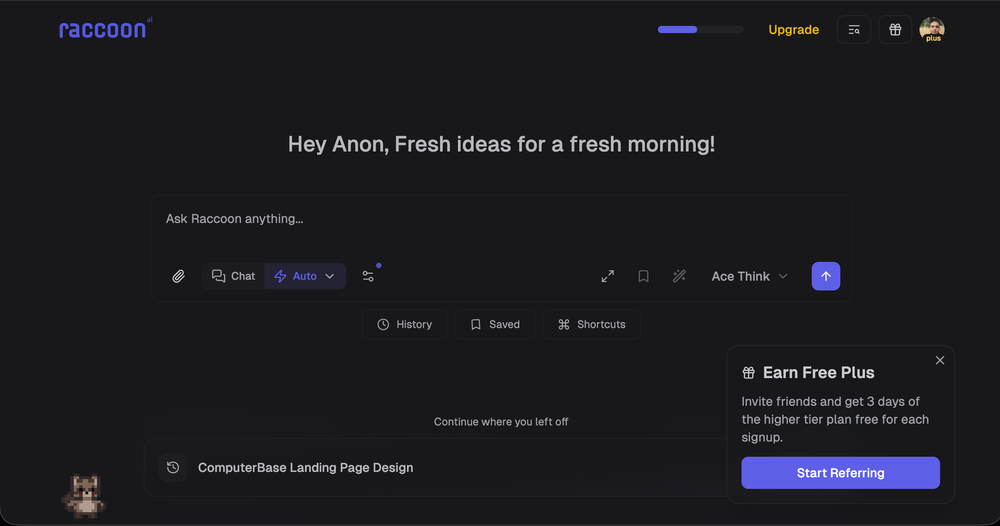
 Shubh Saras🛠️ 1 tool 🙏 11 karmaDec 10, 2025@Raccoon AIWe're live folks! Do check us out and drop your feedback or requests.
 -
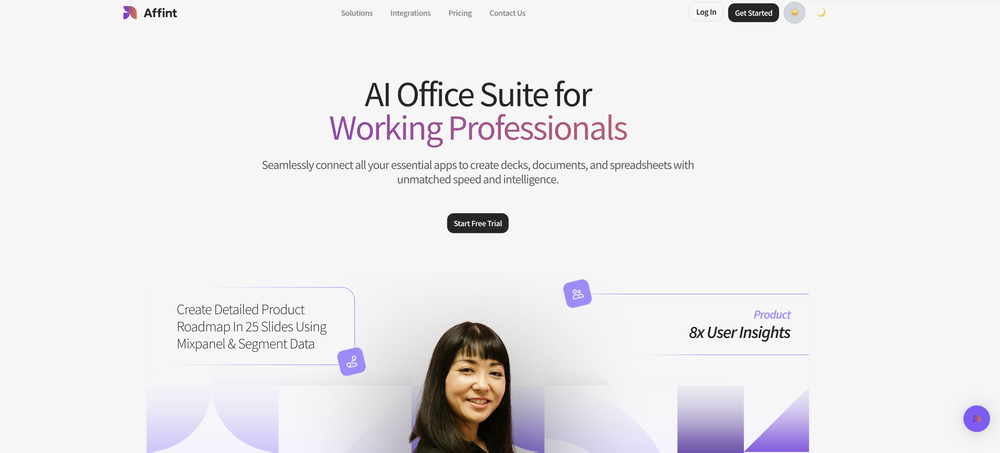 Just tried yesterday. The first productivity tool which allowed me to create professional slides, reports, and sheets with my data in a few minutes. Was able to connect 20 of my tools in less than 5 minutes.
 -
 Create flashcards, quizzes, and study materials instantly.Open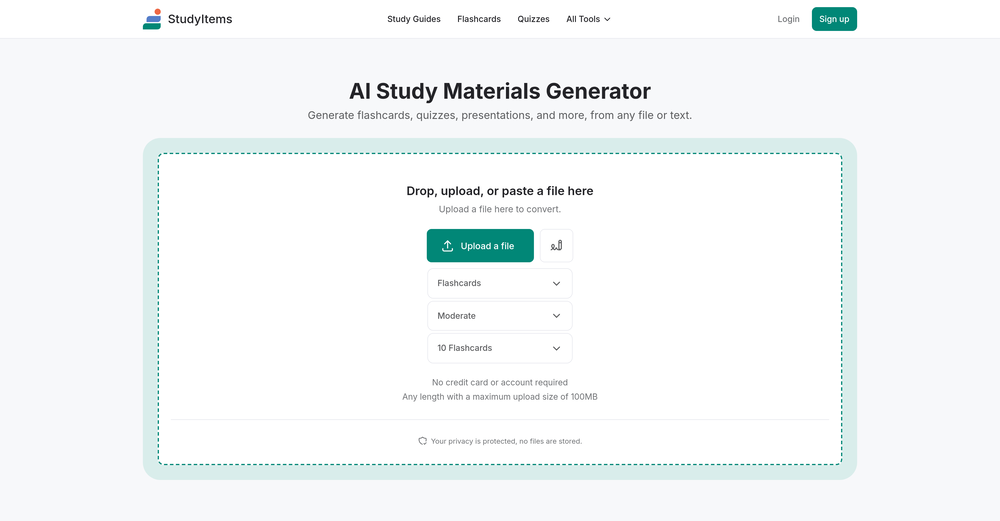
-
-
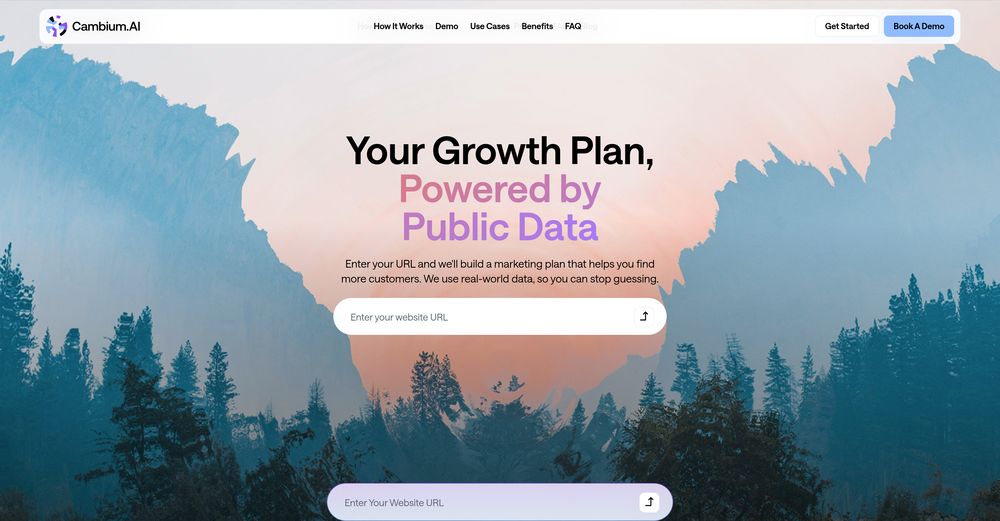
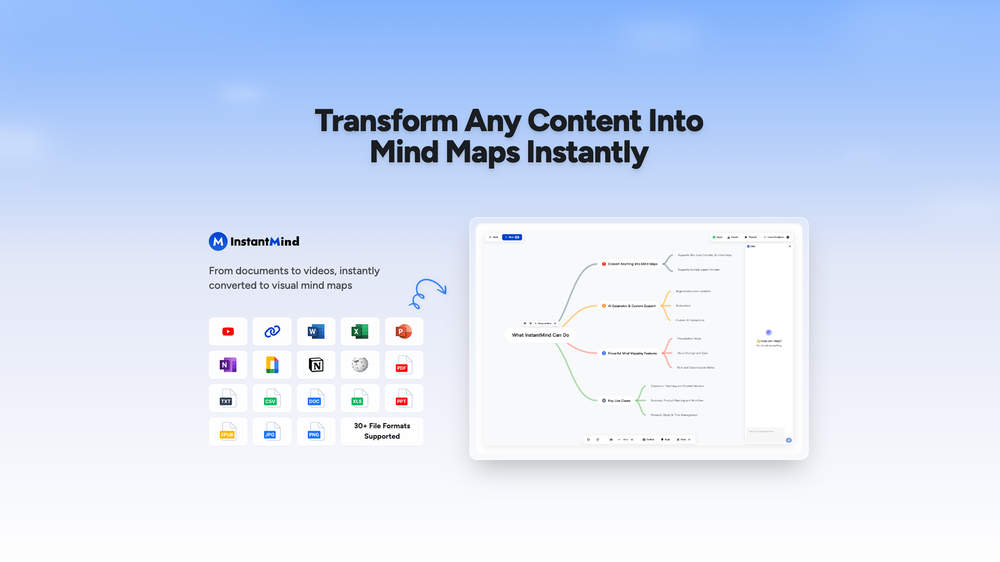 This is truly a wonderful experience that brings joy and delight.
 -
 Build professional, on-brand decks — 10x faster. Inside PowerPoint or online.Open
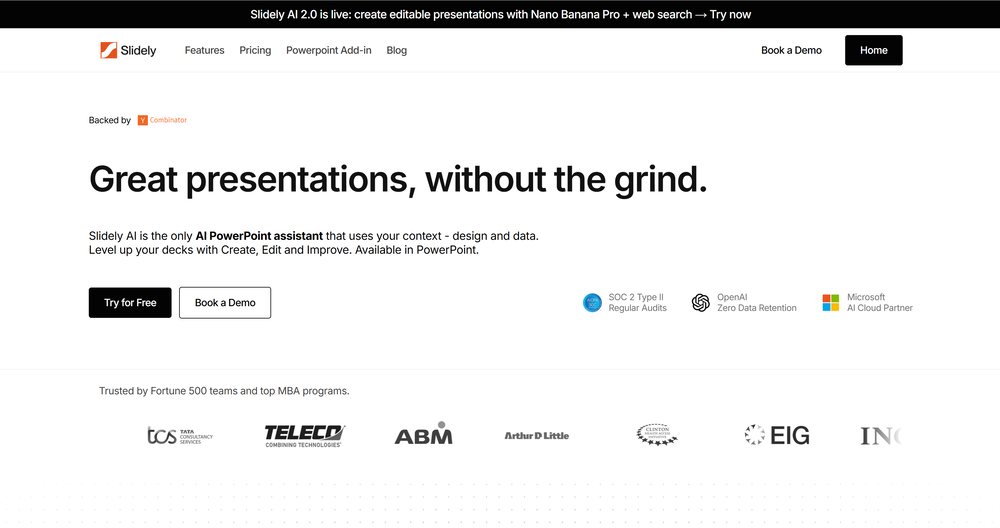 I think Slidely is the only tool that has worked for me when creating my client presentations. The presentations aren't web pages or images like the other tools but actual PowerPoint slides which I really like.
 -
 Says "free during testing," but keeps telling me I have insufficient credits. I also can't seem to find a way to delete my account.
 -
-










Other tools
-
-
-
- Sponsor:Rocket
-
 Supercharge Word with AI-powered writing assistance.OpenAwesome tool! Using it on a daily basis!
 -
Very suprised about this tool. I like the design and the output. Looking forward to the upcoming developments
-
- Didn't find the AI you were looking for?
-
I have been using z.ai for two weeks for web development and it's mind blowing for me. What amaze me more is its capacity to understand my existing code with very little context and suggest -or just write- lot of improvement. I did some test to compare it with ChatGPT, Claude, etc. but the results were no even close. And I keep pushing the limits but it doesn't even blink.
-
I got some free credits to try the app when I signed up, I could create a few great infographics
-
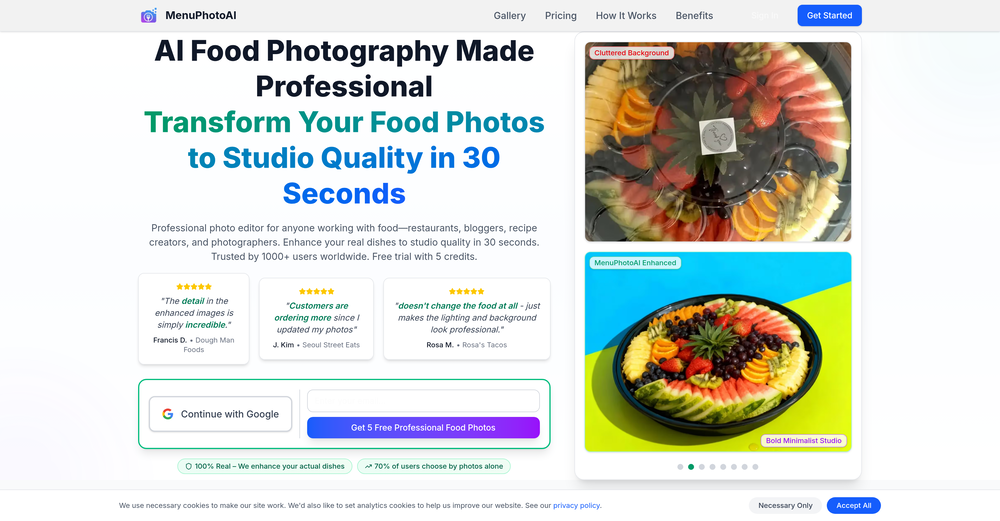
 Transform food ideas into mouthwatering visual masterpieces.Opennot baaad. it turned my prompts into something that actually looked... tasty? def better than i expected for a mini tool like this. good stuff
 -
Generate decks in seconds that are indistinguishable from top consulting firms. Using only verified data and credible sources. Xavier specializes exclusively in business and consulting presentations, unlike general AI presentation tools.
-
Thanks so much ! So glad you’re enjoying it too
-
Makes it easy to get started with a presentation if you have an outline, but as soon as you want more control, you're better off using Google Slides. Gamma's feature that I used the most was image generation - you can select among a variety of models (Ideogram, Flux, DALL-E, but not Midjourney), and it shows 3 variations to choose from. Performance is slow and a little janky, even in Chrome. Prompts and settings are often not respected - e.g. you set it to "preserve text" and just generate slides, and it goes onto dumping an entire 3 paragraphs of text in one slide. You can't overlay text over images (e.g. for image attribution), and there's no precise positioning control, or grouping elements. No way to control table layout, e.g. to have two images slide-by-side in full bleed mode. I tried Gamma for a new presentation, but next time I need to make a presentation, I'll go back to Google Slides and generate images independently.
-
Six months ago I was building some landing pages and found myself wasting way too much time downloading stock photos, cropping them, resizing, rehosting... the whole thing felt broken. I looked around for a tool that just let me describe the image I wanted and get it in the right format instantly—but nothing really existed. So I built Inliner AI. Now when I need an image, I just write what I want directly into a URL like this: https://img.inliner.ai/my-project/panda-playing-guitar-on-stage_1200x750.png Hit enter and boom Inliner generates an original AI image, intelligently cropped, resized for the web, and served instantly via CDN. Need a quick edit? Just append it to the URL: .../remove-the-guitar_900x750.png No uploads, no UI, no waiting. You can also upload your own products, people, or logos and compose them into generated scenes. For more control, there's a Studio web GUI where you can play with prompts and dimensions and compare variants side by side before committing. Where this gets really powerful is when you show your LLM how to use these URLs. Once it knows the pattern like: https://img.inliner.ai/my-project/xxx-yyy-zzz.png It can generate, tweak, and iterate on image assets dynamically, right inside your prompts or your code. Everything stays self contained in the link. We also include copy/pasteable instructions for Claude, GPT, Cursor, and more so you can wire this up in minutes. If you're building a product, designing a page, or just prototyping something new try it out and let me know what you think!


























Post





