Go to section
Sponsor
 MongoDB - Build AI That Scales
🗄️ Database
MongoDB - Build AI That Scales
🗄️ Database
The front page of AI.Used by 90M+ humans.

TAAFT Tutorial
Generate image
Tasks
Generate text
Free mode
Trending
Leaderboard
Characters
 Mini tools
New
Featured
Lists
Agents
Requests
Jobs
Map
Newsletter
Starter pack
Free tools
Speech to text
Text translator
Remove background
Settings
Edit profile
My tools
Gallery
Dashboard
Inbox
Get featured
Contact TAAFT
For you
Popular
Job impact index
Most saved
Affiliate program
Submit AI tool
Notification preferences
Glossary
Home
Timeline
My profile
Create tool
Deals
Companies
Models
Robots
Papers
Fundraises
Repositories
Devices
Organizations
Events
Prompt Pack
Merchendise
Credits
APIs
Features
Tools
Countries
Collections
Mini tools
New
Featured
Lists
Agents
Requests
Jobs
Map
Newsletter
Starter pack
Free tools
Speech to text
Text translator
Remove background
Settings
Edit profile
My tools
Gallery
Dashboard
Inbox
Get featured
Contact TAAFT
For you
Popular
Job impact index
Most saved
Affiliate program
Submit AI tool
Notification preferences
Glossary
Home
Timeline
My profile
Create tool
Deals
Companies
Models
Robots
Papers
Fundraises
Repositories
Devices
Organizations
Events
Prompt Pack
Merchendise
Credits
APIs
Features
Tools
Countries
Collections
Mini tools
New
Featured
Lists
Agents
Requests
Jobs
Map
Newsletter
Starter pack
Free tools
Speech to text
Text translator
Remove background
Settings
Edit profile
My tools
Gallery
Dashboard
Inbox
Get featured
Contact TAAFT
For you
Popular
Job impact index
Most saved
Affiliate program
Submit AI tool
Notification preferences
Glossary
Home
Timeline
My profile
Create tool
Deals
Companies
Models
Robots
Papers
Fundraises
Repositories
Devices
Organizations
Events
Prompt Pack
Merchendise
Credits
APIs
Features
Tools
Countries
Collections

▼ Latest
Productivity tool
Free mode
100% free
Freemium
Free Trial
Featured matches
-
 First General AI Agency. Designed for long-horizon tasks.Open
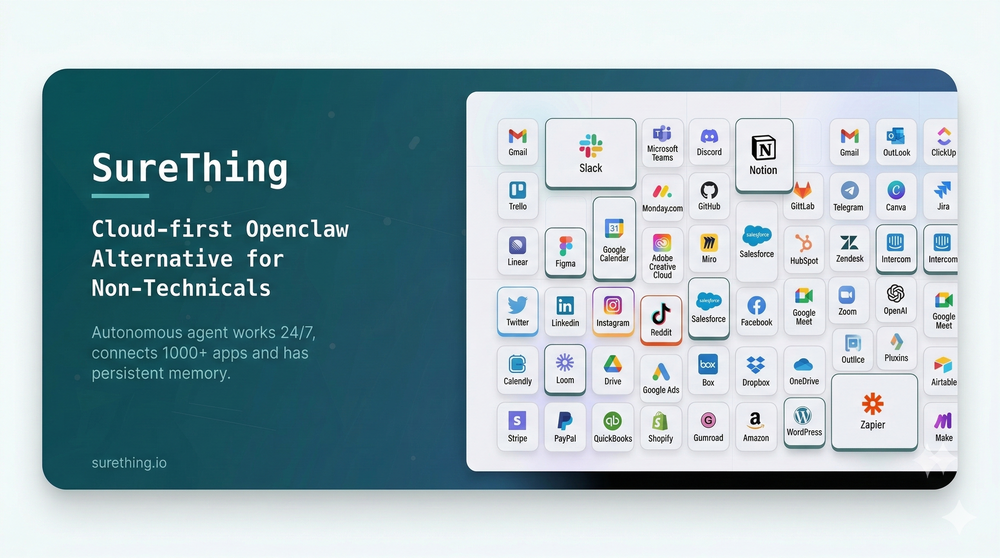 Bonnie🙏 21 karmaMar 5, 2026@SureThing.io - "OpenClaw" for BeginnersI've put about 30-40 hours into SureThing, and it's seriously been a game-changer, basically acting like a virtual COO for my business!
 -

-
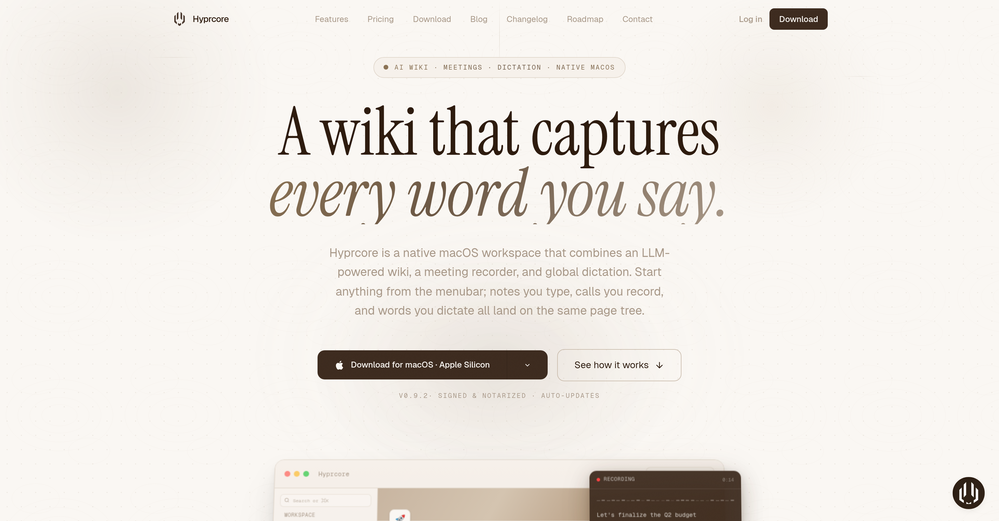 Awesome to use, the dictation really helps out while doing dev work
 -
-
-

-
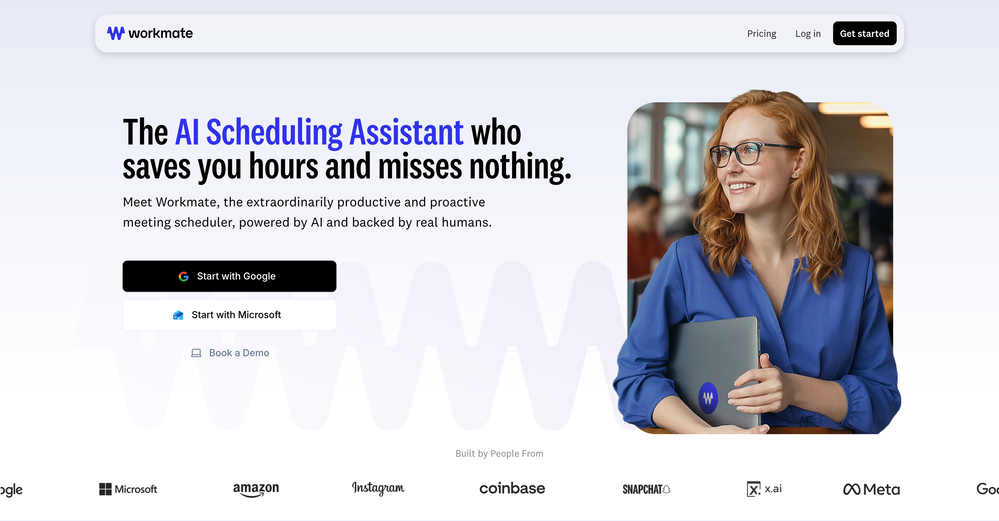 Used this for scheduling my last 3 interviews and honestly forgot how annoying it was before. One company wanted to do 4 rounds and instead of me going back and forth with their HR person a dozen times, Workmate just handled it. Saved me from that weird anxiety of 'did I respond fast enough' or 'is this time actually gonna work.'
 -
 Impressive work from the team at Tented.ai, their approach to AI-driven automation is genuinely next-level.
 -
 Open
Open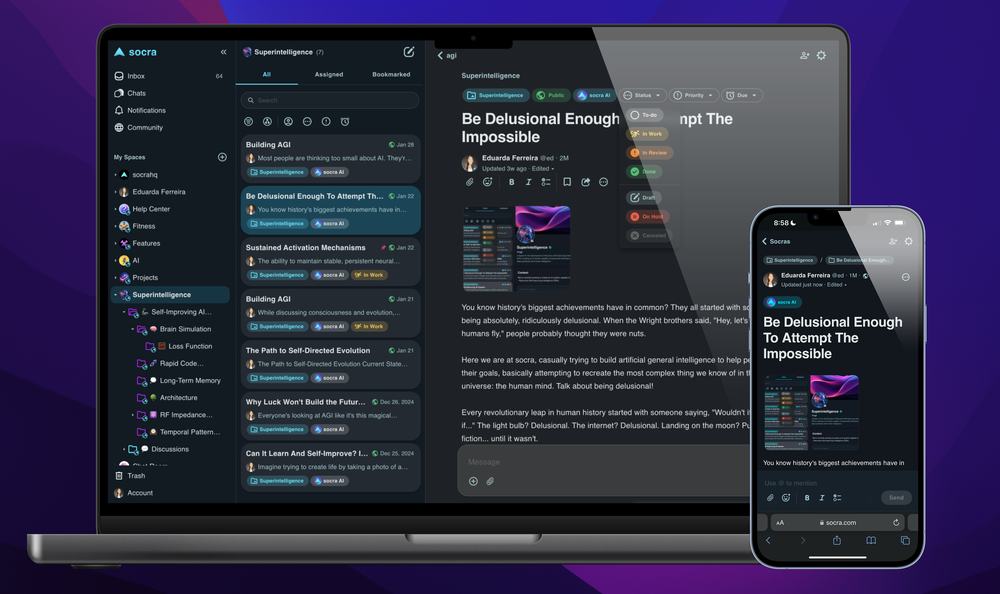
-
 Pay-as-you-go productivity. Meeting transcription at $0.25/hour, AI tasks, document search — noOpen
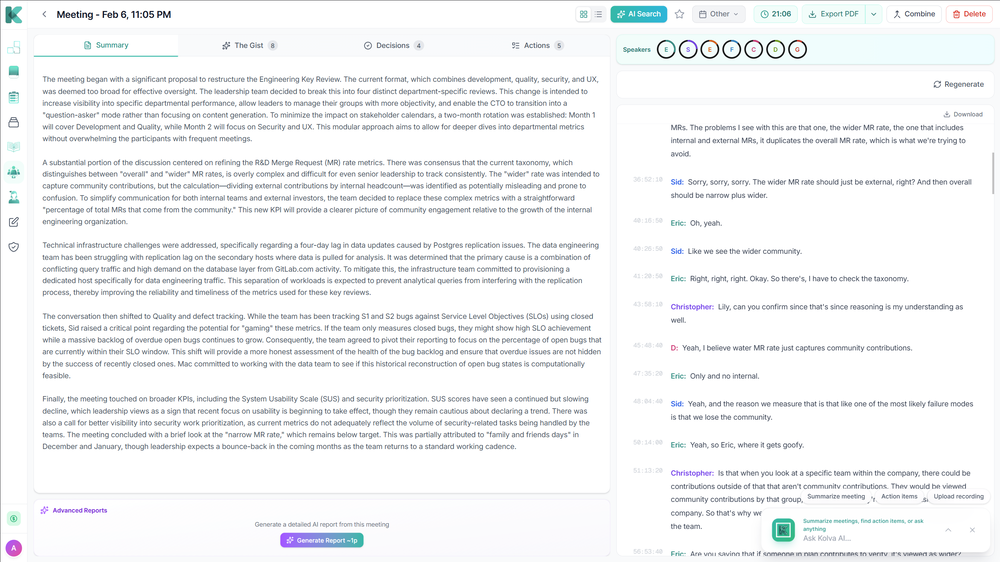 Kolva is a game changer! I use it almost every day and works every time! can't recommend it enough! I use it for every meeting. Give it go!










Verified tools
- SponsorMongoDB - Build AI That Scales🗄️ Database
-
 Create accurate estimates in minutes with AI.Open
 -
-
Great platform! Very impressed by the ability to combine documents to generate full research reports or extract data in large PDF files.
-
Finally, process optimization without the 10k consultant fees" Review: As a small business owner, I've always known we could be more efficient, but hiring a business consultant was way out of budget. Maxee.me changed that completely. What I love: ✅ Takes 60 seconds to get concrete optimization suggestions ✅ Shows actual numbers (% efficiency gain, % revenue increase) ✅ Industry-specific recommendations (not generic advice) ✅ First 3 suggestions free - perfect to test before buying I run a hair salon and got suggestions like "digital booking system" (+18% efficiency) and "product sales at point-of-service" (+18% revenue). Actually implemented them and saw results within 2 weeks! The full analysis (€29.95) is worth it if you're serious about optimization. Way cheaper than any consultant and gives you actionable steps immediately. Only minor con: Currently German-focused, but they're working on English version. Best for: Small businesses (1-50 employees), retail, restaurants, service providers Not for: Large enterprises with existing process management systems
-
Echother is exactly what I was looking for to speed up our meetings. While other tools trap you in $X/month subscriptions for basic transcription, echother does something different, it connects your meeting discussions to your actual codebase and generates Jira tickets with real context. The repo-aware ticket generation cut our sprint refinement time in half because we stopped re-explaining everything. Instead of vague tickets that need clarification later, we get tickets with file references, implementation patterns, and technical context pulled directly from our code. It's saved us 10+ hours per week that used to disappear into coordination overhead. No corporate fluff, just meetings that actually turn into actionable work.
-
Well, what can I say, I managed to create quite a few books quickly and with good quality ;)
-
Use it every day! Best AI support for work
-
 OpenFound this product useful. A great way to add a personal touch to meetings.
 -
Yes, finally a slack tool that does it all. I wonder how safe it is?
-
It just feels seamless when I ask it to generate my Q2 marketing docs and polish my email replies. I mean you don't need to write a long prompt and copy all the Re:Re:Re:Re email to it like other LLMs do. You just give a clear instruction and it gets things done.
-
Most tools in the Upwork ecosystem focus on writing proposals, but the real leverage seems to be speed to apply. Are users mainly winning more jobs because of the alerts, or because of the AI proposals?
-
Hello 👋, I'm Luc, surfmind creator. I built this tool to solve my own problem of getting instant AI assistance on tab without switching tabs and disrupting my flows. I hope you find it just as helpful!
-
I love the idea of how one platform can hold so many features in one place, working so efficiently.
-
-
 Search and chat across multiple developer documentation sources in one place.Open
 -
This started from a small frustration that wouldn't go away: I'd open 12 tabs for "research," skim none of them properly, and close my laptop feeling more behind than when I started. The web rewards reading speed, not reading depth — and I wanted a tool that flipped that. So I built GetTheGists: a Chrome extension that gives you the gist of any page in 3 seconds, then lets you ask follow-up questions like you would a smart friend who already read it. A few things we went out of our way to get right: - Cognitive hierarchy, not walls of text. Every summary is structured as Gist → Why It Matters → Key Takeaways → Implications. Compression before precision. - Ask, don't just read. Hit the page with follow-ups, get answers grounded in the content. - 20 languages, full dark mode, and a resizable side panel that actually respects your screen. What surprised me building this: the hardest part wasn't the AI — it was deciding what not to show. Every iteration was about removing a section, not adding one. It's free to try (Premium and Pro tiers if you want higher limits). I'd love your honest feedback — especially on the summary format and where it falls short on your favorite kind of page. I'll be in the comments all day. Thank you for taking a look 🙏
-
Filex AI seems useful for people dealing with too many documents and scattered files daily. I like tools that make finding and organizing information feel faster instead of turning file management into another chore.
-
Particularly useful in scenarios where human voices are clear but background noise is complex.
-
Been experimenting with KreoGrid for content ideas, and I like how it turns trends into something you can actually publish. Instead of spending hours researching what's working, it helps speed up the process and makes campaign planning feel much more streamlined.
-
Really impressed with Junior.so so far. Having an AI teammate inside Slack that can handle CRM updates and follow-ups without me constantly prompting it feels genuinely useful, especially for small teams juggling sales and ops. Setup was pretty smooth, and the daily reports are a nice bonus.
-
 Open
Open -
-
-
Have been trial running this tool and am very impressed by what I've seen. Would recommend for persons in need of a reliable, cost-effective and SEO optimized writing solution.
-
okay so the timing on when it makes you review is kinda creepy accurate? like it'll pop up right when i'm about to forget something. been using it for bio and actually remembering lecture stuff past the exam for once.
-
As a student juggling classes and deadlines, this tool is a lifesaver. It helps me stay on track without having to manually check everything.
-
 OpenThumbnailCreator lets you generate YouTube Thumbnails using AI! 🚀
 -
-
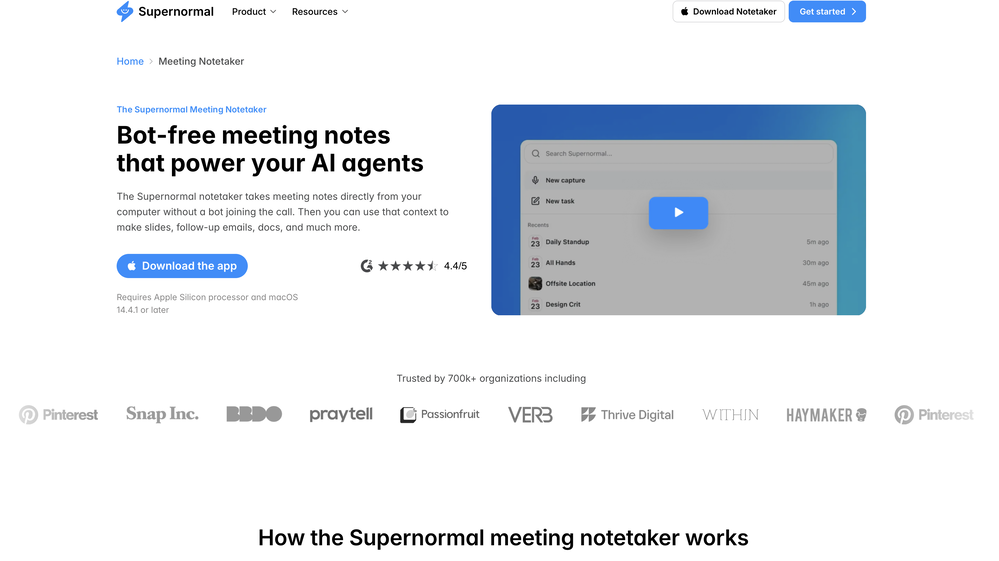
Saves me from rewatching hour-long recordings just to find one decision point. The recap feature is clutch when back-to-back calls pile up and I need to remember who committed to what.
-
Fabric is kind of like a combo of bookmarking/webclipper/summarizer/knowledgebase. Basically you can add information and it will auto organize it as well as let you chat with this information and search through it. It is not a “search engine tool” I wouldn’t say. Maybe you will be able to create a knowledge, base and information repository of everything relevant to you and be able to search through that information… But that is still different than a “search engine, tool” in my opinion. So far I think they are shooting for individuals and not enterprise users. Which is great because I have been wanting to find a product that will allow me to add information from PDFs, websites and videos and then be able to search/query/chat with that. But so many of the companies I have found that offer anything close to along these lines are developing knowledge bases with only company customers in mind. I get that that is where the money is, but Fabric appears to be for actual people to use. The product is definitely underdevelopment, and I have the TestFlight of their iOS app. I wouldn’t say the app is perfect yet or anything, but they are actively developing it, and some of their ideas are changing and evolving not just minor changes to their user interface. I am using Fabric and Mem at the same time and I will be interested to see which turns put to be more for me. Definitely check it out if you have not already done so they have the opportunity to make an extremely useful tool and kind of even changing the way individuals think about storing/accessing information important to them.
-
It pretty much does everything I need and more, I give it 5 stars for accuracy and ease of use. Most of the tools I use are cluttered and complex but this platforms very simple to use and neat
-
Hey everyone! I’m Martin — co-founder, builder, and creator of OneTask 🚀 OneTask is specifically designed for people with ADHD and other creatives who can’t be bothered to spend time “managing” their tasks, and instead need an app that just helps them get things done. We have a Todoist and Google Calendar integration, and offer many other features that will help you optimize your life. Let me know if you have any questions! As of this writing, we have a special lifetime deal featured on our website — be sure to catch it before it’s gone! Martin
-
Relay.app fills the gap between AI and actually using it. It allows you to build your own custom flows and agents, unlocking a level of customisation that was previously only achievable through custom code. It's a game changer, and the free plan is so generous - go try it!
-
-
 Break creative barriers with AI for marketing teams.OpenUnite is amazing! The ultimate tool for marketing teams.
 -
A very simple-to-use, yet very powerful app. It made my work so much easier, my scanned and downloaded files are no longer a mess.
-
I've been using AI Presentations for creating slides for my educational YouTube channel, and it's been really helpful. Usually, making presentation slides takes me a lot of time, especially when covering study topics, but this tool speeds up the process a lot. I like that it gives a good structure for the content and creates clean-looking slides that don't need much editing. It helps me focus more on researching and explaining topics instead of spending hours on design. It's not perfect, and I still make some changes to fit my style, but it saves enough time that it's become part of my regular workflow. For teachers, students, and educational content creators, it's definitely worth trying.
-
 OpenI love this extension, mobile app and desktop software! I use it everyday and everywhere. Generated text are amazing. Well done to the team and continue your incredible work! For me, Voilà is the best AI assistant, copilot and AI writer on the market. I stopped my ChatGPT plus subscription since I discoverer it.
 -
This is truly a wonderful experience that brings joy and delight.
-
 Boost your creativity with AI-powered brainstorming.OpenI can't explain how impressed i am by this. I've seen tools to help you brainstorm ideas, but not one to break your task down into big steps, then little steps for each of these. Plus "games" to help come up with more ideas for your project. I'm excited to use this!
 -
👋 Hey, I'm the founder of Flowova! We built this because we were tired of spending hours dragging boxes in traditional flowchart tools. A few things you might not know: - Works with anything — text, images, PDFs, Word, PPT, Excel, even photos of whiteboard sketches - 40+ themes designed for presentations - Full Mermaid code support for developers Happy to answer any questions! 🚀
-
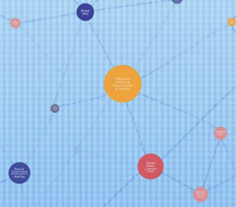 Turn Any Workshop Recording Into a Process Map in 60 SecondsOpenThe fastest way to turn workshop notes and transcripts into process maps and streamlined workflows - Added Leanify Intelligence to review process maps for Lean Six Sigma-style flow issues, evidence gaps, rework, handoffs and decision points. - Improved Level 1 and Level 2 process maps with clearer decision paths, labelled branch outcomes and stronger evidence traceability. - Added smarter evidence-needed handling so weak or unsupported subprocesses are flagged for review instead of being over-mapped. - Improved regeneration and map-quality checks so refreshed maps retain clearer labels, provenance and review status.
 -
 Turn any browser workflow into a polished, AI-narrated video guide in minutes.OpenHey everyone, I’m Evaldas, co-founder of Guideless, the fastest way to turn any browser workflow into a polished, AI-narrated video guide in minutes. No screen recording. No tedious editing. Just turn on the extension, click through your process as you normally would, and instantly get a share-ready guide. We recently shipped a major update: a sleeker UX and new high-quality AI voiceover characters — making guides sound and feel more vibrant than ever. Give Guideless a try and see how effortless creating high-quality tutorials can be 🪄
 -
 Extract Wisdom from Any Link -- 6 AI Models, Haiku 4.5 SynthesizedOpenExtract wisdom from YT, websites, PDFs, any link. Multiple models catch what single perspectives miss. Organized thematically. Honest about uncertainty. Built for understanding, not compression. All feedback welcome!
 -
Used it for PPT generation and performed extremely well, especially the numbers and data part.
-
 AI-powered whiteboard for marketers to create winning content fast.Open
 -
 Your AI Go-To Source: #1 AI Directory and #1 AI NewsletterOpenThere's An AI For That — v2 Release Changelog The front page of AI. TAAFT started as the place to find newly launched AI tools. With v2, it's now the place to track everything happening in AI: the tools, the companies building them, the models shipping, the money moving, and the news breaking. Here's what changed. 1. Our homepage got a full revamp. The homepage isn't just a tool directory anymore. It's a live view of the whole AI landscape. From one screen you can explore and filter across Tools, Companies, Countries, Tasks, Models, Papers, News, Robots, Devices, and the rest of the AI world. Whatever you're looking for, you can get to it straight from the front page. 2. Rows instead of cards We dropped the old three-column card grid for a clean row-based layout. It's more compact, and it shows a lot more at once. Pricing, task, release date, country, and views are all right there, so you can scan and compare without scrolling forever. 3. More than a launch board TAAFT used to be a feed where people launched tools. It still does that, but now there's a lot more underneath. You can dig into the companies behind the tools and filter them by Profitable, Unicorns, AI Native, sector, and more. It's a way to follow the players, not just their products. 4. New sections Companies — Filter every major AI company by valuation, valuation per employee, profitability, and sector. Countries — See which countries lead in AI, who has the biggest market cap, and where investors are putting their money. Tasks — Explore where AI is having the biggest impact, organized by what the tools actually do. Models — Track new models as they drop, who built them, what they do, and whether they're open source. News — Follow what's trending in AI right now, with topic tags, sources, and community voting. Collections — Curated packs of the best AI tools for a specific job, built and shared by the community. Fundraises — Keep up with the money moving in AI. See who just raised, the round, the size, the valuation, and the date, so you always know where the capital is flowing. Investors — Browse the funds and companies backing AI. Sort by total invested, number of investments, type, and country, and see which big rounds they've been part of. Repositories — Track the open source side of AI. See top repos by stars, forks, license, and recent activity, all tied back to the companies behind them. Robots — Follow the hardware. Browse robots by company, category, country, availability, price, and release date, from humanoids to manipulators. Devices — Keep an eye on AI hardware beyond robots: smart glasses, wearables, earbuds, speakers, and more, with availability, price, and what each one is actually for. Papers — Dig into the research behind it all. Browse AI papers by company, with publish dates, authors, venues, and featured picks, plus a link straight to the source. The short version TAAFT isn't just where tools get launched anymore. It's where you keep up with all of AI in one place. Welcome to v2.
 -
Biela now builds full blockchain applications: smart contracts, tokens, marketplaces and more *What's new* Biela has added full blockchain development to its platform. You can now build, test, and deploy smart contract-based applications without writing a single line of code, or ever touching a terminal. The feature runs on EVM (Ethereum Virtual Machine) architecture, making it compatible with Ethereum and all major Layer 2 networks: Base, Arbitrum, Polygon, and others. --- **How it works, technically** When you describe a blockchain project in Biela, the AI generates both the smart contract and the full frontend application around it. From there, the workflow has three stages: **Local testing** Biela spins up a local blockchain node automatically. Transactions are simulated, funds are fake, and nothing touches a real network. You test in a sandboxed environment without any configuration. **Testnet (Sepolia)** When you're ready to share or test with others, Biela generates a crypto wallet for you and funds it with test ETH automatically. No prior wallet required. No faucet visits. No setup. **Mainnet deployment** When you're ready to go live, you connect your own MetaMask wallet, sign the transaction, and deploy to whichever real EVM chain you choose. A few clicks. The project dashboard is environment-aware: inside Biela it auto-connects to your local node; on a deployed version it shows a MetaMask connect button automatically. --- **What that means** → **You want to launch a token** describe it, Biela generates the contract and a full interface around it. Test it with fake funds first, then deploy to Ethereum when ready. → **You want to build an NFT marketplace** describe the mechanics, Biela builds the smart contract and the marketplace UI together. No Solidity knowledge needed. → **You have a startup idea that involves crypto payments or ownership** you can now build and ship an MVP of it without hiring a blockchain developer. → **You want to experiment with Web3 but don't own crypto yet** Biela handles the test wallet and funds for you during development. You only need your own wallet at the very end, when going live. → **You're a developer who wants to move faster** Biela abstracts the setup (local node, deployment scripts, wallet connection logic) so you skip configuration and go straight to building. --- **Why this is different** Most AI tools that touch blockchain help you write Solidity code; you still handle everything else yourself. Biela abstracts the entire pipeline: local environment, testnet infrastructure, wallet management, deployment, and frontend, in one flow. There's no equivalent of this in other no-code or vibecoding platforms today. The blockchain feature is live now at biela.dev. Build faster. Ship smarter. Create without limits.
-
🤖 Autonomous AI Assistant Your AI assistant is now fully agentic — it understands what you want and takes action on its own. It can generate images, rewrite copy, create new pages, and even regenerate your entire website on command. Smarter reasoning means it gets your intent right the first time. 🎨 Smarter Website Designs Now built with the latest AI models for sharper, more modern layouts. Designs are more polished and conversion-focused right out of the gate. 🖐️ Upgraded Live Editor Robust, intuitive pan and zoom for effortless navigation around your canvas. Cleaner, more responsive UI that stays out of your way while you build. 📝 Powerful Form Builder Build custom forms directly in the editor — no workarounds needed. Capture exactly the information you want from your visitors. 🧭 Easy Nav Editor Rebuilt navigation editor with a simple, intuitive UX. Add, reorder, and edit menu items in seconds. 📈 Improved Lead Capture Pipeline A faster, more reliable flow from form submission to organized lead. Never lose an inquiry — every lead lands where it should. 🔍 Built-In SEO Tools Update meta tags and keywords right inside the editor. Help your site rank higher and get found faster — no plugins required.
-
 Your AI presentation agent for instant professional slides.OpenA great AI presentation maker
 -
the founder is cool, definitely a recommendation if you have personal requests and grow the app along with you.
-
Really impressed by the multi-model planning and code review. Having different models collaborate instead of relying on just one actually leads to better decisions. You can feel the difference on more complex tasks.
-
Just tried yesterday. The first productivity tool which allowed me to create professional slides, reports, and sheets with my data in a few minutes. Was able to connect 20 of my tools in less than 5 minutes.
-
Hey this is Tan, I'm the creator of NotesBot. I created this tool because I needed it for my own meetings. After using myself and getting great summarization reviews from my peers, I decided to release it to the public. After release, we realized people were also using it for Dungeons and Dragons, I then added a DnD mode. This tool is non-invasive, very easy to set up, and perfect for meetings. I hope you enjoy using it!
-
Works well and connects with my apps easily. I’m considering using it for daily reports and posts
-
 AI spreadsheet & data analyst. 10x your productivity.OpenI use Sourcetable for quick data analysis and visualizations with natural-language queries. I'm working with Excel files and our Postgres database. It feels like an AI analyst built into a spreadsheet for turning raw data into clear reports. (Like ChatGPT + Excel, but better.)
 -
It’s a fantastic tool that makes collaboration seamless and super productive by bringing AI-powered assistance directly into shared workspaces. Highly recommended!
-
PPT.AI is an outstanding AI-powered presentation tool that has completely transformed my workflow! With just a few clicks, it turns my ideas, documents, or even YouTube links into polished, professional slides in minutes. The platform offers over 800 premium templates and smart editing tools, making customization both powerful and intuitive. I especially appreciate the real-time cloud collaboration and version control features, which make working in teams seamless. Whether you’re a professional, educator, or entrepreneur, PPT.AI saves a tremendous amount of time and ensures every presentation looks visually engaging and consistent. Highly recommended—definitely a five-star experience!
-
 OpenEasily saves me an hour every day - I no longer have to type long winded “professional” sounding email replies to my colleagues, I just speak roughly with minimal effort 👏
 -
Every time i switch to a new mac -> this is the first tool i install
-
Great way to get concrete, organized supervisor-style feedback on papers pre-submission without text generation or ChatGPT-style high-level comments.
-
“AI replies in your voice, not AI’s” is actually such a smart positioning line 👀
-
-
Finally, a productivity tool that doesn't overcomplicate things. Caret's tab-complete works seamlessly across apps — once you get used to it, going back feels impossible. Exactly what macOS was missing.
-
-
-
Maybe making an browser extension to integrate directly into mail clients would be great here :)
-
We see so many use cases like conducting workshops, doing role plays, monetizing the content, etc.
-
 Your AI partner for effortless social media content, planning, and scheduling.OpenI used Simbli.ai as a beta user and found it really useful. The tool helped me save a lot of time by automating repetitive tasks and organizing my workflow better. It feels smooth, fast, and genuinely improves productivity. What I liked most is that Simbli doesn’t just complete tasks — it understands the context and helps plan things in a smarter way. Within a few days, I could clearly see the difference in how I managed my daily work. Overall, it’s a great AI productivity assistant and definitely worth trying if you want to simplify your work and get more done in less time.
 -
Solid hub for socials. Schedules to a lot of platforms in one place with ai post ideas and short-form tools, plus a free tier to try things out. I like the planner and analytics, ui feels busy at first but once you learn the flow it moves fast.
-
-
Made writing my first book simple and fast. I turned scattered ideas into a full, professional manuscript in a weekend. The guided flow kept me focused, and the editing felt natural.
-
It's working very well. AI chat is 100% free, but image and video are not free, though they are still good. You get a few daily credits, but at least you still have some
-
👋 Hey everyone — I’m Yusef, founder of Jamy. We built Jamy because we were tired of wasting time after meetings — rewriting notes, chasing action items, and trying to remember what was actually said. Jamy handles all of that automatically: it joins your calls, transcribes, summarizes, pulls tasks and quotes, and even sends branded follow-ups. It works with Zoom, Google Meet, Teams, and phone calls — and connects with tools like Slack, Trello, and Notion. If you’re curious, give it a spin — jamy.ai. Would love your feedback! — Yusef
-
 AI email co-pilot: Draft, triage, and capture notes effortlessly.OpenGreat tool! Look forward to trying!
 -
Hoox app is a very easy and simple app to navigate and generate your script video for social media. My experience so far has been top-notch and the customer service in the name of Alan Hoox is always pronto to assist whenever needed. I recommend it for anyone that want to create a faceless youtube Ai without editing, selecting or mixing all you details. All you need is just drop your script and wellah your video is ready .
-
I’ve been playing with cogmi for a week and it’s really cool what insights it’s giving me about performance. Usually I don’t even think about when to stop, but now there’s some data to focus on. It’s like keeping tabs on circardian rhythm but for brain performance.
-
This tool is exceptionally useful and I find it highly enjoyable to utilise Thanks
-
Amazing tool to get things done! Trully amazing use of AI
-
 OpenLove this app! So great at implementing several proven concepts to help with efficiency, productivity, and the ability to be consistent with tracking, rewards and gasification. Game changer in this space.






































































































































































Other tools
- Didn't find the AI you were looking for?
-
 Save Hours of Research in Seconds with 40+ AI ToolsOpen
 -
Not a very good experience. There are a lot of screenshots of what is supposed to happen when you record or upload audio, but the functionality is very clunky. I had to upload the same audio file 5 times before it appeared in the dashboard. The experience is even worse on a mobile phone. So I am still looking for a quick audio to text AI tool and one that I can get the transcription in multiple languages.
-
I like the concept and the convenience of Refer.me; it gives job seekers like me access to networks I wouldn’t normally have.
-
 Ready-to-use AI Teams for Your Automation NeedsOpengood!A different kind of AI tool that has been very helpful for my work!
 -
Not bad, its freemium and the feature is good like private pdf and support OCR
-
-
 Podcasts, scholarships, literature reviews - study and work faster with AIOpen
 -
Pretty handy, not always helpful since sometimes notes are not in a simple text format, but it does the job
-
 Instantly generates precise Excel formulas with explanations.Open





































Collections
-
Useful productivity tools to increase efficiencySubscribe15312







-
Useful productivity toolsSubscribe410







-
Best AI productivity toolsSubscribe49








-
AI Productivity ToolsSubscribe85