Go to section
Sponsor
 MongoDB - Build AI That Scales
🗄️ Database
MongoDB - Build AI That Scales
🗄️ Database
#1 website for AI tools.Used by 90M+ humans.

TAAFT Tutorial
Generate image
Tasks
Generate text
Free mode
Trending
Leaderboard
Characters
 Mini tools
New
Featured
Lists
Agents
Requests
Jobs
Map
Newsletter
Starter pack
Free tools
Speech to text
Text translator
Remove background
Settings
Edit profile
My tools
Gallery
Dashboard
Inbox
Get featured
Contact TAAFT
For you
Popular
Job impact index
Most saved
Affiliate program
Submit AI tool
Notification preferences
Glossary
Home
Timeline
My profile
Create tool
Deals
Companies
Models
Robots
Papers
Fundraises
Repositories
Devices
Organizations
Events
Prompt Pack
Merchendise
Credits
APIs
Features
Tools
Countries
Collections
Mini tools
New
Featured
Lists
Agents
Requests
Jobs
Map
Newsletter
Starter pack
Free tools
Speech to text
Text translator
Remove background
Settings
Edit profile
My tools
Gallery
Dashboard
Inbox
Get featured
Contact TAAFT
For you
Popular
Job impact index
Most saved
Affiliate program
Submit AI tool
Notification preferences
Glossary
Home
Timeline
My profile
Create tool
Deals
Companies
Models
Robots
Papers
Fundraises
Repositories
Devices
Organizations
Events
Prompt Pack
Merchendise
Credits
APIs
Features
Tools
Countries
Collections
Mini tools
New
Featured
Lists
Agents
Requests
Jobs
Map
Newsletter
Starter pack
Free tools
Speech to text
Text translator
Remove background
Settings
Edit profile
My tools
Gallery
Dashboard
Inbox
Get featured
Contact TAAFT
For you
Popular
Job impact index
Most saved
Affiliate program
Submit AI tool
Notification preferences
Glossary
Home
Timeline
My profile
Create tool
Deals
Companies
Models
Robots
Papers
Fundraises
Repositories
Devices
Organizations
Events
Prompt Pack
Merchendise
Credits
APIs
Features
Tools
Countries
Collections

▼ Latest
Template design
Free mode
100% free
Freemium
Free Trial
Featured matches
-
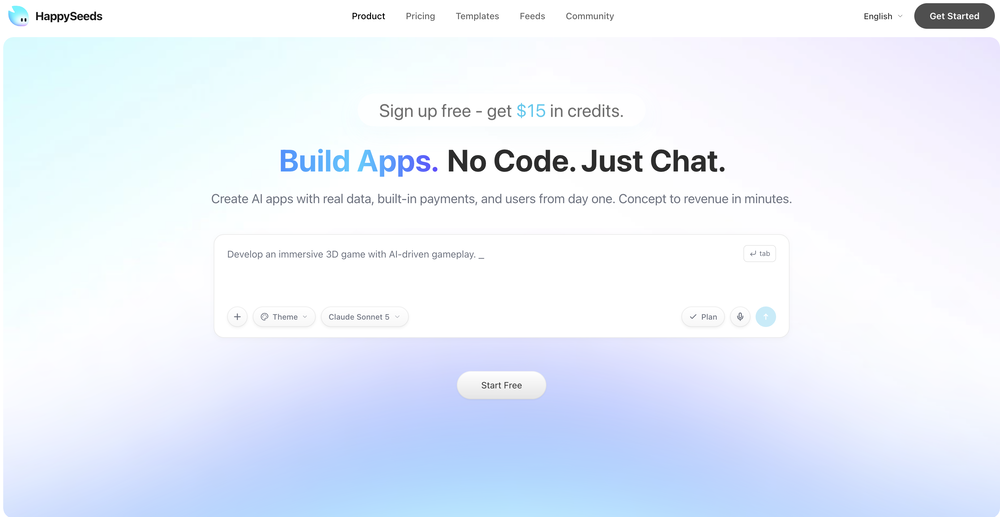
 RyenlyJun 16, 2026@HappySeedsGreat tool! I tried it today and found it really easy to use. Everything feels intuitive and straightforward.
 -
 Impressive work from the team at Tented.ai, their approach to AI-driven automation is genuinely next-level.
 -
 Grotto Slice – Your Shortcut from Image to KlaviyoOpen
-
-
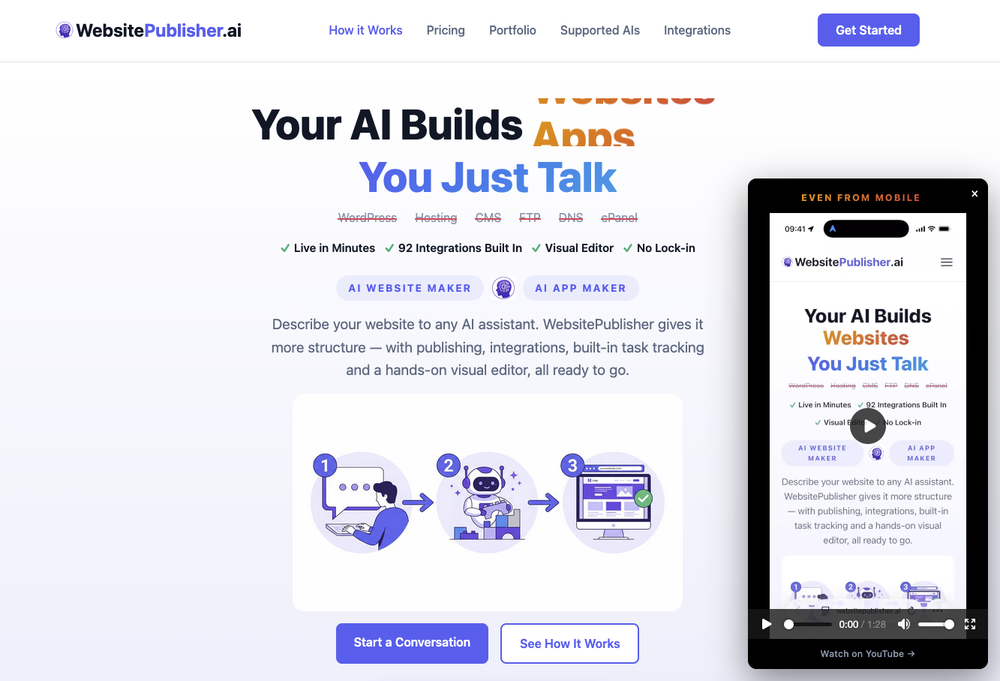 v3 — WebsitePublisher now builds the whole app, not just a website. Shipped continuously since v2. • Offline support with sync — keep building without a connection; everything syncs when you're back • Installable PWA — your site installs like a native app; build & publish from your phone • 92 integrations (up from 78) — payments, email, SMS, shipping & more • Dynamic pages now fully SEO-indexable (server-side rendering) • Data import — bring your existing data straight in • New app types — from product catalogues to live prediction games and blogs • Agency-ready — multi-tenant, manage client sites under one roof • Automated billing & invoicing + enterprise security (AES-256-GCM, MCP over OAuth 2.1) Works with ChatGPT, Claude, Gemini, Mistral, Grok and more.
 -
 Turn notes into perfect infographics from 500+ designs.Open
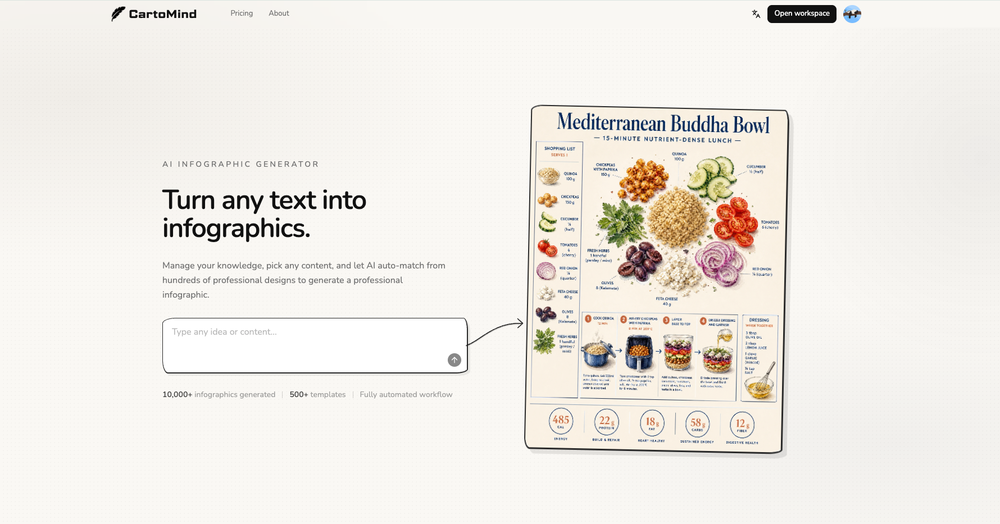 Hi TAAFT! I'm Henry, the founder of CartoMind. CartoMind offers a fully automated AI workflow to help you quickly organize text content and generate the perfect infographics to match. 【Why did I build this?】 When creating infographics with AI today, users are often forced to choose between two extremes. You either use generic AI image SaaS tools that trap you in complex prompt engineering and steep design learning curves with zero knowledge management, or you use products like NotebookLM. While they are fantastic for knowledge management, their infographic generation is just an afterthought, lacking design freedom and rich templates. 【Here is where CartoMind stands out:】 1. Lightweight knowledge & note management: We support uploading multiple file formats and automatically parsing text, allowing you to freely select the exact knowledge snippets you want to visualize. 2. Fully automated workflow: Based on your selected content, our AI automatically distills the key text elements and instantly matches you with the ideal infographic design from over 500 professional combinations. 3. Massive template library: A rich selection of infographic templates offering a true what-you-see-is-what-you-get experience. 【Who is using it?】 Marketers, educators, social media creators... In fact, anyone who needs to make their domain knowledge "visible" and loves to share it will find it incredibly useful. 【I can't wait for you all to try it out!】
 -
-
-
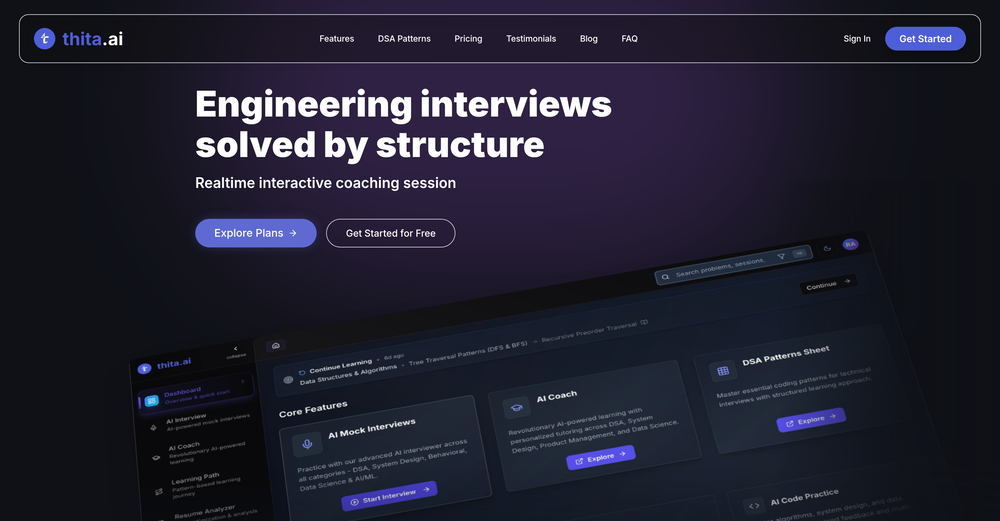 I really loved this tool for learning DSA , the AI coach is really helpful and the platform provides structured learning paths and questions
 -










Verified tools
-
Cleaner, simpler, and more comfortable to use. The built-in eCommerce integration now appears in the top-level UI once you ask Horizons to add products or subscriptions to your website Analytics moved to the publish button dropdown with a quick 7-day visitor overview (you can find analytics in the top-left menu too) New button to hide the chat while keeping other actions visible Preview/Data/Code switcher moved outside the preview
-
 OpenI recently tried legasite.io The process was straightforward. You paste in your site’s URL, choose a template, and wait. It didn’t take long before I got a downloadable version built with modern structure (Next/React.js). That alone saved me a decent chunk of manual setup time. The generated layout was clean and usable. Overall, I’d say it’s genuinely useful if you’re modernizing legacy sites and want a head start with the possibility of refining the output if the original website has messy interactions or complex structures.
 - SponsorMongoDB - Build AI That Scales🗄️ Database
-
Hey, appreciate the feedback! I have to respectfully disagree though. While resumebuild is a great tool, UseResume.ai actually takes a different approach with its AI builder workflow and the editor. As for ATS readiness - all our templates generate documents with machine readable text (not images). I've personally tested them through Workday, Breezy, and others (e.g. Google's job portal), with perfect parsing accuracy. Would be curious to hear what specific ATS issues you encountered? Always looking to improve!
-
-
-
I tested a few AI presentation tools and this one works smoothly inside Google Slides.
-
 Open
Open -
Excellent site. Super clean interface. Developer was very fast to get back to me on my question. Would highly recommend buying from these guys.
-
I got some free credits to try the app when I signed up, I could create a few great infographics
-
 Build professional, on-brand decks — 10x faster. Inside PowerPoint or online.OpenI think Slidely is the only tool that has worked for me when creating my client presentations. The presentations aren't web pages or images like the other tools but actual PowerPoint slides which I really like.
 -
I had to tweak a few things to match my brand style, but overall it saved me a ton of time. Definitely handy if you need something fast and professional-looking.
-
-
 Open
Open -
-
Just paste content in, layout will automatically be desigend



























Other tools
-
i wasted time to explain which format to build, provided all details including even the finished product to match it and simply the normal reply for any free AI tool on? how? explain!
-
would've loved to test out more features as a free user but it looks really promising. keeping an eye 👀 (or two) on this one until i decide.
-
It works great and is super easy to use. There are several different layouts to choose frim that are all quite nice.
-
It has improved a lot. When it was launched, it was just a tool for presentation. Now, I have been using it for more than 6 months and can create professional and engaging presentations and documents in just 1 minute
- Didn't find the AI you were looking for?
-
It's helps you get started on a presentation. Likely need to edit photos and text.
-
Seems to be working for me just fine. Perhaps try again?
-
Helped me through the process of making my brand's logo. Brilliant!
-
-
basic image generation like any prompt on chatgpt. no value added here.
-
You have the option to waitlist or you can login with your email/pass or google account. I chose google. Once inside you have a suite of tools but im sure when you go to publish you have to sign up for a paid plan. So if your looking for a free option it will be branded. Use at your own risk. Thanks
-
Its Not Free Its fully paid even you cant access few seconds without payment. not recommended.
-
-
-
 Creates professional portfolio outlines with personalized guidance.Open
 -
 AI-powered viral graphic design for trending content.Open